Accesso richiesto
Accedi con il tuo account iOSGods per continuare.
Hack Features:
- Free Paid App
Questa app include iGameGod, che ti offre accesso ad Auto Touch per automatizzare attività ripetitive, App Speed Manager per regolare la velocità di gioco, modifica dei valori con Memory Engine e altri potenti strumenti per giochi iOS.
Scarica ProCam 6 modded IPA dai link sopra. Tocca il pulsante di installazione e segui le istruzioni per installare questo hack iOS sul tuo iPhone, iPad o Mac con Apple Silicon.
Hai bisogno di altro aiuto? Consulta le nostre Domande frequenti sull'app iOSGods per risposte dettagliate e consigli per la risoluzione dei problemi.
TRUSTED BY OVER 6.5 MILLION USERS
---------------------------------------------------
WHAT PEOPLE SAY
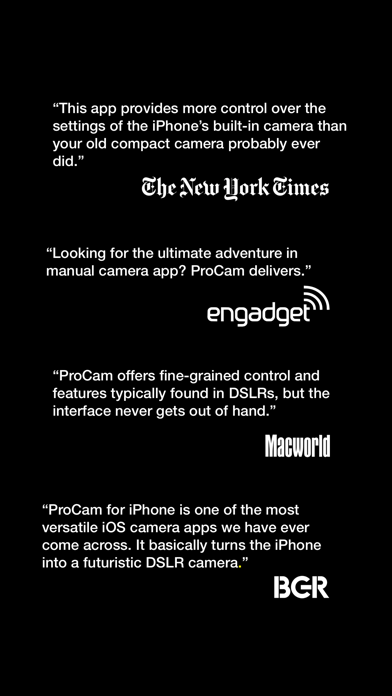
"This app provides more control over the settings of the iPhone’s built-in camera than your old compact camera probably ever did." - New York Times
"Looking for the ultimate adventure in manual camera apps? ProCam delivers." - Engadget
"ProCam offers fine-grained control and features typically found in DSLRs, but the interface never gets out of hand." - Macworld
"ProCam for iPhone is one of the most versatile iOS camera apps we have ever come across. It basically turns the iPhone into a futuristic DSLR camera." - BGR
"If you’re looking for a pro-grade camera app with neat photo and video editing features to boot, better set your sights on ProCam." - App Advice
"Well-designed and offering all that one could need, it's tough to fault ProCam." - 148 Apps
---------------------------------------------------
SHOOTING MODES
- Photo
- Burst Mode
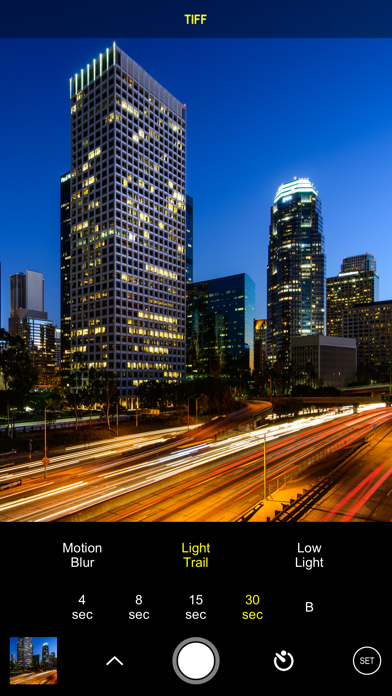
- Slow Shutter - iPhone 5 / iPad 3 and later
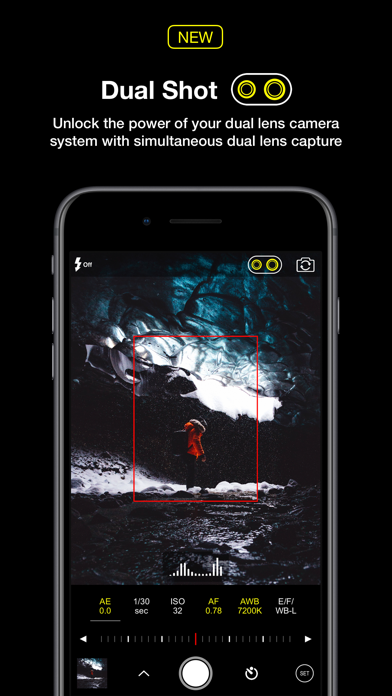
- Portrait Mode - requires dual lens camera system
- 3D Photos - requires dual lens camera system
- Video
- Time Lapse
PHOTO SHUTTER RELEASE OPTIONS
- Self-Timer
- Anti-Shake
- Screen Shutter / Big Button
- Interval
VIDEO FRAME RATES AND RESOLUTIONS
- VGA, 720p, 1080p
- 4K Ultra HD - 3264x1836 upscaled to 3840x2160 - in-app purchase - iPhone 5s / iPad Air 2 and later
- 4K Ultra HD - 3840x2160 - native support on iPhone 6s / Plus and later
- 4K Max - 4032x2268 - in-app purchase - iPhone 6s / Plus and later
- High frame rate:
* 48 / 50 / 60 fps 720p - iPhone 5 / iPad mini and later
* 96 / 100 /120 fps 720p - iPhone 5s / iPad Air 2 and later
* 192 / 200 / 240 fps 720p - iPhone 6 and later
* 48 / 50 / 60 fps 1080p - iPhone 6 and later
* 96 / 100 / 120 fps 1080p - iPhone 6s / Plus and later
* 192 / 200 / 240 fps 1080p - iPhone 8 and later
* 48 / 50 / 60 fps 4K - iPhone 8 and later
TIME LAPSE FRAME RATES AND RESOLUTIONS
- VGA, 720p, 1080p
- 4K Ultra HD - 3264x1836 upscaled to 3840x2160 - in-app purchase - iPhone 5 / iPad Air 2 and later
- 4K Ultra HD - 3840x2160 - native support on iPhone 6s / Plus and later
- 4K Max - 4032x2268 - in-app purchase - iPhone 6s / Plus and later
- High frame rate:
* 48 / 50 / 60 fps 720p - all devices
* 48 / 50 / 60 fps 1080p - all devices
* 48 / 50 / 60 fps 4K - iPhone 5 / iPad Air 2 and later
* 48 / 50 / 60 fps 4K Max - iPhone 6s / Plus and later
MANUAL CONTROLS
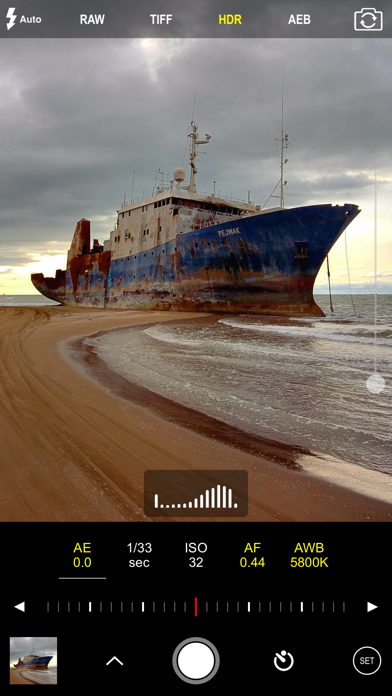
- Manual exposure, shutter speed, ISO, focus, and white balance controls
- Scroll and steppers system inspired by DSLR cameras
- Tap location accurate manual focus assist
- True focus peaking
- Zebra stripes - overexposure warning
- Live shutter speed, ISO, focus, and WB values
- Manual controls are supported in all photo and video modes
MAIN CAMERA FEATURES
- RAW (DNG) iOS 10 - iPhone 6s / iPad Pro 9.7 and later
- Lossless TIFF file format support
- Intelligent 3-shot HDR
- AEB (Auto Exposure Bracketing) with RAW support for high contrast conditions
- Live light level histogram
- Adjustable aspect ratio (4:3 / 3:2 / 16:9 / 1:1)
- Video pause/resume functionality
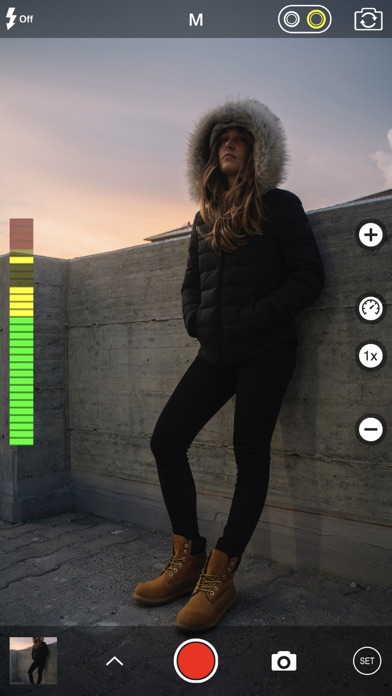
- Video audio meter (Avg. / Peak signal levels)
- Still photo capture during video recording
- Realtime video stabilization (ON/OFF)
- Video disk space indicator
- Thirds grid and horizontal tiltmeter.
- Date / time / location / Copyright stamp
PHOTO / VIDEO EDITOR & PHOTO EDITING EXTENSION
- Nondestructive editing - all edits, including cropping, are completely amendable / reversible
- 60 expertly crafted filters
- 17 lenses: Vignette / White Vignette / Fisheye / Tilt Shift / Macro / Tiny Planet / Wormhole / Split / Kaleidoscope I, II, III, IV, V / Ripple / Striped / Hatched / Halftone
- 19 comprehensive adjustment tools
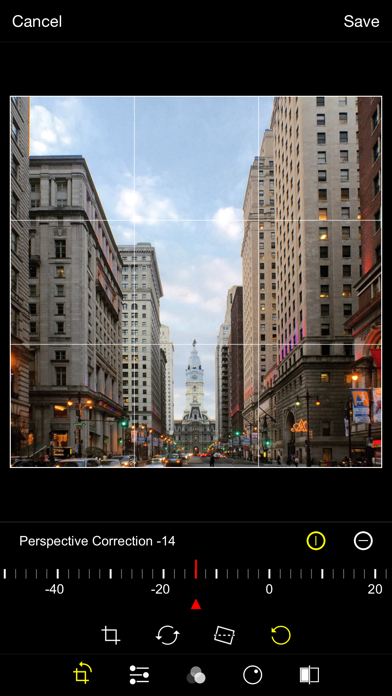
- Trimming, cropping, rotating, mirroring, straightening, and perspective correction
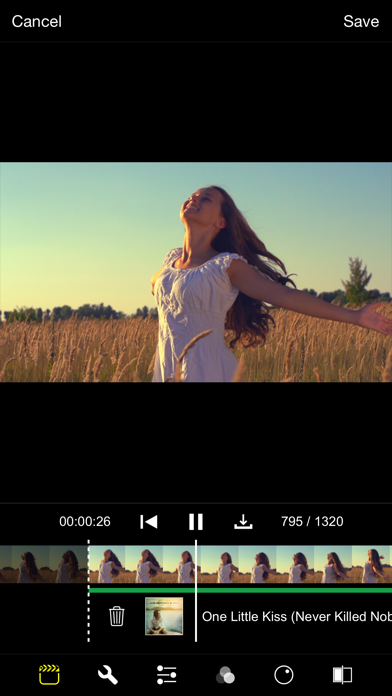
- Extremely accurate timeline with the ability to review videos frame by frame
- Ability to add background music
- iPhone o iPad non jailbroken/jailed oppure jailbroken.
- Sideloadly o alternative.
- Computer con Windows/macOS/Linux con iTunes installato.
PASSO 1: Scarica il file .IPA pre-modificato dal link sopra sul tuo computer. Per scaricarlo dall'iOSGods App, consulta il nostro Tutorial download IPA dell'iOSGods App, che include un esempio video.
PASSO 2: Scarica Sideloadly e installalo sul tuo Windows o Mac.
PASSO 3: Apri Sideloadly sul tuo computer, collega il tuo dispositivo iOS e attendi finché il nome del dispositivo non appare in Sideloadly.
PASSO 4: Una volta riconosciuto il tuo iDevice, trascina il file .IPA moddato che hai scaricato e rilascialo nell'applicazione Sideloadly.
PASSO 5: Inserisci l'email del tuo Apple Account, poi premi “Start”. Ti verrà quindi chiesto di inserire la password. Procedi e fornisci le informazioni richieste.
PASSO 6: Attendi che Sideloadly completi il sideload/installazione dell'IPA modificata. Se ci sono problemi durante l'installazione, leggi la nota qui sotto.
PASSO 7: Una volta completata l'installazione e vista l'app sulla schermata Home, dovrai andare in Impostazioni → Generali → Profili / Gestione VPN e dispositivi. Una volta lì, tocca l'email inserita al passo 6 e poi tocca “Autorizza [email protected]”.
PASSO 8: Ora vai sulla schermata Home e apri l'app appena installata: tutto dovrebbe funzionare correttamente. Potrebbe essere necessario seguire ulteriori istruzioni specifiche all'interno del popup dell'hack nel gioco.
NOTA: Per iOS/iPadOS 16 e versioni successive, devi attivare la Modalità sviluppatore. Per gli account Apple Developer gratuiti, dovrai ripetere questa procedura ogni 7 giorni. Se hai domande o problemi, leggi la nostra sezione FAQ Sideloadly del topic.