تسجيل الدخول مطلوب
سجّل الدخول بحساب iOSGods للمتابعة.
سجّل الدخول بحساب iOSGods للمتابعة.
Original IPA; non-modified.
قم بتنزيل Subnautica: Below Zero Original IPA modded IPA من الروابط أعلاه. اضغط على زر التثبيت واتبع التعليمات لتثبيت هذا التعديل لـ iOS على iPhone أو iPad أو Apple Silicon.
هل تحتاج إلى مزيد من المساعدة؟ راجع الأسئلة الشائعة لتطبيق iOSGods للحصول على إجابات مفصلة ونصائح لاستكشاف الأخطاء.
*Please make sure your device is supported before purchasing Below Zero!*
Below Zero is the next chapter of Subnautica, the underwater survival open world set on an alien ocean planet.
Submerge yourself in an all-new, sub-zero expedition in an arctic region of Planet 4546B. After crash landing planetside, set out into frigid waters to investigate what happened to your sister...
Discover new biomes, creatures, challenges and story! Below Zero expands the Subnautica universe, diving deeper into the adventure and mysteries introduced in the original game.
FEATURES
UNCOVER THE TRUTH - Who were the aliens who came here before? Why were they on this planet? What really happened to your sister? And will exposing the truth give some closure to your loss?
SURVIVE THE COLD - The freezing temperatures of this arctic region pose a new challenge. Craft a toasty cold suit, sip on piping hot coffee, and warm up next to Thermal Lilies to stave off the chill.
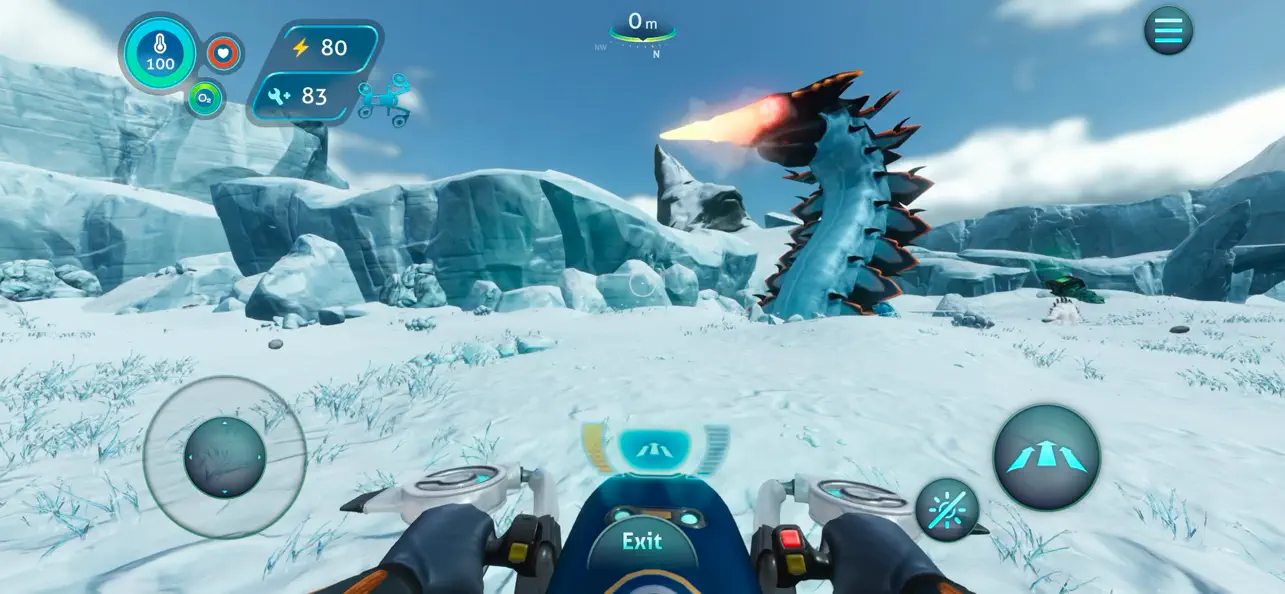
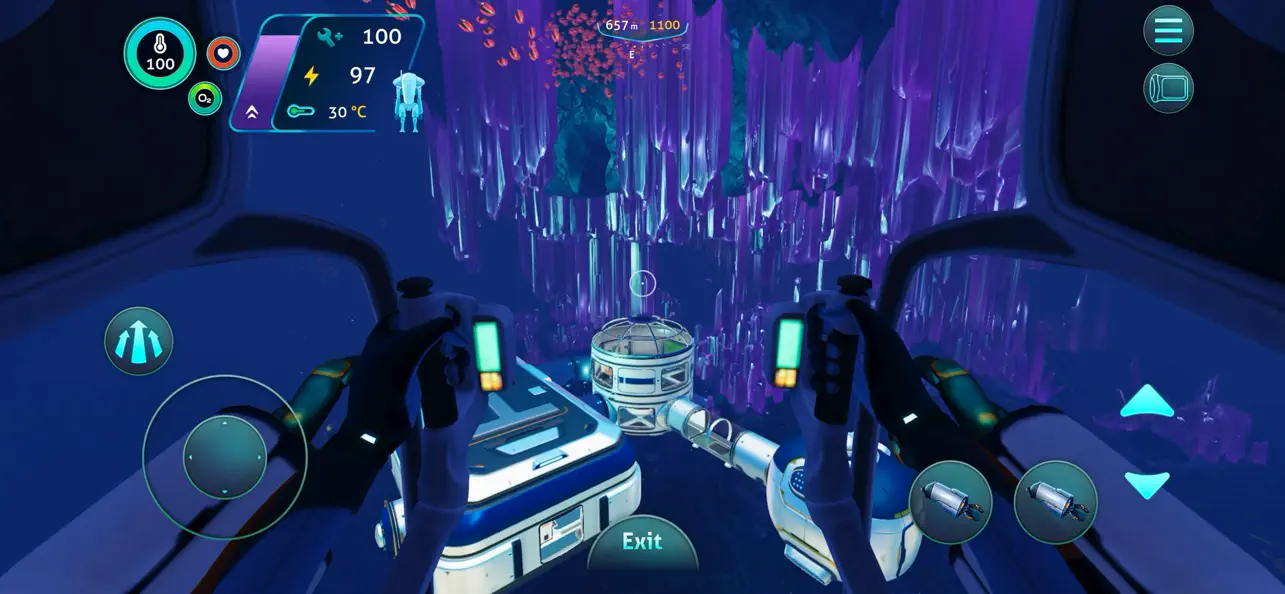
CRAFT YOUR WAY - Survive the harsh climate by constructing extensive habitats, scavenging for resources, and crafting equipment. Blast across the snowy tundra on a Snowfox hoverbike. Cruise through enchanting and perilous biomes in your modular Seatruck.
EXPLORE THE PLANET - Swim beneath the blue-lit, arching expanses of Twisty Bridges, be mesmerized by the Crystal Caverns, venture into the icy caves of Glacial Basin or maneuver between erupting Thermal Vents to discover ancient alien artifacts.
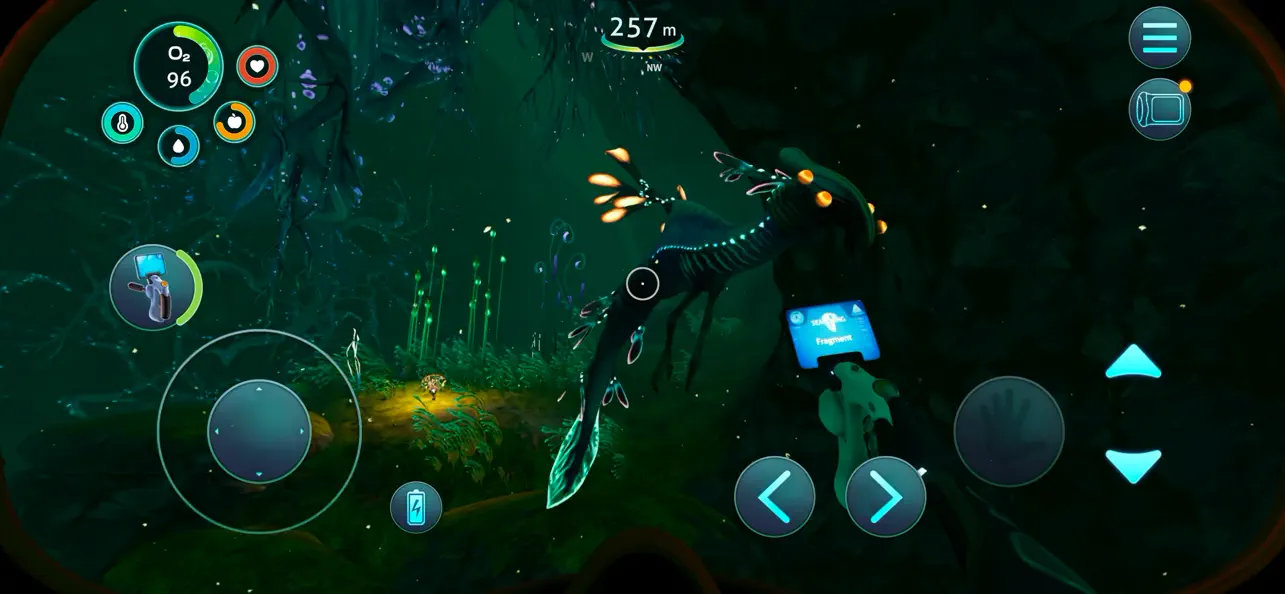
MEET NEW CREATURES - Something undiscovered lurks around every corner. Swim through the giant Titan Holefish, encounter the haunting Shadow Leviathan, and visit the adorable Pengwings. Keep your wits about you. Not all creatures in this strange world are friendly.
CAREFULLY REDESIGNED FOR MOBILE
- Revamped interface – exclusive mobile UI with complete touch control
- Game Center achievements
- Cloud Save – Share your progress between iOS devices
- iPhone 17 Optimization (including Pro Max)
-----
*DEVICES NOT SUPPORTED (THE GAME WON'T WORK)*:
- iPhone Xr, iPhone SE Gen 2 (2020)
- iPad Mini Gen 5, iPad Air Gen 3, iPad Gen 8, iPad Gen 9
*SUPPORTED DEVICES ON LOW RESOLUTION ONLY*:
- iPhone Xs, iPhone Xs Max, iPhone 11, iPhone 11 Pro, iPhone 11 Pro Max, iPhone 12, iPhone 12 Mini, iPhone 13, iPhone 13 Mini, iPhone SE Gen 3 (2022)
- iPad Pro 10.5", iPad Mini Gen 6, iPad Air Gen 4, iPad Gen 10, iPad Pro 11" Gen 1, iPad Pro 12.9" Gen 3
*SUPPORTED DEVICES* :
- iPhone 12 Pro, iPhone 12 Pro Max, iPhone 13 Pro, iPhone 13 Pro Max, iPhone 14 AND ABOVE
- iPad Pro 11" Gen 2, iPad Pro 12.9" Gen 4, iPad Air Gen 5, iPad Pro 11" Gen 3, iPad Pro 11" Gen 4, iPad Pro 12.9" Gen 5, iPad Pro 12.9" Gen 6 AND ABOVE

- iPhone أو iPad بجيلبريك أو بدون جيلبريك.
- Sideloadly أو بدائلها.
- كمبيوتر يعمل بنظام Windows/macOS/Linux مع تثبيت iTunes.
الخطوة 1: قم بتنزيل ملف .IPA المعدّل مسبقًا من الرابط أعلاه إلى الكمبيوتر الخاص بك. للتنزيل من تطبيق iOSGods App، اطلع على دليل تنزيل IPA من تطبيق iOSGods App الذي يتضمن مثالًا بالفيديو.
الخطوة 2: قم بتنزيل Sideloadly وتثبيته على جهاز Windows أو Mac.
الخطوة 3: افتح Sideloadly على الكمبيوتر، ووصّل جهاز iOS الخاص بك، وانتظر حتى يظهر اسم جهازك داخل Sideloadly.
الخطوة 4: بمجرد التعرّف على جهاز iDevice الخاص بك، اسحب ملف .IPA المعدّل الذي قمت بتنزيله وأفلِته داخل تطبيق Sideloadly.
الخطوة 5: أدخل البريد الإلكتروني لحساب Apple Account الخاص بك، ثم اضغط على «Start». سيُطلب منك بعد ذلك إدخال كلمة المرور. تابع وأدخل المعلومات المطلوبة.
الخطوة 6: انتظر حتى ينتهي Sideloadly من تحميل/تثبيت ملف IPA المعدّل. في حال واجهت أي مشاكل أثناء التثبيت، يرجى قراءة الملاحظة أدناه.
الخطوة 7: بعد اكتمال التثبيت ورؤية التطبيق على الشاشة الرئيسية، انتقل إلى Settings → General → Profiles / VPN & Device Management. ثم اضغط على البريد الإلكتروني الذي أدخلته في الخطوة 6، ثم اضغط على «الوثوق بـ [email protected]».
الخطوة 8: الآن انتقل إلى الشاشة الرئيسية وافتح التطبيق الذي تم تثبيته للتو وسيعمل كل شيء بشكل صحيح. قد تحتاج إلى اتباع تعليمات إضافية خاصة بكل تطبيق داخل النافذة المنبثقة للتعديل أثناء اللعب.
ملاحظة: بدءًا من iOS/iPadOS 16 وما بعده، يجب تفعيل وضع المطور (Developer Mode). بالنسبة لحسابات Apple Developer المجانية، ستحتاج إلى تكرار هذه العملية كل 7 أيام. إذا كانت لديك أي أسئلة أو مشاكل، يرجى قراءة قسم الأسئلة الشائعة حول Sideloadly في الموضوع.


![Virtual Villagers 7 iOS Mod IPA [ Cheats Menu ]](https://is1-ssl.mzstatic.com/image/thumb/Purple221/v4/f1/73/db/f173db9a-cf5b-bedb-7f93-33f7469f8157/AppIcon-0-0-1x_U007emarketing-0-8-0-85-220.png/100x100bb.jpg)


