Inicio de sesión requerido
Inicia sesión con tu cuenta de iOSGods para continuar.
Hack Features:
- PREMIUM
Descarga Over: Graphic Design Maker Modded modded IPA desde los enlaces de arriba. Toca el botón de instalación y sigue las instrucciones para instalar este hack iOS en tu iPhone, iPad o Mac con Apple Silicon.
¿Necesitas más ayuda? Consulta nuestras Preguntas frecuentes de la app iOSGods para respuestas detalladas y consejos de solución de problemas.
Build your brand. Effortlessly. Instantly. Fun-fully. Edit images and videos to create content that wows the world.
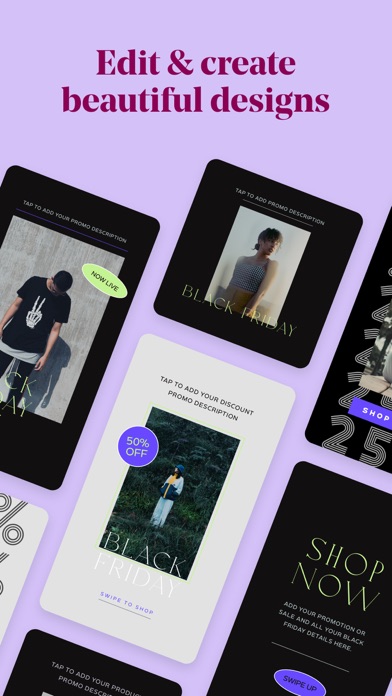
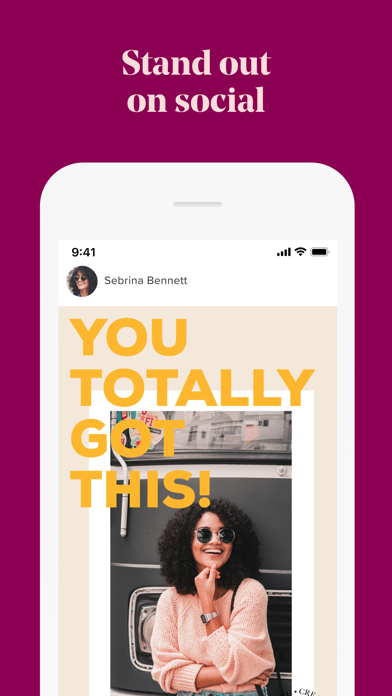
Over is everything you need to be a brand-building, social-media marketing guru. With beautiful, hand-curated and easy-to-edit photo and video templates, Over helps you create impactful content that will make your brand stand out. The best part? No design degree necessary.
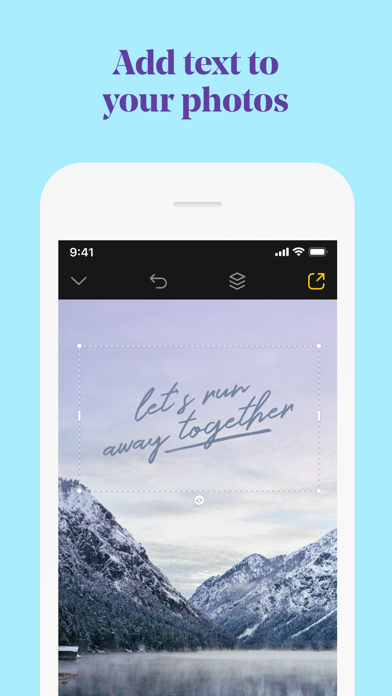
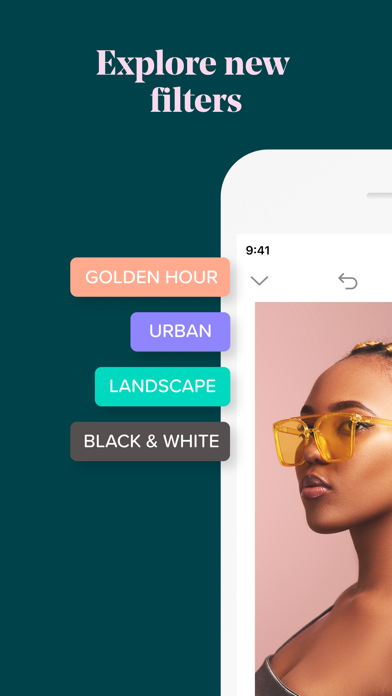
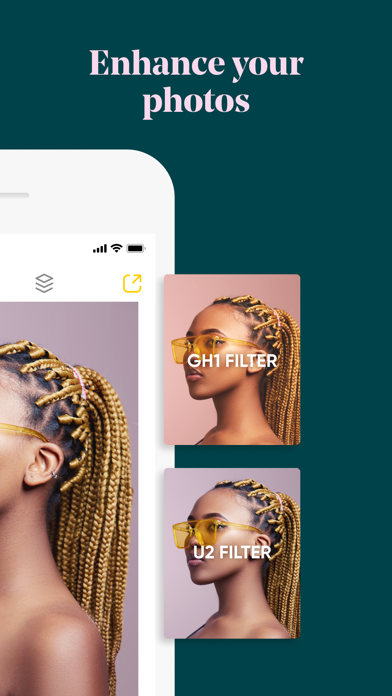
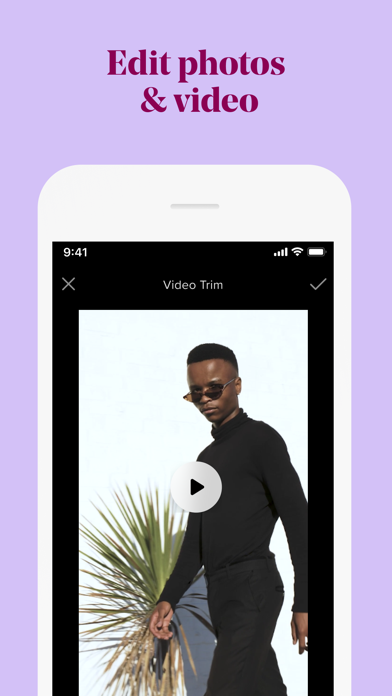
Add text and graphic enhancements to your photos and videos. From an eye catching overlay, to stylish graphic add-ons - treat any video the same way you would a photo. It’s the professional, yet personal way to set up your brand.
3 reasons why Over is the most fun & powerful way to build your brand.
• Get inspired and showcase your brand with thousands of professionally designed and fully customizable templates.
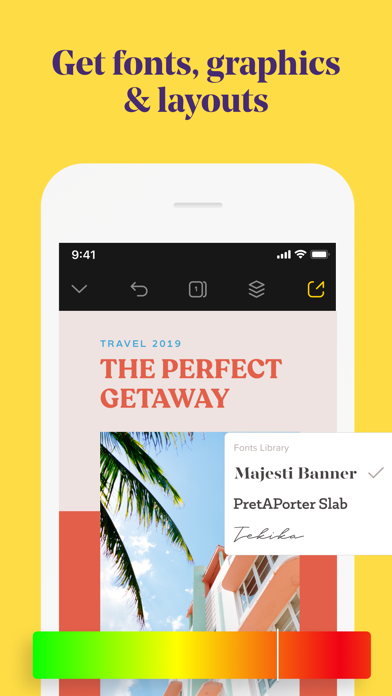
• Customize your designs with colors and captions, videos and photos, graphics and fonts. On brand, every time.
• Create all your brand content right from your phone - with speed and ease. No computer needed.
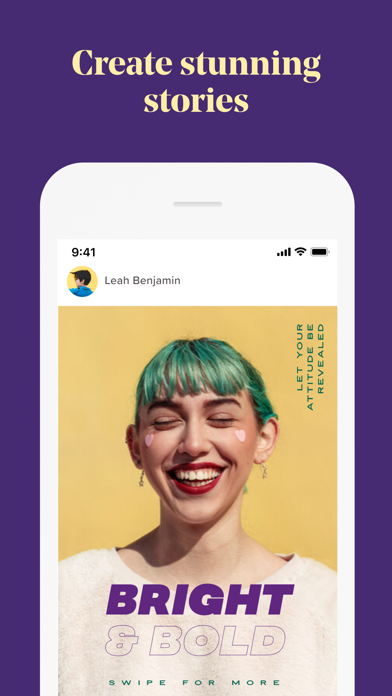
Up your social media game, with eye-popping Instagram Story templates, Facebook posts, banners, logos, and more. Edit however you want and then post directly on Twitter, Facebook, and other social media channels. It’s the sure fire way for you to get your brand out there and noticed on social media.
How to build your next big marketing campaign with Over:
• Choose templates or fonts for social media posts, posters, ads, flyers, and more from our vast library.
• Edit and perfect your photo or video to your heart’s content.
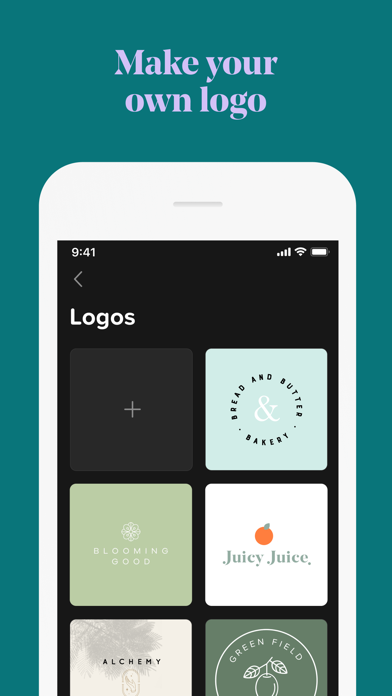
• Add graphics, captions, or logos to make your design pop.
• Post directly to social media right from the app.
Go beyond customized templates and turn your side hustle into your main hustle. Our in-house team of designers, social media, and branding experts are on hand with tips, trends, and insights to help your brand shine. Just check out the Discover feed in the app.
Want your blog to make an impact? Building the next big business? Managing your company’s social media content? Whatever your brand or business may be, have full control over the content you create.
Download Over today and build your brand at the tap of a button.
OVER PRO SUBSCRIPTION PRICING AND TERMS
Over Pro offers two auto-renewing subscription options:
$14.99 per month
$99.99 per year
Over Teams offers one auto-renewing option:
$59.99 per month
These prices are for United States customers. Pricing in other countries may vary and actual charges may be converted to your local currency depending on the country of residence.
Your Over Pro subscription will automatically renew at the end of each term and your credit card will be charged through your iTunes account. You can turn off auto-renew at any time from your iTunes account settings but refunds will not be provided for any unused portion of the term. Alternatively, there is a "Manage Subscription" menu option in the App Settings menu.
Read our terms and conditions at https://www.madewithover.com/legal
Read our privacy policy at https://www.madewithover.com/legal#privacy
- iPhone o iPad con o sin Jailbreak.
- Sideloadly u otras alternativas.
- Ordenador con Windows/macOS/Linux e iTunes instalado.
PASO 1: Descargue el archivo .IPA pre-modificado desde el enlace de arriba a su ordenador. Para descargarlo desde la iOSGods App, consulte nuestro Tutorial de descarga del IPA desde la iOSGods App, que incluye un ejemplo en vídeo.
PASO 2: Descargue Sideloadly e instálelo en su Windows o Mac.
PASO 3: Abra Sideloadly en su ordenador, conecte su dispositivo iOS y espere hasta que el nombre del dispositivo aparezca en Sideloadly.
PASO 4: Una vez que su iDevice sea reconocido, arrastre el archivo .IPA modificado que descargó y suéltelo en la aplicación Sideloadly.
PASO 5: Introduzca el correo electrónico de su Apple Account y, a continuación, pulse «Start». Le pedirá que introduzca su contraseña. Proporcione la información solicitada.
PASO 6: Espere a que Sideloadly termine de hacer sideload/instalar el IPA modificado. Si surgen problemas durante la instalación, por favor lea la nota a continuación.
PASO 7: Una vez completada la instalación y al ver la app en la pantalla de inicio, deberá ir a Ajustes → General → Perfiles / VPN y Gestión de Dispositivos. Una vez allí, toque el correo electrónico que introdujo en el paso 6 y, después, toque en «Confiar en [email protected]».
PASO 8: Ahora vaya a la pantalla de inicio y abra la app recién instalada; todo debería funcionar correctamente. Es posible que tenga que seguir instrucciones adicionales específicas de cada app dentro del popup del hack en el juego.
NOTA: En iOS/iPadOS 16 y posteriores, debe activar el Modo Desarrollador. Para cuentas gratuitas de Apple Developer, deberá repetir este proceso cada 7 días. Si tiene alguna pregunta o problema, lea nuestra sección de Preguntas Frecuentes de Sideloadly del tema.