로그인 필요
계속하려면 iOSGods 계정으로 로그인하세요.
Hack Features:
- PREMIUM
이 앱은 iGameGod이(가) 포함되어 있어 반복 작업을 자동화하는 Auto Touch, 게임 속도를 조절할 수 있는 App Speed Manager, Memory Engine 값 편집 등 강력한 iOS 게임 도구를 사용할 수 있습니다.
위의 링크에서 Over: Graphic Design Maker Modded modded IPA을 다운로드합니다. 설치 버튼을 누르고 화면 안내에 따라 iPhone, iPad 또는 Apple Silicon에 이 iOS 앱 해킹을 설치합니다.
더 많은 도움이 필요하신가요? 자세한 답변과 문제 해결 팁은 iOSGods 앱 자주 묻는 질문을 확인하세요.
Build your brand. Effortlessly. Instantly. Fun-fully. Edit images and videos to create content that wows the world.
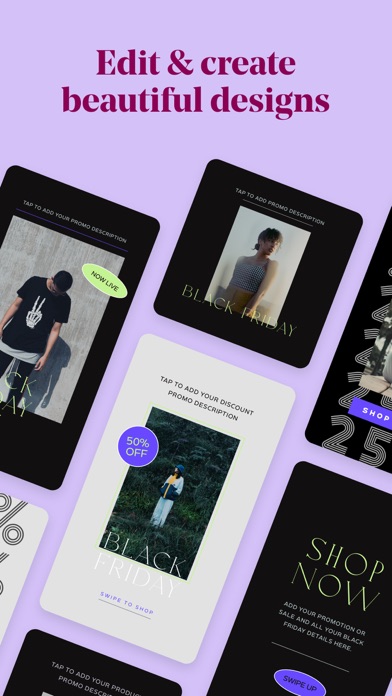
Over is everything you need to be a brand-building, social-media marketing guru. With beautiful, hand-curated and easy-to-edit photo and video templates, Over helps you create impactful content that will make your brand stand out. The best part? No design degree necessary.
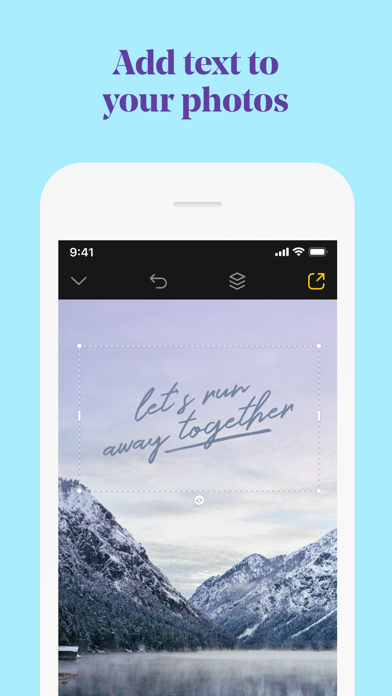
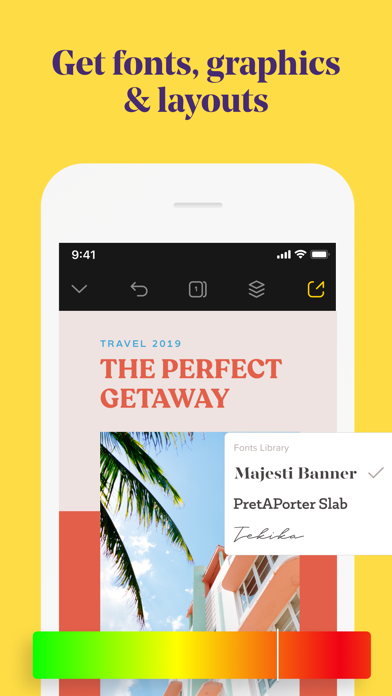
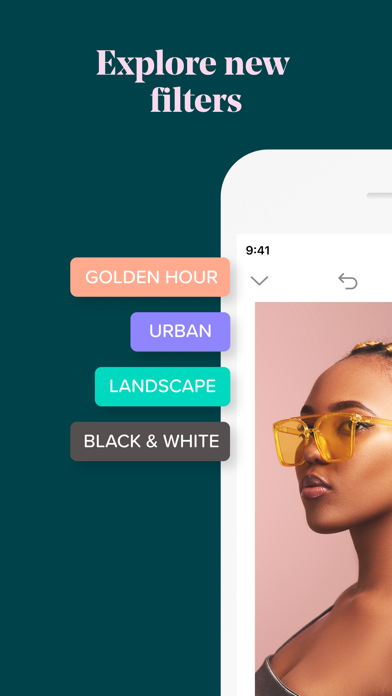
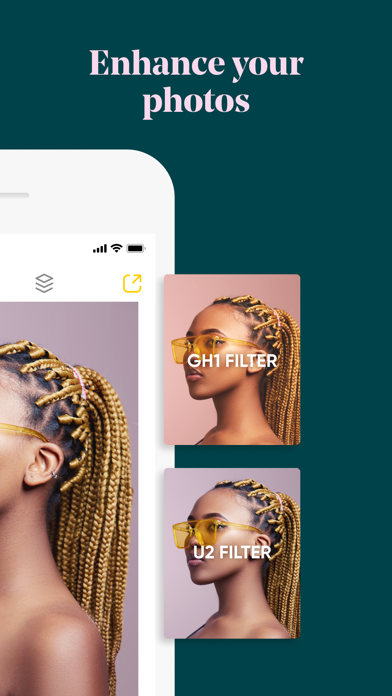
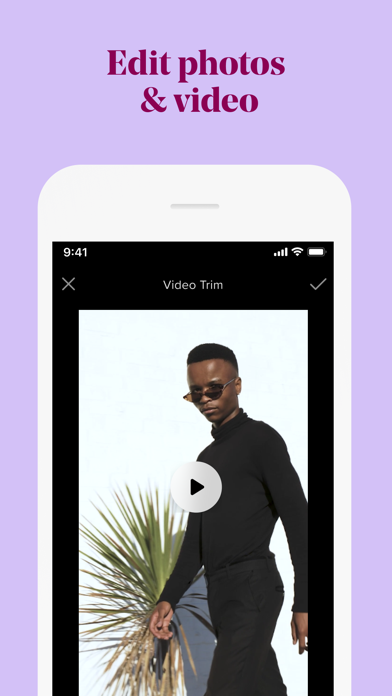
Add text and graphic enhancements to your photos and videos. From an eye catching overlay, to stylish graphic add-ons - treat any video the same way you would a photo. It’s the professional, yet personal way to set up your brand.
3 reasons why Over is the most fun & powerful way to build your brand.
• Get inspired and showcase your brand with thousands of professionally designed and fully customizable templates.
• Customize your designs with colors and captions, videos and photos, graphics and fonts. On brand, every time.
• Create all your brand content right from your phone - with speed and ease. No computer needed.
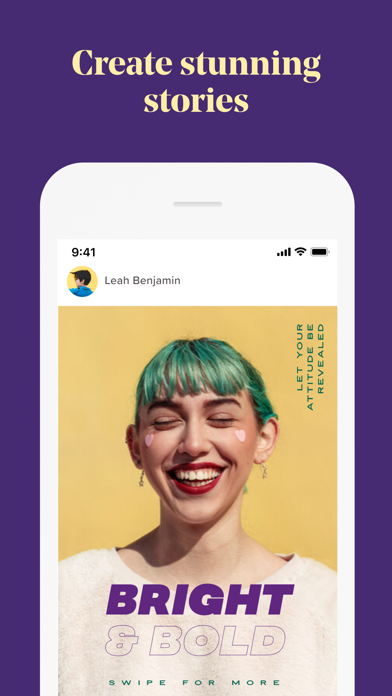
Up your social media game, with eye-popping Instagram Story templates, Facebook posts, banners, logos, and more. Edit however you want and then post directly on Twitter, Facebook, and other social media channels. It’s the sure fire way for you to get your brand out there and noticed on social media.
How to build your next big marketing campaign with Over:
• Choose templates or fonts for social media posts, posters, ads, flyers, and more from our vast library.
• Edit and perfect your photo or video to your heart’s content.
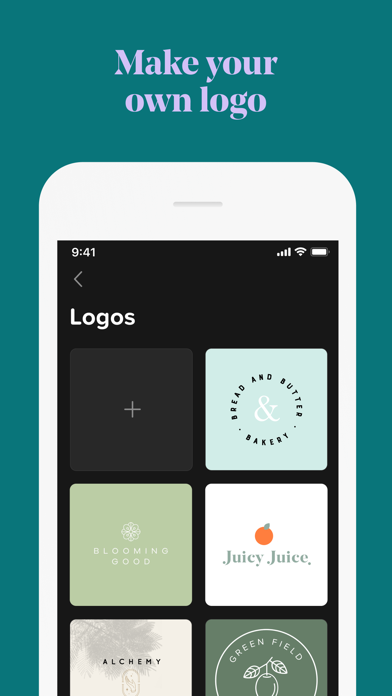
• Add graphics, captions, or logos to make your design pop.
• Post directly to social media right from the app.
Go beyond customized templates and turn your side hustle into your main hustle. Our in-house team of designers, social media, and branding experts are on hand with tips, trends, and insights to help your brand shine. Just check out the Discover feed in the app.
Want your blog to make an impact? Building the next big business? Managing your company’s social media content? Whatever your brand or business may be, have full control over the content you create.
Download Over today and build your brand at the tap of a button.
OVER PRO SUBSCRIPTION PRICING AND TERMS
Over Pro offers two auto-renewing subscription options:
$14.99 per month
$99.99 per year
Over Teams offers one auto-renewing option:
$59.99 per month
These prices are for United States customers. Pricing in other countries may vary and actual charges may be converted to your local currency depending on the country of residence.
Your Over Pro subscription will automatically renew at the end of each term and your credit card will be charged through your iTunes account. You can turn off auto-renew at any time from your iTunes account settings but refunds will not be provided for any unused portion of the term. Alternatively, there is a "Manage Subscription" menu option in the App Settings menu.
Read our terms and conditions at https://www.madewithover.com/legal
Read our privacy policy at https://www.madewithover.com/legal#privacy
- 탈옥/제일 또는 탈옥된 iPhone 또는 iPad가 필요합니다.
- Sideloadly 또는 대체 도구가 필요합니다.
- iTunes가 설치된 Windows/macOS/Linux 컴퓨터가 필요합니다.
1단계: 위 링크에서 미리 해킹된 .IPA 파일을 컴퓨터에 다운로드합니다. iOSGods App에서 다운로드하려면 동영상 예시가 포함된 iOSGods App IPA 다운로드 튜토리얼를 참고하십시오.
2단계: Sideloadly를 다운로드하여 Windows 또는 Mac에 설치합니다.
3단계: 컴퓨터에서 Sideloadly를 실행하고 iOS 기기를 연결한 후, Sideloadly에 기기 이름이 표시될 때까지 기다립니다.
4단계: iDevice가 인식되면, 다운로드한 모드된 .IPA 파일을 Sideloadly 애플리케이션에 끌어다 놓습니다.
5단계: Apple Account 이메일을 입력한 후 “Start”를 누릅니다. 그러면 비밀번호를 입력하라는 메시지가 표시됩니다. 요청된 정보를 제공해 주십시오.
6단계: Sideloadly가 해킹된 IPA의 사이드로드/설치를 완료할 때까지 기다리십시오. 설치 중 문제가 발생하면 아래 참고 사항을 읽어 주십시오.
7단계: 설치가 완료되어 홈 화면에서 앱이 보이면 설정 → 일반 → 프로파일 / VPN 및 기기 관리 경로로 이동해야 합니다. 그곳에서 6단계에서 입력한 이메일을 탭한 다음 “[email protected] 신뢰”를 탭하십시오.
8단계: 이제 홈 화면으로 돌아가 새로 설치된 앱을 열면 모든 것이 정상적으로 작동할 것입니다. 게임 내 해킹 팝업에서 앱별 추가 안내를 따라야 할 수도 있습니다.
참고: iOS/iPadOS 16 이상에서는 개발자 모드를 활성화해야 합니다. 무료 Apple Developer 계정의 경우 이 과정을 7일마다 반복해야 합니다. 질문이나 문제가 있는 경우 해당 토픽의 Sideloadly FAQ 섹션를 읽어보십시오.