تسجيل الدخول مطلوب
سجّل الدخول بحساب iOSGods للمتابعة.
Hack Features:
- PREMIUM
يأتي هذا التطبيق مع iGameGod، مما يتيح لك الوصول إلى Auto Touch لأتمتة المهام المتكررة، وApp Speed Manager لضبط سرعة اللعب، وتعديل القيم عبر Memory Engine، والمزيد من أدوات ألعاب iOS القوية.
قم بتنزيل Over: Graphic Design Maker Modded modded IPA من الروابط أعلاه. اضغط على زر التثبيت واتبع التعليمات لتثبيت هذا التعديل لـ iOS على iPhone أو iPad أو Apple Silicon.
هل تحتاج إلى مزيد من المساعدة؟ راجع الأسئلة الشائعة لتطبيق iOSGods للحصول على إجابات مفصلة ونصائح لاستكشاف الأخطاء.
Build your brand. Effortlessly. Instantly. Fun-fully. Edit images and videos to create content that wows the world.
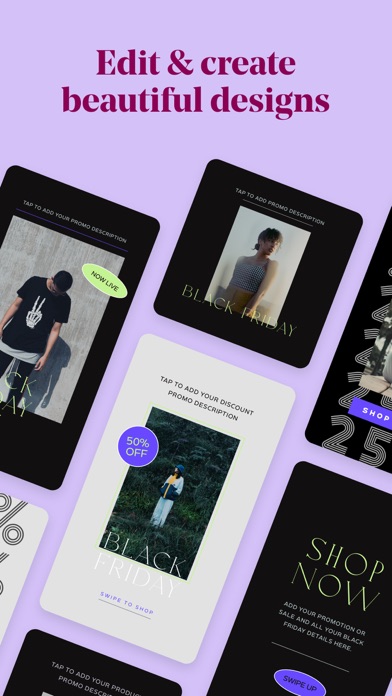
Over is everything you need to be a brand-building, social-media marketing guru. With beautiful, hand-curated and easy-to-edit photo and video templates, Over helps you create impactful content that will make your brand stand out. The best part? No design degree necessary.
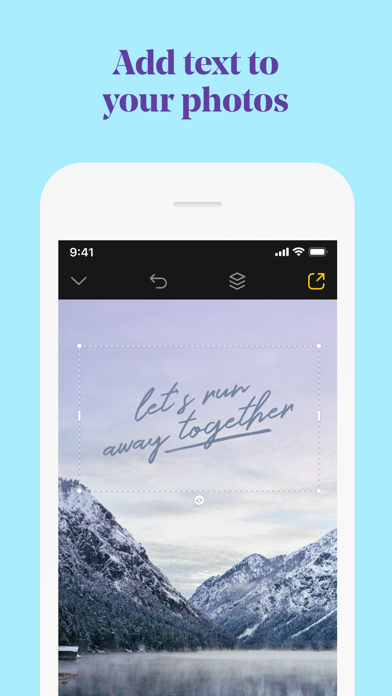
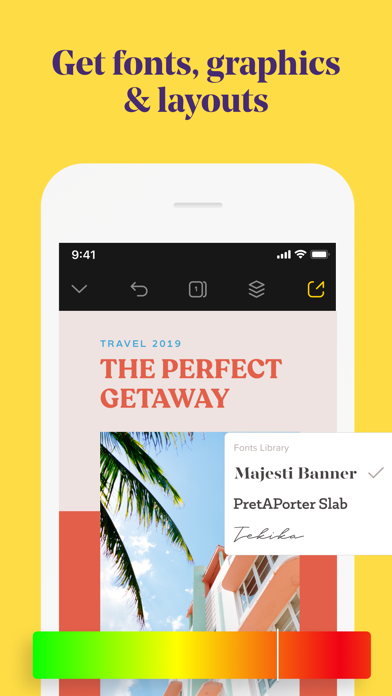
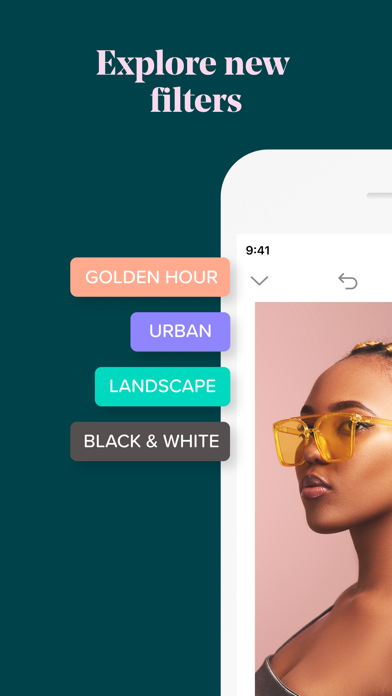
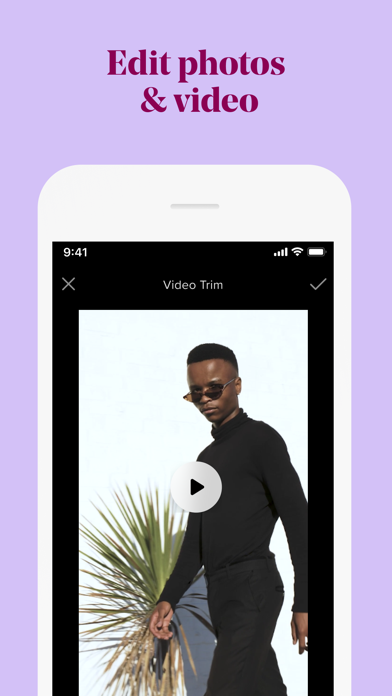
Add text and graphic enhancements to your photos and videos. From an eye catching overlay, to stylish graphic add-ons - treat any video the same way you would a photo. It’s the professional, yet personal way to set up your brand.
3 reasons why Over is the most fun & powerful way to build your brand.
• Get inspired and showcase your brand with thousands of professionally designed and fully customizable templates.
• Customize your designs with colors and captions, videos and photos, graphics and fonts. On brand, every time.
• Create all your brand content right from your phone - with speed and ease. No computer needed.
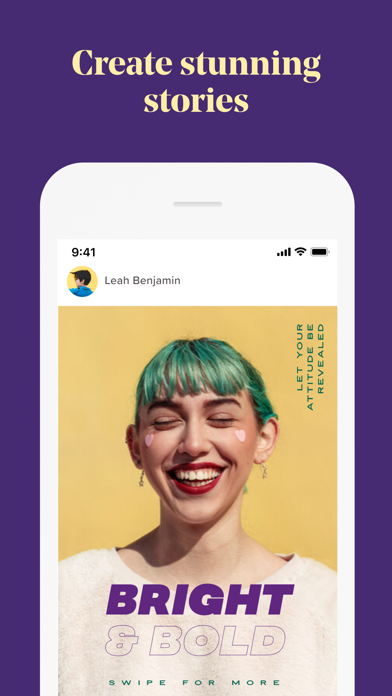
Up your social media game, with eye-popping Instagram Story templates, Facebook posts, banners, logos, and more. Edit however you want and then post directly on Twitter, Facebook, and other social media channels. It’s the sure fire way for you to get your brand out there and noticed on social media.
How to build your next big marketing campaign with Over:
• Choose templates or fonts for social media posts, posters, ads, flyers, and more from our vast library.
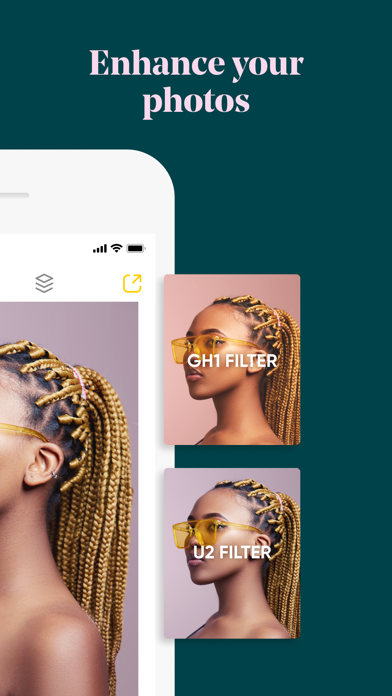
• Edit and perfect your photo or video to your heart’s content.
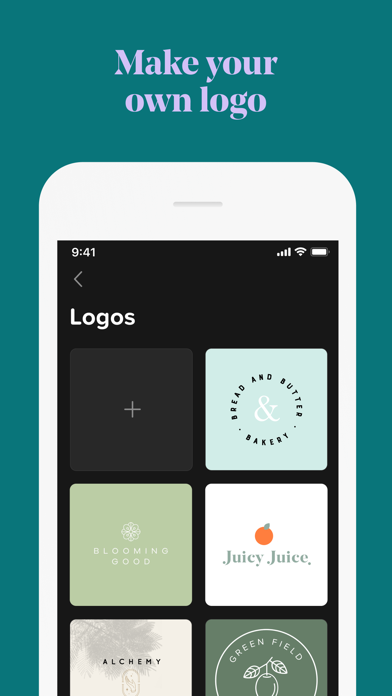
• Add graphics, captions, or logos to make your design pop.
• Post directly to social media right from the app.
Go beyond customized templates and turn your side hustle into your main hustle. Our in-house team of designers, social media, and branding experts are on hand with tips, trends, and insights to help your brand shine. Just check out the Discover feed in the app.
Want your blog to make an impact? Building the next big business? Managing your company’s social media content? Whatever your brand or business may be, have full control over the content you create.
Download Over today and build your brand at the tap of a button.
OVER PRO SUBSCRIPTION PRICING AND TERMS
Over Pro offers two auto-renewing subscription options:
$14.99 per month
$99.99 per year
Over Teams offers one auto-renewing option:
$59.99 per month
These prices are for United States customers. Pricing in other countries may vary and actual charges may be converted to your local currency depending on the country of residence.
Your Over Pro subscription will automatically renew at the end of each term and your credit card will be charged through your iTunes account. You can turn off auto-renew at any time from your iTunes account settings but refunds will not be provided for any unused portion of the term. Alternatively, there is a "Manage Subscription" menu option in the App Settings menu.
Read our terms and conditions at https://www.madewithover.com/legal
Read our privacy policy at https://www.madewithover.com/legal#privacy
- iPhone أو iPad بجيلبريك أو بدون جيلبريك.
- Sideloadly أو بدائلها.
- كمبيوتر يعمل بنظام Windows/macOS/Linux مع تثبيت iTunes.
الخطوة 1: قم بتنزيل ملف .IPA المعدّل مسبقًا من الرابط أعلاه إلى الكمبيوتر الخاص بك. للتنزيل من تطبيق iOSGods App، اطلع على دليل تنزيل IPA من تطبيق iOSGods App الذي يتضمن مثالًا بالفيديو.
الخطوة 2: قم بتنزيل Sideloadly وتثبيته على جهاز Windows أو Mac.
الخطوة 3: افتح Sideloadly على الكمبيوتر، ووصّل جهاز iOS الخاص بك، وانتظر حتى يظهر اسم جهازك داخل Sideloadly.
الخطوة 4: بمجرد التعرّف على جهاز iDevice الخاص بك، اسحب ملف .IPA المعدّل الذي قمت بتنزيله وأفلِته داخل تطبيق Sideloadly.
الخطوة 5: أدخل البريد الإلكتروني لحساب Apple Account الخاص بك، ثم اضغط على «Start». سيُطلب منك بعد ذلك إدخال كلمة المرور. تابع وأدخل المعلومات المطلوبة.
الخطوة 6: انتظر حتى ينتهي Sideloadly من تحميل/تثبيت ملف IPA المعدّل. في حال واجهت أي مشاكل أثناء التثبيت، يرجى قراءة الملاحظة أدناه.
الخطوة 7: بعد اكتمال التثبيت ورؤية التطبيق على الشاشة الرئيسية، انتقل إلى Settings → General → Profiles / VPN & Device Management. ثم اضغط على البريد الإلكتروني الذي أدخلته في الخطوة 6، ثم اضغط على «الوثوق بـ [email protected]».
الخطوة 8: الآن انتقل إلى الشاشة الرئيسية وافتح التطبيق الذي تم تثبيته للتو وسيعمل كل شيء بشكل صحيح. قد تحتاج إلى اتباع تعليمات إضافية خاصة بكل تطبيق داخل النافذة المنبثقة للتعديل أثناء اللعب.
ملاحظة: بدءًا من iOS/iPadOS 16 وما بعده، يجب تفعيل وضع المطور (Developer Mode). بالنسبة لحسابات Apple Developer المجانية، ستحتاج إلى تكرار هذه العملية كل 7 أيام. إذا كانت لديك أي أسئلة أو مشاكل، يرجى قراءة قسم الأسئلة الشائعة حول Sideloadly في الموضوع.