Connexion requise
Connectez-vous avec votre compte iOSGods pour continuer.
Hack Features:
- PREMIUM
Cette app est livrée avec iGameGod, qui vous donne accès à Auto Touch pour automatiser les tâches répétitives, App Speed Manager pour ajuster la vitesse de jeu, à l'édition de valeurs avec Memory Engine, et à d'autres outils puissants pour les jeux iOS.
Téléchargez Over: Graphic Design Maker Modded modded IPA depuis les liens ci-dessus. Appuyez sur le bouton d'installation et suivez les instructions pour installer ce hack iOS sur votre iPhone, iPad ou Apple Silicon.
Besoin de plus d'aide ? Consultez notre FAQ de l'app iOSGods pour des réponses détaillées et des conseils de dépannage.
Build your brand. Effortlessly. Instantly. Fun-fully. Edit images and videos to create content that wows the world.
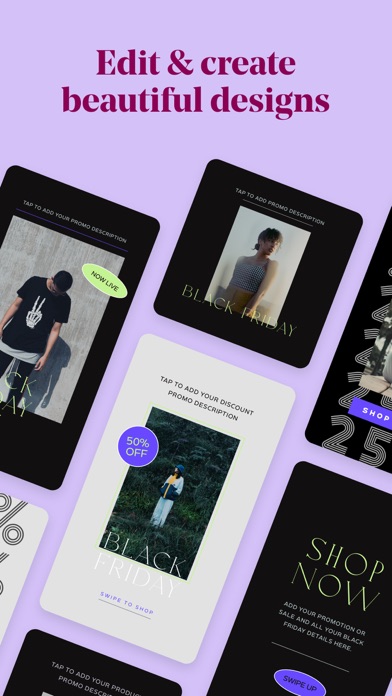
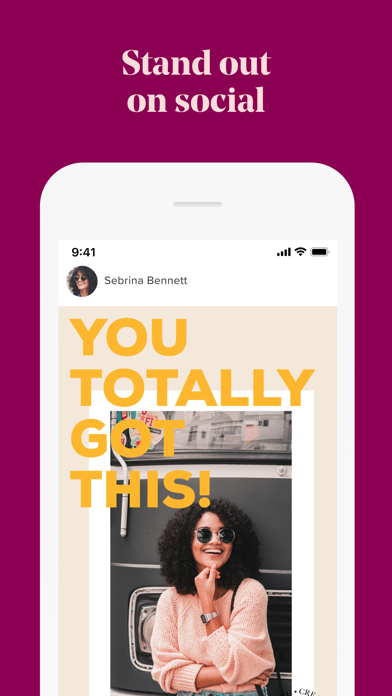
Over is everything you need to be a brand-building, social-media marketing guru. With beautiful, hand-curated and easy-to-edit photo and video templates, Over helps you create impactful content that will make your brand stand out. The best part? No design degree necessary.
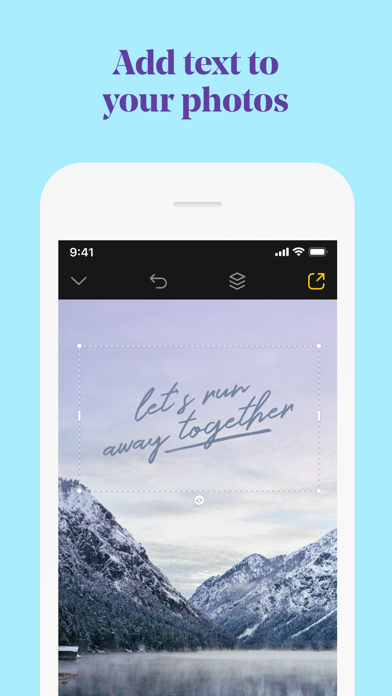
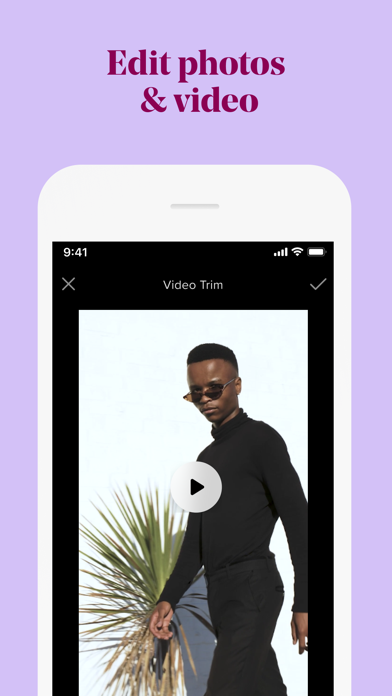
Add text and graphic enhancements to your photos and videos. From an eye catching overlay, to stylish graphic add-ons - treat any video the same way you would a photo. It’s the professional, yet personal way to set up your brand.
3 reasons why Over is the most fun & powerful way to build your brand.
• Get inspired and showcase your brand with thousands of professionally designed and fully customizable templates.
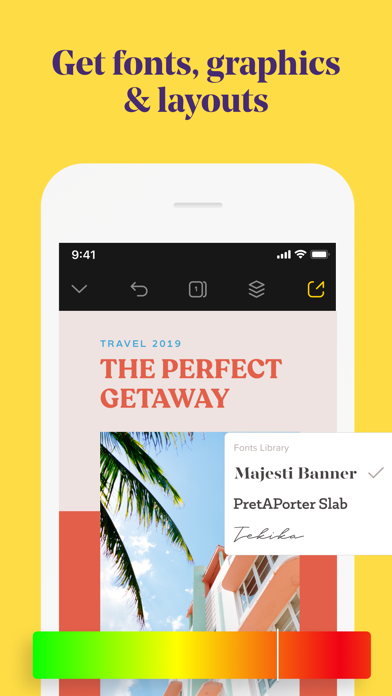
• Customize your designs with colors and captions, videos and photos, graphics and fonts. On brand, every time.
• Create all your brand content right from your phone - with speed and ease. No computer needed.
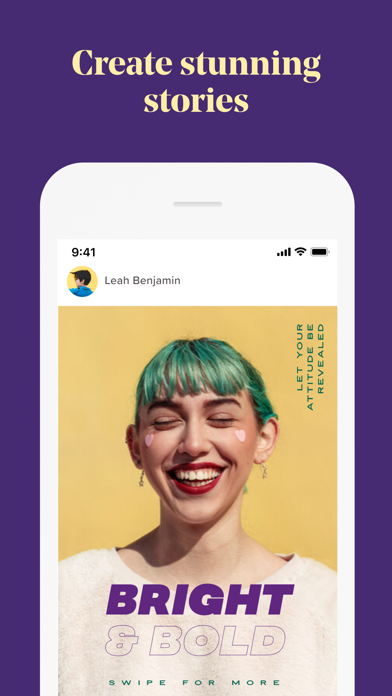
Up your social media game, with eye-popping Instagram Story templates, Facebook posts, banners, logos, and more. Edit however you want and then post directly on Twitter, Facebook, and other social media channels. It’s the sure fire way for you to get your brand out there and noticed on social media.
How to build your next big marketing campaign with Over:
• Choose templates or fonts for social media posts, posters, ads, flyers, and more from our vast library.
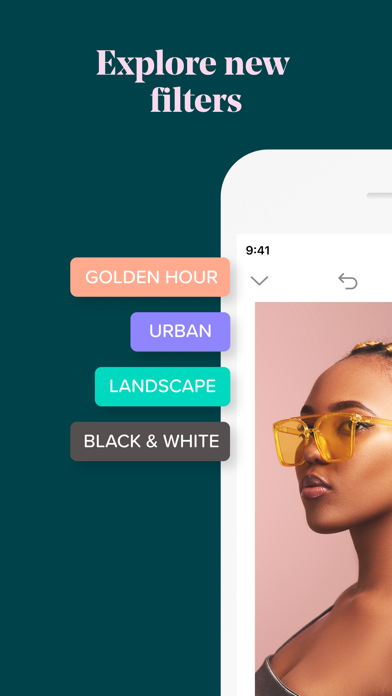
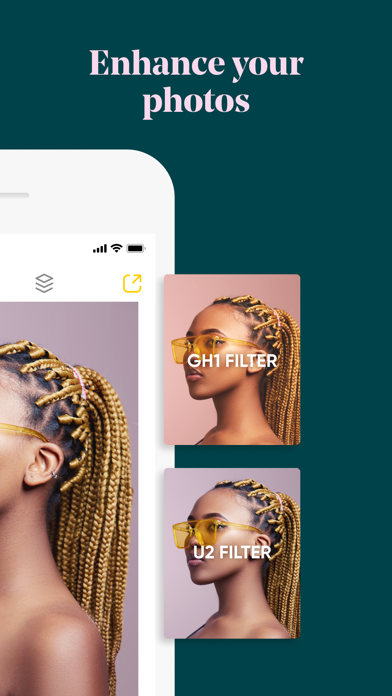
• Edit and perfect your photo or video to your heart’s content.
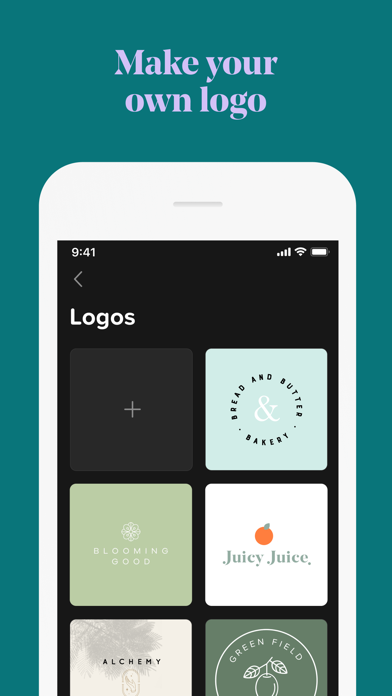
• Add graphics, captions, or logos to make your design pop.
• Post directly to social media right from the app.
Go beyond customized templates and turn your side hustle into your main hustle. Our in-house team of designers, social media, and branding experts are on hand with tips, trends, and insights to help your brand shine. Just check out the Discover feed in the app.
Want your blog to make an impact? Building the next big business? Managing your company’s social media content? Whatever your brand or business may be, have full control over the content you create.
Download Over today and build your brand at the tap of a button.
OVER PRO SUBSCRIPTION PRICING AND TERMS
Over Pro offers two auto-renewing subscription options:
$14.99 per month
$99.99 per year
Over Teams offers one auto-renewing option:
$59.99 per month
These prices are for United States customers. Pricing in other countries may vary and actual charges may be converted to your local currency depending on the country of residence.
Your Over Pro subscription will automatically renew at the end of each term and your credit card will be charged through your iTunes account. You can turn off auto-renew at any time from your iTunes account settings but refunds will not be provided for any unused portion of the term. Alternatively, there is a "Manage Subscription" menu option in the App Settings menu.
Read our terms and conditions at https://www.madewithover.com/legal
Read our privacy policy at https://www.madewithover.com/legal#privacy
- iPhone ou iPad avec ou sans Jailbreak.
- Sideloadly ou alternatives.
- Ordinateur sous Windows/macOS/Linux avec iTunes installé.
ÉTAPE 1: Téléchargez le fichier .IPA pré-modifié depuis le lien ci-dessus sur votre ordinateur. Pour le télécharger depuis l'iOSGods App, consultez notre Tutoriel de téléchargement de l'IPA depuis l'iOSGods App qui comprend un exemple en vidéo.
ÉTAPE 2: Téléchargez Sideloadly et installez-le sur votre Windows ou Mac.
ÉTAPE 3: Ouvrez Sideloadly sur votre ordinateur, connectez votre appareil iOS et attendez que le nom de votre appareil apparaisse dans Sideloadly.
ÉTAPE 4: Une fois votre iDevice reconnu, glissez le fichier .IPA modifié que vous avez téléchargé et déposez-le dans l'application Sideloadly.
ÉTAPE 5: Saisissez l'adresse e-mail de votre Apple Account, puis appuyez sur « Start ». Il vous sera ensuite demandé d'entrer votre mot de passe. Fournissez les informations requises.
ÉTAPE 6: Attendez que Sideloadly termine le sideloading/l'installation de l'IPA modifié. En cas de problème durant l'installation, veuillez lire la remarque ci-dessous.
ÉTAPE 7: Une fois l'installation terminée et l'app visible sur votre écran d'accueil, vous devez aller dans Réglages → Général → Profils / VPN et gestion de l'appareil. Là, appuyez sur l'adresse e-mail saisie à l'étape 6, puis appuyez sur « Faire confiance à [email protected] ».
ÉTAPE 8: Allez maintenant sur votre écran d'accueil et ouvrez l'app nouvellement installée ; tout devrait fonctionner correctement. Vous devrez peut-être suivre des instructions supplémentaires propres à chaque app, dans la fenêtre du hack en jeu.
REMARQUE : À partir d'iOS/iPadOS 16, vous devez activer le mode Développeur. Pour les comptes Apple Developer gratuits, vous devrez répéter ce processus tous les 7 jours. Pour toute question ou problème, lisez notre section FAQ Sideloadly du sujet.