Потрібен вхід
Увійдіть у свій обліковий запис iOSGods, щоб продовжити.
Увійдіть у свій обліковий запис iOSGods, щоб продовжити.

Перетворіть свій iPad або iPhone на преміум-дисплей для Mac та ПК за допомогою цього розблокованого Mod IPA Duet Display. Розроблено колишніми інженерами Apple, цей злам забезпечує нульову затримку та професійну якість дисплея, щоб подвоїти вашу продуктивність за допомогою багатозадачності на двох екранах. Просто підключіть через кабель зарядки та почніть працювати на двох екранах миттєво.
- Повна платна програма → повний доступ до всіх преміум-функцій
Цей застосунок також постачається з iGameGod, який надає доступ до Auto Touch для автоматизації повторюваних дій, App Speed Manager для регулювання швидкості гри, редагування значень за допомогою Memory Engine та інших потужних інструментів для iOS-ігор.
Завантажте Duet Display modded IPA за посиланнями вище. Натисніть кнопку встановлення та дотримуйтесь інструкцій, щоб встановити цей хак iOS на iPhone, iPad або Apple Silicon.
Потрібна додаткова допомога? Перегляньте наш Поширені запитання про застосунок iOSGods для детальних відповідей та порад з усунення несправностей.
#1 best-selling iPad app in US, Japan, UK, Germany, and 17 other countries!
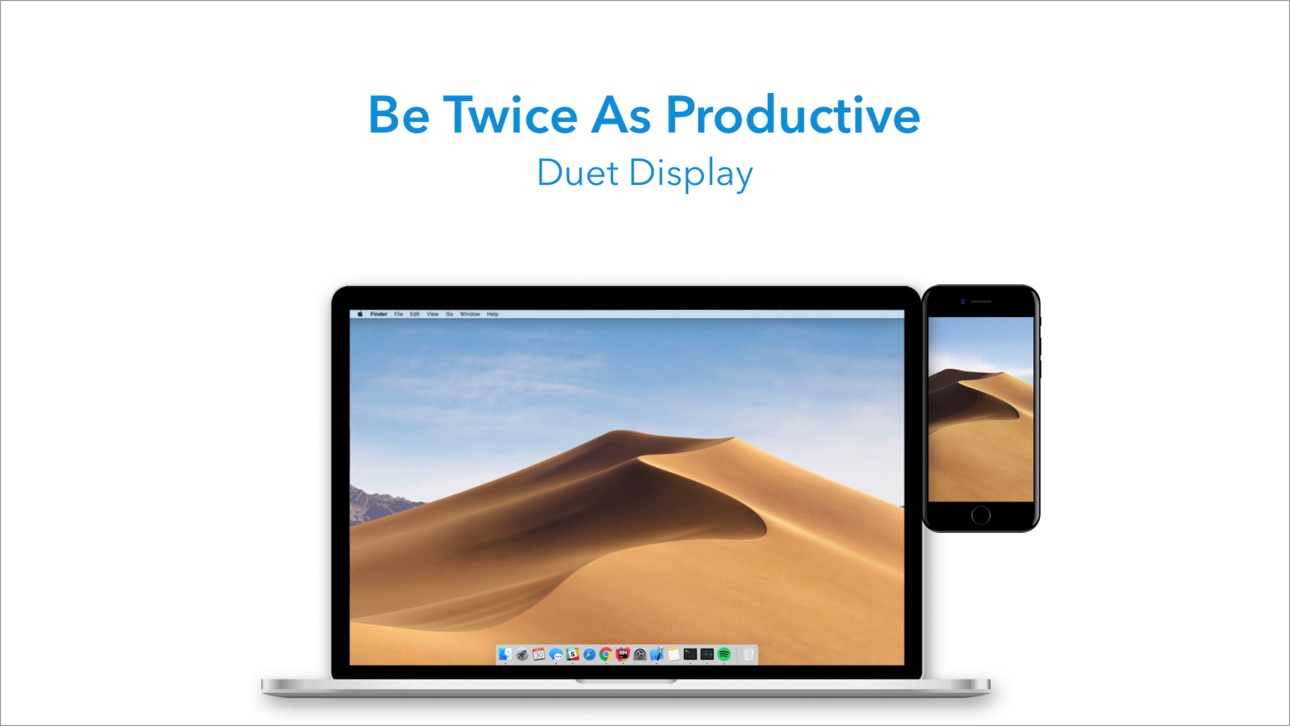
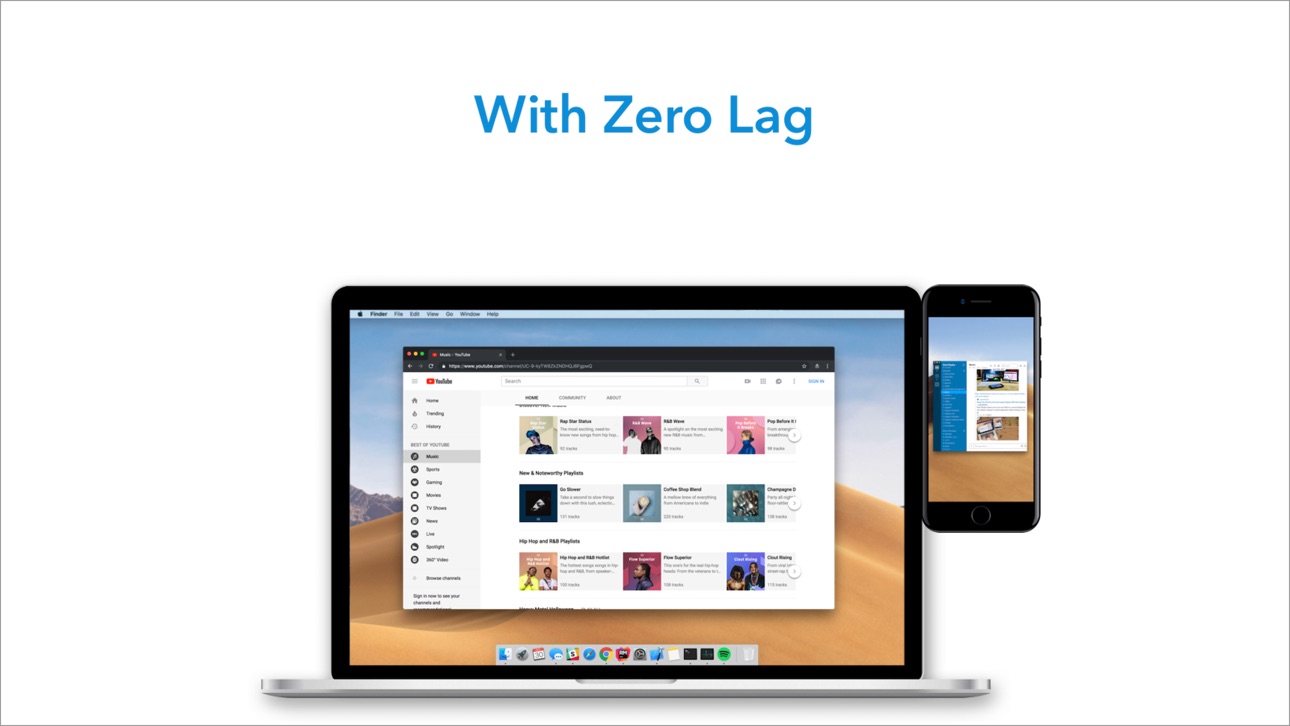
Duet turns your iPad or iPhone into the most advanced extra display for your Mac & PC. Developed by a team of ex-Apple engineers, Duet offers unparalleled performance and display quality - all with zero lag.
— DO MORE —
Be twice as productive by multitasking with two screens. And for those that travel, have a portable way to stay productive.
— INCREDIBLY SIMPLE —
To get started, plug your iPad into your desktop using your charging cable. The free Duet desktop app will automatically detect your device, and transform it into a high performance touchscreen display.
There’s no need to worry about unreliable Wi-Fi, laggy performance, pixelated screens or managing network passwords.
— TOUCHSCREEN —
Interact with Mac & PC like never before, with touch & gestures, including two-finger scrolling, pan and zoom.
And with our latest release, you can even add a touch bar to any iPad with any Mac.
— PERFECT FOR APPLE PENCIL —
With Duet Pro, you can turn your iPad and Apple Pencil into a professional graphics tablet. We’ve re-engineered our rendering algorithms for ultra-responsive drawing, optimized specifically for designers, illustrators and artists.
Duet Pro also unlocks pressure & tilt sensitivity, hover, palm rejection, and more to seamlessly draw in the most powerful programs for professionals. Get precise control in Photoshop, Corel Painter, Lightroom, ToonBoom, Illustrator, Manga Studio and more.
— PRESS —
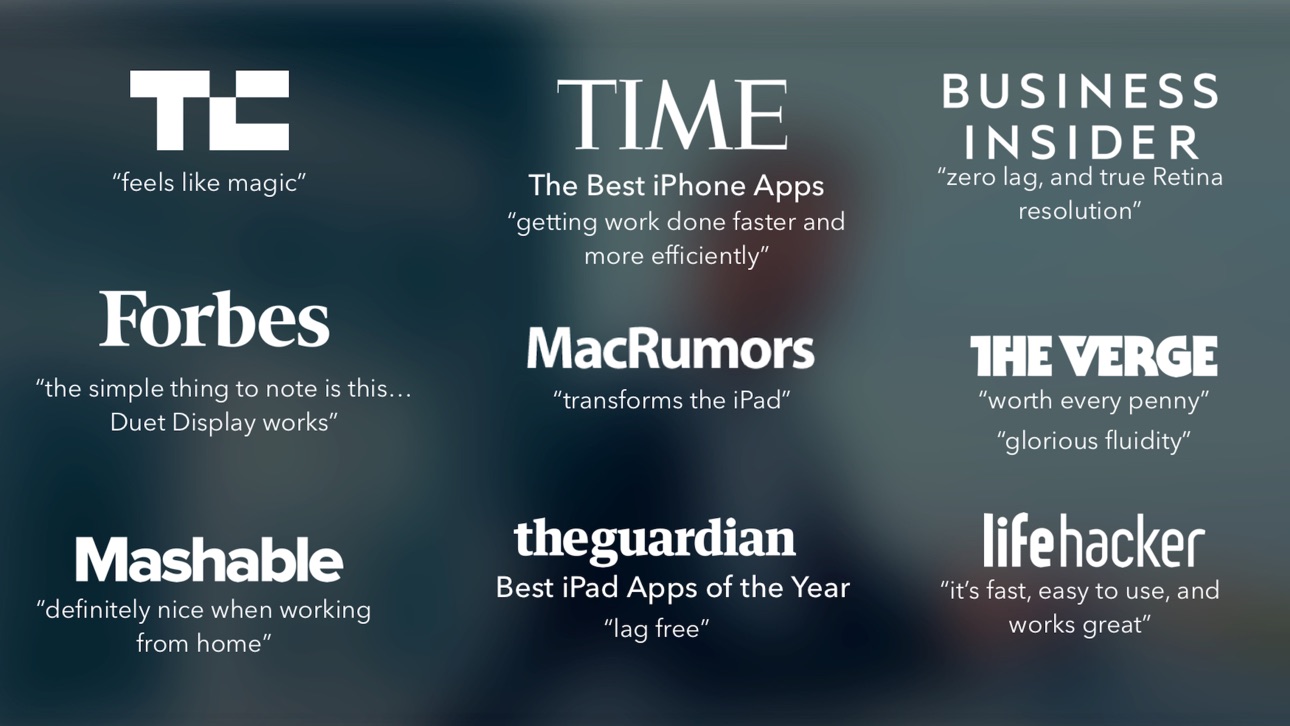
TechCrunch - "Feels Like Magic"
TIME - "Getting Work Done Faster and More Efficiently"
The Guardian - "Lag-free"
Forbes - "The simple thing to note is this...Duet Display works."
The Verge - "Glorious Fluidity"
Lifehacker - "It's fast, easy to use, and works great"
Business Insider - "Zero lag and true retina resolution”
Wall Street Journal - “It’s as easy as just plugging it in"
— REVIEWS —
“Awesome! My iPad Pro can be an extra monitor! Cool app”
~CEO of T-Mobile, John Legere
“Very smooth and responsive indeed, plus you could use the touch screen to “click” on screen interfaces!”
~Photographer, Lok Cheung
“Love the ability to use my iPad as a monitor with Duet.”
~Former Chief Evangelist of Apple, Guy Kawasaki
“Just started using this app called Duet… Kinda love it so far.”
~Comedian and Youtube, Phillip DeFranco
“All my mac folks look at the Duet app… GREAT!”
~Actor and Comedian, Sinbad
"I really like the app, I suppose the biggest compliment I can give is that it's so easy to setup it almost seems like an Apple product.”
~Early Adopter, M. Nightingale
"Amazing solution for me by the way. Works as I was hoping for and actually my main reason for getting an iPad : )”
~Early Adopter, M. Gemzoe
Duet Works With:
All iPhones and iPads with iOS 7.0 and later
All Macs with 10.9 (Mavericks) and later
All PCs with Windows 7 and later
Duet Pro Works With:
All iPad Pros with Apple Pencil
All Macs with 10.9 (Mavericks) and later
All PCs with Windows 8.1 and later (64 bit)
Duet Pro is an optional upgrade for additional features, and price may vary by location. Duet Pro subscriptions will be charged to your credit card through your iTunes account. Your subscription will automatically renew unless canceled at least 24 hours before the end of the current period. You will not be able to cancel the subscription once activated. Manage Duet Pro in Account Settings after the optional upgrade.
Learn more at http://www.duetdisplay.com
Terms: https://www.duetdisplay.com/help-center/duet-terms-and-conditions
Знімки екрана © їхніх власників · App Store

iOSGods не пов’язана з Apple Inc., Google LLC або розробниками перелічених тут застосунків, не схвалена та не спонсорується ними. Apple, iOS і App Store — торгові марки Apple Inc. Android і Google Play — торгові марки Google LLC. Усі інші назви застосунків, іконки, зображення й торгові марки належать їхнім власникам.
- iPhone або iPad без джейлбрейку/у заводському стані або з джейлбрейком.
- Sideloadly або альтернативи.
- Комп'ютер під керуванням Windows/macOS/Linux із встановленим iTunes.
КРОК 1: Завантажте попередньо зламаний .IPA-файл за посиланням вище на свій комп'ютер. Щоб завантажити з iOSGods App, перегляньте наш Посібник із завантаження IPA в iOSGods App, який містить відеоприклад.
КРОК 2: Завантажте Sideloadly і встановіть його на своєму Windows або Mac.
КРОК 3: Відкрийте Sideloadly на комп'ютері, підключіть свій iOS-пристрій і зачекайте, поки назва пристрою з'явиться у Sideloadly.
КРОК 4: Коли ваш iDevice буде розпізнано, перетягніть завантажений модифікований .IPA-файл і відпустіть його в застосунок Sideloadly.
КРОК 5: Введіть електронну пошту вашого Apple Account, потім натисніть «Start». Після цього вас попросять ввести пароль. Введіть необхідні дані.
КРОК 6: Зачекайте, доки Sideloadly завершить sideload/встановлення зламаного IPA. Якщо під час встановлення виникнуть проблеми, прочитайте примітку нижче.
КРОК 7: Коли встановлення завершено й ви побачите застосунок на головному екрані, перейдіть до Налаштування → Загальні → Профілі / VPN і керування пристроєм. Там натисніть на електронну пошту, яку ви ввели на кроці 6, а потім натисніть «Довіряти [email protected]».
КРОК 8: Тепер перейдіть на головний екран і відкрийте щойно встановлений застосунок — усе має працювати належним чином. Можливо, доведеться виконати додаткові інструкції для конкретного застосунку в спливаючому вікні хака в грі.
ПРИМІТКА: У iOS/iPadOS 16 і пізніших версіях потрібно увімкнути режим розробника. Для безкоштовних облікових записів Apple Developer цей процес доведеться повторювати кожні 7 днів. Якщо у вас є запитання або проблеми, прочитайте наш розділ FAQ зі Sideloadly у темі.
Game Name iOS Mod IPA is an action adventure game enhanced with powerful gameplay boosts and quality-of-life improvements. Win battles faster, earn rewards quicker, and enjoy uninterrupted play without ads.
- Unlimited Gold - spend freely to unlock premium content
- Damage Multiplier - deal significantly more damage in combat
- Defense Multiplier - take less damage and survive longer
- Reward Multiplier - earn more loot from every battle
- Max Level - instantly reach the highest player rank
- No Ads - play without interruptions or advertisements
This app also comes with iGameGod, giving you access to Auto Touch to automate repetitive tasks, App Speed Manager for adjustable gameplay speed, Memory Engine value editing, and more powerful iOS game tools.
Завантажте Game Name Mod IPA за посиланнями вище. Натисніть кнопку встановлення та дотримуйтесь інструкцій, щоб встановити цей хак iOS на iPhone, iPad або Apple Silicon.
Потрібна додаткова допомога Перегляньте наш Поширені запитання про застосунок iOSGods для детальних відповідей та порад з усунення несправностей.
----------------------------------------------------------
--------------------------------------------------