Anmeldung erforderlich
Melde dich mit deinem iOSGods-Konto an, um fortzufahren.
Melde dich mit deinem iOSGods-Konto an, um fortzufahren.

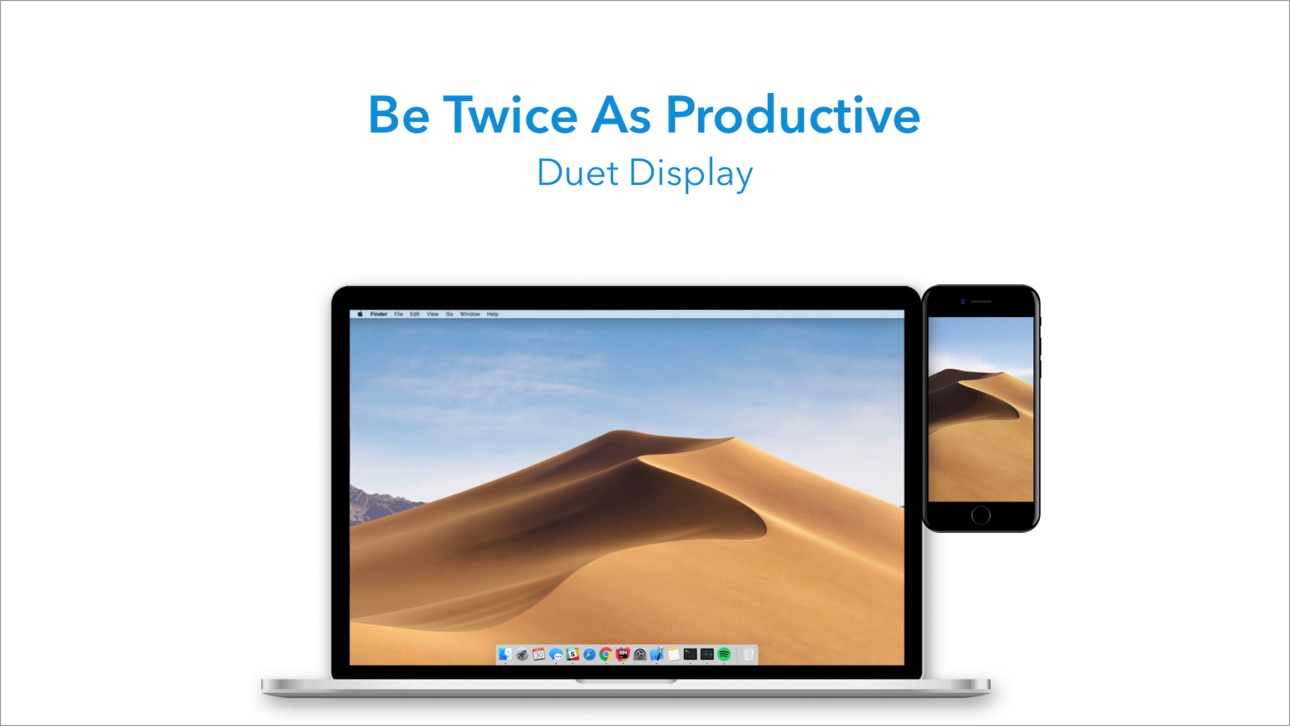
Verwandeln Sie Ihr iPad oder iPhone mit diesem freigeschalteten Mod IPA von Duet Display in ein Premium-Sekundärdisplay für Mac und PC. Entwickelt von ehemaligen Apple-Ingenieuren bietet dieser Hack eine verzögerungsfreie Leistung und professionelle Anzeigequalität, um Ihre Produktivität durch Dual-Screen-Multitasking zu verdoppeln. Schließen Sie einfach über Ihr Ladekabel an und beginnen Sie sofort, auf zwei Bildschirmen zu arbeiten.
- Vollständige bezahlte App → vollständiger Zugriff auf alle Premium-Funktionen
Diese App wird zusätzlich mit iGameGod geliefert und bietet dir Zugriff auf Auto Touch zur Automatisierung sich wiederholender Aufgaben, App Speed Manager für eine anpassbare Spielgeschwindigkeit, Memory Engine zur Wertbearbeitung und weitere leistungsstarke iOS-Spielwerkzeuge.
Lade Duet Display modded IPA über die obigen Links herunter. Tippe auf den Installations-Button und folge den Anweisungen, um diese iOS-App auf deinem iPhone, iPad oder Apple Silicon zu installieren.
Brauchst du mehr Hilfe? In unseren iOSGods App häufig gestellten Fragen findest du ausführliche Antworten und Tipps zur Fehlerbehebung.
Die meistverkaufte iPad-App in den USA, Japan, Großbritannien, Deutschland und 17 weiteren Ländern!
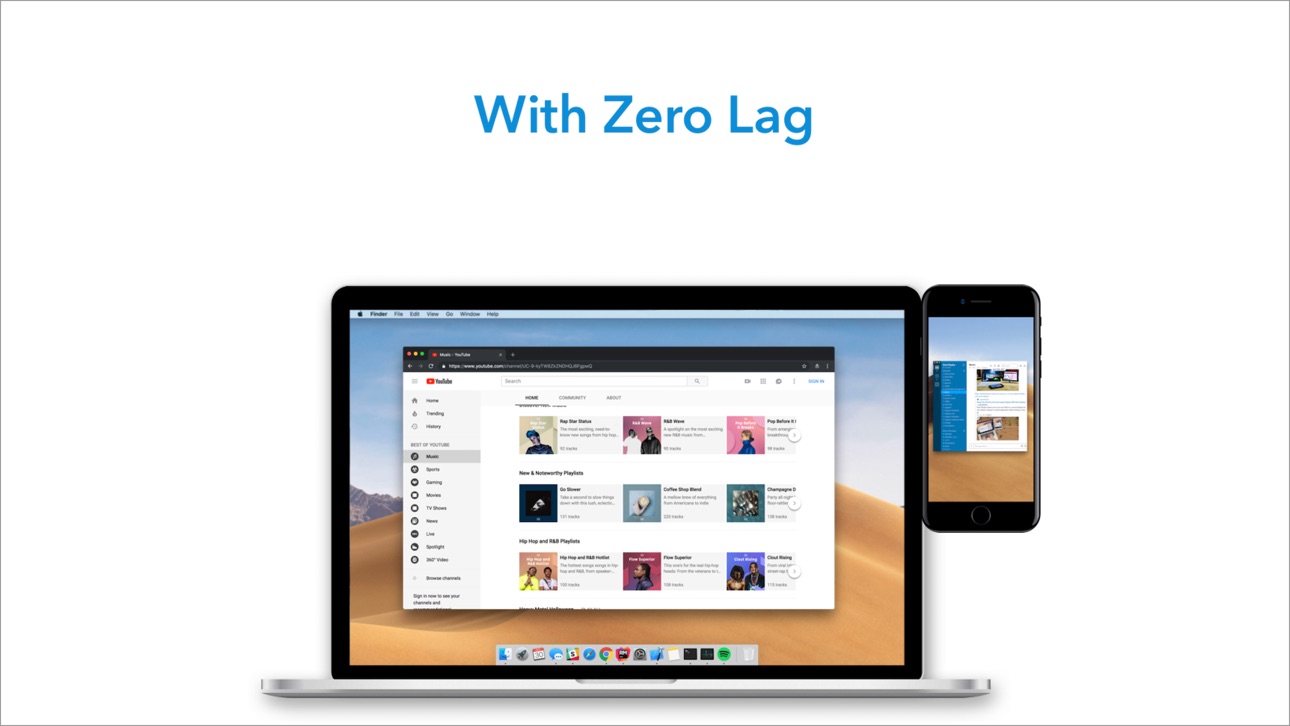
Duet verwandelt Ihr iPad oder iPhone in den fortschrittlichsten Zweitbildschirm für Ihren Mac und PC. Duet wurde von einem Team ehemaliger Ingenieure von Apple entwickelt und bietet unvergleichliche Performance und Anzeigequalität, und das alles ohne Verzögerung.
— SCHAFFEN SIE MEHR —
Verdoppeln Sie Ihre Produktivität mit Multitasking auf zwei Bildschirmen. So sind Sie auch unterwegs weiterhin produktiv.
— UNGLAUBLICH EINFACH —
Um loszulegen, verbinden Sie einfach über das Ladekabel Ihren Desktop mit Ihrem iPad. Die kostenlose Desktop-App Duet wird Ihr Gerät automatisch erkennen und es in ein leistungsstarkes Touchscreen-Display verwandeln.
Sie brauchen sich keine Sorgen über unzuverlässliches WLAN, langsame Performance, verpixelte Anzeigen oder die Verwaltung von Netzwerkpasswörtern machen.
— TOUCHSCREEN —
Erleben Sie eine nie dagewesene Interaktion mit MAC und PC. Nutzen Sie Berührung und Gesten einschließlich dem Scrollen, Schwenken und Zoomen mit zwei Fingern.
— PERFEKT FÜR DEN APPLE PENCIL —
Mit Duet Pro können Sie Ihr iPad und den Apple Pencil in ein professionelles Grafiktablett verwandeln. Wir haben unsere Renderalgorithmen für superschnelles Zeichnen überarbeitet und für Designer, Illustratoren sowie Künstler optimiert.
Duet Pro nutzt ebenfalls die Druck- und Neigungsempfindlichkeit, Schweben, die Funktion „Handfläche ablegen“ und mehr, um reibungslos in den leistungsstärksten Programmen für Profis zu zeichnen. Genießen Sie eine präzise Steuerung in Photoshop, Corel Painter, Lightroom, ToonBoom, Illustrator, Manga Studio und anderen.
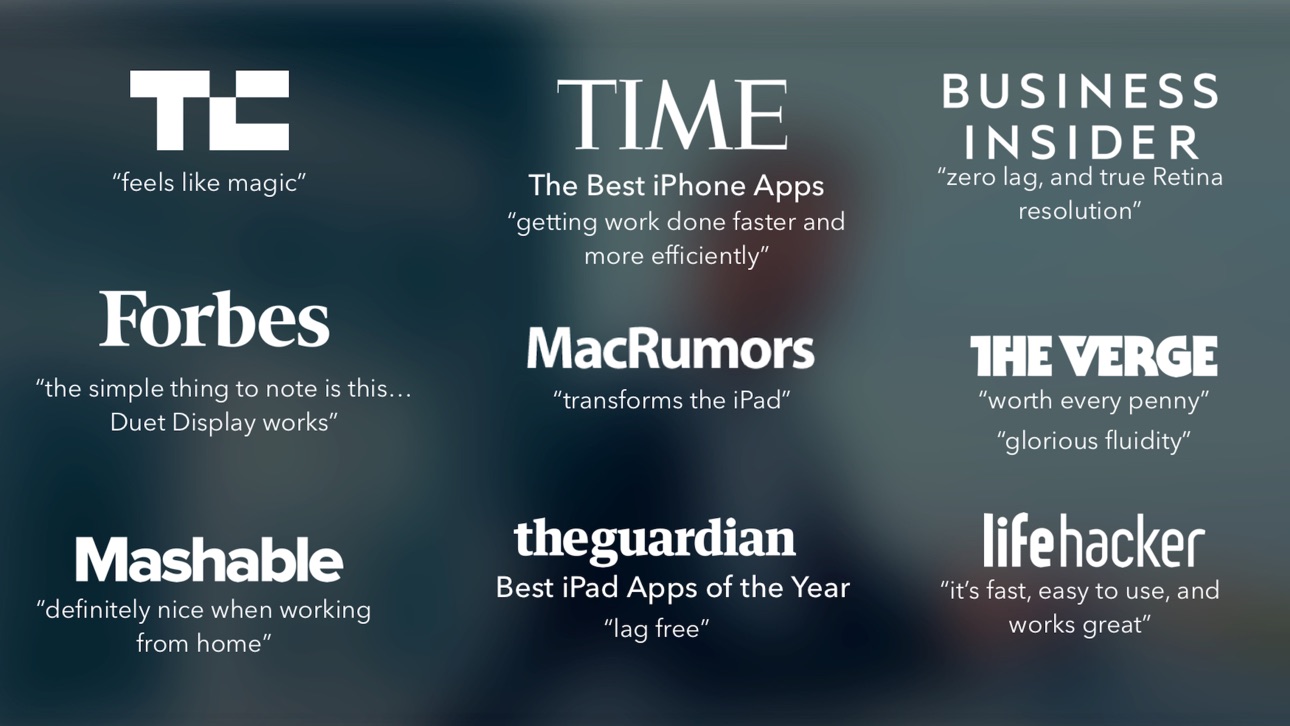
— PRESSE —
TechCrunch - "Fühlt sich wie Magie an"
Time - "Schneller und effizienter zum Ziel"
The Guardian - "Verzögerungsfrei"
Forbes - "Einfach gesagt: Duet Display funktioniert."
The Verge - "Wunderbar flüssig"
Lifehacker - "Schnell, einfach zu verwenden und sieht toll aus"
Business Insider - "Kein Lag und echte Retina-Auflösung"
— MEINUNGEN—
"Die App gefällt mir wirklich. Ich schätze, das größte Kompliment, das ich machen kann, ist, dass sie so einfach zu installieren ist, dass sie fast wie ein Apple-Produkt wirkt."
~Mat Nightingale
"Ich suche nach so etwas, seit ich mein iPad geholt habe. Die App funktioniert hervorragend und tut genau das, was sie soll. Unglaublich! Es ist, als hätte ich plötzlich einen neuen, zweiten Monitor, den ich überall benutzen kann. Vielen Dank."
~Isaac Shore
"Übrigens eine tolle Lösung für mich. Funktioniert so, wie ich es gehofft hatte, und tatsächlich der Hauptgrund für mich, ein iPad zu holen :)"
~Mikkel Gemzoe
"Ich nutze Duet, und es ist FANTASTISCH!"
~Vineet T.
Duet ist kompatibel mit:
Allen iPhones und iPads ab iOS 7.0
Allen Macs ab 10.9 (Mavericks)
Allen PCs ab Windows 7
Duet Pro ist kompatibel mit:
Allen iPad Pros mit Apple Pencil
Allen Macs ab 10.9 (Mavericks)
Allen PCs ab Windows 8.1 (64 bit)
Duet Pro is an optional upgrade for additional features, and price may vary by location. Duet Pro subscriptions will be charged to your credit card through your iTunes account. Your subscription will automatically renew unless canceled at least 24 hours before the end of the current period. You will not be able to cancel the subscription once activated. Manage Duet Pro in Account Settings after the optional upgrade.
Erfahren Sie mehr auf http://www.duetdisplay.com
Terms: https://www.duetdisplay.com/help-center/duet-terms-and-conditions
Screenshots © der jeweiligen Inhaber · App Store

iOSGods ist nicht mit Apple Inc., Google LLC oder den Entwicklern der hier aufgeführten Apps verbunden und wird von ihnen weder unterstützt noch gesponsert. Apple, iOS und App Store sind Marken von Apple Inc. Android und Google Play sind Marken von Google LLC. Alle weiteren App-Namen, Symbole, Grafiken und Marken gehören ihren jeweiligen Inhabern.
- Nicht-Jailbroken/Jailed oder Jailbroken iPhone oder iPad.
- Sideloadly oder Alternativen.
- Computer mit Windows/macOS/Linux und installiertem iTunes.
SCHRITT 1: Lade die vorinstallierte .IPA-Datei über den obigen Link auf deinen Computer herunter. Zum Herunterladen aus der iOSGods-App siehe unser iOSGods App IPA Download-Tutorial mit Videobeispiel.
SCHRITT 2: Lade Sideloadly herunter und installiere es auf deinem Windows oder Mac.
SCHRITT 3: Öffne Sideloadly auf deinem Computer, verbinde dein iOS-Gerät und warte, bis dein Gerätename in Sideloadly erscheint.
SCHRITT 4: Sobald dein iDevice erkannt wird, ziehe die heruntergeladene gemoddete .IPA-Datei in die Sideloadly-Anwendung.
SCHRITT 5: Gib deine Apple-Account-E-Mail ein und drücke „Start". Du wirst dann nach deinem Passwort gefragt. Gib die erforderlichen Informationen ein.
SCHRITT 6: Warte, bis Sideloadly das Sideloading/Installieren der gehackten IPA abgeschlossen hat. Bei Problemen während der Installation lies bitte den Hinweis unten.
SCHRITT 7: Sobald die Installation abgeschlossen ist und die App auf deinem Home-Bildschirm angezeigt wird, musst du zu Einstellungen → Allgemein → Profile / VPN & Geräteverwaltung gehen. Tippe dort auf die E-Mail, die du in Schritt 6 eingegeben hast, und dann auf „Trust [email protected]".
SCHRITT 8: Gehe nun zu deinem Home-Bildschirm und öffne die neu installierte App – alles sollte einwandfrei funktionieren. Möglicherweise musst du weitere App-spezifische Anweisungen im Hack-Popup im Spiel befolgen.
HINWEIS: iOS/iPadOS 16 und höher: Du musst den Entwicklermodus aktivieren. Bei kostenlosen Apple Developer-Accounts musst du diesen Vorgang alle 7 Tage wiederholen. Bei Fragen oder Problemen lies bitte unsere Sideloadly-FAQ-Sektion im Thema.
Game Name iOS Mod IPA is an action adventure game enhanced with powerful gameplay boosts and quality-of-life improvements. Win battles faster, earn rewards quicker, and enjoy uninterrupted play without ads.
- Unlimited Gold - spend freely to unlock premium content
- Damage Multiplier - deal significantly more damage in combat
- Defense Multiplier - take less damage and survive longer
- Reward Multiplier - earn more loot from every battle
- Max Level - instantly reach the highest player rank
- No Ads - play without interruptions or advertisements
This app also comes with iGameGod, giving you access to Auto Touch to automate repetitive tasks, App Speed Manager for adjustable gameplay speed, Memory Engine value editing, and more powerful iOS game tools.
Lade Game Name Mod IPA über die obigen Links herunter. Tippe auf den Installations-Button und folge den Anweisungen, um diese iOS-App auf deinem iPhone, iPad oder Apple Silicon zu installieren.
Brauchst du mehr Hilfe In unseren iOSGods App häufig gestellten Fragen findest du ausführliche Antworten und Tipps zur Fehlerbehebung.
----------------------------------------------------------
--------------------------------------------------