Login Diperlukan
Masuk dengan akun iOSGods kamu untuk melanjutkan.
Masuk dengan akun iOSGods kamu untuk melanjutkan.
Ubah iPad atau iPhone Anda menjadi layar sekunder premium untuk Mac dan PC dengan Mod IPA Duet Display yang sudah dibuka. Dikembangkan oleh para insinyur mantan Apple, hack ini memberikan performa tanpa lag dan kualitas tampilan tingkat profesional untuk menggandakan produktivitas Anda dengan multitasking layar ganda. Cukup sambungkan melalui kabel pengisian daya Anda dan mulai bekerja di dua layar secara instan.
- Aplikasi Berbayar Lengkap → akses lengkap ke semua fitur premium
Aplikasi ini juga dilengkapi dengan iGameGod, yang memberi Anda akses ke Auto Touch untuk mengotomatiskan tugas berulang, App Speed Manager untuk mengatur kecepatan permainan, pengeditan nilai Memory Engine, dan alat permainan iOS lainnya yang lebih canggih.
Unduh Duet Display modded IPA dari tautan di atas. Ketuk tombol pasang dan ikuti petunjuk di layar untuk memasang hack iOS ini di iPhone, iPad, atau Apple Silicon.
Butuh bantuan lebih lanjut? Lihat Pertanyaan yang Sering Diajukan untuk Aplikasi iOSGods kami untuk jawaban dan tips lengkap.
#1 best-selling iPad app in US, Japan, UK, Germany, and 17 other countries!
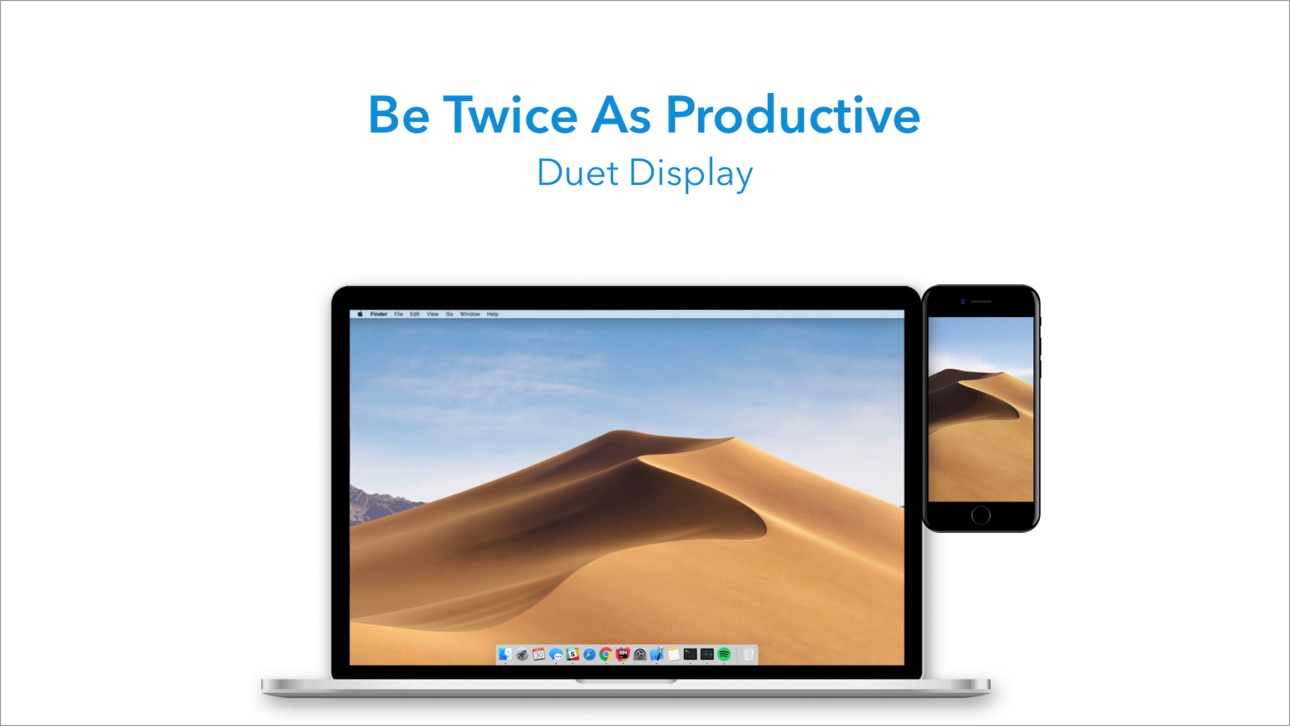
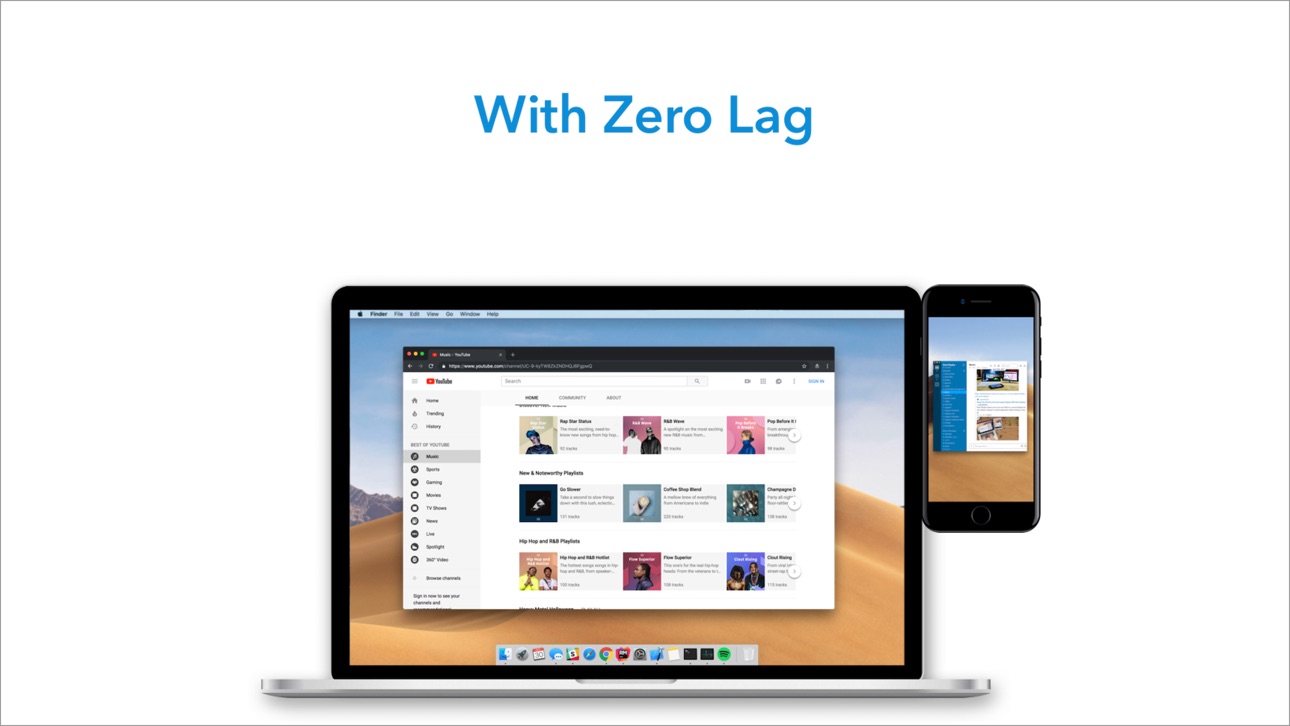
Duet turns your iPad or iPhone into the most advanced extra display for your Mac & PC. Developed by a team of ex-Apple engineers, Duet offers unparalleled performance and display quality - all with zero lag.
— DO MORE —
Be twice as productive by multitasking with two screens. And for those that travel, have a portable way to stay productive.
— INCREDIBLY SIMPLE —
To get started, plug your iPad into your desktop using your charging cable. The free Duet desktop app will automatically detect your device, and transform it into a high performance touchscreen display.
There’s no need to worry about unreliable Wi-Fi, laggy performance, pixelated screens or managing network passwords.
— TOUCHSCREEN —
Interact with Mac & PC like never before, with touch & gestures, including two-finger scrolling, pan and zoom.
And with our latest release, you can even add a touch bar to any iPad with any Mac.
— PERFECT FOR APPLE PENCIL —
With Duet Pro, you can turn your iPad and Apple Pencil into a professional graphics tablet. We’ve re-engineered our rendering algorithms for ultra-responsive drawing, optimized specifically for designers, illustrators and artists.
Duet Pro also unlocks pressure & tilt sensitivity, hover, palm rejection, and more to seamlessly draw in the most powerful programs for professionals. Get precise control in Photoshop, Corel Painter, Lightroom, ToonBoom, Illustrator, Manga Studio and more.
— PRESS —
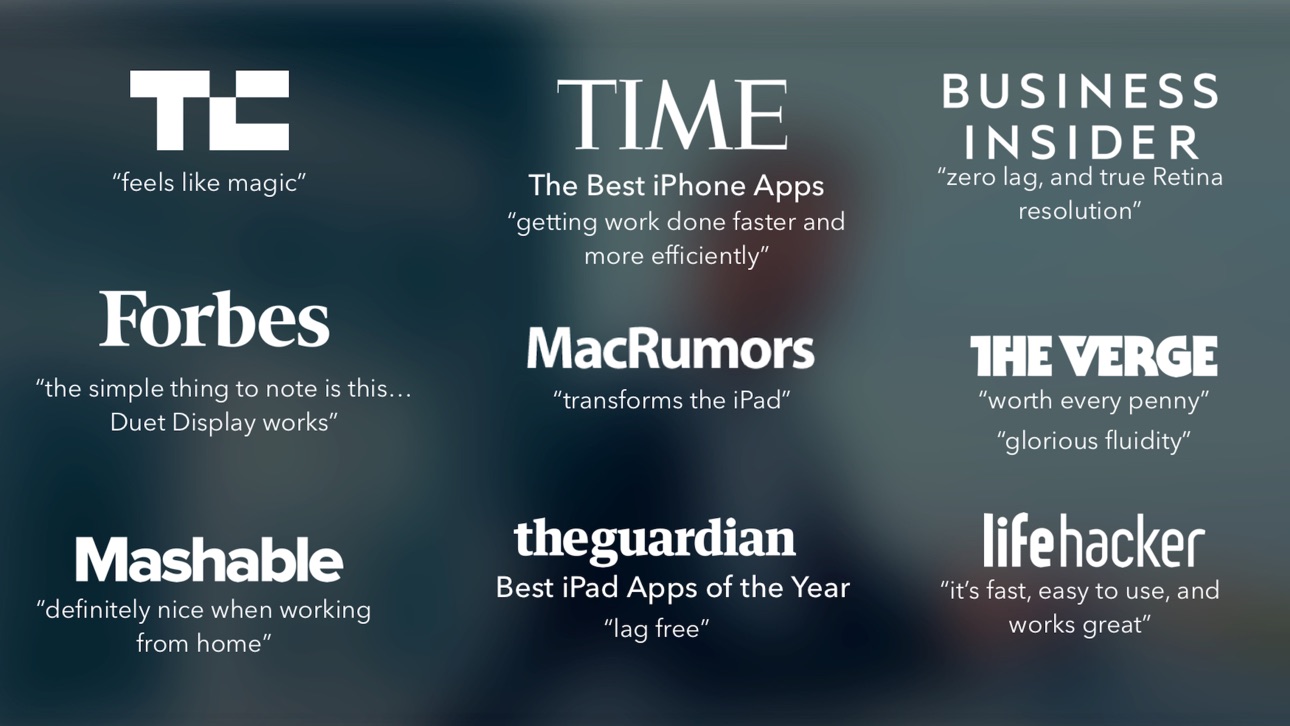
TechCrunch - "Feels Like Magic"
TIME - "Getting Work Done Faster and More Efficiently"
The Guardian - "Lag-free"
Forbes - "The simple thing to note is this...Duet Display works."
The Verge - "Glorious Fluidity"
Lifehacker - "It's fast, easy to use, and works great"
Business Insider - "Zero lag and true retina resolution”
Wall Street Journal - “It’s as easy as just plugging it in"
— REVIEWS —
“Awesome! My iPad Pro can be an extra monitor! Cool app”
~CEO of T-Mobile, John Legere
“Very smooth and responsive indeed, plus you could use the touch screen to “click” on screen interfaces!”
~Photographer, Lok Cheung
“Love the ability to use my iPad as a monitor with Duet.”
~Former Chief Evangelist of Apple, Guy Kawasaki
“Just started using this app called Duet… Kinda love it so far.”
~Comedian and Youtube, Phillip DeFranco
“All my mac folks look at the Duet app… GREAT!”
~Actor and Comedian, Sinbad
"I really like the app, I suppose the biggest compliment I can give is that it's so easy to setup it almost seems like an Apple product.”
~Early Adopter, M. Nightingale
"Amazing solution for me by the way. Works as I was hoping for and actually my main reason for getting an iPad : )”
~Early Adopter, M. Gemzoe
Duet Works With:
All iPhones and iPads with iOS 7.0 and later
All Macs with 10.9 (Mavericks) and later
All PCs with Windows 7 and later
Duet Pro Works With:
All iPad Pros with Apple Pencil
All Macs with 10.9 (Mavericks) and later
All PCs with Windows 8.1 and later (64 bit)
Duet Pro is an optional upgrade for additional features, and price may vary by location. Duet Pro subscriptions will be charged to your credit card through your iTunes account. Your subscription will automatically renew unless canceled at least 24 hours before the end of the current period. You will not be able to cancel the subscription once activated. Manage Duet Pro in Account Settings after the optional upgrade.
Learn more at http://www.duetdisplay.com
Terms: https://www.duetdisplay.com/help-center/duet-terms-and-conditions
Tangkapan layar © pemiliknya masing-masing · App Store

iOSGods tidak berafiliasi, tidak didukung, dan tidak disponsori oleh Apple Inc., Google LLC, maupun pengembang aplikasi yang terdaftar di sini. Apple, iOS, dan App Store adalah merek dagang Apple Inc. Android dan Google Play adalah merek dagang Google LLC. Semua nama aplikasi, ikon, gambar, dan merek dagang lainnya adalah milik pemiliknya masing-masing.

- iPhone atau iPad tanpa Jailbreak atau dengan Jailbreak.
- Sideloadly atau alternatifnya.
- Komputer dengan Windows/macOS/Linux dan iTunes terpasang.
LANGKAH 1: Unduh file .IPA yang sudah di-hack dari tautan di atas ke komputer Anda. Untuk mengunduhnya dari iOSGods App, silakan lihat Tutorial Mengunduh IPA dari iOSGods App kami yang dilengkapi contoh video.
LANGKAH 2: Unduh Sideloadly dan pasang di Windows atau Mac Anda.
LANGKAH 3: Buka Sideloadly di komputer Anda, sambungkan perangkat iOS Anda, dan tunggu hingga nama perangkat Anda muncul di Sideloadly.
LANGKAH 4: Setelah iDevice Anda terdeteksi, seret file .IPA yang sudah dimodifikasi dan lepaskan ke dalam aplikasi Sideloadly.
LANGKAH 5: Masukkan email Apple Account Anda, lalu tekan "Start". Anda kemudian akan diminta memasukkan kata sandi. Silakan isi informasi yang diminta.
LANGKAH 6: Tunggu hingga Sideloadly selesai melakukan sideloading/pemasangan IPA yang di-hack. Jika terjadi masalah saat pemasangan, silakan baca catatan di bawah ini.
LANGKAH 7: Setelah pemasangan selesai dan Anda melihat aplikasi di Layar Beranda, Anda perlu masuk ke Pengaturan → Umum → Profil / VPN & Manajemen Perangkat. Setelah itu, ketuk email yang Anda masukkan pada langkah 6, lalu ketuk "Percayai [email protected]".
LANGKAH 8: Sekarang buka Layar Beranda dan jalankan aplikasi yang baru saja dipasang; semuanya seharusnya berjalan normal. Anda mungkin perlu mengikuti petunjuk tambahan per aplikasi yang muncul di popup hack di dalam game.
CATATAN: Pada iOS/iPadOS 16 dan yang lebih baru, Anda harus mengaktifkan Mode Pengembang. Untuk akun Apple Developer gratis, Anda perlu mengulangi proses ini setiap 7 hari. Jika Anda memiliki pertanyaan atau masalah, silakan baca bagian FAQ Sideloadly di topik tersebut kami.
Game Name iOS Mod IPA is an action adventure game enhanced with powerful gameplay boosts and quality-of-life improvements. Win battles faster, earn rewards quicker, and enjoy uninterrupted play without ads.
- Unlimited Gold - spend freely to unlock premium content
- Damage Multiplier - deal significantly more damage in combat
- Defense Multiplier - take less damage and survive longer
- Reward Multiplier - earn more loot from every battle
- Max Level - instantly reach the highest player rank
- No Ads - play without interruptions or advertisements
This app also comes with iGameGod, giving you access to Auto Touch to automate repetitive tasks, App Speed Manager for adjustable gameplay speed, Memory Engine value editing, and more powerful iOS game tools.
Unduh Game Name Mod IPA dari tautan di atas. Ketuk tombol pasang dan ikuti petunjuk di layar untuk memasang hack iOS ini di iPhone, iPad, atau Apple Silicon.
Butuh bantuan lebih lanjut Lihat Pertanyaan yang Sering Diajukan untuk Aplikasi iOSGods kami untuk jawaban dan tips lengkap.
----------------------------------------------------------
--------------------------------------------------