ログインが必要
iOSGodsアカウントでサインインして続けてください。
iOSGodsアカウントでサインインして続けてください。
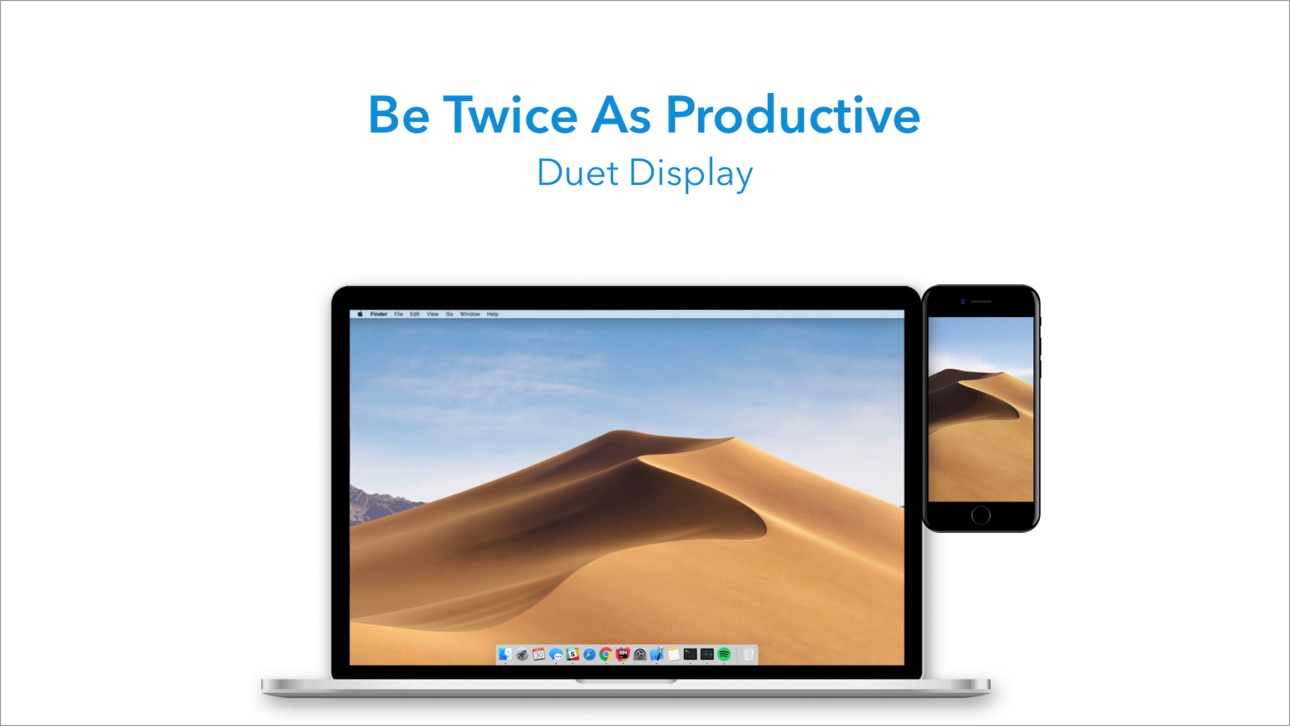
このアンロック済みMod IPAで、iPadまたはiPhoneをMacおよびPCのプレミアム第2ディスプレイに変えましょう。元Apple エンジニアによって開発されたこのハックは、ゼロラグのパフォーマンスとプロフェッショナルグレードのディスプレイ品質を提供し、デュアルスクリーンマルチタスキングで生産性を2倍にします。充電ケーブルで接続するだけで、すぐに2つのスクリーン間で作業を開始できます。
- フル有料アプリ → すべてのプレミアム機能への完全アクセス
このアプリにはiGameGodも搭載されており、繰り返し作業を自動化するAuto Touch、ゲーム速度を調整できるApp Speed Manager、Memory Engineによる値の編集など、強力なiOSゲーム用ツールをご利用いただけます。
Duet Display modded IPAを上のリンクからダウンロードします。インストールボタンをタップし、画面の指示に従ってiPhone、iPad、Apple SiliconにこのiOSアプリハックをインストールします。
さらにヘルプが必要ですか? 詳しい回答とトラブルシューティングはiOSGodsアプリ よくある質問をご覧ください。
アメリカ、日本、イギリス、ドイツ、その他17の国々で人気No.1のベストセラーアプリです。
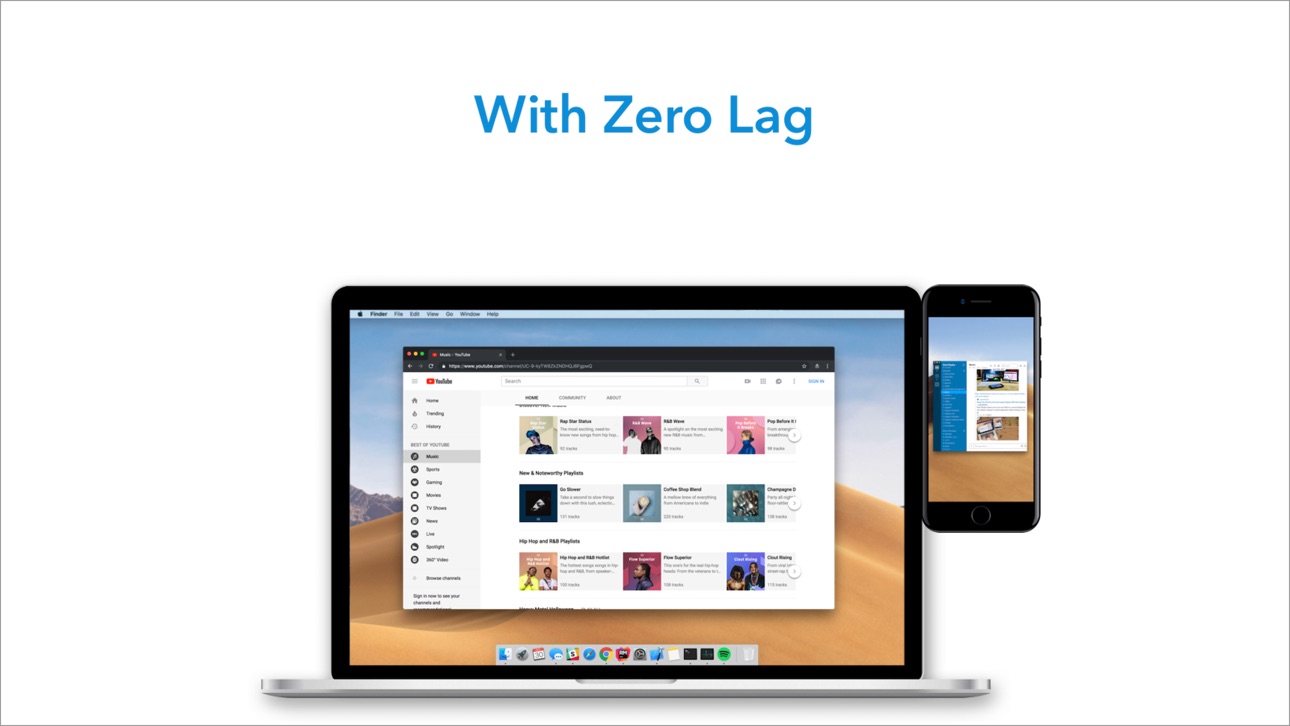
Duet Displayはお使いのiPadやiPhoneを最先端の外部ディスプレイへと変身させます。元Appleエンジニアが開発したこのアプリは、遅延ゼロの抜群のパフォーマンスと画面品質を提供します。
--より生産的に--
デュアルディスプレイを利用したマルチタスク作業で、仕事の効率を倍増させましょう。持ち運び出来る作業効率化ツールです。
--非常にシンプル--
iPadの充電ケーブルで接続するだけで起動の準備は完了です。デスクトップ用のフリーウェアが自動でデバイスを感知し、高性能なタッチスクリーンディスプレイへと早変わりさせます。
不安定なWi-fi接続、動作遅延、画像の乱れやパスワードの管理に悩まされる事はありません。
-- タッチスクリーン --
2本指のスクロール、パン、そしてズームを含むタッチ&ジェスチャーなど、今までにない操作性をMacやPCに実現させます。
そして最新版においては、iPadやMacの種類を問わずDuetの画面上にタッチバーを追加する事が可能です。
-- Apple Pencil に最適 --
Duet Proを使えば、iPad ProとApple Pencilをプロ仕様の液晶ペンタブレットとして使用出来ます。デザイナー、イラストレーター、アーティストのために画像処理アルゴリズムを再デザインし、より良い反応速度を実現しました。
筆圧感知、チルト機能、ホバーアクション、パームリジェクション等の機能を搭載し、PhotoshopをはじめCorel Painter, Lightroom, ToonBoom, Illustrator, Manga Studioにおいて精密な操作性をお楽しみ頂けます。
-- プレス --
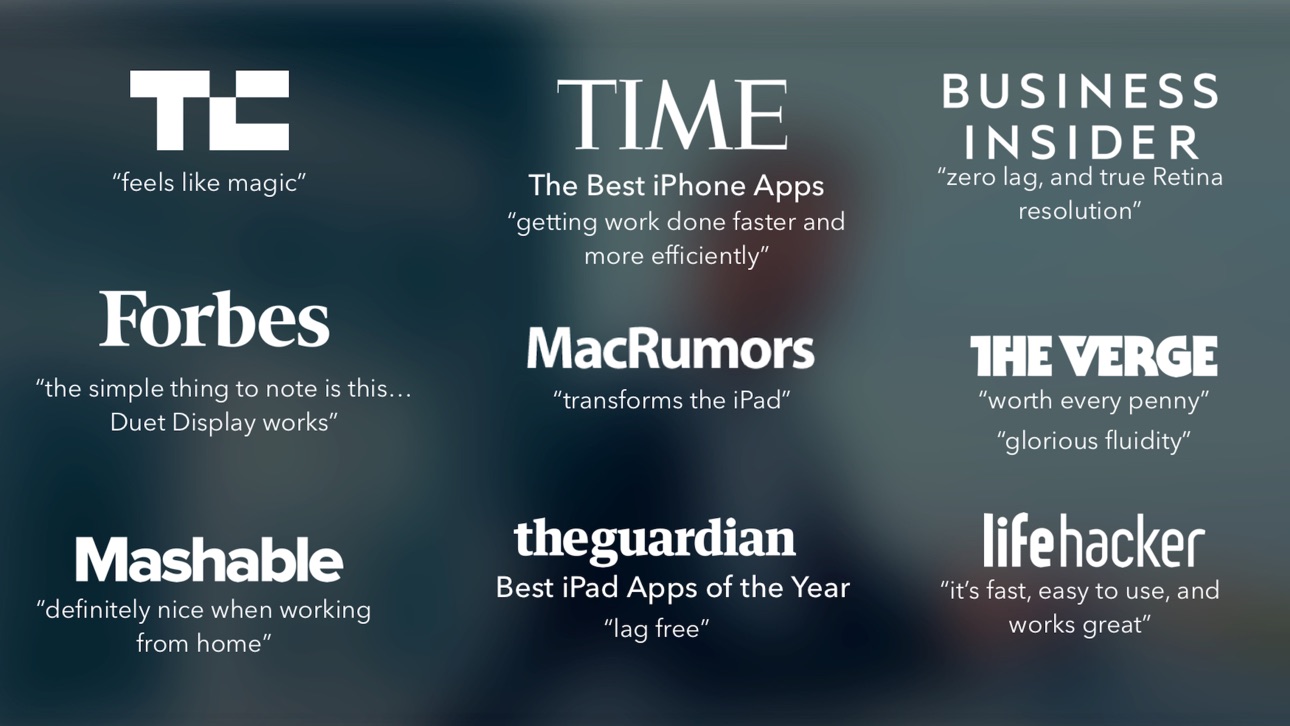
TechCrunch - "魔法のようだ"
Time - "仕事がより早く、より効率的に"
The Guardian - "遅延なし"
Forbes - "特筆すべきは、この...Duet Displayは使えるということだ"
The Verge - "素晴らしく滑らか"
Lifehacker - "高速で、使いやすく、動作が素晴らしい"
Business Insider - "遅延なく真のRetina解像度を実現"
Wall Street Journal - “簡単。繋ぐだけ。”
-- レビュー --
”素晴らしい!iPad Proが外付けディスプレイになるなんて!クールなアプリです。”
~T-Mobile CEO, John Legere
”iPadを外付けモニターに出来る機能が気に入りました。”
~元Appleチーフエヴァンジェリスト, Guy Kawasaki
“Duetというアプリを使い始めたところですが...今のところ最高です。”
~コメディアン兼Youtuber, Phillip DeFranco
”周りのMacユーザーが皆Duetに注目しています...いいね!”
~俳優兼コメディアン, Sinbad
iPhone全機種 (iOS 7.0以降)
iPad全機種 (iOS 7.0以降)
Mac全機種 (10.9 Mavericks以降)
PC全機種 (Windows 7以降)
Duetは次のOSに対応しています:
iOS 7.0以降のすべてのiPhoneおよびiPad
10.9(Mavericks)以降のすべてのMac
Windows 7以降のすべてのPC
Duet Proは次のOSに対応しています:
Apple Pencil搭載のすべてのiPad Pro
10.9(Mavericks)以降のすべてのMac
Windows 8.1以降のすべてのPC(64ビット)
Duet Proはオプション機能を追加するためのアプリ内課金です。料金はお住いの国と地域により多少の違いがございます。Duet Proの購読料がお使いのiTunesアカウントにご登録されたクレジットカードより引き落とされます。
一旦アクティベートされた後の返品はお受付し兼ねますのでご了承ください。アップグレード後はAccount Setttingの画面より購読の管理が可能です。
詳細情報: http://www.duetdisplay.com
Terms: https://www.duetdisplay.com/help-center/duet-terms-and-conditions
スクリーンショット © 各権利者 · App Store

iOSGods は Apple Inc.、Google LLC、および掲載アプリの開発者と提携しておらず、承認や協賛も受けていません。Apple、iOS、App Store は Apple Inc. の商標です。Android および Google Play は Google LLC の商標です。その他のアプリ名、アイコン、画像、商標はすべて各権利者に帰属します。

- 脱獄/Jailed済みまたは脱獄済みのiPhoneまたはiPad。
- Sideloadlyまたは代替手段。
- iTunesがインストールされているWindows/macOS/Linuxを実行しているコンピュータ。
ステップ1: 上のリンクから事前にハックされた.IPAファイルをコンピュータにダウンロードします。iOSGodsアプリからダウンロードする方法は、ビデオ例付きのiOSGodsアプリIPAダウンロードチュートリアルをご覧ください。
ステップ2: SideloadlyをダウンロードしてWindowsまたはMacにインストールします。
ステップ3: コンピュータでSideloadlyを開き、iOSデバイスを接続して、デバイス名がSideloadlyに表示されるまで待ちます。
ステップ4: iDeviceが認識されたら、ダウンロードしたModされた.IPAファイルをSideloadlyアプリにドラッグ&ドロップします。
ステップ5: Apple Accountのメールアドレスを入力し、「Start」を押します。次にパスワードの入力を求められます。必要な情報を入力してください。
ステップ6: Sideloadlyがハックされたipaのサイドロード/インストールを完了するのを待ちます。インストール中に問題が発生した場合は、以下の注意事項をお読みください。
ステップ7: インストールが完了し、ホーム画面にアプリが表示されたら、設定 → 一般 → プロファイル / VPNとデバイス管理に移動する必要があります。そこで、ステップ6で入力したメールをタップし、「Trust [email protected]」をタップします。
ステップ8: ホーム画面に戻り、新しくインストールされたアプリを開けば、すべて正常に動作するはずです。ゲーム内のハックのポップアップで、アプリごとの追加指示に従う必要がある場合があります。
注意: iOS/iPadOS 16以降では、デベロッパモードを有効にするが必要です。無料のApple Developerアカウントの場合、このプロセスを7日ごとに繰り返す必要があります。質問や問題がある場合は、トピックのSideloadly FAQセクションをお読みください。
Game Name iOS Mod IPA is an action adventure game enhanced with powerful gameplay boosts and quality-of-life improvements. Win battles faster, earn rewards quicker, and enjoy uninterrupted play without ads.
- Unlimited Gold - spend freely to unlock premium content
- Damage Multiplier - deal significantly more damage in combat
- Defense Multiplier - take less damage and survive longer
- Reward Multiplier - earn more loot from every battle
- Max Level - instantly reach the highest player rank
- No Ads - play without interruptions or advertisements
This app also comes with iGameGod, giving you access to Auto Touch to automate repetitive tasks, App Speed Manager for adjustable gameplay speed, Memory Engine value editing, and more powerful iOS game tools.
Game Name Mod IPAを上のリンクからダウンロードします。インストールボタンをタップし、画面の指示に従ってiPhone、iPad、Apple SiliconにこのiOSアプリハックをインストールします。
さらにヘルプが必要ですか 詳しい回答とトラブルシューティングはiOSGodsアプリ よくある質問をご覧ください。
----------------------------------------------------------
--------------------------------------------------