Требуется вход
Войдите в учётную запись iOSGods, чтобы продолжить.
Войдите в учётную запись iOSGods, чтобы продолжить.

Разблокируйте все премиум-фильтры, эффекты и продвинутые инструменты редактирования бесплатно с помощью этого взлома A Color Story Mod IPA. Более 300 фильтров дизайнеров, более 100 подвижных эффектов и профессиональный набор редактирования приложения, обычно заблокированные покупками в приложении, теперь полностью доступны, позволяя вам создавать отполированные фото и видео без дополнительных затрат.
- Бесплатные встроенные покупки (сначала включите в меню Mod iOSGods) → удаляет ограничения на покупки в приложении
Это приложение также поставляется с iGameGod, который открывает доступ к Auto Touch для автоматизации повторяющихся действий, App Speed Manager для регулируемой скорости игры, редактированию значений Memory Engine и другим мощным инструментам для iOS-игр.
Скачайте A Color Story Modded modded IPA по ссылкам выше. Нажмите кнопку установки и следуйте инструкциям, чтобы установить этот хак iOS на iPhone, iPad или Mac с Apple Silicon.
Нужна помощь? Посмотрите наши Часто задаваемые вопросы по приложению iOSGods, чтобы получить подробные ответы и советы по устранению неполадок.
There's a reason it's been downloaded over 20 million times! Photo and video editing has never been easier than with A Color Story. Add trending Styles to your photos in just one tap or choose from over 500 stackable filters and 120 customizable effects designed by top influencers and photographers. Found a combination that you love? Save it as a custom preset and use it over and over again on your photos or videos.
Plan out your Instagram grid right in the app! Select the right filters and effects in the photo editor and preview before you post. Batch editing allows you to edit multiple photos at once, making it easier than ever to add effects to a queue of photos.
Use object removal and multiple color and tone adjustment tools to edit and perfect your photo. No more painstakingly tracing objects - remove background objects with ease! HSL sliders and curves let you adjust the color and tone of your photo or video to emphasize that golden hour glow.
A Color Story has a variety of touch tools for precise, easy editing and effects, saving you time without sacrificing professional, polished results.
Start editing your photos and videos like a pro and download A Color Story today!
TONS OF EDITING TOOLS:
• Recreate trending looks in one tap with Styles
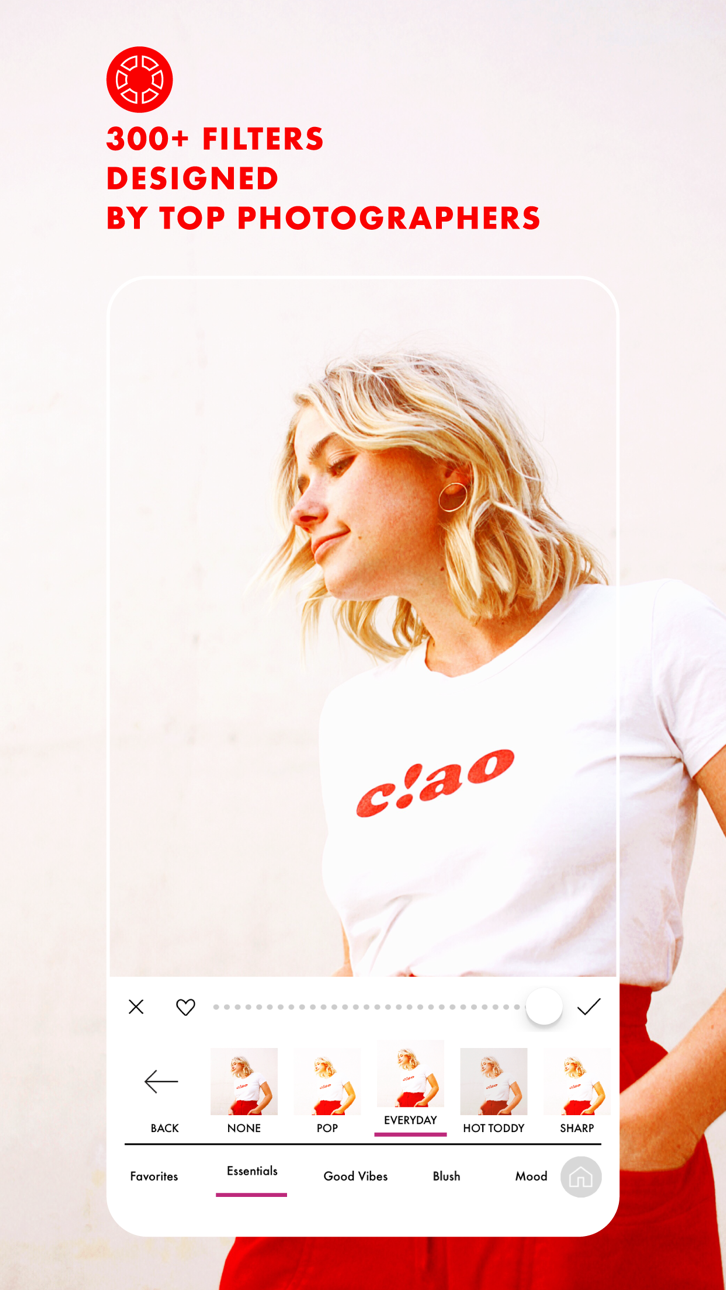
• Over 500 filters designed by top photographers and influencers to pick from
• Choose from over 120 movable effects to emphasize and add to your photos
• Utilize over 20 advanced tools, including HSL, curves and selective editing
• Object Removal tool lets you remove background objects
EDIT HOW YOU WANT, WHEN YOU WANT
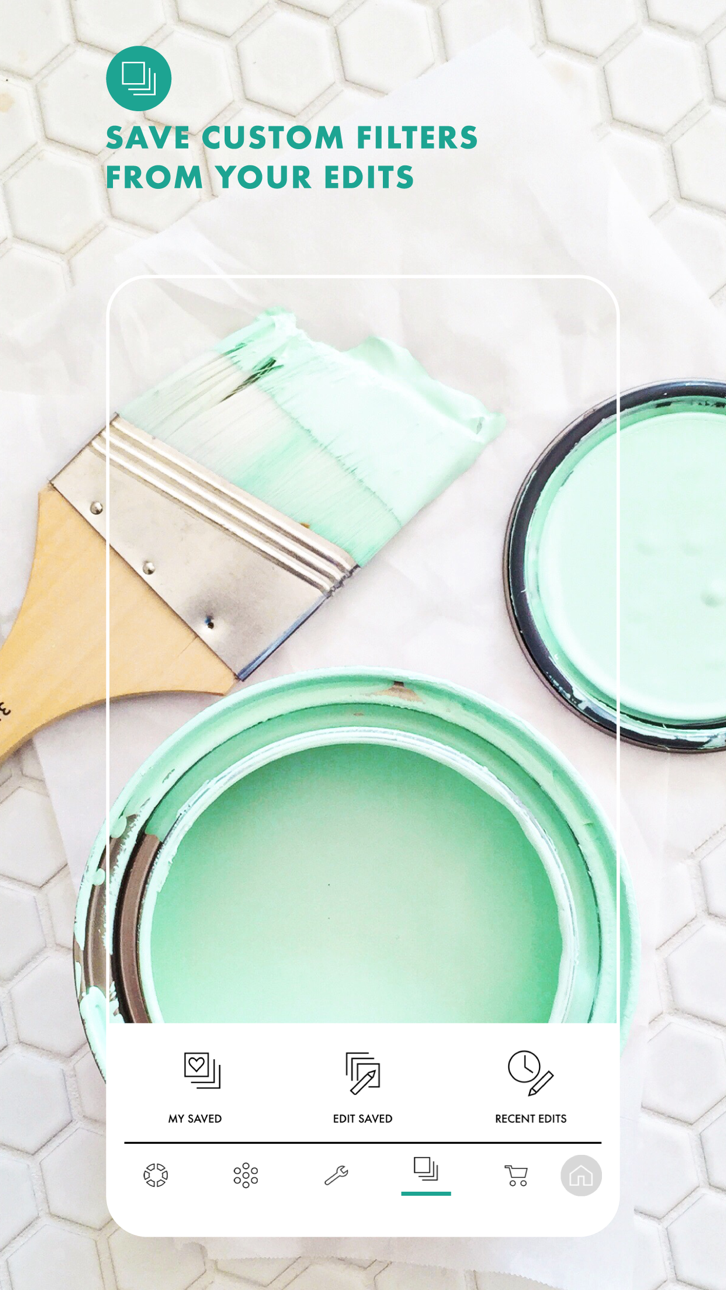
• Create your own editing presets, based on your favorite filters and effects
• Instagram grid preview and planning, right in the app
• Edit multiple photos at once with batch editing
• Edit photos and videos quickly and easily
• Touch tools for more precise editing
Get complete access with ACS+ Membership, which includes—
• Unlimited access to all our filters & effects
• Access to our Color+ tool
• Unlimited accounts added to grid planning
MEMBERSHIP PRICING, TERMS, & CONDITIONS
ACS+ Yearly:
The ACS+ Yearly membership is $29.99 USD per year. Pricing in other countries may vary, and charges may be converted to your local currency depending on the country you live in.
The ACS+ Yearly membership starts with a free 7-day trial period. Once the trial is over, you'll be charged $29.99 USD per year. Your ACS+ Yearly membership will automatically renew unless auto-renew is turned off at least 24 hours before the end of the current period. You can go to your Settings > iTunes Account & App Store > Apple ID > Subscriptions to manage your membership and turn auto-renew off. Your iTunes Account will be charged when the purchase is confirmed. Any unused portion of a free trial period will be forfeited when the user purchases a subscription during free trial.
ACS+ Monthly:
The ACS+ Monthly membership is $4.99 USD per month. Pricing in other countries may vary, and charges may be converted to your local currency depending on the country you live in.
The ACS+ Monthly membership automatically starts upon subscription and you'll be charged $4.99 USD per month. Your ACS+ Monthly membership will automatically renew unless auto-renew is turned off at least 24 hours before the end of the current period. You can go to your Settings > iTunes Account & App Store > Apple ID > Subscriptions to manage your membership and turn auto-renew off. Your iTunes Account will be charged when the purchase is confirmed. Any unused portion of a free trial period will be forfeited when the user purchases a subscription during free trial.
Read our full Terms of Use here:
https://acolorstory.com/terms-conditions/
Read our full Privacy Policy here:
https://acolorstory.com/privacy/
Скриншоты © их владельцев · App Store


iOSGods не связана с Apple Inc., Google LLC или разработчиками перечисленных здесь приложений, не одобрена и не спонсируется ими. Apple, iOS и App Store — товарные знаки Apple Inc. Android и Google Play — товарные знаки Google LLC. Все остальные названия приложений, значки, изображения и товарные знаки принадлежат их владельцам.
- iPhone или iPad без джейлбрейка/в обычном режиме или с джейлбрейком.
- Sideloadly или альтернативы.
- Компьютер с Windows/macOS/Linux и установленным iTunes.
ШАГ 1: Скачайте предварительно взломанный файл .IPA по ссылке выше на свой компьютер. Чтобы скачать его из приложения iOSGods, посмотрите наш Туториал по скачиванию IPA в приложении iOSGods, в котором есть видеопример.
ШАГ 2: Скачайте Sideloadly и установите его на Windows или Mac.
ШАГ 3: Откройте Sideloadly на компьютере, подключите iOS-устройство и дождитесь, пока его имя появится в Sideloadly.
ШАГ 4: Когда устройство будет распознано, перетащите скачанный модифицированный файл .IPA в окно Sideloadly.
ШАГ 5: Введите адрес электронной почты вашего Apple Account, затем нажмите «Start». После этого вас попросят ввести пароль. Укажите необходимые данные.
ШАГ 6: Дождитесь, пока Sideloadly завершит sideload/установку взломанного IPA. При возникновении проблем во время установки ознакомьтесь с примечанием ниже.
ШАГ 7: После завершения установки и появления приложения на главном экране перейдите в Настройки → Основные → Профили / VPN и управление устройством. Там нажмите на email, который вы ввели на шаге 6, а затем нажмите «Доверять [email protected]».
ШАГ 8: Теперь перейдите на главный экран и откройте установленное приложение — всё должно работать. Возможно, потребуется выполнить дополнительные инструкции в попапе мода внутри игры.
ПРИМЕЧАНИЕ: На iOS/iPadOS 16 и новее необходимо включить режим разработчика. Для бесплатных учётных записей Apple Developer этот процесс нужно повторять каждые 7 дней. Если возникнут вопросы или проблемы, ознакомьтесь с нашим разделом FAQ по Sideloadly в теме.
Game Name iOS Mod IPA is an action adventure game enhanced with powerful gameplay boosts and quality-of-life improvements. Win battles faster, earn rewards quicker, and enjoy uninterrupted play without ads.
- Unlimited Gold - spend freely to unlock premium content
- Damage Multiplier - deal significantly more damage in combat
- Defense Multiplier - take less damage and survive longer
- Reward Multiplier - earn more loot from every battle
- Max Level - instantly reach the highest player rank
- No Ads - play without interruptions or advertisements
This app also comes with iGameGod, giving you access to Auto Touch to automate repetitive tasks, App Speed Manager for adjustable gameplay speed, Memory Engine value editing, and more powerful iOS game tools.
Скачайте Game Name Mod IPA по ссылкам выше. Нажмите кнопку установки и следуйте инструкциям, чтобы установить этот хак iOS на iPhone, iPad или Mac с Apple Silicon.
Нужна помощь Посмотрите наши Часто задаваемые вопросы по приложению iOSGods, чтобы получить подробные ответы и советы по устранению неполадок.
----------------------------------------------------------
--------------------------------------------------