Cần đăng nhập
Đăng nhập bằng tài khoản iOSGods để tiếp tục.
Đăng nhập bằng tài khoản iOSGods để tiếp tục.
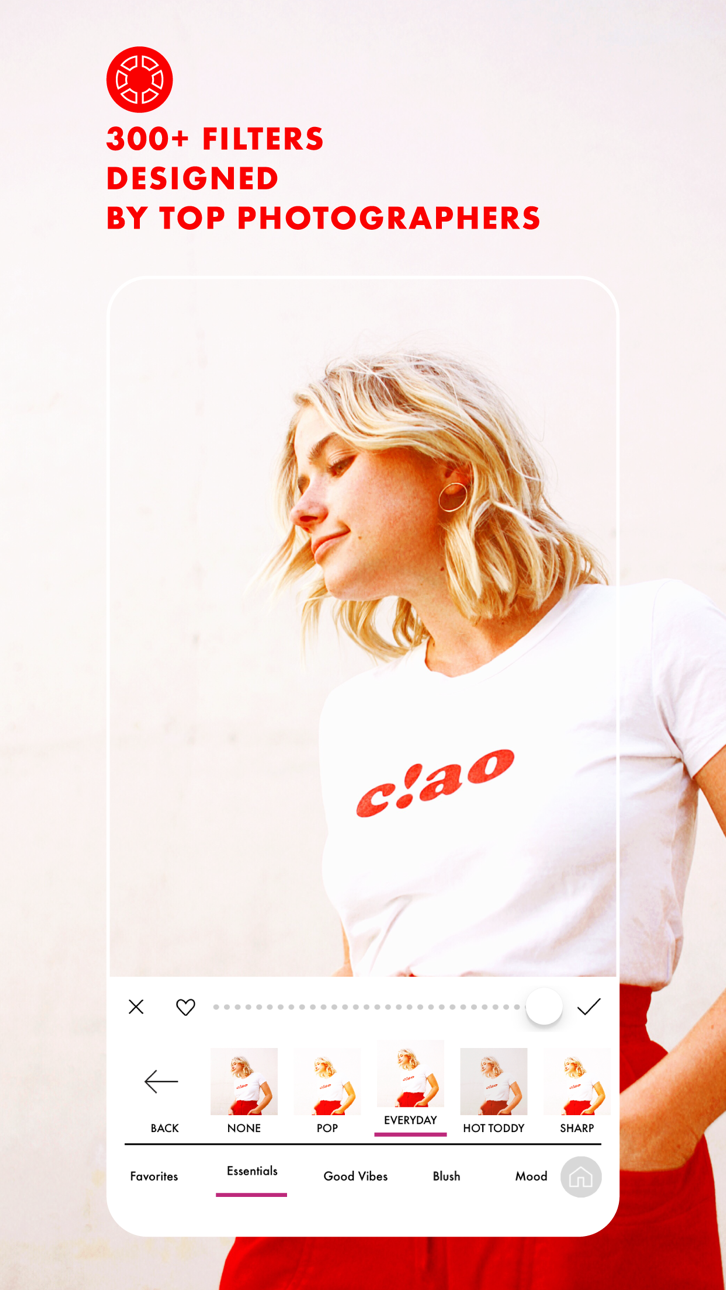
Mở khóa tất cả các bộ lọc cao cấp, hiệu ứng và công cụ chỉnh sửa nâng cao miễn phí với hack A Color Story Mod IPA này. Bộ sưu tập 300+ bộ lọc thiết kế, 100+ hiệu ứng có thể di chuyển và bộ công cụ chỉnh sửa chuyên nghiệp của ứng dụng, thường bị khóa sau các giao dịch mua trong ứng dụng, hiện đã hoàn toàn có thể truy cập, cho phép bạn tạo các ảnh và video được đánh bóng mà không cần chi tiêu thêm.
- Mua hàng miễn phí (Bật bên trong Trình đơn Mod iOSGods trước tiên) → loại bỏ các hạn chế mua hàng trong ứng dụng
Ứng dụng này cũng đi kèm với iGameGod, cho phép bạn truy cập Auto Touch để tự động hóa các thao tác lặp lại, App Speed Manager để điều chỉnh tốc độ chơi game, chỉnh sửa giá trị bằng Memory Engine, và nhiều công cụ mạnh mẽ khác cho game iOS.
Tải A Color Story Modded modded IPA từ các liên kết ở trên. Nhấn nút cài đặt và làm theo hướng dẫn để cài bản hack iOS lên iPhone, iPad hoặc Apple Silicon.
Cần thêm trợ giúp? Hãy xem Câu hỏi thường gặp ứng dụng iOSGods để có câu trả lời chi tiết và mẹo khắc phục sự cố.
There's a reason it's been downloaded over 20 million times! Photo and video editing has never been easier than with A Color Story. Add trending Styles to your photos in just one tap or choose from over 500 stackable filters and 120 customizable effects designed by top influencers and photographers. Found a combination that you love? Save it as a custom preset and use it over and over again on your photos or videos.
Plan out your Instagram grid right in the app! Select the right filters and effects in the photo editor and preview before you post. Batch editing allows you to edit multiple photos at once, making it easier than ever to add effects to a queue of photos.
Use object removal and multiple color and tone adjustment tools to edit and perfect your photo. No more painstakingly tracing objects - remove background objects with ease! HSL sliders and curves let you adjust the color and tone of your photo or video to emphasize that golden hour glow.
A Color Story has a variety of touch tools for precise, easy editing and effects, saving you time without sacrificing professional, polished results.
Start editing your photos and videos like a pro and download A Color Story today!
TONS OF EDITING TOOLS:
• Recreate trending looks in one tap with Styles
• Over 500 filters designed by top photographers and influencers to pick from
• Choose from over 120 movable effects to emphasize and add to your photos
• Utilize over 20 advanced tools, including HSL, curves and selective editing
• Object Removal tool lets you remove background objects
EDIT HOW YOU WANT, WHEN YOU WANT
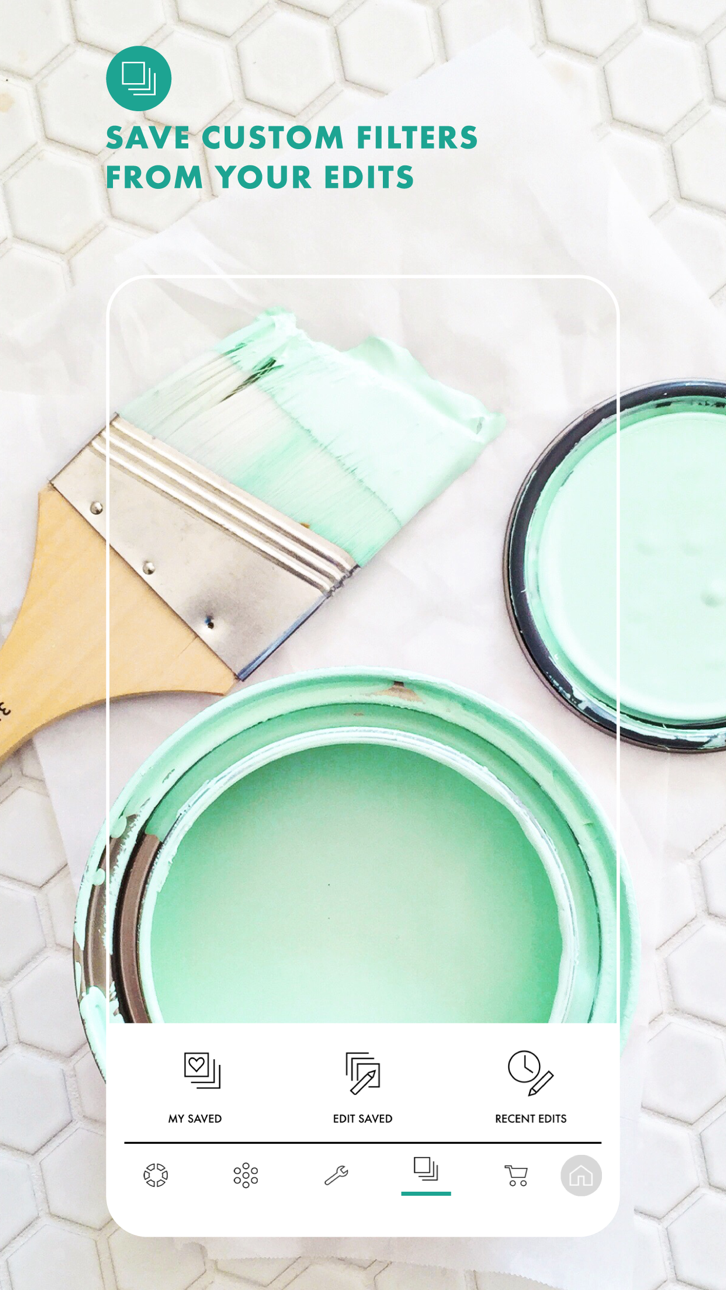
• Create your own editing presets, based on your favorite filters and effects
• Instagram grid preview and planning, right in the app
• Edit multiple photos at once with batch editing
• Edit photos and videos quickly and easily
• Touch tools for more precise editing
Get complete access with ACS+ Membership, which includes—
• Unlimited access to all our filters & effects
• Access to our Color+ tool
• Unlimited accounts added to grid planning
MEMBERSHIP PRICING, TERMS, & CONDITIONS
ACS+ Yearly:
The ACS+ Yearly membership is $29.99 USD per year. Pricing in other countries may vary, and charges may be converted to your local currency depending on the country you live in.
The ACS+ Yearly membership starts with a free 7-day trial period. Once the trial is over, you'll be charged $29.99 USD per year. Your ACS+ Yearly membership will automatically renew unless auto-renew is turned off at least 24 hours before the end of the current period. You can go to your Settings > iTunes Account & App Store > Apple ID > Subscriptions to manage your membership and turn auto-renew off. Your iTunes Account will be charged when the purchase is confirmed. Any unused portion of a free trial period will be forfeited when the user purchases a subscription during free trial.
ACS+ Monthly:
The ACS+ Monthly membership is $4.99 USD per month. Pricing in other countries may vary, and charges may be converted to your local currency depending on the country you live in.
The ACS+ Monthly membership automatically starts upon subscription and you'll be charged $4.99 USD per month. Your ACS+ Monthly membership will automatically renew unless auto-renew is turned off at least 24 hours before the end of the current period. You can go to your Settings > iTunes Account & App Store > Apple ID > Subscriptions to manage your membership and turn auto-renew off. Your iTunes Account will be charged when the purchase is confirmed. Any unused portion of a free trial period will be forfeited when the user purchases a subscription during free trial.
Read our full Terms of Use here:
https://acolorstory.com/terms-conditions/
Read our full Privacy Policy here:
https://acolorstory.com/privacy/
Ảnh chụp © chủ sở hữu tương ứng · App Store


iOSGods không liên kết, không được chứng thực hay tài trợ bởi Apple Inc., Google LLC hoặc các nhà phát triển của những ứng dụng được liệt kê ở đây. Apple, iOS và App Store là thương hiệu của Apple Inc. Android và Google Play là thương hiệu của Google LLC. Mọi tên ứng dụng, biểu tượng, hình ảnh và thương hiệu khác đều thuộc về chủ sở hữu tương ứng.

- iPhone hoặc iPad chưa jailbreak/đã đóng hoặc đã jailbreak.
- Sideloadly hoặc các lựa chọn thay thế.
- Máy tính chạy Windows/macOS/Linux đã cài iTunes.
BƯỚC 1: Tải tệp .IPA đã được hack sẵn từ liên kết phía trên về máy tính của bạn. Để tải từ iOSGods App, hãy xem Hướng dẫn tải IPA bằng iOSGods App của chúng tôi, có kèm ví dụ bằng video.
BƯỚC 2: Tải Sideloadly và cài đặt trên Windows hoặc Mac của bạn.
BƯỚC 3: Mở Sideloadly trên máy tính, kết nối thiết bị iOS của bạn và chờ cho đến khi tên thiết bị hiển thị trong Sideloadly.
BƯỚC 4: Khi thiết bị iOS của bạn đã được nhận diện, hãy kéo tệp .IPA đã chỉnh sửa mà bạn tải về và thả vào ứng dụng Sideloadly.
BƯỚC 5: Nhập email Apple Account của bạn, sau đó nhấn "Start." Bạn sẽ được yêu cầu nhập mật khẩu. Hãy cung cấp các thông tin cần thiết.
BƯỚC 6: Chờ Sideloadly hoàn tất quá trình sideload/cài đặt tệp IPA đã hack. Nếu gặp sự cố trong quá trình cài đặt, vui lòng đọc lưu ý bên dưới.
BƯỚC 7: Khi cài đặt hoàn tất và bạn thấy ứng dụng trên Màn hình chính, bạn cần truy cập Cài đặt → Cài đặt chung → Hồ sơ / VPN & Quản lý thiết bị. Tại đó, nhấn vào email bạn đã nhập ở bước 6, rồi nhấn "Tin cậy [email protected]".
BƯỚC 8: Bây giờ hãy về Màn hình chính và mở ứng dụng vừa cài đặt, mọi thứ sẽ hoạt động bình thường. Bạn có thể cần làm theo hướng dẫn riêng của từng ứng dụng trong cửa sổ popup của bản hack trong game.
LƯU Ý: Trên iOS/iPadOS 16 trở lên, bạn phải bật Chế độ nhà phát triển. Với tài khoản Apple Developer miễn phí, bạn sẽ cần lặp lại quy trình này mỗi 7 ngày. Nếu bạn có thắc mắc hoặc gặp sự cố, hãy đọc mục FAQ về Sideloadly trong chủ đề của chúng tôi.
Game Name iOS Mod IPA is an action adventure game enhanced with powerful gameplay boosts and quality-of-life improvements. Win battles faster, earn rewards quicker, and enjoy uninterrupted play without ads.
- Unlimited Gold - spend freely to unlock premium content
- Damage Multiplier - deal significantly more damage in combat
- Defense Multiplier - take less damage and survive longer
- Reward Multiplier - earn more loot from every battle
- Max Level - instantly reach the highest player rank
- No Ads - play without interruptions or advertisements
This app also comes with iGameGod, giving you access to Auto Touch to automate repetitive tasks, App Speed Manager for adjustable gameplay speed, Memory Engine value editing, and more powerful iOS game tools.
Tải Game Name Mod IPA từ các liên kết ở trên. Nhấn nút cài đặt và làm theo hướng dẫn để cài bản hack iOS lên iPhone, iPad hoặc Apple Silicon.
Cần thêm trợ giúp Hãy xem Câu hỏi thường gặp ứng dụng iOSGods để có câu trả lời chi tiết và mẹo khắc phục sự cố.
----------------------------------------------------------
--------------------------------------------------