Inloggen vereist
Log in met je iOSGods-account om door te gaan.

Hack Features:
- Unlimited Coins - Earn some to receive an unlimited amount.
- Unlimited Gems - Earn some to receive an unlimited amount.
- Starter Pack Purchased
- VIP Club Purchased
Download Flippy Friends AR Multiplayer - Free Hack modded IPA via de bovenstaande links. Tik op de installatieknop en volg de instructies om deze iOS-app-hack op je iPhone, iPad of Apple Silicon te installeren.
Meer hulp nodig? Bekijk onze Veelgestelde vragen over de iOSGods-app voor uitgebreide antwoorden en probleemoplossingstips.
Flippy Friends AR Multiplayer uses ARKit 2 and is compatible with iPhone 6s and newer. See below for iPad and iOS compatibility.
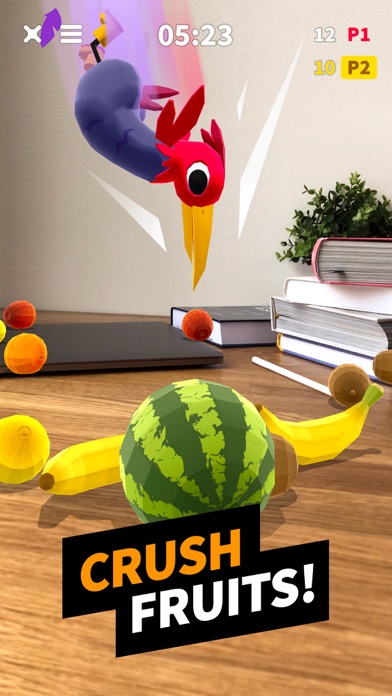
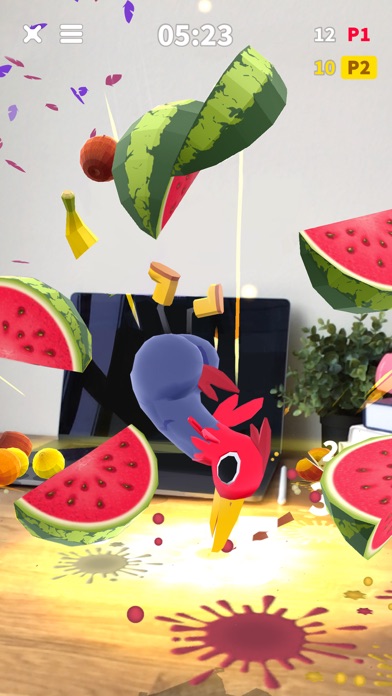
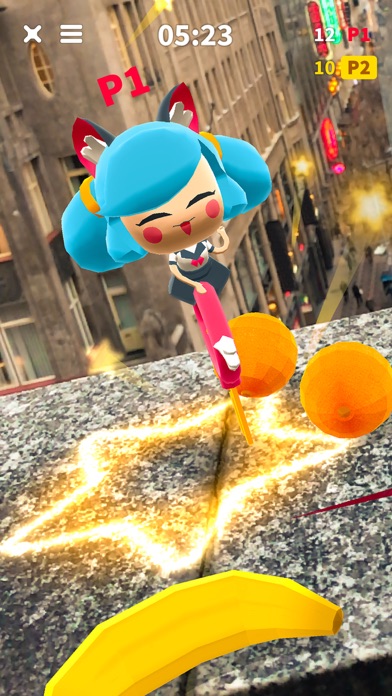
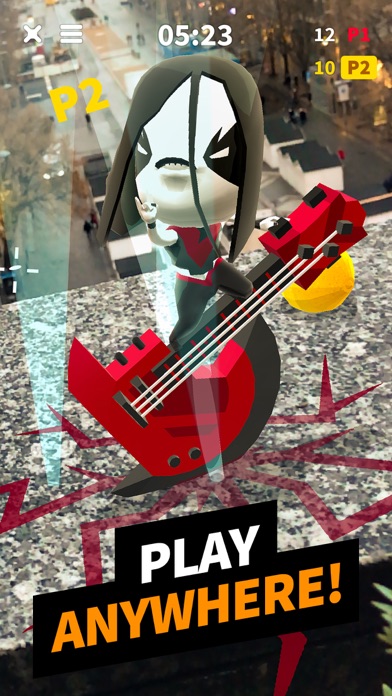
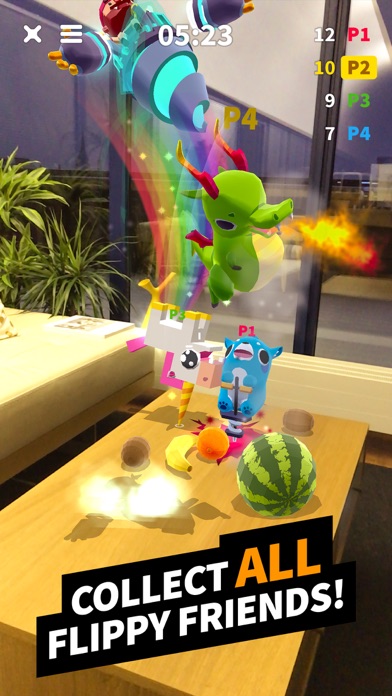
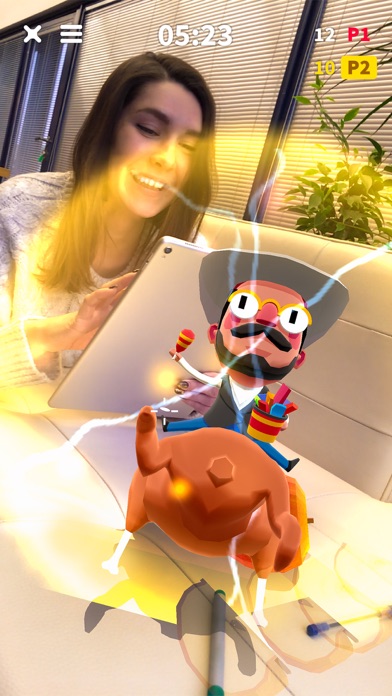
Fruits are spread out all around you in Augmented Reality! You need to smash them with help from your Flippy Friends! Choose a Friend, crush and smash the fruits, collect more Flippy Friends, and have endless fun competing with your friends and family in Multiplayer mode!
This Augmented Reality game is the perfect way to have a fun time at parties and get moving in the real world.
- Find your Best Flippy Friend!
- Crush and smash the fruits!
- Easy-to-learn one-finger controls
- MULTIPLAYER mode. Compete with friends on up to 4 devices
- SINGLE PLAYER mode. Train your skills!
- Make COMBOS and get superpowers!
- Fun new characters coming soon!
Find your best Flippy Friend and get flipping!
SUBSCRIPTION PRICING AND TERMS
VIP CLUB Membership
Subscription options, prices and durations:
- Weekly VIP CLUB Membership for 7.99 USD offers a weekly subscription after a 3-day free trial for unlocking 4 characters, removing ads, getting 50 gems and 1000 coins daily.
- Monthly VIP CLUB Membership for 17.99 USD offers a monthly subscription for unlocking 4 characters, removing ads, getting 50 gems and 1000 coins daily.
- Yearly VIP CLUB Membership for 79.99 USD offers a yearly subscription for unlocking 4 characters, removing ads, getting 50 gems and 1000 coins daily.
End of trial and subscription renewal:
- Payment will be charged to iTunes Account at confirmation of purchase;
- Subscription automatically renews with the price and duration period as the original "1 week"/"1 month"/"1 year" package unless auto-renew is turned off at least 24-hours before the end of the current period;
- Account will be charged for renewal within 24-hours prior to the end of the current period at the cost of the chosen package (weekly, monthly or yearly package);
- Subscriptions may be managed by the user and auto-renewal may be turned off by going to the user's iTunes Account Settings after purchase;
- No cancellation of the current subscription is allowed during active subscription period;
- You may cancel a subscription during its free trial period via the subscription setting through your iTunes account. This must be done 24 hours before the end of the subscription period to avoid being charged. Please visit http://support.apple.com/kb/ht4098 for more information.
Canceling trial or subscription:
- You may turn off the auto-renewal of your subscription via your iTunes Account Settings. However, you are not able to cancel the current subscription during its active period;
- Any unused portion of a free-trial period, will be forfeited when the user purchases a VIP CLUB Membership.
Links to our Terms of Service and Privacy Policy can be found below:
Privacy Policy: https://beresnev.games/privacyPolicy/
Terms of Use: https://beresnev.games/termofuse/
For all the questions please contact us at [email protected]
* Prices are equal to the value that «Apple's App Store Pricing Matrix» determines as the equivalent of the subscription price in $ USD
- Niet-jailbroken/jailed of jailbroken iPhone of iPad.
- Sideloadly of alternatieven.
- Computer met Windows/macOS/Linux en iTunes geïnstalleerd.
STAP 1: Download het vooraf gehackte .IPA-bestand via de link hierboven naar uw computer. Om het te downloaden vanuit de iOSGods App, bekijk onze iOSGods App IPA-downloadhandleiding met een videovoorbeeld.
STAP 2: Download Sideloadly en installeer het op uw Windows of Mac.
STAP 3: Open Sideloadly op uw computer, sluit uw iOS-apparaat aan en wacht tot de naam van uw apparaat in Sideloadly verschijnt.
STAP 4: Zodra uw iDevice is herkend, sleept u het gedownloade gemodde .IPA-bestand naar de Sideloadly-applicatie.
STAP 5: Voer het e-mailadres van uw Apple Account in en druk op “Start”. U wordt vervolgens gevraagd om uw wachtwoord in te voeren. Geef de gevraagde informatie op.
STAP 6: Wacht tot Sideloadly het sideloaden/installeren van de gehackte IPA heeft voltooid. Als er problemen zijn tijdens de installatie, lees dan onderstaande opmerking.
STAP 7: Zodra de installatie is voltooid en u de app op uw beginscherm ziet, gaat u naar Instellingen → Algemeen → Profielen / VPN- en apparaatbeheer. Tik daar op het e-mailadres dat u in stap 6 hebt ingevoerd en tik vervolgens op “Vertrouw [email protected]”.
STAP 8: Ga nu naar uw beginscherm en open de zojuist geïnstalleerde app; alles zou correct moeten werken. Mogelijk moet u verdere app-specifieke instructies volgen in de hack-popup in het spel.
OPMERKING: Op iOS/iPadOS 16 en later moet u Ontwikkelaarsmodus inschakelen. Voor gratis Apple Developer-accounts moet u dit proces elke 7 dagen herhalen. Als u vragen of problemen hebt, lees dan onze Sideloadly FAQ-sectie van het onderwerp.