Требуется вход
Войдите в учётную запись iOSGods, чтобы продолжить.
Войдите в учётную запись iOSGods, чтобы продолжить.

Разблокируйте неограниченные монеты и драгоценные камни в Flippy Friends AR Multiplayer с помощью этого бесплатного взлома для iOS, позволяющего вам мгновенно максимизировать внутриигровую валюту и полностью пропустить рутину.
После активации мода у вас будет мгновенный доступ к премиум-покупкам и привилегиям ViP без траты реальных денег, так что вы сможете сосредоточиться на раздавливании фруктов и сборе Flippy Friends в дополненной реальности без беспокойства о стенах прогрессии.
- Неограниченные монеты → заработайте немного, чтобы получить неограниченное количество
- Неограниченные драгоценные камни → заработайте немного, чтобы получить неограниченное количество
- Стартовый пакет куплен → мгновенный доступ к стартовому набору
- ViP клуб куплен → премиум-членство разблокировано
Это приложение также поставляется с iGameGod, который открывает доступ к Auto Touch для автоматизации повторяющихся действий, App Speed Manager для регулируемой скорости игры, редактированию значений Memory Engine и другим мощным инструментам для iOS-игр.
Скачайте Flippy Friends AR Multiplayer - Free Hack modded IPA по ссылкам выше. Нажмите кнопку установки и следуйте инструкциям, чтобы установить этот хак iOS на iPhone, iPad или Mac с Apple Silicon.
Нужна помощь? Посмотрите наши Часто задаваемые вопросы по приложению iOSGods, чтобы получить подробные ответы и советы по устранению неполадок.
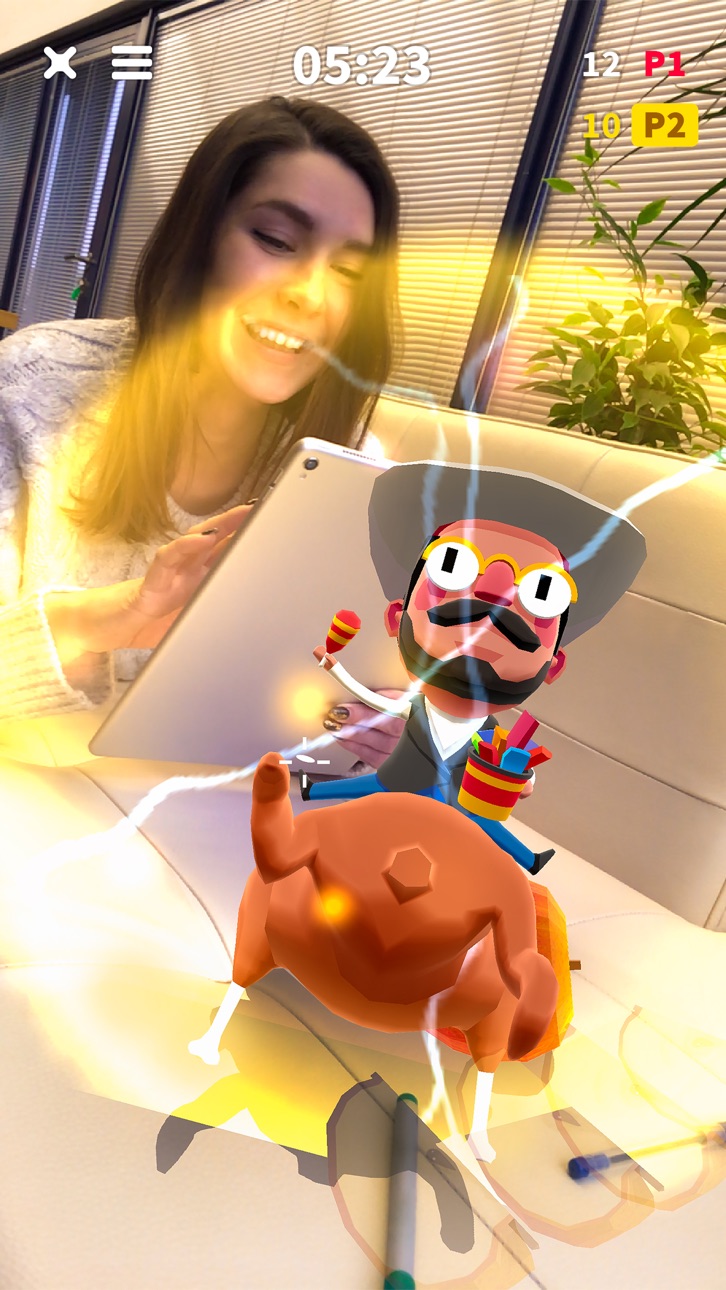
Flippy Friends AR Мультиплеер использует технологию ARKit 2 и совместим с iPhone 6s и более поздними устройствами. Информация о совместимости с iPad и iOS приведена ниже.
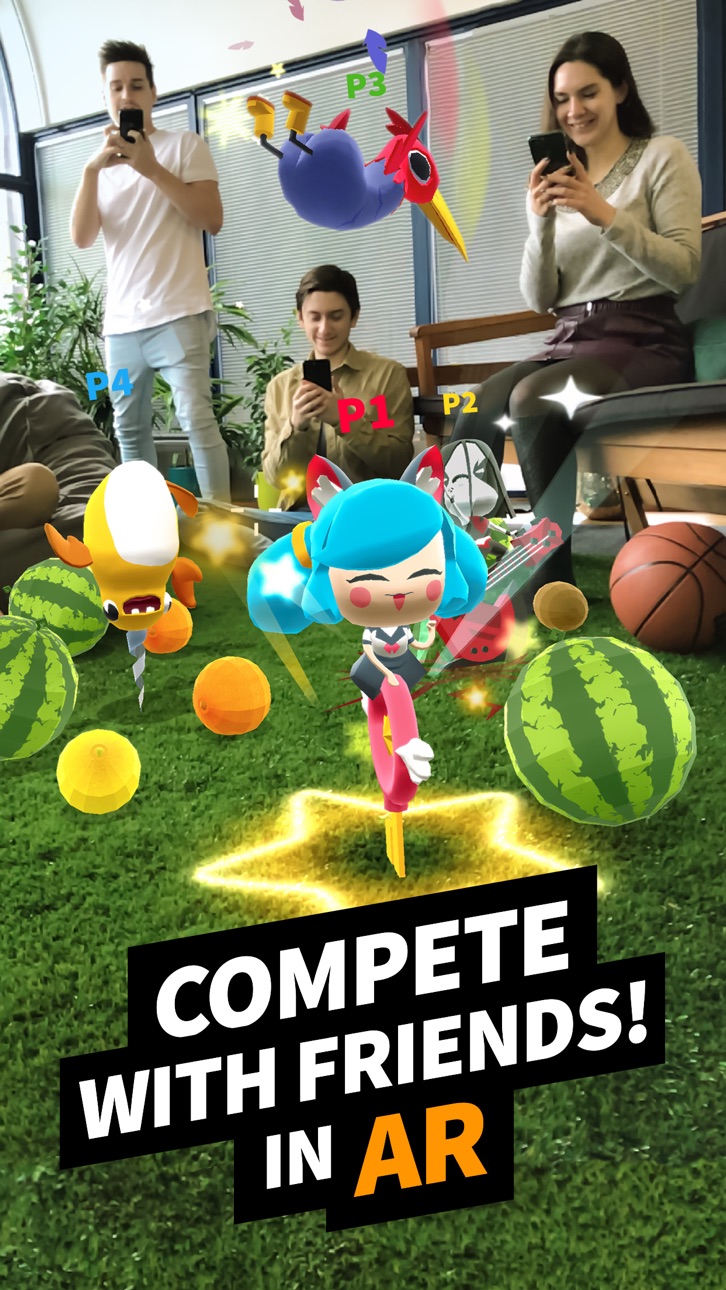
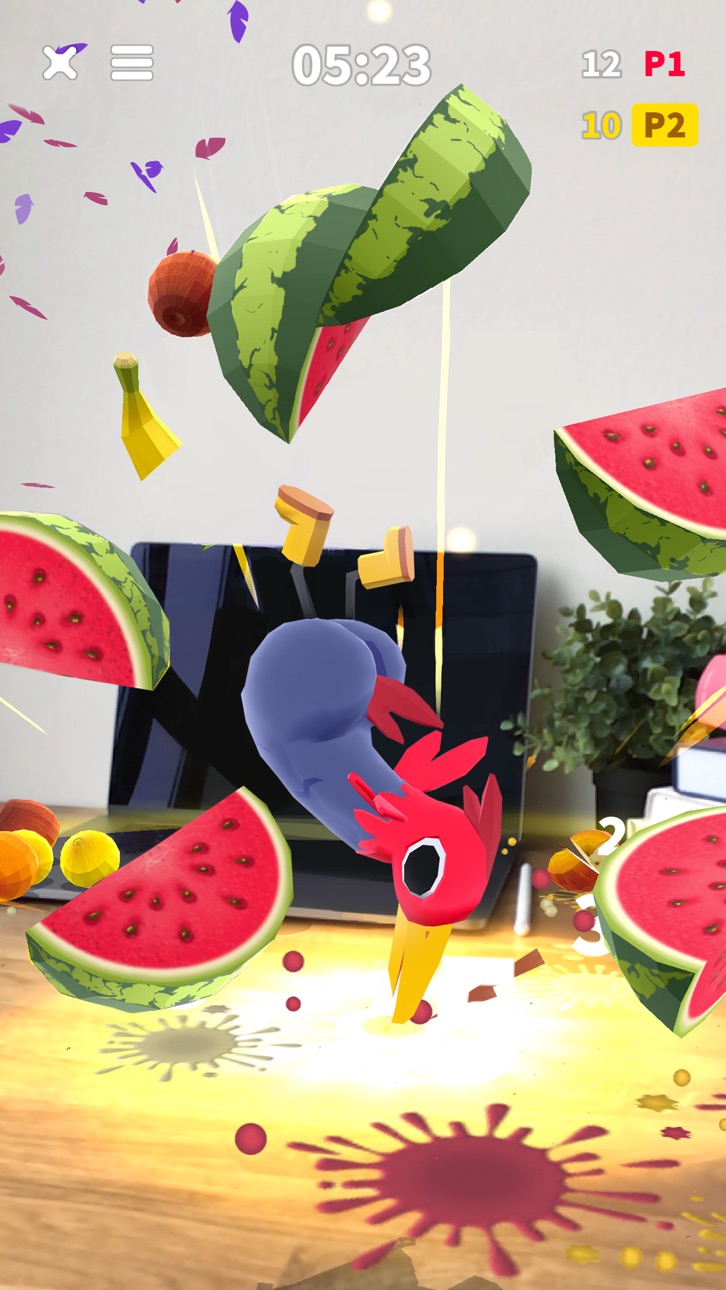
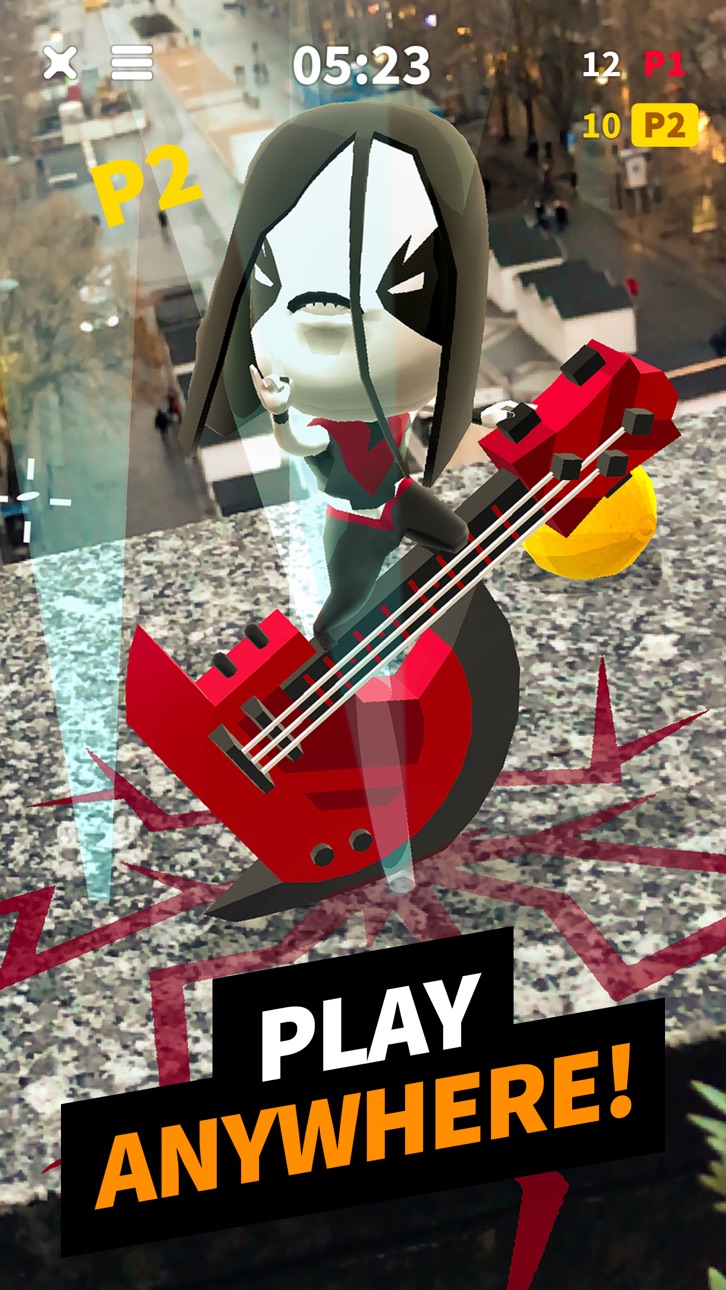
Разбивай фрукты в Дополненной Реальности с помощью забавных персонажей! Соревнуйся с друзьями в Мультиплеере, набирай Комбо и коллекционируй разнообразных героев!
Игра в Дополненной Реальности - идеальный способ весело провести время в кругу друзей и семьи!
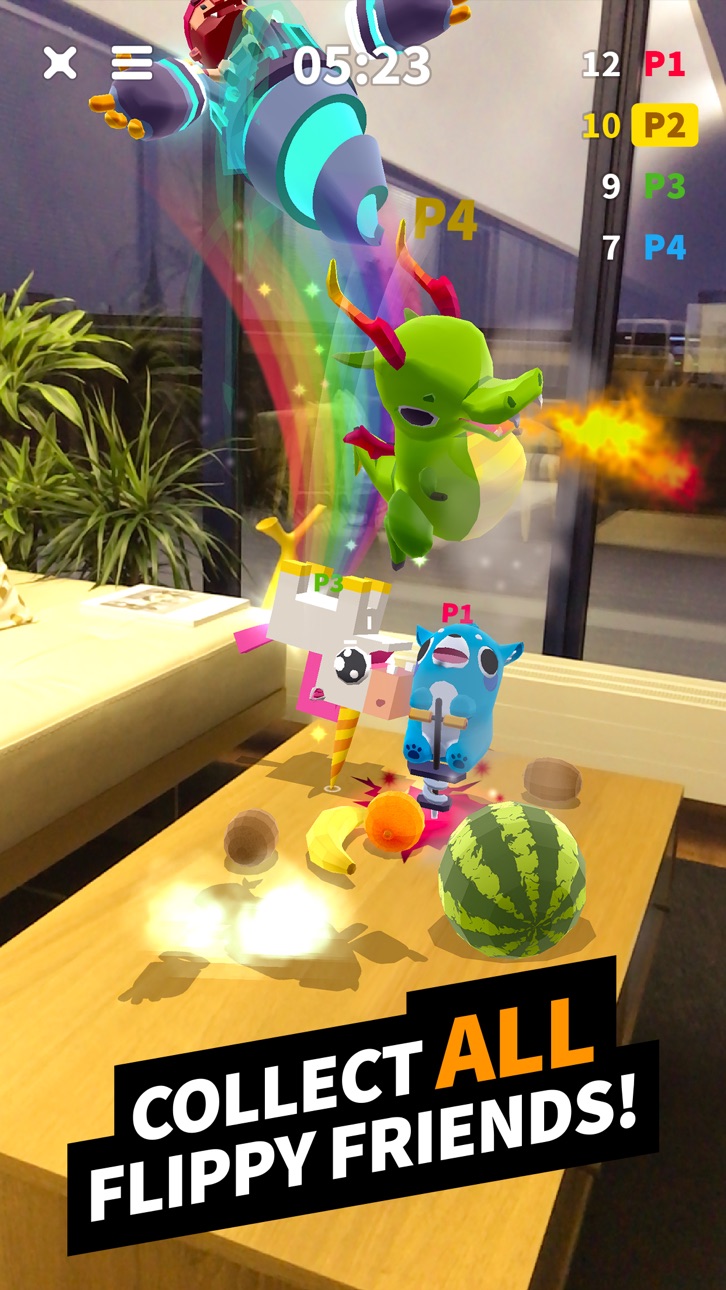
- Собирай уникальных персонажей!
- Разрубай фрукты!
- Простое управление
- МУЛЬТИПЛЕЕР до 4 человек
- ИГРАЙ ОДИН - тренируйся, чтобы побеждать!
- Набирай КОМБО для СУПЕР УДАРА!
- НОВЫЕ ГЕРОИ и регулярные обновления
SUBSCRIPTION PRICING AND TERMS
VIP CLUB Membership
Subscription options, prices and durations:
- Weekly VIP CLUB Membership for 7.99 USD offers a weekly subscription after a 3-day free trial for unlocking 4 characters, removing ads, getting 50 gems and 1000 coins daily.
- Monthly VIP CLUB Membership for 17.99 USD offers a monthly subscription for unlocking 4 characters, removing ads, getting 50 gems and 1000 coins daily.
- Yearly VIP CLUB Membership for 79.99 USD offers a yearly subscription for unlocking 4 characters, removing ads, getting 50 gems and 1000 coins daily.
End of trial and subscription renewal:
- Payment will be charged to iTunes Account at confirmation of purchase;
- Subscription automatically renews with the price and duration period as the original "1 week"/"1 month"/"1 year" package unless auto-renew is turned off at least 24-hours before the end of the current period;
- Account will be charged for renewal within 24-hours prior to the end of the current period at the cost of the chosen package (weekly, monthly or yearly package);
- Subscriptions may be managed by the user and auto-renewal may be turned off by going to the user's iTunes Account Settings after purchase;
- No cancellation of the current subscription is allowed during active subscription period;
- You may cancel a subscription during its free trial period via the subscription setting through your iTunes account. This must be done 24 hours before the end of the subscription period to avoid being charged. Please visit http://support.apple.com/kb/ht4098 for more information.
Canceling trial or subscription:
- You may turn off the auto-renewal of your subscription via your iTunes Account Settings. However, you are not able to cancel the current subscription during its active period;
- Any unused portion of a free-trial period, will be forfeited when the user purchases a VIP CLUB Membership.
Links to our Terms of Service and Privacy Policy can be found below:
For all the questions please contact us at [email protected]
* Prices are equal to the value that «Apple's App Store Pricing Matrix» determines as the equivalent of the subscription price in $ USD
Скриншоты © их владельцев · App Store


iOSGods не связана с Apple Inc., Google LLC или разработчиками перечисленных здесь приложений, не одобрена и не спонсируется ими. Apple, iOS и App Store — товарные знаки Apple Inc. Android и Google Play — товарные знаки Google LLC. Все остальные названия приложений, значки, изображения и товарные знаки принадлежат их владельцам.
- iPhone или iPad без джейлбрейка/в обычном режиме или с джейлбрейком.
- Sideloadly или альтернативы.
- Компьютер с Windows/macOS/Linux и установленным iTunes.
ШАГ 1: Скачайте предварительно взломанный файл .IPA по ссылке выше на свой компьютер. Чтобы скачать его из приложения iOSGods, посмотрите наш Туториал по скачиванию IPA в приложении iOSGods, в котором есть видеопример.
ШАГ 2: Скачайте Sideloadly и установите его на Windows или Mac.
ШАГ 3: Откройте Sideloadly на компьютере, подключите iOS-устройство и дождитесь, пока его имя появится в Sideloadly.
ШАГ 4: Когда устройство будет распознано, перетащите скачанный модифицированный файл .IPA в окно Sideloadly.
ШАГ 5: Введите адрес электронной почты вашего Apple Account, затем нажмите «Start». После этого вас попросят ввести пароль. Укажите необходимые данные.
ШАГ 6: Дождитесь, пока Sideloadly завершит sideload/установку взломанного IPA. При возникновении проблем во время установки ознакомьтесь с примечанием ниже.
ШАГ 7: После завершения установки и появления приложения на главном экране перейдите в Настройки → Основные → Профили / VPN и управление устройством. Там нажмите на email, который вы ввели на шаге 6, а затем нажмите «Доверять [email protected]».
ШАГ 8: Теперь перейдите на главный экран и откройте установленное приложение — всё должно работать. Возможно, потребуется выполнить дополнительные инструкции в попапе мода внутри игры.
ПРИМЕЧАНИЕ: На iOS/iPadOS 16 и новее необходимо включить режим разработчика. Для бесплатных учётных записей Apple Developer этот процесс нужно повторять каждые 7 дней. Если возникнут вопросы или проблемы, ознакомьтесь с нашим разделом FAQ по Sideloadly в теме.
Game Name iOS Mod IPA is an action adventure game enhanced with powerful gameplay boosts and quality-of-life improvements. Win battles faster, earn rewards quicker, and enjoy uninterrupted play without ads.
- Unlimited Gold - spend freely to unlock premium content
- Damage Multiplier - deal significantly more damage in combat
- Defense Multiplier - take less damage and survive longer
- Reward Multiplier - earn more loot from every battle
- Max Level - instantly reach the highest player rank
- No Ads - play without interruptions or advertisements
This app also comes with iGameGod, giving you access to Auto Touch to automate repetitive tasks, App Speed Manager for adjustable gameplay speed, Memory Engine value editing, and more powerful iOS game tools.
Скачайте Game Name Mod IPA по ссылкам выше. Нажмите кнопку установки и следуйте инструкциям, чтобы установить этот хак iOS на iPhone, iPad или Mac с Apple Silicon.
Нужна помощь Посмотрите наши Часто задаваемые вопросы по приложению iOSGods, чтобы получить подробные ответы и советы по устранению неполадок.
----------------------------------------------------------
--------------------------------------------------