ต้องเข้าสู่ระบบ
เข้าสู่ระบบด้วยบัญชี iOSGods เพื่อดำเนินการต่อ
เข้าสู่ระบบด้วยบัญชี iOSGods เพื่อดำเนินการต่อ

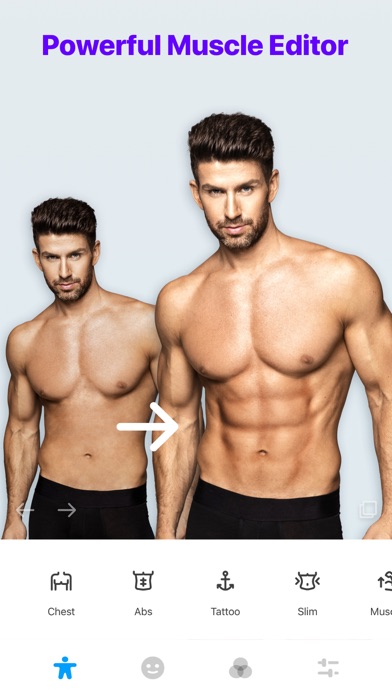
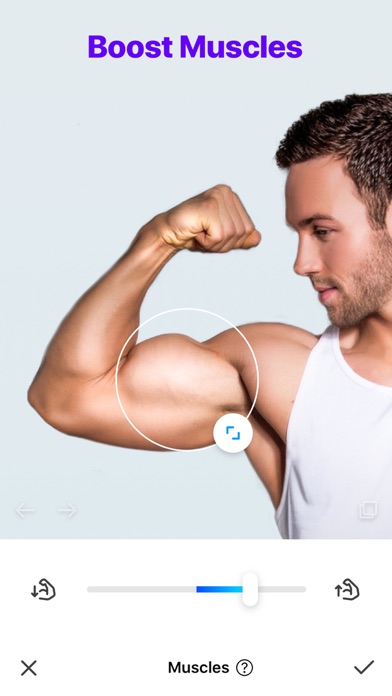
แปลงลักษณะของคุณในเพียงไม่กี่วินาทีด้วย Manly - Body Muscle Editor Pro Modded ซึ่งเป็นแอปแก้ไขรูปภาพระดับพรีเมียมที่ช่วยให้คุณสามารถสร้างกล้ามเนื้อ รอยสัก เครา และทรงผมลงบนภาพเซลฟี่ของคุณได้ แอป iOS ที่ปรับแต่งนี้ปลดล็อกชุด Pro ฉบับสมบูรณ์ ให้คุณเข้าถึงการออกแบบกล้ามเนื้อกว่า 100 แบบ เครื่องมือปรับรูปร่างตัว และตัวกรองระดับมืออาชีพเพื่อสร้างภาพ肖像ที่ได้รับการปรับปรุงอย่างสมบูรณ์แบบ
- Premium ปลดล็อก → เข้าถึงฟีเจอร์ Pro ทั้งหมดแบบเต็ม
แอปนี้ยังมาพร้อมกับ iGameGod ซึ่งช่วยให้คุณเข้าถึง Auto Touch สำหรับการทำงานซ้ำ ๆ โดยอัตโนมัติ, App Speed Manager สำหรับปรับความเร็วของเกม, การแก้ไขค่าด้วย Memory Engine และเครื่องมือสำหรับเกม iOS ที่ทรงพลังอื่น ๆ อีกมากมาย
ดาวน์โหลด Manly - Body Muscle Editor Pro Modded modded IPA จากลิงก์ด้านบน แตะปุ่มติดตั้งและทำตามคำแนะนำบนหน้าจอเพื่อติดตั้งแฮ็กแอป iOS นี้บน iPhone, iPad หรือ Apple Silicon
ต้องการความช่วยเหลือเพิ่มเติม? ดู คำถามที่พบบ่อยของแอป iOSGods สำหรับคำตอบโดยละเอียดและเคล็ดลับการแก้ไขปัญหา
Da rienda suelta a tu creatividad con Manly, un editor de fotos diseñado para hombres.
Incluye una serie de funciones de edición de fotos, como ajuste de estilo, retoque facial con IA, diseño de barba y peinado, eliminación de fondo y mucho más.
Manly hace que editar fotos sea increíblemente fácil. ¡Sumérgete en el mundo de Manly ahora!
--- Características principales ---
AJUSTE DE ESTILO
Manly te ayuda a ajustar al instante el efecto visual de tus selfies para que luzcan perfectas con un solo toque.
Editor con IA
Intercambia rostros y descubre una gran variedad de estilos en tus fotos con el retoque facial con IA. Mejora tus fotos a alta calidad con la IA y soluciona problemas que van más allá de la claridad y la resolución.
Plantillas de diseño
Crea collages con varias fotos para crear una imagen impactante con diversos diseños.
Eliminación y cambio de fondo
Elimina fondos no deseados y cambia el fondo de tus fotos con un solo toque, añade filtros increíbles y superposiciones en la misma página.
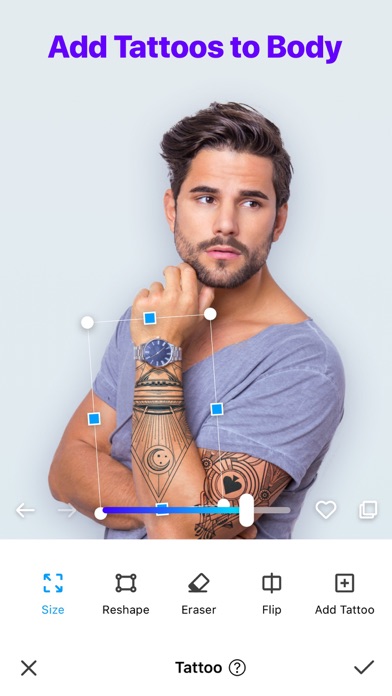
Añadir tatuajes
Personaliza tu look con más de 100 diseños de tatuajes.
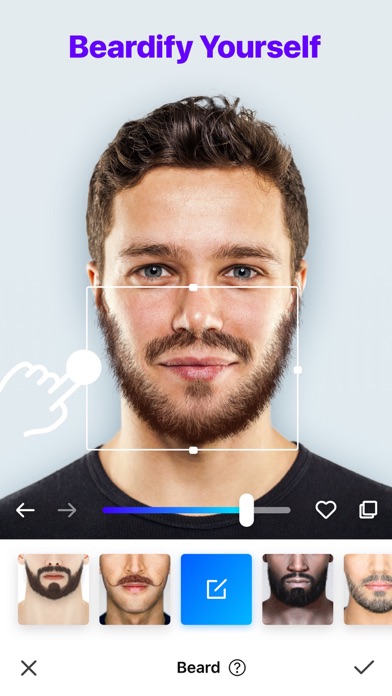
Estilos de barba
¡Prueba estilos de barba modernos y realza tu atractivo!
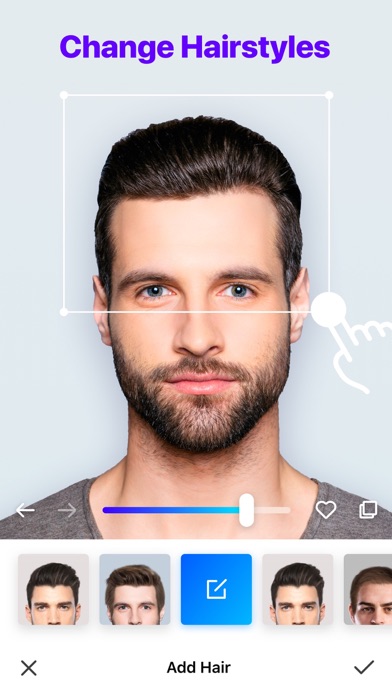
Cambios de peinado
Descubre tu próximo look impactante con nuestras opciones de peinado con IA.
Color de cabello
Elige entre colores populares o atrévete con tonos únicos.
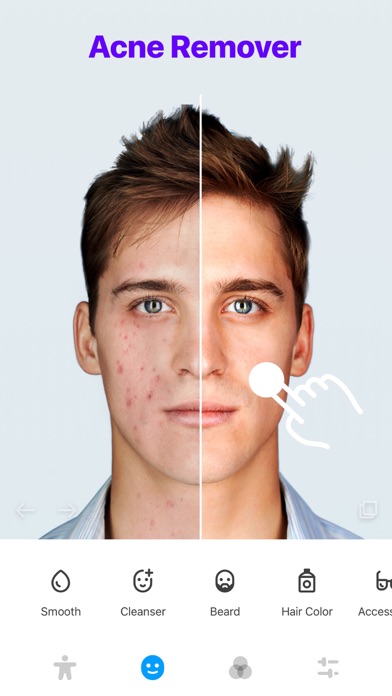
Eliminador de acné
Luce más joven con nuestra función para suavizar la piel.
Ajuste de tono de piel
Elige entre una amplia gama de tonos de piel.
Piel perfecta
Luce una piel impecable y sin acné.
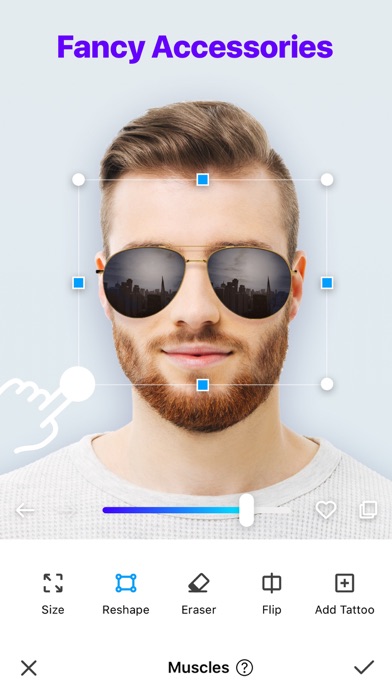
Accesorios
Dale un toque especial a tu look con accesorios con estilo.
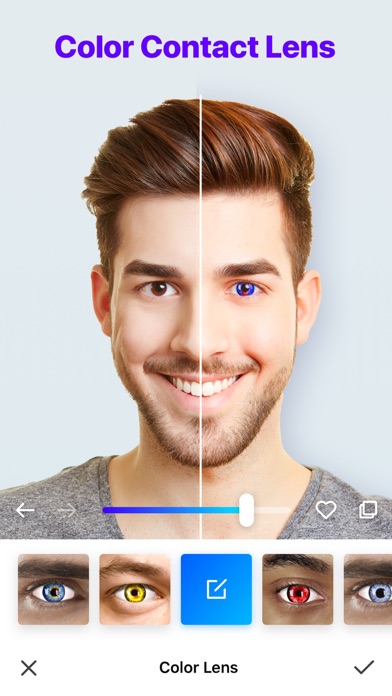
Lentes de contacto de color
Crea looks diversos con nuestros lentes de contacto de color.
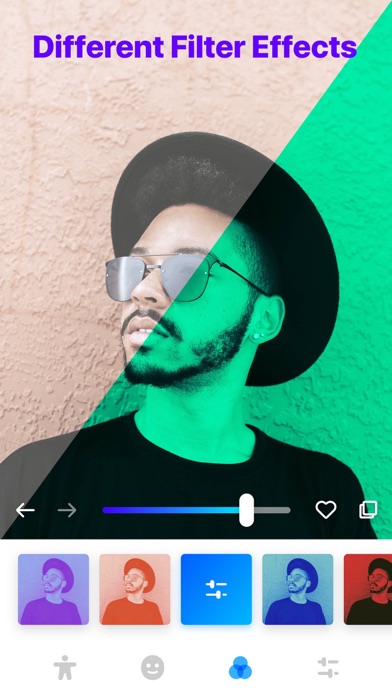
Efectos de filtro
Añade un toque artístico con filtros únicos.
Interfaz fácil de usar
¡Disfruta de la sencillez y la diversión de la edición de fotos!
¡Descarga Manly ahora y comienza tu aventura de edición de fotos!
- iPhone หรือ iPad ที่ไม่ได้เจลเบรก/ไม่ได้เจลเบรก หรือเจลเบรกแล้ว
- Sideloadly หรือทางเลือกอื่น
- คอมพิวเตอร์ที่ใช้ Windows/macOS/Linux และติดตั้ง iTunes ไว้
ขั้นตอนที่ 1: ดาวน์โหลดไฟล์ .IPA ที่แฮกไว้ล่วงหน้าจากลิงก์ด้านบนลงในคอมพิวเตอร์ของคุณ หากต้องการดาวน์โหลดจากแอป iOSGods โปรดดู วิธีดาวน์โหลด IPA ในแอป iOSGods ซึ่งมีตัวอย่างวิดีโอประกอบ
ขั้นตอนที่ 2: ดาวน์โหลด Sideloadly แล้วติดตั้งบน Windows หรือ Mac ของคุณ
ขั้นตอนที่ 3: เปิด Sideloadly บนคอมพิวเตอร์ เชื่อมต่ออุปกรณ์ iOS แล้วรอจนกว่าชื่ออุปกรณ์ของคุณจะปรากฏใน Sideloadly
ขั้นตอนที่ 4: เมื่อ iDevice ของคุณถูกตรวจพบแล้ว ให้ลากไฟล์ .IPA ที่ม็อดมาวางลงในโปรแกรม Sideloadly
ขั้นตอนที่ 5: กรอกอีเมล Apple Account ของคุณ จากนั้นกด "Start" ระบบจะถามรหัสผ่าน กรอกข้อมูลที่จำเป็นให้เรียบร้อย
ขั้นตอนที่ 6: รอจนกว่า Sideloadly จะ sideload/ติดตั้งไฟล์ IPA ที่แฮกเสร็จ หากเกิดปัญหาระหว่างติดตั้ง โปรดอ่านหมายเหตุด้านล่าง
ขั้นตอนที่ 7: เมื่อการติดตั้งเสร็จสิ้นและเห็นแอปบนหน้าจอหลักแล้ว ให้ไปที่ การตั้งค่า → ทั่วไป → โปรไฟล์ / VPN และการจัดการอุปกรณ์ จากนั้นแตะที่อีเมลที่คุณกรอกในขั้นตอนที่ 6 แล้วแตะ "เชื่อถือ [email protected]"
ขั้นตอนที่ 8: จากนั้นไปที่หน้าจอหลักและเปิดแอปที่ติดตั้งใหม่ ทุกอย่างควรทำงานได้ปกติ คุณอาจต้องทำตามคำแนะนำเพิ่มเติมเฉพาะแอปในป๊อปอัปของม็อดในเกม
หมายเหตุ: สำหรับ iOS/iPadOS 16 ขึ้นไป คุณต้อง เปิดโหมดนักพัฒนา (Developer Mode) สำหรับบัญชี Apple Developer แบบฟรี คุณต้องทำขั้นตอนนี้ซ้ำทุก 7 วัน หากมีคำถามหรือพบปัญหา โปรดอ่าน หัวข้อ FAQ ของ Sideloadly ในกระทู้