Login necessário
Entre com sua conta iOSGods para continuar.
Entre com sua conta iOSGods para continuar.
Transforme seu físico em segundos com Manly, um editor de fotos premium que permite esculpir músculos, tatuagens, barbas e penteados em seus selfies. Este app iOS modificado desbloqueia a suíte Pro completa, dando a você acesso a mais de 100 designs de músculos, ferramentas de remodelagem corporal e filtros profissionais para criar o retrato aprimorado perfeito.
- Premium Desbloqueado → acesso completo a todos os recursos Pro
Este app também vem com iGameGod, oferecendo acesso ao Auto Touch para automatizar tarefas repetitivas, App Speed Manager para ajustar a velocidade do jogo, edição de valores com Memory Engine e outras ferramentas avançadas para jogos iOS.
Baixe Manly - Body Muscle Editor Pro Modded modded IPA dos links acima. Toque no botão de instalação e siga as instruções para instalar este hack iOS no seu iPhone, iPad ou Apple Silicon.
Precisa de mais ajuda? Confira nossas Perguntas frequentes sobre o app iOSGods para respostas detalhadas e dicas de solução de problemas.
Unleash your creativity with Manly, a photo editor designed for men.
Packed with a series of photo editor features, such as fit style adjustment, AI reface, face retouching, beard and hairstyle design, background removal and more.
Manly makes photo editor so easy to use. Dive into the world of Manly now!
--- Key Features ---
FIT STYLE ADJUSTMENT
Manly can help to instantly adjust the visual effect of your selfies in a fitness way as you like with one tap.
AI-Powered Editor
Swap faces and unlock vast styles of you on photos with AI reface. Improve photos to high quality with AI enhance and solve problems more than clarity and resolution.
Layout Templates
Collage multiple photos into an eye-catching one with various layouts design.
Background Removal & Change
Remove unwanted background and change the background of photos with one tap, add amazing filters and overlay on the same page.
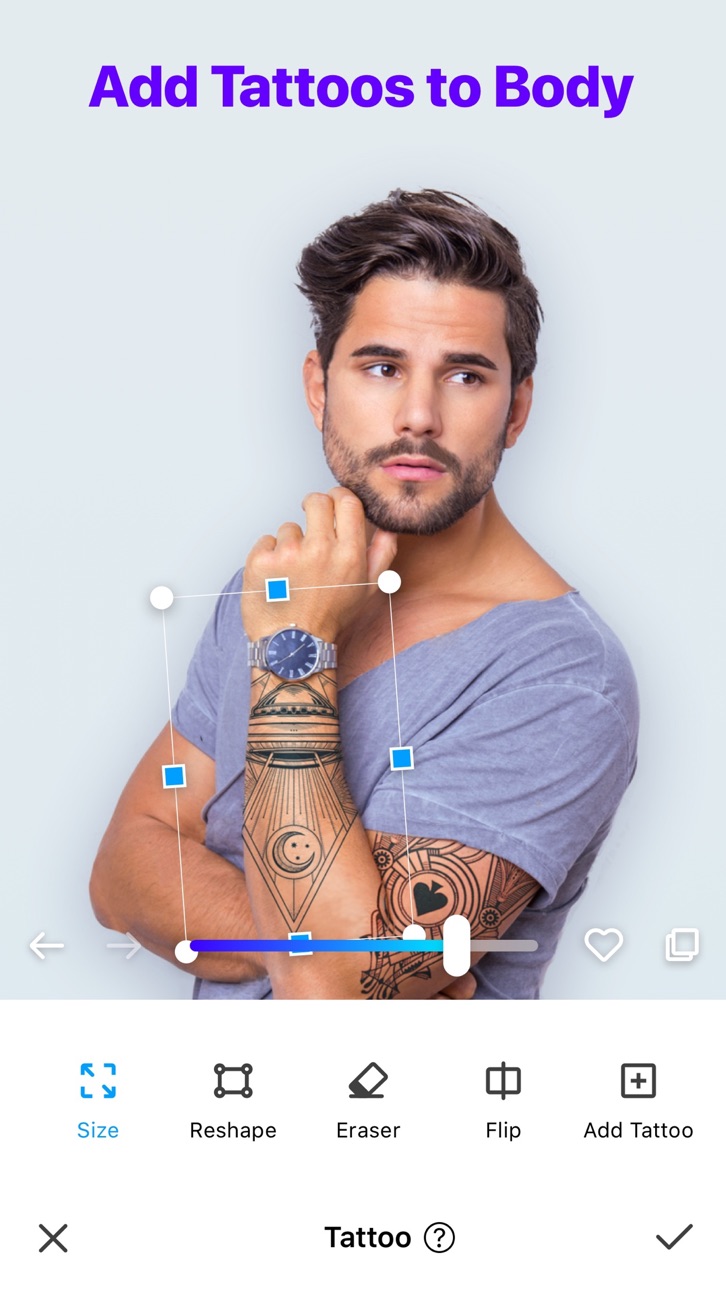
Tattoo Addition
Customize your look with over 100 tattoo designs.
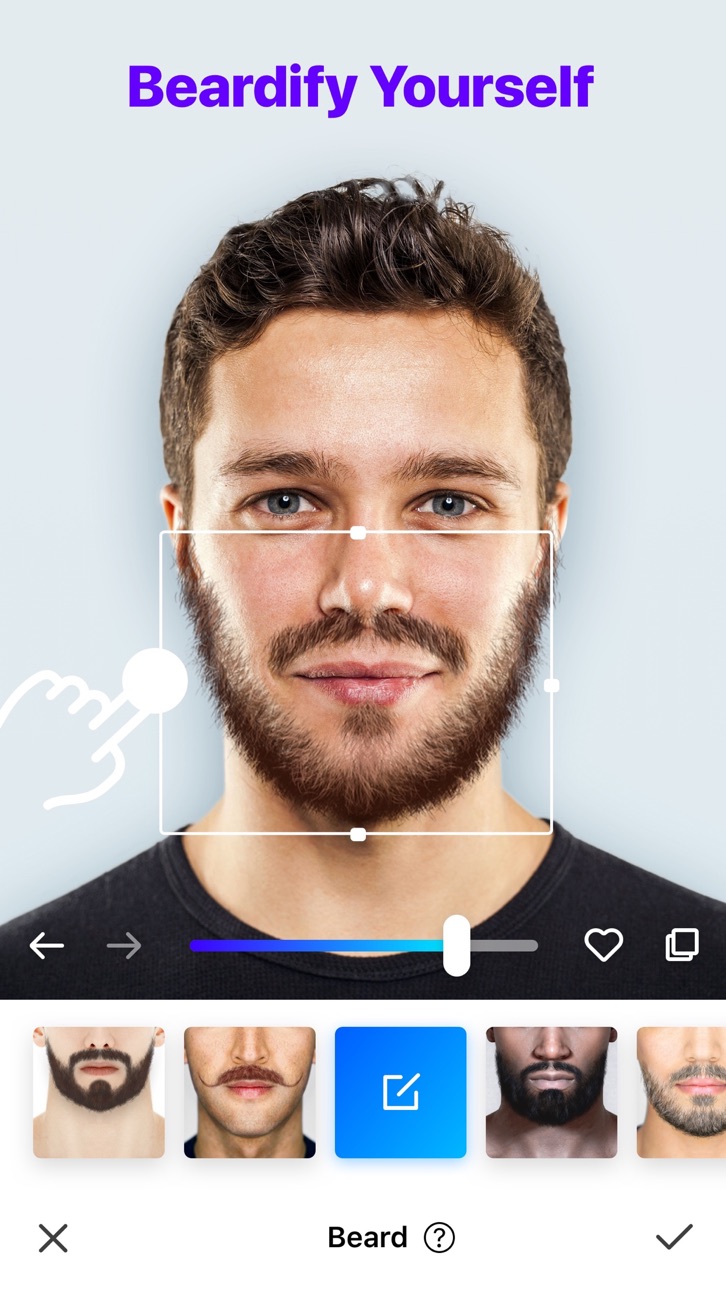
Beard Styles
Try trendy beard styles and boost your charm!
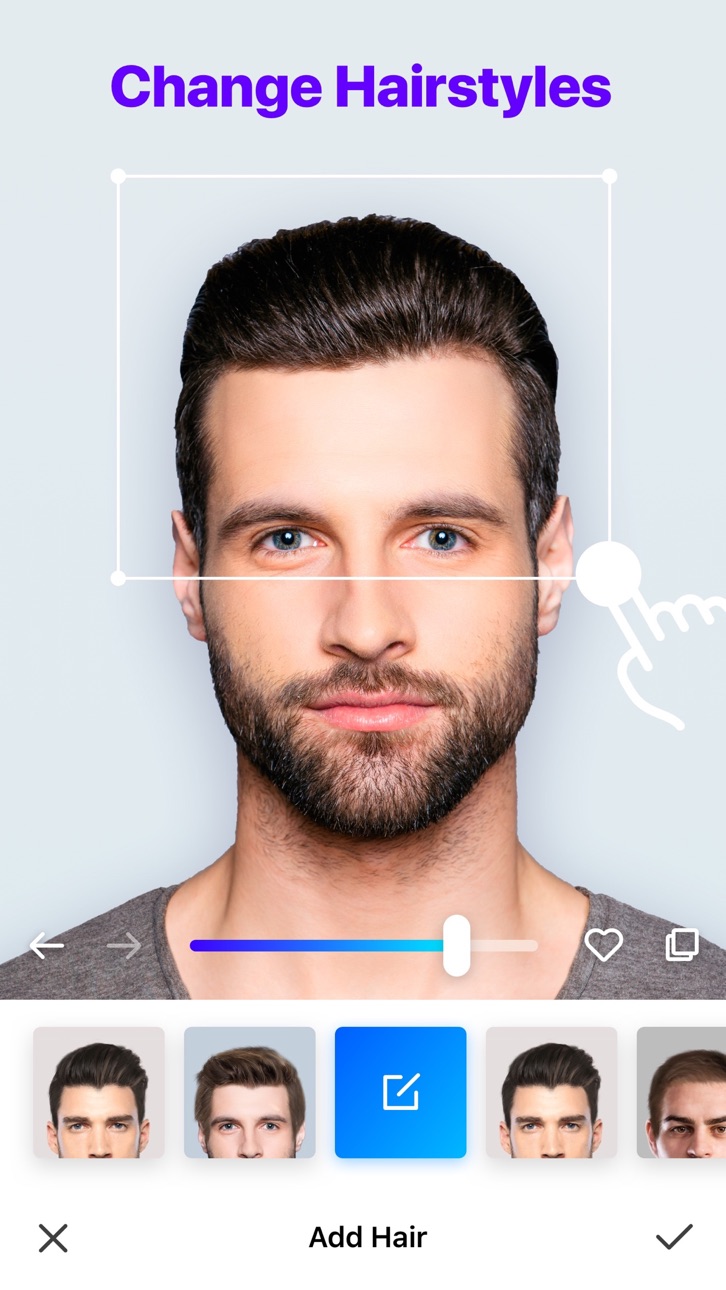
Hairstyle Changes
Discover your next stunning look with our AI hairstyle options.
Hair Color
Choose from popular colors or go wild with unique shades.
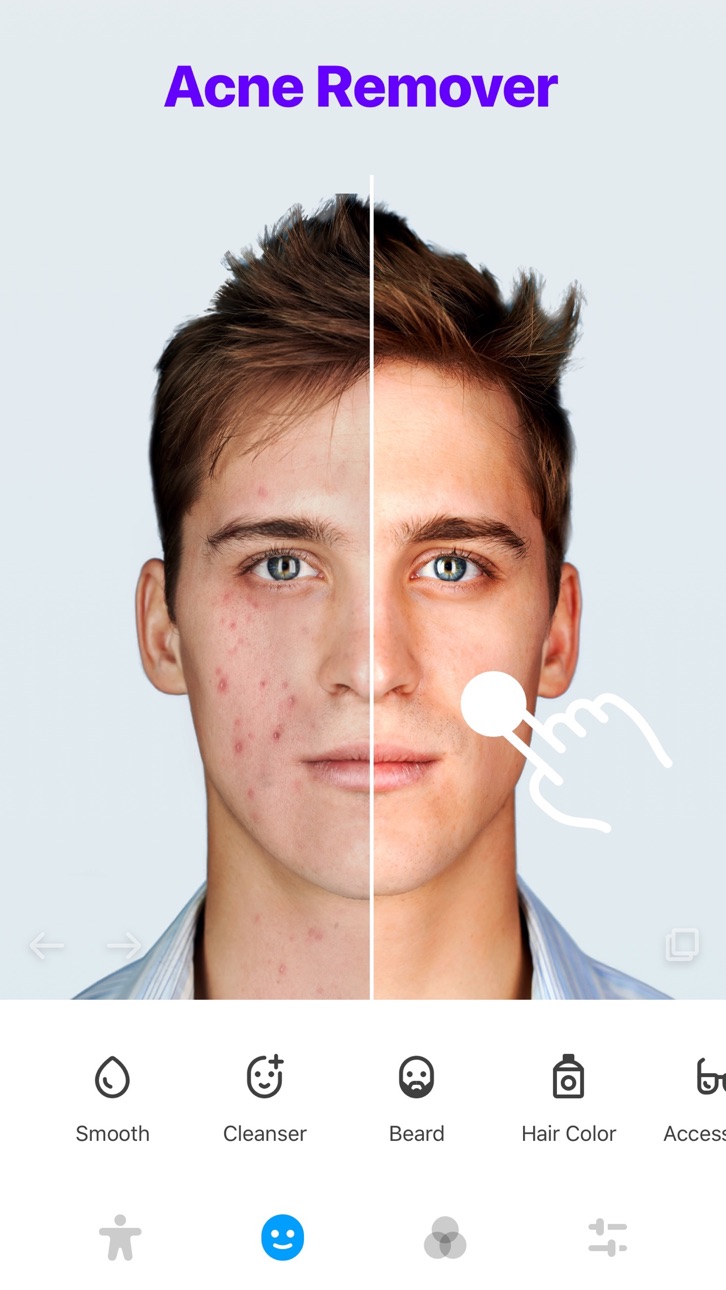
Acne Remover
Look years younger with our skin smoothing feature.
Skin Tone Adjustment
Choose from a wide spectrum of skin tones.
Perfect Skin
Flaunt flawless, acne-free skin.
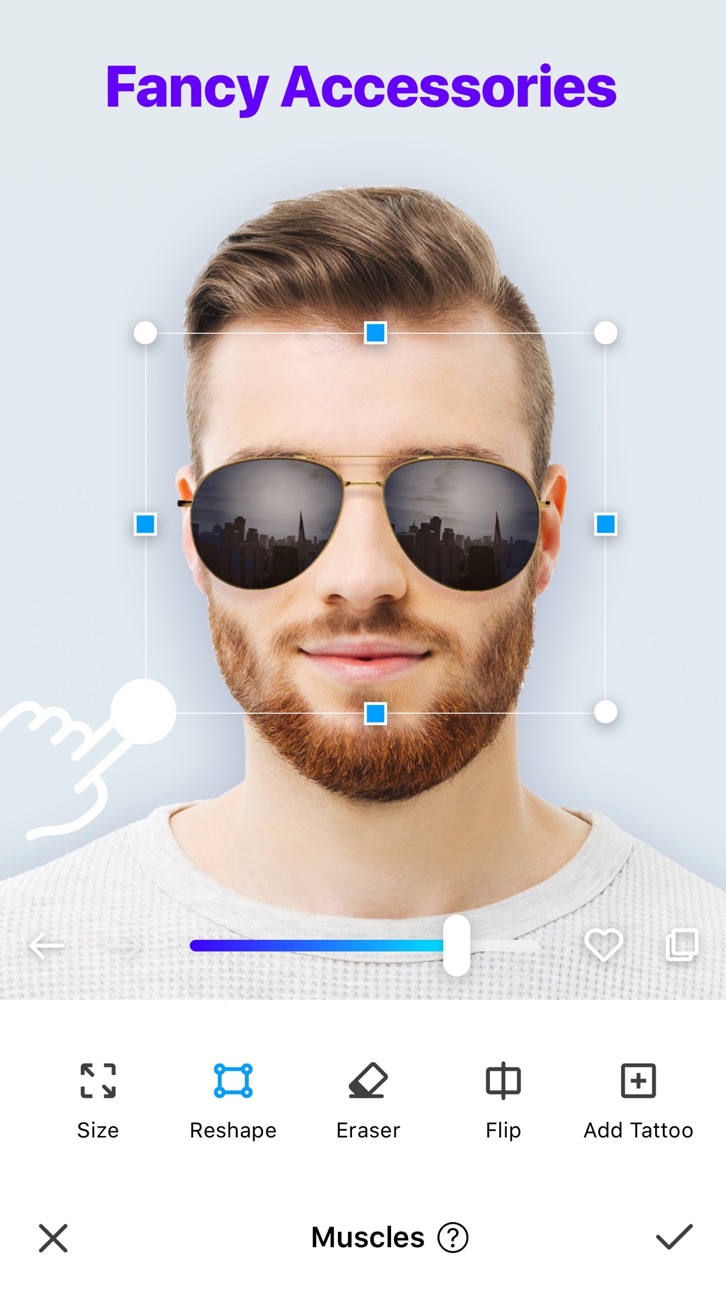
Accessories
Jazz up your look with stylish accessories.
Color Contact Lens
Create diverse looks with our colored lenses.
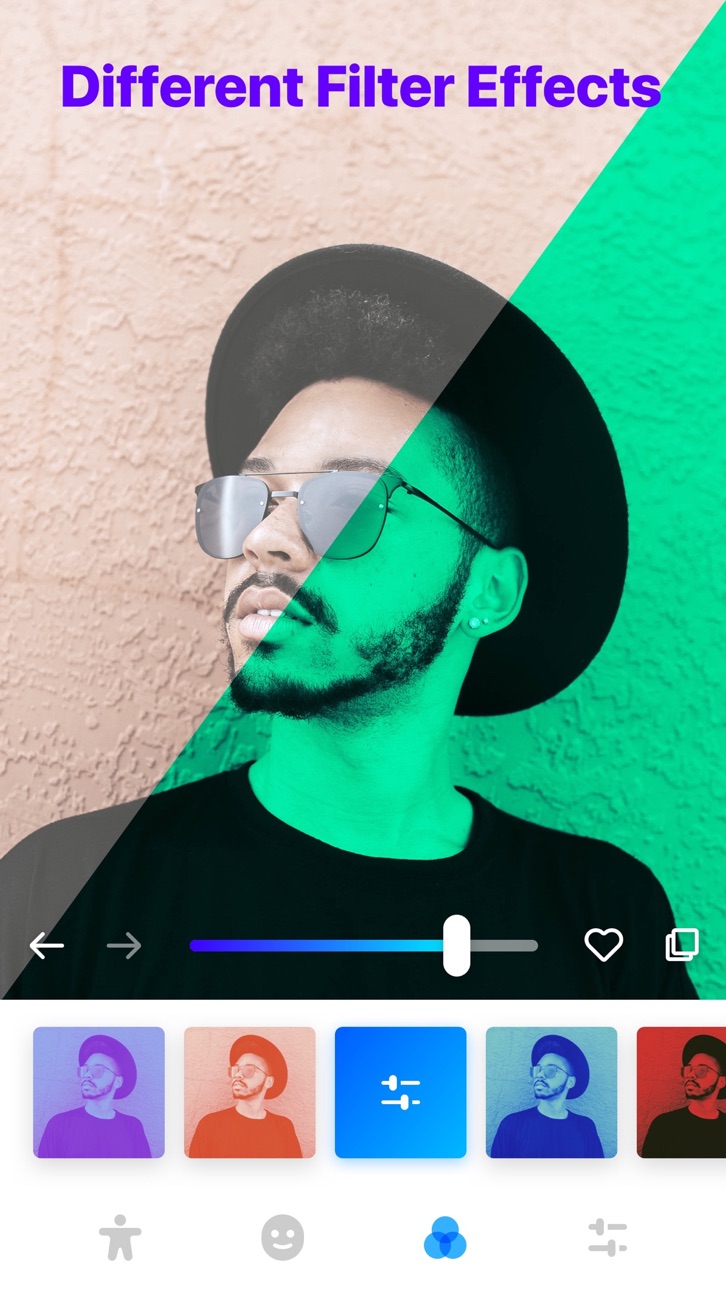
Filter Effects
Add an artistic touch with unique filters.
User-friendly Interface
Enjoy the simplicity and fun of photo editing!
Download Manly now and embark on your photo editing adventure!
======================================
Manly “Manly Pro” Subscriptions and other services
======================================
1 Week: 1-week subscription: $2.99
1 Month: 1-month subscription: $4.99
12 Month: 1-year subscription: $35.99
One-time Purchase: Permanent VIP: $69.99 (one-time payment)
*Detailed information regarding the purchase, including the actual amount you need to pay, the length of the free trial period (if there is one), and the exact date on which you will be charged the subscription fee, can be found at the purchase confirmation screen.
Payment will be charged to iTunes Account at confirmation of purchase. Subscriptions automatically renew unless auto-renew is turned off at least 24-hours before the end of the current period. Account will be charged for renewal within 24-hours prior to the end of the current period, and identify the cost of the renewal. Subscriptions may be managed by the user and auto-renewal may be turned off by going to the user's Account Settings after purchase. No cancellation of the current subscription is allowed during active subscription period. Any unused portion of a free trial period will be forfeited when the user purchases a subscription to that publication.
Manly Terms of Use: https://alphamotech.com/manly_terms.html
Manly Privacy: https://alphamotech.com/manly_privacy.html
Capturas © respectivos proprietários · App Store


A iOSGods não é afiliada, endossada nem patrocinada pela Apple Inc., pela Google LLC ou pelos desenvolvedores dos apps listados aqui. Apple, iOS e App Store são marcas da Apple Inc. Android e Google Play são marcas da Google LLC. Todos os demais nomes de apps, ícones, imagens e marcas pertencem aos seus respectivos proprietários.

- iPhone ou iPad sem jailbreak/jailed ou com jailbreak.
- Sideloadly ou alternativas.
- Computador com Windows/macOS/Linux e iTunes instalado.
PASSO 1: Baixe o arquivo .IPA pré-hackeado do link acima para o seu computador. Para baixar pelo iOSGods App, veja nosso Tutorial de download de IPA do iOSGods App, que inclui um exemplo em vídeo.
PASSO 2: Baixe o Sideloadly e instale-o no seu Windows ou Mac.
PASSO 3: Abra o Sideloadly no seu computador, conecte seu dispositivo iOS e aguarde até que o nome do dispositivo apareça no Sideloadly.
PASSO 4: Assim que seu iDevice for reconhecido, arraste o arquivo .IPA modificado que você baixou e solte-o no aplicativo Sideloadly.
PASSO 5: Digite o e-mail da sua Apple Account e pressione “Start”. Em seguida, será solicitada a sua senha. Prossiga e forneça as informações solicitadas.
PASSO 6: Aguarde o Sideloadly finalizar o sideload/instalação do IPA hackeado. Se houver problemas durante a instalação, leia a observação abaixo.
PASSO 7: Quando a instalação estiver concluída e você vir o app na Tela de Início, será necessário acessar Ajustes → Geral → Perfis / Gerenciamento de VPN e Dispositivo. Lá, toque no e-mail que você inseriu no passo 6 e, em seguida, toque em “Confiar em [email protected]”.
PASSO 8: Agora vá para a Tela de Início e abra o app recém-instalado; tudo deve funcionar normalmente. Você pode precisar seguir instruções adicionais específicas no popup do hack dentro do jogo.
OBSERVAÇÃO: No iOS/iPadOS 16 e versões posteriores, você deve ativar o Modo de Desenvolvedor. Para contas Apple Developer gratuitas, será necessário repetir este processo a cada 7 dias. Se tiver dúvidas ou problemas, leia nossa seção de FAQ do Sideloadly no tópico.
Game Name iOS Mod IPA is an action adventure game enhanced with powerful gameplay boosts and quality-of-life improvements. Win battles faster, earn rewards quicker, and enjoy uninterrupted play without ads.
- Unlimited Gold - spend freely to unlock premium content
- Damage Multiplier - deal significantly more damage in combat
- Defense Multiplier - take less damage and survive longer
- Reward Multiplier - earn more loot from every battle
- Max Level - instantly reach the highest player rank
- No Ads - play without interruptions or advertisements
This app also comes with iGameGod, giving you access to Auto Touch to automate repetitive tasks, App Speed Manager for adjustable gameplay speed, Memory Engine value editing, and more powerful iOS game tools.
Baixe Game Name Mod IPA dos links acima. Toque no botão de instalação e siga as instruções para instalar este hack iOS no seu iPhone, iPad ou Apple Silicon.
Precisa de mais ajuda Confira nossas Perguntas frequentes sobre o app iOSGods para respostas detalhadas e dicas de solução de problemas.
----------------------------------------------------------
--------------------------------------------------