需要登入
請使用您的 iOSGods 帳戶登入以繼續。
請使用您的 iOSGods 帳戶登入以繼續。
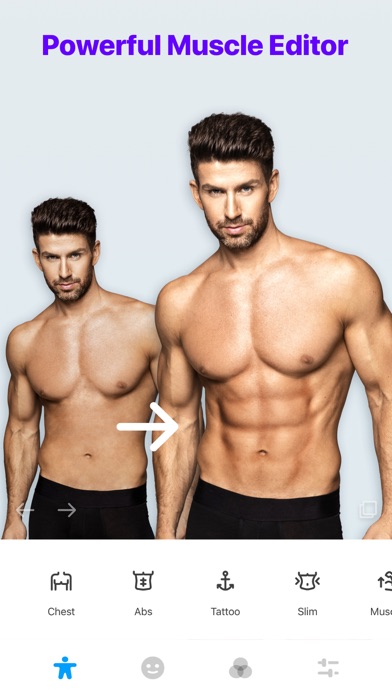
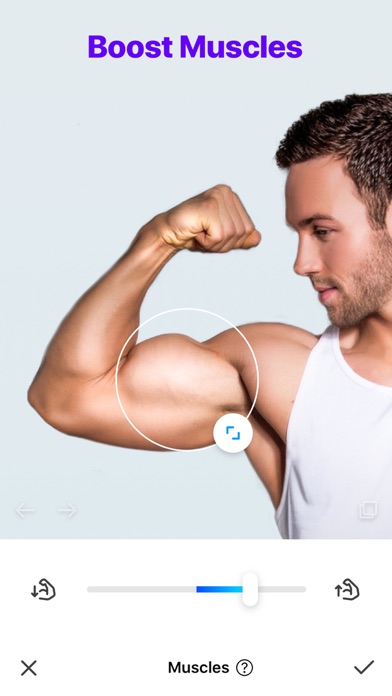
使用 Manly 在幾秒內改變你的體型,這是一款頂級照片編輯破解應用,讓你在自拍照上雕刻肌肉、紋身、鬍子和髮型。這個修改版 iOS 應用解鎖了完整的專業套件,讓你可以使用 100+ 肌肉設計、身體重塑工具和專業濾鏡來製作完美的增強肖像。
- 高級版解鎖 → 完整存取所有專業功能
此應用程式也內建 iGameGod,讓你可以使用 Auto Touch 自動執行重複操作、透過 App Speed Manager 調整遊戲速度、使用 Memory Engine 修改記憶體數值,以及更多強大的 iOS 遊戲工具。
從上方連結下載 Manly - Body Muscle Editor Pro Modded modded IPA。點選安裝按鈕並依照畫面指示在 iPhone、iPad 或 Apple Silicon 上安裝此 iOS 應用程式修改版。
需要更多協助?請查看我們的 iOSGods 應用程式常見問題 以獲得詳細解答與疑難排解。
Unleash your creativity with Manly, a photo editor designed for men.
Packed with a series of photo editor features, such as fit style adjustment, AI reface, face retouching, beard and hairstyle design, background removal and more.
Manly makes photo editor so easy to use. Dive into the world of Manly now!
--- Key Features ---
FIT STYLE ADJUSTMENT
Manly can help to instantly adjust the visual effect of your selfies in a fitness way as you like with one tap.
AI-Powered Editor
Swap faces and unlock vast styles of you on photos with AI reface. Improve photos to high quality with AI enhance and solve problems more than clarity and resolution.
Layout Templates
Collage multiple photos into an eye-catching one with various layouts design.
Background Removal & Change
Remove unwanted background and change the background of photos with one tap, add amazing filters and overlay on the same page.
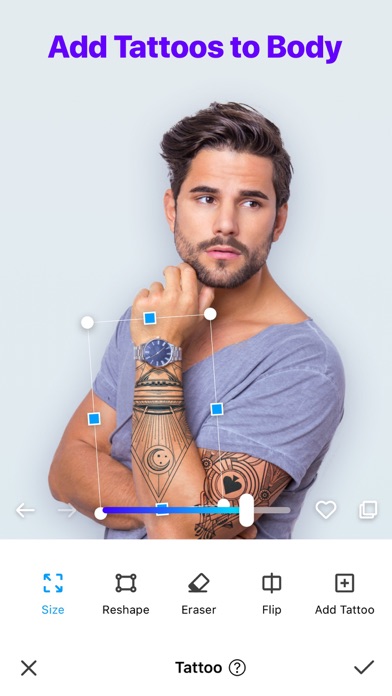
Tattoo Addition
Customize your look with over 100 tattoo designs.
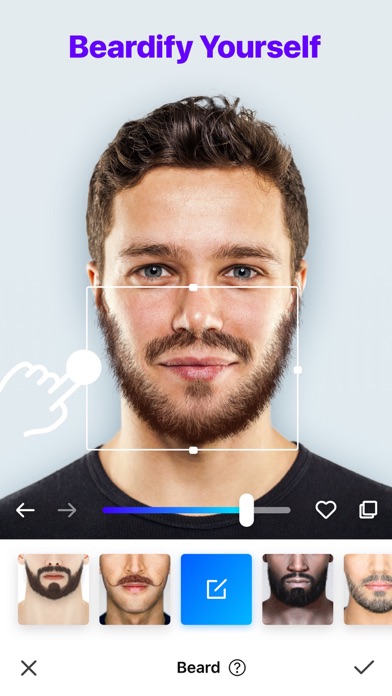
Beard Styles
Try trendy beard styles and boost your charm!
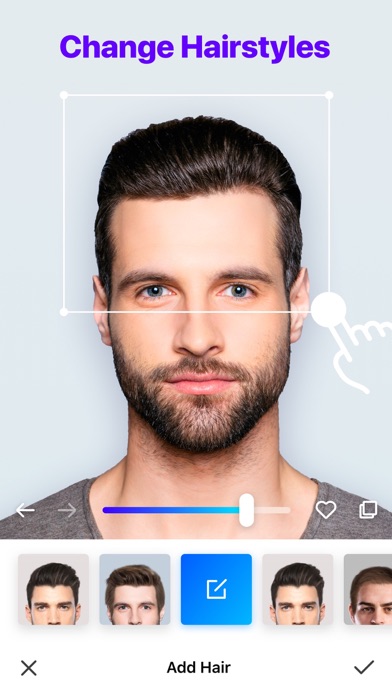
Hairstyle Changes
Discover your next stunning look with our AI hairstyle options.
Hair Color
Choose from popular colors or go wild with unique shades.
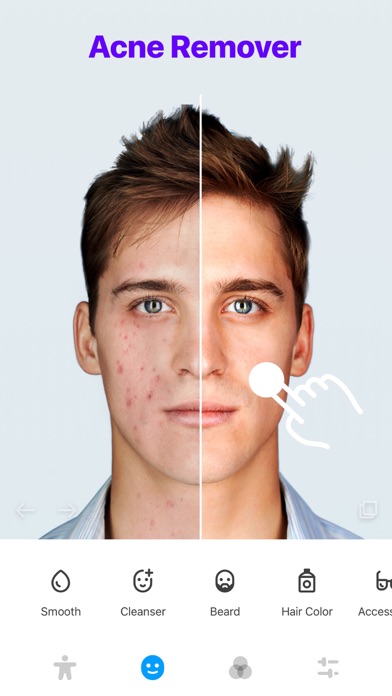
Acne Remover
Look years younger with our skin smoothing feature.
Skin Tone Adjustment
Choose from a wide spectrum of skin tones.
Perfect Skin
Flaunt flawless, acne-free skin.
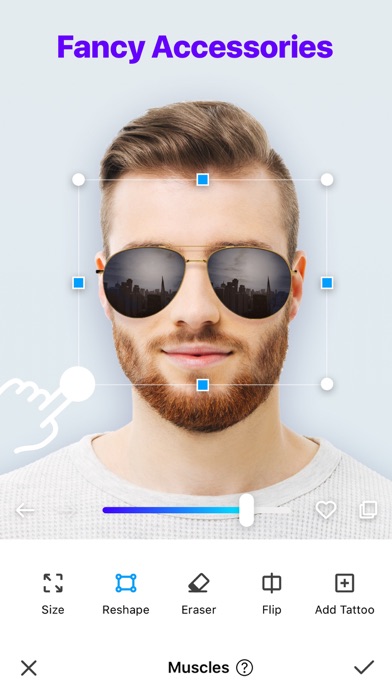
Accessories
Jazz up your look with stylish accessories.
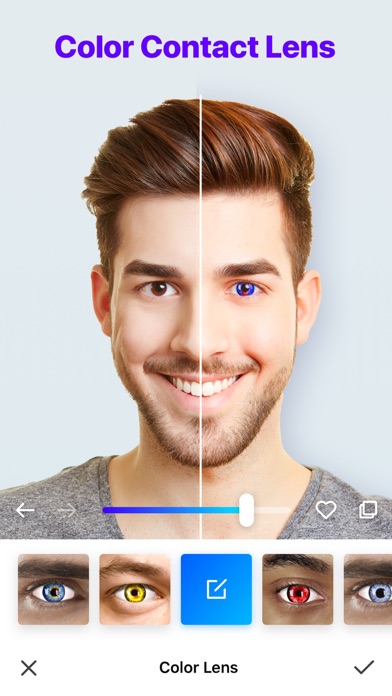
Color Contact Lens
Create diverse looks with our colored lenses.
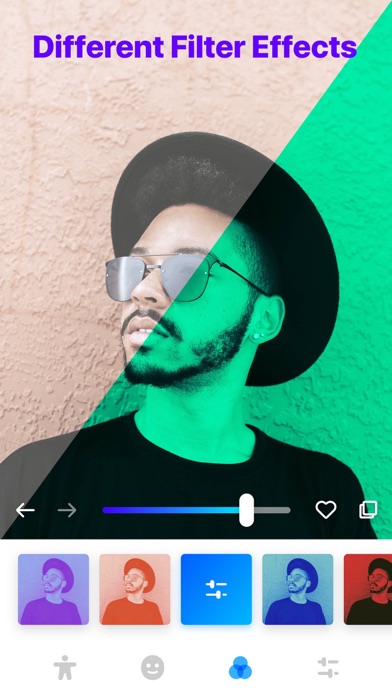
Filter Effects
Add an artistic touch with unique filters.
User-friendly Interface
Enjoy the simplicity and fun of photo editing!
Download Manly now and embark on your photo editing adventure!
======================================
Manly “Manly Pro” Subscriptions and other services
======================================
1 Week: 1-week subscription: $2.99
1 Month: 1-month subscription: $4.99
12 Month: 1-year subscription: $35.99
One-time Purchase: Permanent VIP: $69.99 (one-time payment)
*Detailed information regarding the purchase, including the actual amount you need to pay, the length of the free trial period (if there is one), and the exact date on which you will be charged the subscription fee, can be found at the purchase confirmation screen.
Payment will be charged to iTunes Account at confirmation of purchase. Subscriptions automatically renew unless auto-renew is turned off at least 24-hours before the end of the current period. Account will be charged for renewal within 24-hours prior to the end of the current period, and identify the cost of the renewal. Subscriptions may be managed by the user and auto-renewal may be turned off by going to the user's Account Settings after purchase. No cancellation of the current subscription is allowed during active subscription period. Any unused portion of a free trial period will be forfeited when the user purchases a subscription to that publication.
Manly Terms of Use: https://alphamotech.com/manly_terms.html
Manly Privacy: https://alphamotech.com/manly_privacy.html

- 未越獄/受限或已越獄的 iPhone 或 iPad。
- Sideloadly 或替代方案。
- 執行 Windows/macOS/Linux 且已安裝 iTunes 的電腦。
步驟 1: 透過上方連結將已破解的 .IPA 檔案下載到您的電腦。若要從 iOSGods App 下載,請參閱我們的 iOSGods App IPA 下載教學,其中包含影片範例。
步驟 2: 下載 Sideloadly 並將其安裝在您的 Windows 或 Mac 上。
步驟 3: 在電腦上開啟 Sideloadly,連接您的 iOS 裝置,並等待裝置名稱出現在 Sideloadly 中。
步驟 4: 當 Sideloadly 辨識到您的 iOS 裝置後,將下載好的修改版 .IPA 檔案拖曳並放到 Sideloadly 應用程式中。
步驟 5: 輸入您的 Apple Account 電子郵件,然後按下「Start」。系統會要求您輸入密碼,請依指示提供所需資訊。
步驟 6: 等待 Sideloadly 完成已破解 IPA 的旁載/安裝。如果安裝過程中發生問題,請閱讀下方的注意事項。
步驟 7: 安裝完成並在主畫面上看到該應用程式後,您需要前往 設定 → 一般 → 描述檔 / VPN 與裝置管理。進入後,點選您在步驟 6 中輸入的電子郵件,然後點選「信任 [email protected]」。
步驟 8: 現在回到主畫面並開啟新安裝的應用程式,一切應該都能正常運作。您可能需要依照遊戲內破解彈出視窗中的進一步指示操作。
注意: 在 iOS/iPadOS 16 及更新版本上,您必須 啟用開發者模式。若使用免費的 Apple Developer 帳號,您將需要每 7 天重複此程序。如有任何疑問或問題,請閱讀我們的 主題中的 Sideloadly 常見問題區段。