Anmeldung erforderlich
Melden Sie sich mit Ihrem iOSGods-Konto an, um fortzufahren.
Hack Features:
- Fully unlocked
Laden Sie Tempo - Music Video Maker Hack modded IPA über die obigen Links herunter. Tippen Sie auf den Installations-Button und folgen Sie den Anweisungen, um diese iOS-App auf Ihrem iPhone, iPad oder Apple Silicon zu installieren.
Brauchen Sie mehr Hilfe? In unseren iOSGods App häufig gestellten Fragen finden Sie ausführliche Antworten und Tipps zur Fehlerbehebung.
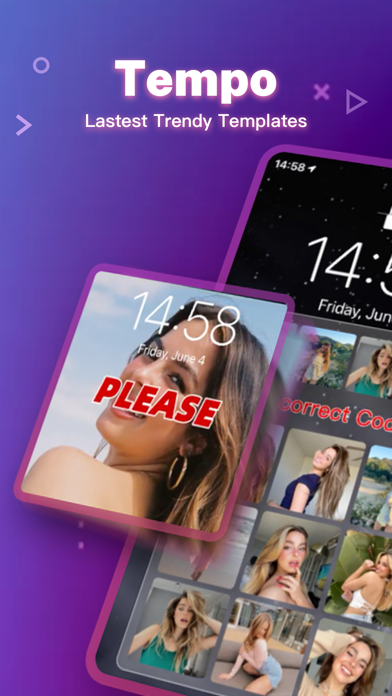
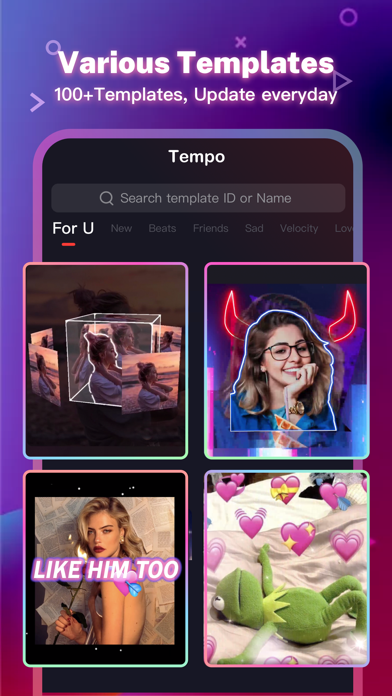
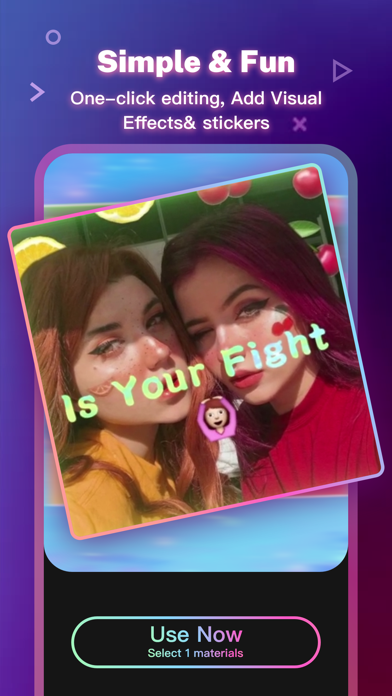
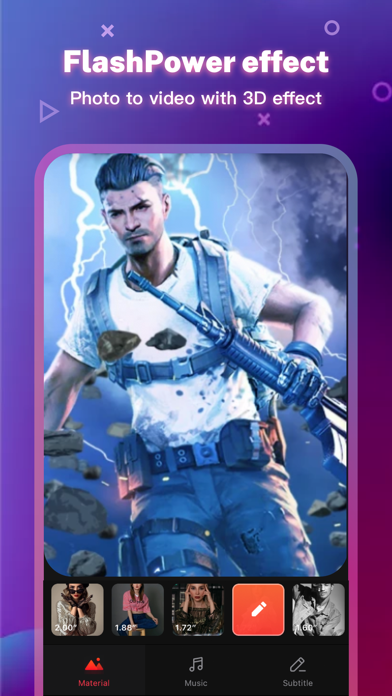
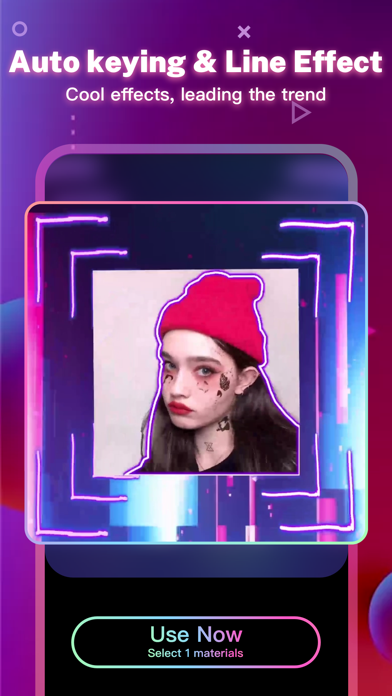
Tempo is the free music video editor with effects, also the best video maker app with song. As a free music video maker, Tempo has a lot of popular themes/special subtitles available for editing, and a wide variety of music to choose from. With Tempo, you can easily add music to video, edit video with music and pic, make lyrical videos with song. Download Tempo APP to create and edit video with music and photo for Instagram!
1. Special Features
• Hundreds of high-quality filters to meet users’ different requirements;
• Special transition effects make your video unique;
• Multiple shots supported, and switch filters freely as you wish;
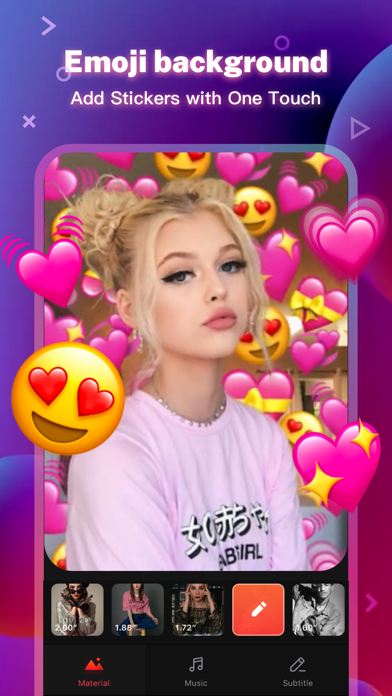
• Stylish face stickers;
• Wide Screen mode;
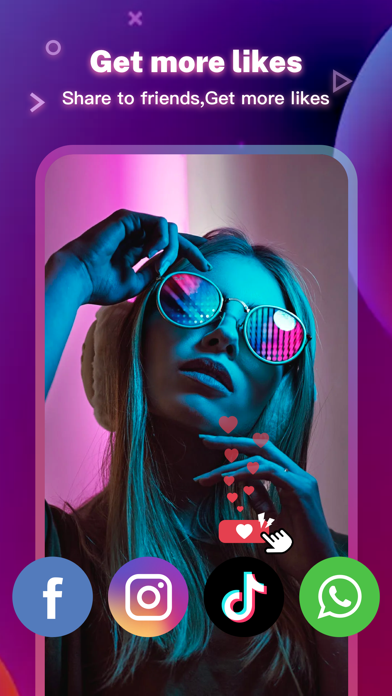
• Share your creative photos/videos to Facebook, Instagram
2. Music Video Maker and Effects
Tempo offers the best editing tools for you to quick cut/trim/crop/merge/reverse/rotate video clips and add music easily, or make video from pics and song.
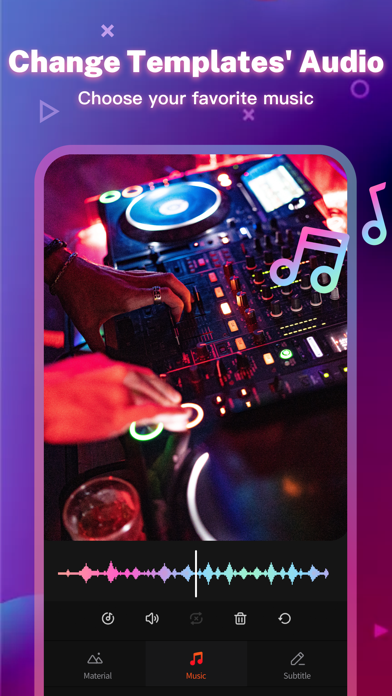
Tempo offers lots of free music to make your video fun and popular. In addition, You can cut video in parts, merge images from your gallery. Best music video editor with effects: edit video with music & pic for Instagram!
3. Video Editing App
Tempo offers short video editing tools to satisfy your extra needs, you can import your videos & clips, so the video can perfectly match with the background music. And there’re variety of text styles and fonts for you to choose in this video maker.
4. Add Music to Video
Tempo is also a photo video maker with varieties of background music, so you can always find the one that fits your need when making a photo video. You can also add music to video, combine videos with music, edit videos with music and photos.
5. Save Video
Tempo provides 720P/1080P HD export with no quality loss. This easy-to-use clip maker helps you make video from pics and song within a few steps, turn your photos & video clips into cool video with music and transitions!
6. Share Video
Easily edit video with music and share them to Facebook, YouTube, Instagram!
# Tempo PRO
We will release a new filter/effect/face sticker every week. With a Tempo PRO membership, you can use them all unlimitedly. Meanwhile, we will provide membership-only functions.
# ABOUT SUBSCRIPTION
Subscription service conditions:
- You can subscribe for unlimited access to all features and content offered for purchase within Tempo.
- Subscriptions are billed monthly or annually at the rate selected depending on the subscription plan.
- Payment will be charged to your iTunes Account at confirmation of purchase.
- Your subscription automatically renews unless auto-renew is turned off at least 24-hours before the end of the current period.
- Your account will be charged for renewal within 24-hours prior to the end of the current period .
- You can manage your subscription and switch off the auto-renewal by accessing your Account Settings after purchase .
- You cannot cancel the current subscription during the active subscription period.
- Any unused portion of a free trial period, if offered, will be forfeited if you purchase a subscription to that publication.
- All personal data is handled under the terms and conditions of Tempo’s privacy policy. More details can be found here:
Term of Use:
http://tempo-rc.vdresource.com/web/h5template/90d9236d-3d05-4d01-9586-82fe4c5e64b3-language=en/dist/index.html
Privacy Policy:
http://tempo-rc.vdresource.com/web/h5template/b79b207a-718e-4b70-9a82-09c89e982c10-language=en/dist/index.html
- Nicht-Jailbroken/Jailed oder Jailbroken iPhone oder iPad.
- Sideloadly oder Alternativen.
- Computer mit Windows/macOS/Linux und installiertem iTunes.
SCHRITT 1: Laden Sie die vorinstallierte .IPA-Datei über den obigen Link auf Ihren Computer herunter. Zum Herunterladen aus der iOSGods-App siehe unser iOSGods App IPA Download-Tutorial mit Videobeispiel.
SCHRITT 2: Laden Sie Sideloadly herunter und installieren Sie es auf Ihrem Windows oder Mac.
SCHRITT 3: Öffnen Sie Sideloadly auf Ihrem Computer, verbinden Sie Ihr iOS-Gerät und warten Sie, bis Ihr Gerätename in Sideloadly erscheint.
SCHRITT 4: Sobald Ihr iDevice erkannt wird, ziehen Sie die heruntergeladene gemoddete .IPA-Datei in die Sideloadly-Anwendung.
SCHRITT 5: Geben Sie Ihre Apple-Account-E-Mail ein und drücken Sie „Start". Sie werden dann nach Ihrem Passwort gefragt. Geben Sie die erforderlichen Informationen ein.
SCHRITT 6: Warten Sie, bis Sideloadly das Sideloading/Installieren der gehackten IPA abgeschlossen hat. Bei Problemen während der Installation lesen Sie bitte den Hinweis unten.
SCHRITT 7: Sobald die Installation abgeschlossen ist und die App auf Ihrem Home-Bildschirm angezeigt wird, müssen Sie zu Einstellungen → Allgemein → Profile / VPN & Geräteverwaltung gehen. Tippen Sie dort auf die E-Mail, die Sie in Schritt 6 eingegeben haben, und dann auf „Trust [email protected]".
SCHRITT 8: Gehen Sie nun zu Ihrem Home-Bildschirm und öffnen Sie die neu installierte App – alles sollte einwandfrei funktionieren. Möglicherweise müssen Sie weitere App-spezifische Anweisungen im Hack-Popup im Spiel befolgen.
HINWEIS: iOS/iPadOS 16 und höher: Sie müssen den Entwicklermodus aktivieren. Bei kostenlosen Apple Developer-Accounts müssen Sie diesen Vorgang alle 7 Tage wiederholen. Bei Fragen oder Problemen lesen Sie bitte unsere Sideloadly-FAQ-Sektion im Thema.