Inicio de sesión requerido
Inicia sesión con tu cuenta de iOSGods para continuar.
Hack Features:
- Fully unlocked
Descarga Tempo - Music Video Maker Hack modded IPA desde los enlaces de arriba. Toca el botón de instalación y sigue las instrucciones para instalar este hack iOS en tu iPhone, iPad o Mac con Apple Silicon.
¿Necesitas más ayuda? Consulta nuestras Preguntas frecuentes de la app iOSGods para respuestas detalladas y consejos de solución de problemas.
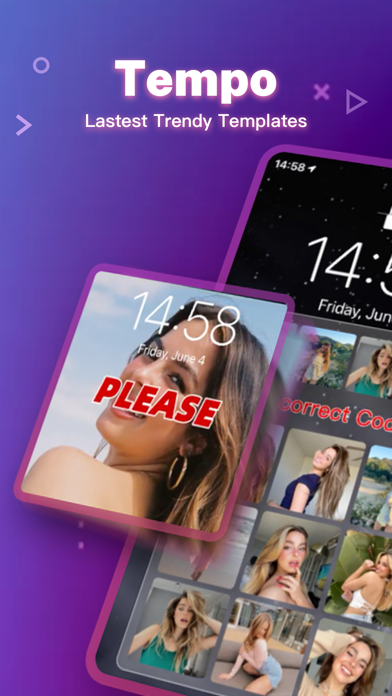
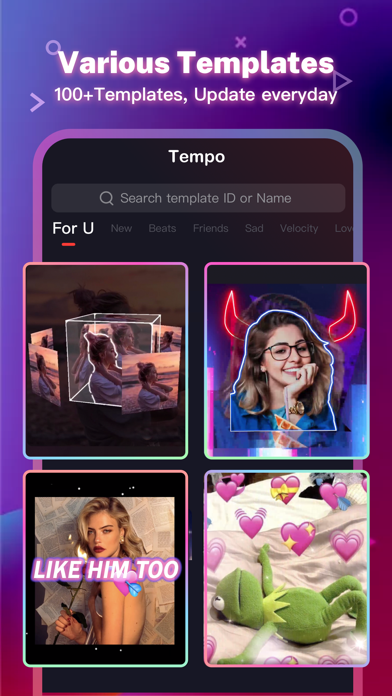
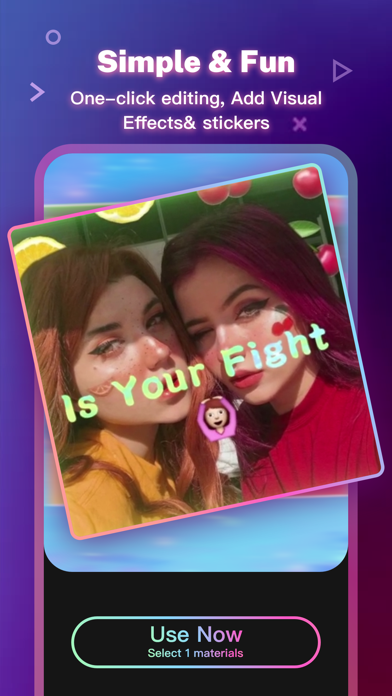
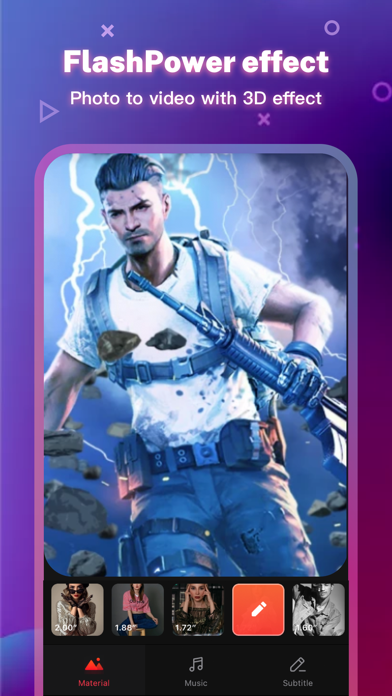
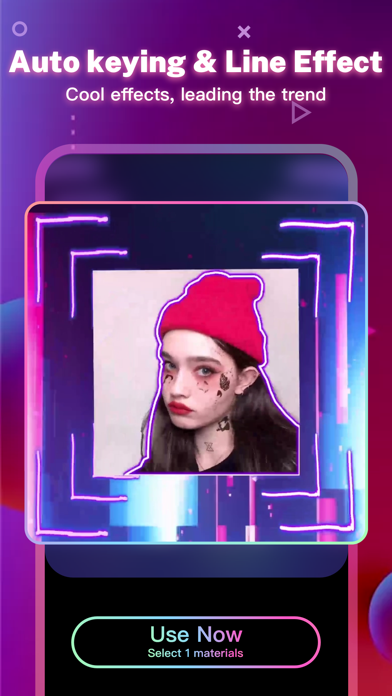
Tempo is the free music video editor with effects, also the best video maker app with song. As a free music video maker, Tempo has a lot of popular themes/special subtitles available for editing, and a wide variety of music to choose from. With Tempo, you can easily add music to video, edit video with music and pic, make lyrical videos with song. Download Tempo APP to create and edit video with music and photo for Instagram!
1. Special Features
• Hundreds of high-quality filters to meet users’ different requirements;
• Special transition effects make your video unique;
• Multiple shots supported, and switch filters freely as you wish;
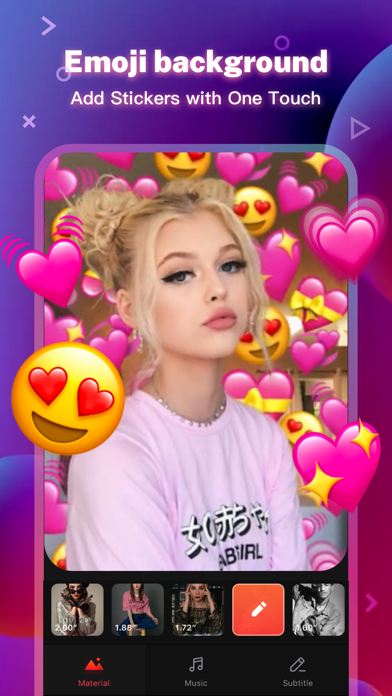
• Stylish face stickers;
• Wide Screen mode;
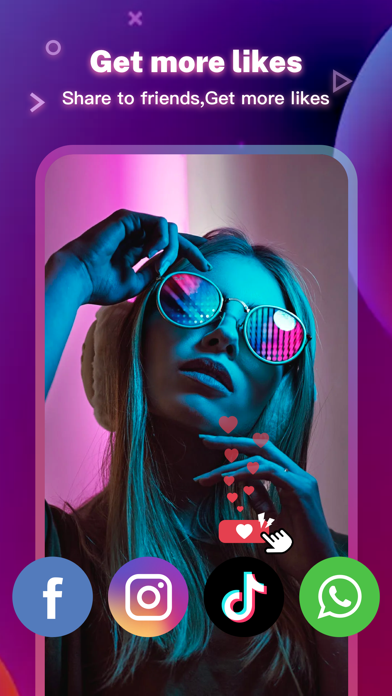
• Share your creative photos/videos to Facebook, Instagram
2. Music Video Maker and Effects
Tempo offers the best editing tools for you to quick cut/trim/crop/merge/reverse/rotate video clips and add music easily, or make video from pics and song.
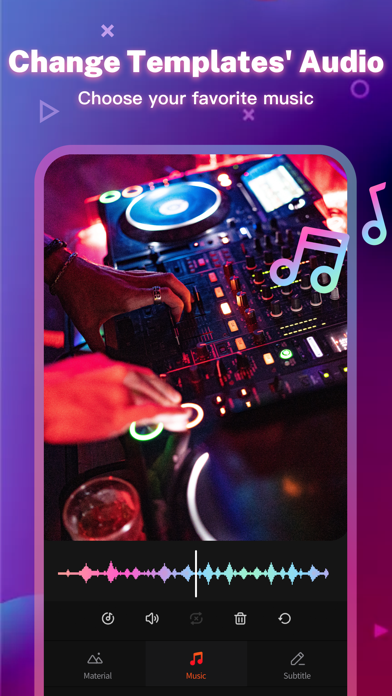
Tempo offers lots of free music to make your video fun and popular. In addition, You can cut video in parts, merge images from your gallery. Best music video editor with effects: edit video with music & pic for Instagram!
3. Video Editing App
Tempo offers short video editing tools to satisfy your extra needs, you can import your videos & clips, so the video can perfectly match with the background music. And there’re variety of text styles and fonts for you to choose in this video maker.
4. Add Music to Video
Tempo is also a photo video maker with varieties of background music, so you can always find the one that fits your need when making a photo video. You can also add music to video, combine videos with music, edit videos with music and photos.
5. Save Video
Tempo provides 720P/1080P HD export with no quality loss. This easy-to-use clip maker helps you make video from pics and song within a few steps, turn your photos & video clips into cool video with music and transitions!
6. Share Video
Easily edit video with music and share them to Facebook, YouTube, Instagram!
# Tempo PRO
We will release a new filter/effect/face sticker every week. With a Tempo PRO membership, you can use them all unlimitedly. Meanwhile, we will provide membership-only functions.
# ABOUT SUBSCRIPTION
Subscription service conditions:
- You can subscribe for unlimited access to all features and content offered for purchase within Tempo.
- Subscriptions are billed monthly or annually at the rate selected depending on the subscription plan.
- Payment will be charged to your iTunes Account at confirmation of purchase.
- Your subscription automatically renews unless auto-renew is turned off at least 24-hours before the end of the current period.
- Your account will be charged for renewal within 24-hours prior to the end of the current period .
- You can manage your subscription and switch off the auto-renewal by accessing your Account Settings after purchase .
- You cannot cancel the current subscription during the active subscription period.
- Any unused portion of a free trial period, if offered, will be forfeited if you purchase a subscription to that publication.
- All personal data is handled under the terms and conditions of Tempo’s privacy policy. More details can be found here:
Term of Use:
http://tempo-rc.vdresource.com/web/h5template/90d9236d-3d05-4d01-9586-82fe4c5e64b3-language=en/dist/index.html
Privacy Policy:
http://tempo-rc.vdresource.com/web/h5template/b79b207a-718e-4b70-9a82-09c89e982c10-language=en/dist/index.html
- iPhone o iPad con o sin Jailbreak.
- Sideloadly u otras alternativas.
- Ordenador con Windows/macOS/Linux e iTunes instalado.
PASO 1: Descargue el archivo .IPA pre-modificado desde el enlace de arriba a su ordenador. Para descargarlo desde la iOSGods App, consulte nuestro Tutorial de descarga del IPA desde la iOSGods App, que incluye un ejemplo en vídeo.
PASO 2: Descargue Sideloadly e instálelo en su Windows o Mac.
PASO 3: Abra Sideloadly en su ordenador, conecte su dispositivo iOS y espere hasta que el nombre del dispositivo aparezca en Sideloadly.
PASO 4: Una vez que su iDevice sea reconocido, arrastre el archivo .IPA modificado que descargó y suéltelo en la aplicación Sideloadly.
PASO 5: Introduzca el correo electrónico de su Apple Account y, a continuación, pulse «Start». Le pedirá que introduzca su contraseña. Proporcione la información solicitada.
PASO 6: Espere a que Sideloadly termine de hacer sideload/instalar el IPA modificado. Si surgen problemas durante la instalación, por favor lea la nota a continuación.
PASO 7: Una vez completada la instalación y al ver la app en la pantalla de inicio, deberá ir a Ajustes → General → Perfiles / VPN y Gestión de Dispositivos. Una vez allí, toque el correo electrónico que introdujo en el paso 6 y, después, toque en «Confiar en [email protected]».
PASO 8: Ahora vaya a la pantalla de inicio y abra la app recién instalada; todo debería funcionar correctamente. Es posible que tenga que seguir instrucciones adicionales específicas de cada app dentro del popup del hack en el juego.
NOTA: En iOS/iPadOS 16 y posteriores, debe activar el Modo Desarrollador. Para cuentas gratuitas de Apple Developer, deberá repetir este proceso cada 7 días. Si tiene alguna pregunta o problema, lea nuestra sección de Preguntas Frecuentes de Sideloadly del tema.