Cần đăng nhập
Đăng nhập bằng tài khoản iOSGods để tiếp tục.
Hack Features:
- Fully unlocked
Tải Tempo - Music Video Maker Hack modded IPA từ các liên kết ở trên. Nhấn nút cài đặt và làm theo hướng dẫn để cài bản hack iOS lên iPhone, iPad hoặc Apple Silicon.
Cần thêm trợ giúp? Hãy xem Câu hỏi thường gặp ứng dụng iOSGods để có câu trả lời chi tiết và mẹo khắc phục sự cố.
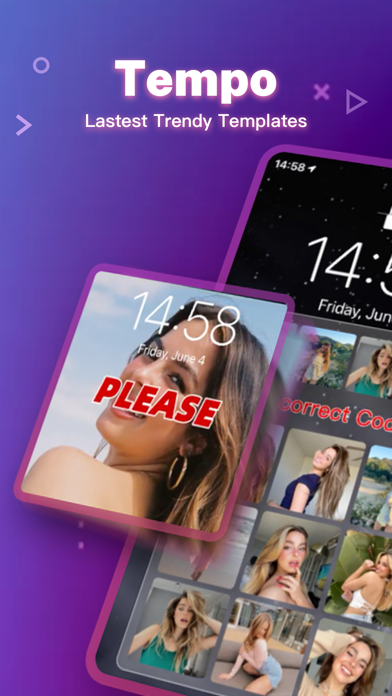
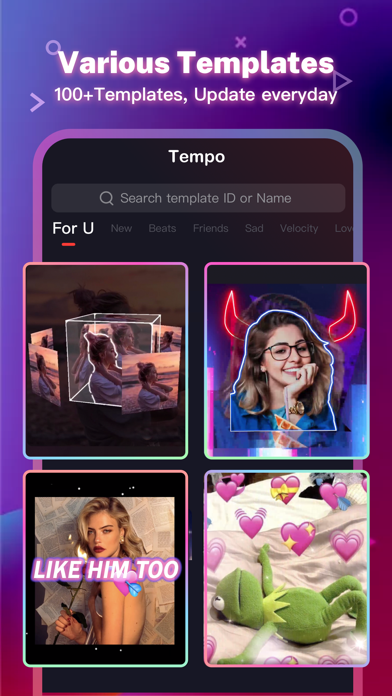
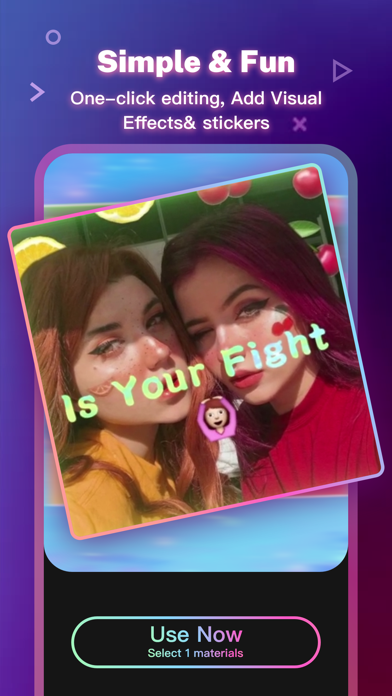
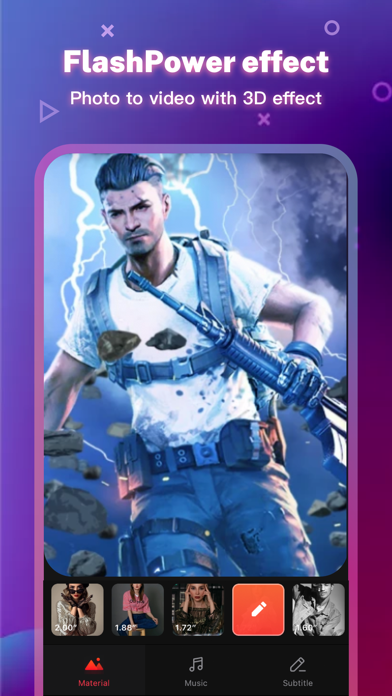
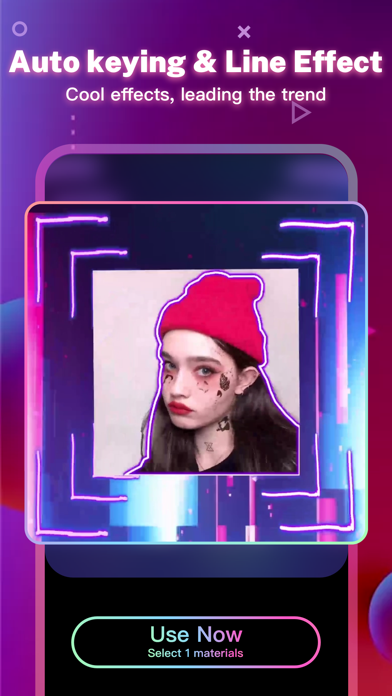
Tempo is the free music video editor with effects, also the best video maker app with song. As a free music video maker, Tempo has a lot of popular themes/special subtitles available for editing, and a wide variety of music to choose from. With Tempo, you can easily add music to video, edit video with music and pic, make lyrical videos with song. Download Tempo APP to create and edit video with music and photo for Instagram!
1. Special Features
• Hundreds of high-quality filters to meet users’ different requirements;
• Special transition effects make your video unique;
• Multiple shots supported, and switch filters freely as you wish;
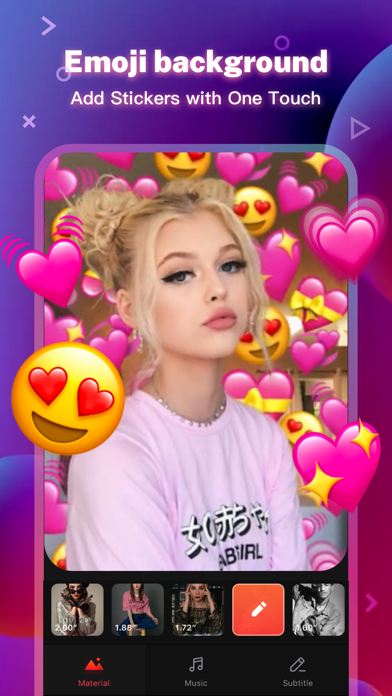
• Stylish face stickers;
• Wide Screen mode;
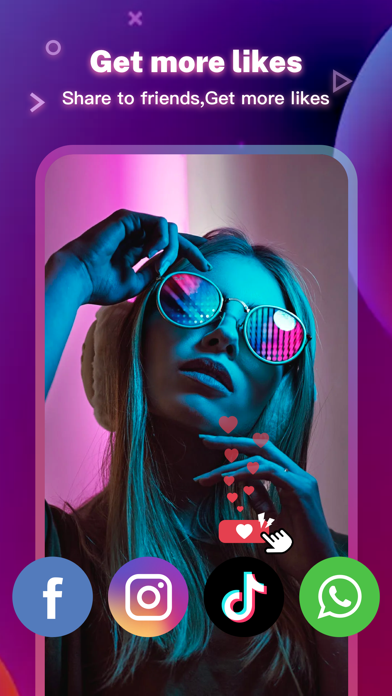
• Share your creative photos/videos to Facebook, Instagram
2. Music Video Maker and Effects
Tempo offers the best editing tools for you to quick cut/trim/crop/merge/reverse/rotate video clips and add music easily, or make video from pics and song.
Tempo offers lots of free music to make your video fun and popular. In addition, You can cut video in parts, merge images from your gallery. Best music video editor with effects: edit video with music & pic for Instagram!
3. Video Editing App
Tempo offers short video editing tools to satisfy your extra needs, you can import your videos & clips, so the video can perfectly match with the background music. And there’re variety of text styles and fonts for you to choose in this video maker.
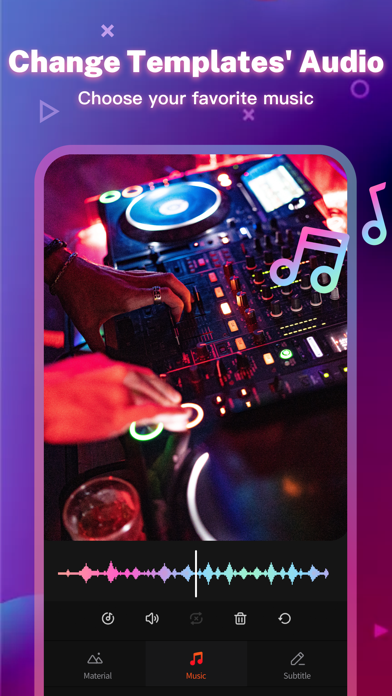
4. Add Music to Video
Tempo is also a photo video maker with varieties of background music, so you can always find the one that fits your need when making a photo video. You can also add music to video, combine videos with music, edit videos with music and photos.
5. Save Video
Tempo provides 720P/1080P HD export with no quality loss. This easy-to-use clip maker helps you make video from pics and song within a few steps, turn your photos & video clips into cool video with music and transitions!
6. Share Video
Easily edit video with music and share them to Facebook, YouTube, Instagram!
# Tempo PRO
We will release a new filter/effect/face sticker every week. With a Tempo PRO membership, you can use them all unlimitedly. Meanwhile, we will provide membership-only functions.
# ABOUT SUBSCRIPTION
Subscription service conditions:
- You can subscribe for unlimited access to all features and content offered for purchase within Tempo.
- Subscriptions are billed monthly or annually at the rate selected depending on the subscription plan.
- Payment will be charged to your iTunes Account at confirmation of purchase.
- Your subscription automatically renews unless auto-renew is turned off at least 24-hours before the end of the current period.
- Your account will be charged for renewal within 24-hours prior to the end of the current period .
- You can manage your subscription and switch off the auto-renewal by accessing your Account Settings after purchase .
- You cannot cancel the current subscription during the active subscription period.
- Any unused portion of a free trial period, if offered, will be forfeited if you purchase a subscription to that publication.
- All personal data is handled under the terms and conditions of Tempo’s privacy policy. More details can be found here:
Term of Use:
http://tempo-rc.vdresource.com/web/h5template/90d9236d-3d05-4d01-9586-82fe4c5e64b3-language=en/dist/index.html
Privacy Policy:
http://tempo-rc.vdresource.com/web/h5template/b79b207a-718e-4b70-9a82-09c89e982c10-language=en/dist/index.html
- iPhone hoặc iPad chưa jailbreak/đã đóng hoặc đã jailbreak.
- Sideloadly hoặc các lựa chọn thay thế.
- Máy tính chạy Windows/macOS/Linux đã cài iTunes.
BƯỚC 1: Tải tệp .IPA đã được hack sẵn từ liên kết phía trên về máy tính của bạn. Để tải từ iOSGods App, hãy xem Hướng dẫn tải IPA bằng iOSGods App của chúng tôi, có kèm ví dụ bằng video.
BƯỚC 2: Tải Sideloadly và cài đặt trên Windows hoặc Mac của bạn.
BƯỚC 3: Mở Sideloadly trên máy tính, kết nối thiết bị iOS của bạn và chờ cho đến khi tên thiết bị hiển thị trong Sideloadly.
BƯỚC 4: Khi thiết bị iOS của bạn đã được nhận diện, hãy kéo tệp .IPA đã chỉnh sửa mà bạn tải về và thả vào ứng dụng Sideloadly.
BƯỚC 5: Nhập email Apple Account của bạn, sau đó nhấn "Start." Bạn sẽ được yêu cầu nhập mật khẩu. Hãy cung cấp các thông tin cần thiết.
BƯỚC 6: Chờ Sideloadly hoàn tất quá trình sideload/cài đặt tệp IPA đã hack. Nếu gặp sự cố trong quá trình cài đặt, vui lòng đọc lưu ý bên dưới.
BƯỚC 7: Khi cài đặt hoàn tất và bạn thấy ứng dụng trên Màn hình chính, bạn cần truy cập Cài đặt → Cài đặt chung → Hồ sơ / VPN & Quản lý thiết bị. Tại đó, nhấn vào email bạn đã nhập ở bước 6, rồi nhấn "Tin cậy [email protected]".
BƯỚC 8: Bây giờ hãy về Màn hình chính và mở ứng dụng vừa cài đặt, mọi thứ sẽ hoạt động bình thường. Bạn có thể cần làm theo hướng dẫn riêng của từng ứng dụng trong cửa sổ popup của bản hack trong game.
LƯU Ý: Trên iOS/iPadOS 16 trở lên, bạn phải bật Chế độ nhà phát triển. Với tài khoản Apple Developer miễn phí, bạn sẽ cần lặp lại quy trình này mỗi 7 ngày. Nếu bạn có thắc mắc hoặc gặp sự cố, hãy đọc mục FAQ về Sideloadly trong chủ đề của chúng tôi.