Inloggen vereist
Log in met je iOSGods-account om door te gaan.
Hack Features:
- Fully unlocked
Download Tempo - Music Video Maker Hack modded IPA via de bovenstaande links. Tik op de installatieknop en volg de instructies om deze iOS-app-hack op je iPhone, iPad of Apple Silicon te installeren.
Meer hulp nodig? Bekijk onze Veelgestelde vragen over de iOSGods-app voor uitgebreide antwoorden en probleemoplossingstips.
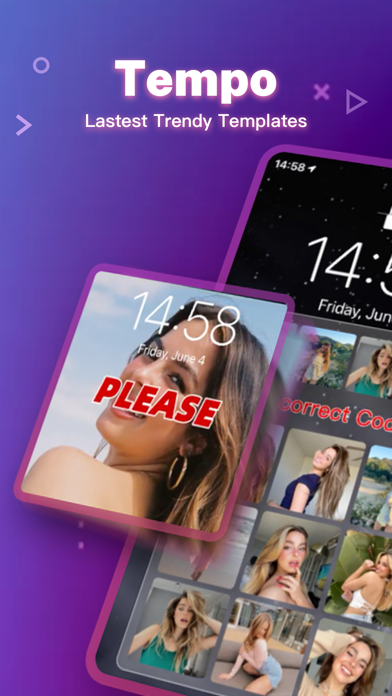
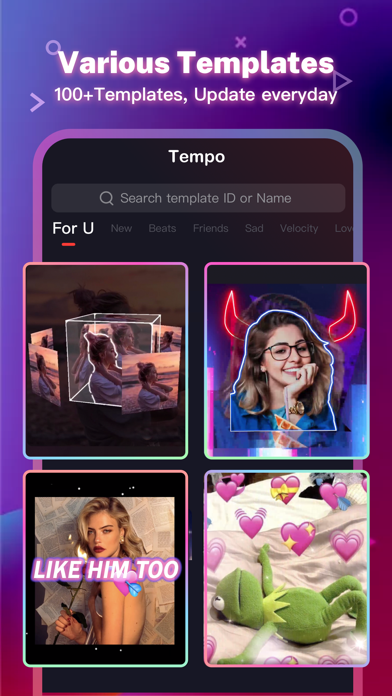
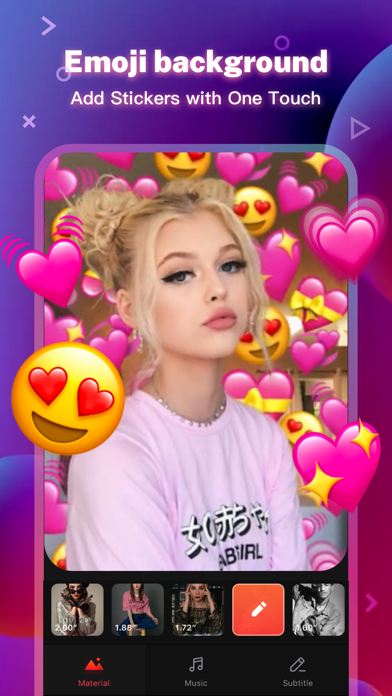
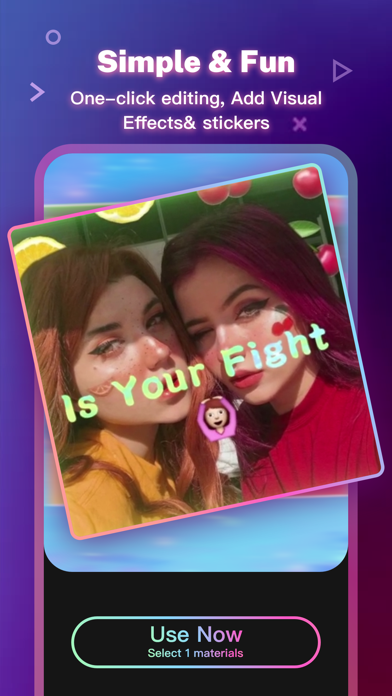
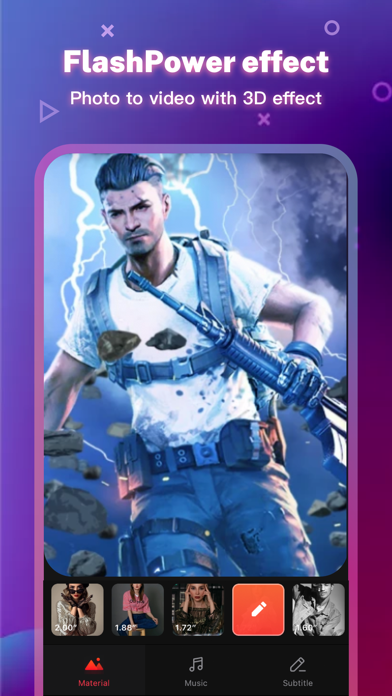
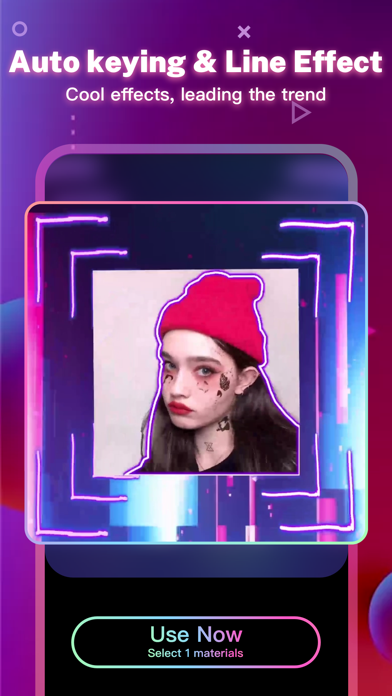
Tempo is the free music video editor with effects, also the best video maker app with song. As a free music video maker, Tempo has a lot of popular themes/special subtitles available for editing, and a wide variety of music to choose from. With Tempo, you can easily add music to video, edit video with music and pic, make lyrical videos with song. Download Tempo APP to create and edit video with music and photo for Instagram!
1. Special Features
• Hundreds of high-quality filters to meet users’ different requirements;
• Special transition effects make your video unique;
• Multiple shots supported, and switch filters freely as you wish;
• Stylish face stickers;
• Wide Screen mode;
• Share your creative photos/videos to Facebook, Instagram
2. Music Video Maker and Effects
Tempo offers the best editing tools for you to quick cut/trim/crop/merge/reverse/rotate video clips and add music easily, or make video from pics and song.
Tempo offers lots of free music to make your video fun and popular. In addition, You can cut video in parts, merge images from your gallery. Best music video editor with effects: edit video with music & pic for Instagram!
3. Video Editing App
Tempo offers short video editing tools to satisfy your extra needs, you can import your videos & clips, so the video can perfectly match with the background music. And there’re variety of text styles and fonts for you to choose in this video maker.
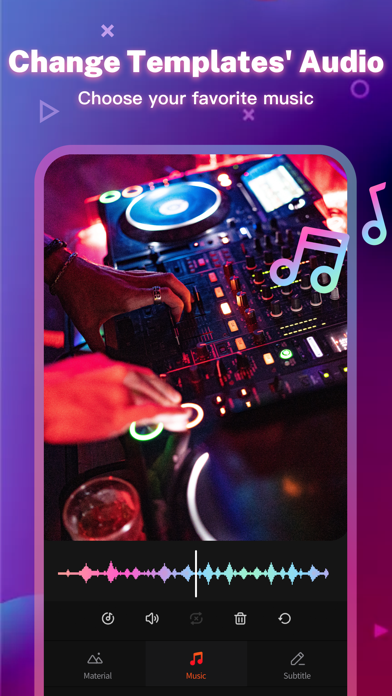
4. Add Music to Video
Tempo is also a photo video maker with varieties of background music, so you can always find the one that fits your need when making a photo video. You can also add music to video, combine videos with music, edit videos with music and photos.
5. Save Video
Tempo provides 720P/1080P HD export with no quality loss. This easy-to-use clip maker helps you make video from pics and song within a few steps, turn your photos & video clips into cool video with music and transitions!
6. Share Video
Easily edit video with music and share them to Facebook, YouTube, Instagram!
# Tempo PRO
We will release a new filter/effect/face sticker every week. With a Tempo PRO membership, you can use them all unlimitedly. Meanwhile, we will provide membership-only functions.
# ABOUT SUBSCRIPTION
Subscription service conditions:
- You can subscribe for unlimited access to all features and content offered for purchase within Tempo.
- Subscriptions are billed monthly or annually at the rate selected depending on the subscription plan.
- Payment will be charged to your iTunes Account at confirmation of purchase.
- Your subscription automatically renews unless auto-renew is turned off at least 24-hours before the end of the current period.
- Your account will be charged for renewal within 24-hours prior to the end of the current period .
- You can manage your subscription and switch off the auto-renewal by accessing your Account Settings after purchase .
- You cannot cancel the current subscription during the active subscription period.
- Any unused portion of a free trial period, if offered, will be forfeited if you purchase a subscription to that publication.
- All personal data is handled under the terms and conditions of Tempo’s privacy policy. More details can be found here:
Term of Use:
http://tempo-rc.vdresource.com/web/h5template/90d9236d-3d05-4d01-9586-82fe4c5e64b3-language=en/dist/index.html
Privacy Policy:
http://tempo-rc.vdresource.com/web/h5template/b79b207a-718e-4b70-9a82-09c89e982c10-language=en/dist/index.html
- Niet-jailbroken/jailed of jailbroken iPhone of iPad.
- Sideloadly of alternatieven.
- Computer met Windows/macOS/Linux en iTunes geïnstalleerd.
STAP 1: Download het vooraf gehackte .IPA-bestand via de link hierboven naar uw computer. Om het te downloaden vanuit de iOSGods App, bekijk onze iOSGods App IPA-downloadhandleiding met een videovoorbeeld.
STAP 2: Download Sideloadly en installeer het op uw Windows of Mac.
STAP 3: Open Sideloadly op uw computer, sluit uw iOS-apparaat aan en wacht tot de naam van uw apparaat in Sideloadly verschijnt.
STAP 4: Zodra uw iDevice is herkend, sleept u het gedownloade gemodde .IPA-bestand naar de Sideloadly-applicatie.
STAP 5: Voer het e-mailadres van uw Apple Account in en druk op “Start”. U wordt vervolgens gevraagd om uw wachtwoord in te voeren. Geef de gevraagde informatie op.
STAP 6: Wacht tot Sideloadly het sideloaden/installeren van de gehackte IPA heeft voltooid. Als er problemen zijn tijdens de installatie, lees dan onderstaande opmerking.
STAP 7: Zodra de installatie is voltooid en u de app op uw beginscherm ziet, gaat u naar Instellingen → Algemeen → Profielen / VPN- en apparaatbeheer. Tik daar op het e-mailadres dat u in stap 6 hebt ingevoerd en tik vervolgens op “Vertrouw [email protected]”.
STAP 8: Ga nu naar uw beginscherm en open de zojuist geïnstalleerde app; alles zou correct moeten werken. Mogelijk moet u verdere app-specifieke instructies volgen in de hack-popup in het spel.
OPMERKING: Op iOS/iPadOS 16 en later moet u Ontwikkelaarsmodus inschakelen. Voor gratis Apple Developer-accounts moet u dit proces elke 7 dagen herhalen. Als u vragen of problemen hebt, lees dan onze Sideloadly FAQ-sectie van het onderwerp.