Inloggning krävs
Logga in med ditt iOSGods-konto för att fortsätta.
Logga in med ditt iOSGods-konto för att fortsätta.

Tjäna guld snabbare och uppgradera dina allierade gratis i denna actionfylld fusk av Thor: War of Tapnarok Mod IPA. Försvara de nio världarna från monster och invasion med förstärkta resurser som låter dig stärka ditt lag utan att behöva slita. Kämpa tillsammans med tordonguden och hans pålitliga allierade när du slåss genom oändliga vågor av fiender.
- Högt guldintäkt → samla valuta snabbare
- Högt kassaskattgold → tjäna mer från skattkammarbelöningar
- Gratis allierad uppgradering → nivåa upp ditt lag utan kostnad
Den här appen levereras även med iGameGod, vilket ger dig tillgång till Auto Touch för att automatisera repetitiva uppgifter, App Speed Manager för justerbar spelhastighet, värdesredigering med Memory Engine och fler kraftfulla verktyg för iOS-spel.
Ladda ner Thor : War of Tapnarok Hack modded IPA från länkarna ovan. Tryck på installationsknappen och följ instruktionerna för att installera denna iOS-apphack på iPhone, iPad eller Apple Silicon.
Behöver du mer hjälp? Se våra iOSGods-appens vanliga frågor för detaljerade svar och felsökningstips.
GLOBAL LAUNCH CELEBRATION - Get rewarded just by logging in!
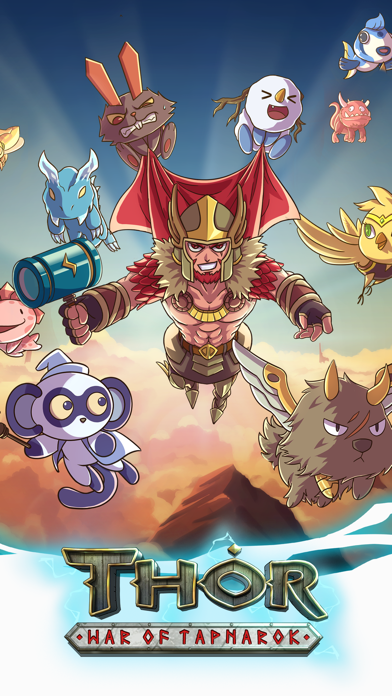
Ascend as Thor God of Thunder, and get ready for an epic adventure in this Norse-themed action clicker!
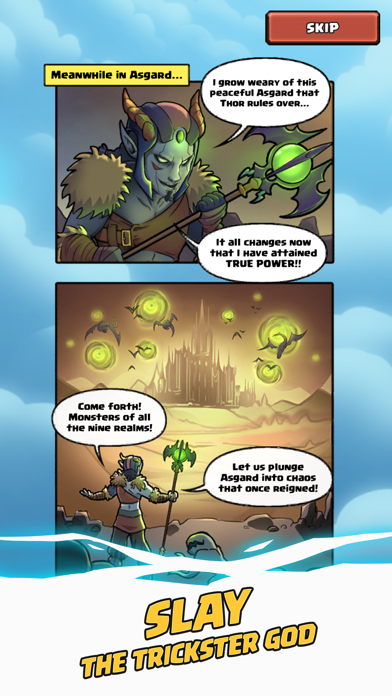
After the dust of Ragnarok has settled, Loki the God of Mischief has declared eternal war against Asgard! Wielding Heimdall's Crystal Staff, he has unleashed ferocious monsters and evil gods into the Nine Realms. Loki's vile forces are now at the gates of Asgard, and Tapnarok is almost upon us.
O heroic Thor, son of Odin, King of Asgard, the True Ruler of the Nine Realms - heed our call! It is your duty to defend your home from this monstrous invasion!
HIGHLIGHTS:
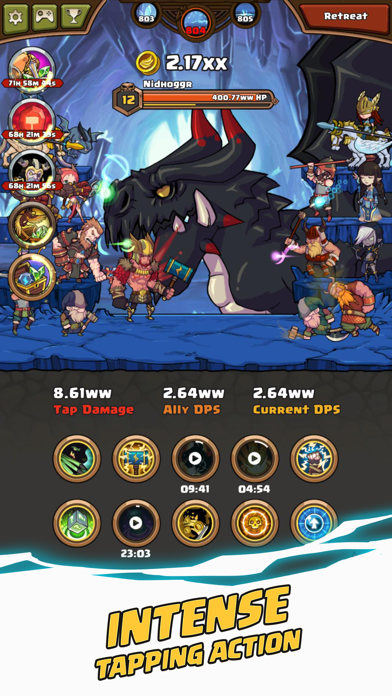
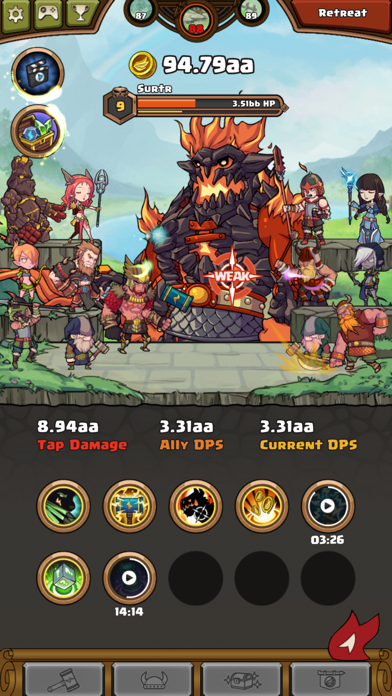
◆ Tap the enemy's weak spot to deal devastating damage!
◆ Activate 10 fearsome skills to unleash Thor's explosive might!
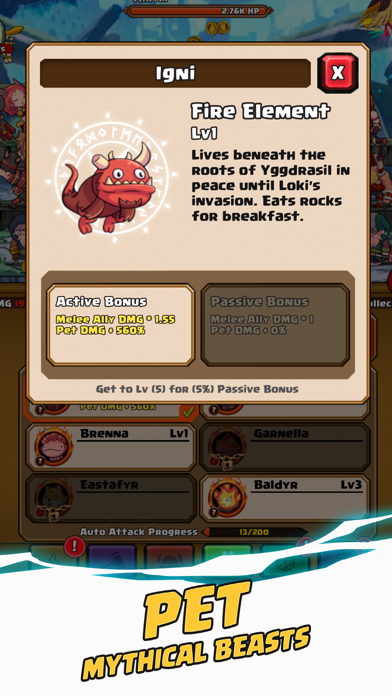
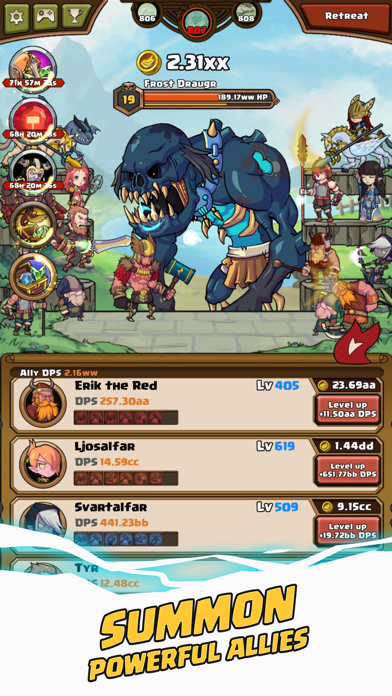
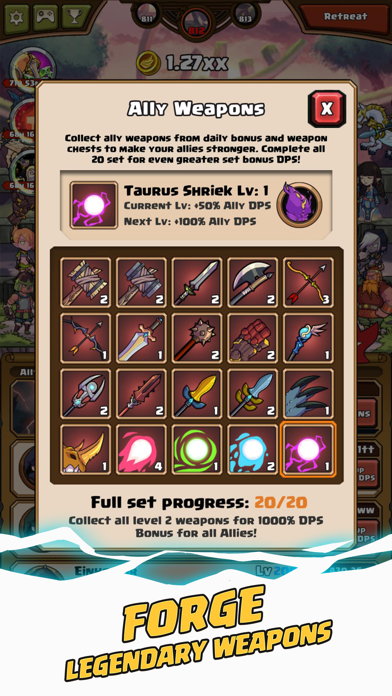
◆ Recruit 20 loyal allies and equip them with unique weapons!
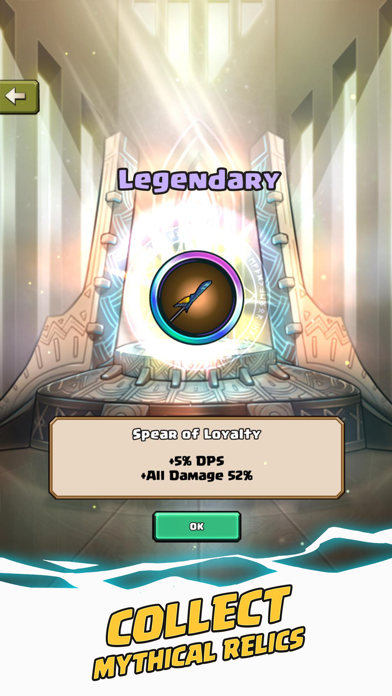
◆ Collect 37 mystical relics to harness unfathomable power!
◆ Slay terrifying enemies such as Loki the Trickster God!
◆ Summon the All-Father Odin to fight by your side!
Immerse in the myth and might of Thor, battles countless monsters with the help of Viking warriors, Valkyrie, and even the All-Father Himself, Odin.
The fate of Asgard is in your hands, Hero. Dust off that ol’ Mjolnir, tighten your jockstrap, and defend the realms at all costs! To Valhalla!
Thor-n up by an issue? Send us an email and we will address the issue as soon as possible.
Support Email : [email protected]
For the latest news, updates, and events, follow us on:
Facebook : http://www.facebook.com/appxplore
Youtube : http://www.youtube.com/user/appxplore
Instagram : http://www.instagram.com/appxplore
Twitter : http://twitter.com/appxplore
- iPhone eller iPad utan jailbreak/jailad eller med jailbreak.
- Sideloadly eller alternativ.
- Dator med Windows/macOS/Linux och iTunes installerat.
STEG 1: Ladda ner den förhackade .IPA-filen från länken ovan till din dator. För att ladda ner från iOSGods App, se vår Guide för att ladda ner IPA i iOSGods App som även innehåller ett videoexempel.
STEG 2: Ladda ner Sideloadly och installera det på din Windows eller Mac.
STEG 3: Öppna Sideloadly på din dator, anslut din iOS-enhet och vänta tills enhetens namn visas i Sideloadly.
STEG 4: När din iEnhet känns igen drar du den moddade .IPA-filen du laddat ner och släpper den i Sideloadly-programmet.
STEG 5: Ange e-postadressen till ditt Apple Account och tryck sedan på ”Start”. Du ombeds sedan ange ditt lösenord. Fyll i de uppgifter som krävs.
STEG 6: Vänta tills Sideloadly är klar med att sideloada/installera den hackade IPA-filen. Om problem uppstår under installationen, läs noten nedan.
STEG 7: När installationen är klar och du ser appen på din hemskärm behöver du gå till Inställningar → Allmänt → Profiler / VPN & enhetshantering. Tryck där på e-postadressen du angav i steg 6 och tryck sedan på ”Lita på [email protected]”.
STEG 8: Gå nu till din hemskärm och öppna den nyligen installerade appen — allt ska fungera som det ska. Du kan behöva följa ytterligare app-specifika instruktioner i hackets popup inne i spelet.
OBS: På iOS/iPadOS 16 och senare måste du aktivera Utvecklarläge. För gratis Apple Developer-konton behöver du upprepa processen var sjunde dag. Om du har frågor eller problem, läs vår Sideloadly FAQ-avsnitt i tråden.