Login Diperlukan
Masuk dengan akun iOSGods kamu untuk melanjutkan.
Masuk dengan akun iOSGods kamu untuk melanjutkan.
Dapatkan emas lebih cepat dan tingkatkan sekutu Anda secara gratis dalam hack yang penuh aksi dari Thor: War of Tapnarok Mod IPA. Pertahankan sembilan alam dari monster dan invasi dengan sumber daya yang ditingkatkan yang memungkinkan Anda memperkuat tim tanpa grinding. Bertempur bersama dewa petir dan sekutu terpercayanya saat Anda melawan gelombang musuh yang tak terbatas.
- Perolehan Emas Tinggi → kumpulkan mata uang lebih cepat
- Emas Peti Tinggi → dapatkan lebih banyak dari hadiah harta karun
- Peningkatan Sekutu Gratis → tingkatkan level tim Anda tanpa biaya
Aplikasi ini juga dilengkapi dengan iGameGod, yang memberi Anda akses ke Auto Touch untuk mengotomatiskan tugas berulang, App Speed Manager untuk mengatur kecepatan permainan, pengeditan nilai Memory Engine, dan alat permainan iOS lainnya yang lebih canggih.
Unduh Thor : War of Tapnarok Hack modded IPA dari tautan di atas. Ketuk tombol pasang dan ikuti petunjuk di layar untuk memasang hack iOS ini di iPhone, iPad, atau Apple Silicon.
Butuh bantuan lebih lanjut? Lihat Pertanyaan yang Sering Diajukan untuk Aplikasi iOSGods kami untuk jawaban dan tips lengkap.
GLOBAL LAUNCH CELEBRATION - Get rewarded just by logging in!
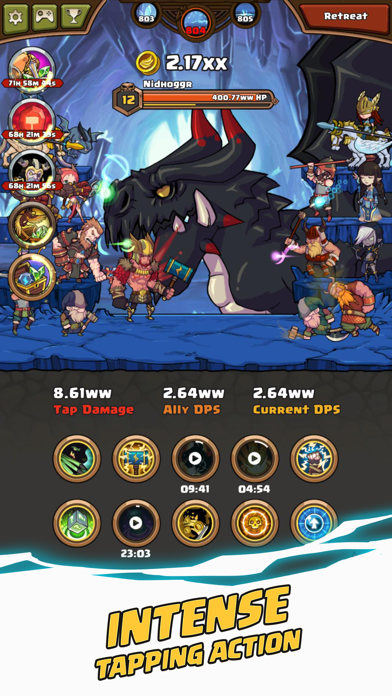
Ascend as Thor God of Thunder, and get ready for an epic adventure in this Norse-themed action clicker!
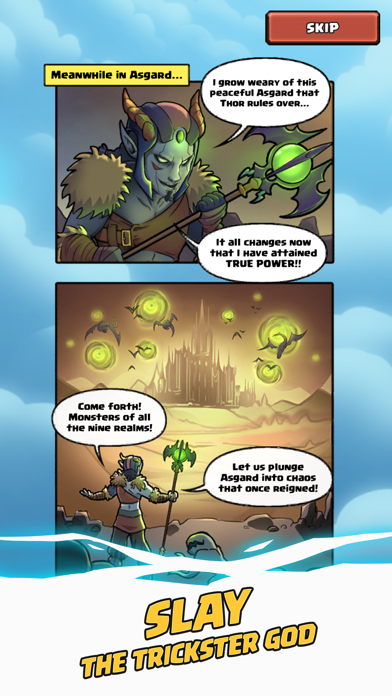
After the dust of Ragnarok has settled, Loki the God of Mischief has declared eternal war against Asgard! Wielding Heimdall's Crystal Staff, he has unleashed ferocious monsters and evil gods into the Nine Realms. Loki's vile forces are now at the gates of Asgard, and Tapnarok is almost upon us.
O heroic Thor, son of Odin, King of Asgard, the True Ruler of the Nine Realms - heed our call! It is your duty to defend your home from this monstrous invasion!
HIGHLIGHTS:
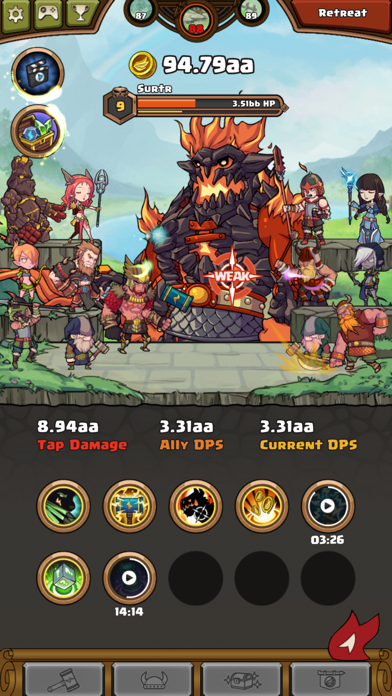
◆ Tap the enemy's weak spot to deal devastating damage!
◆ Activate 10 fearsome skills to unleash Thor's explosive might!
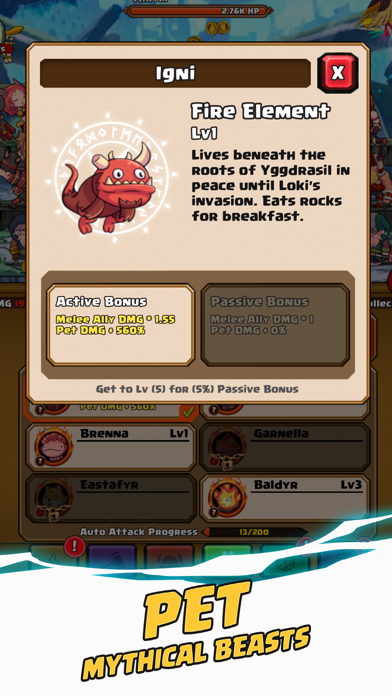
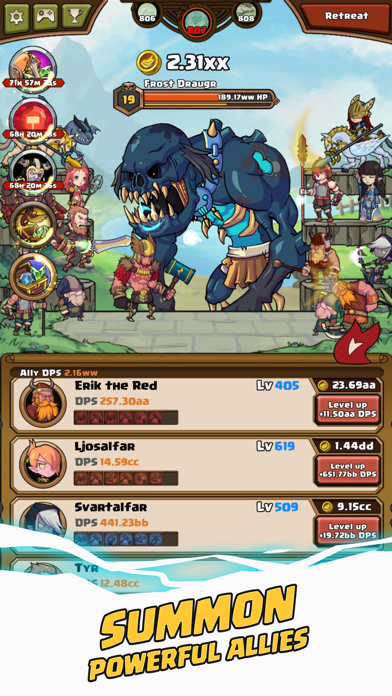
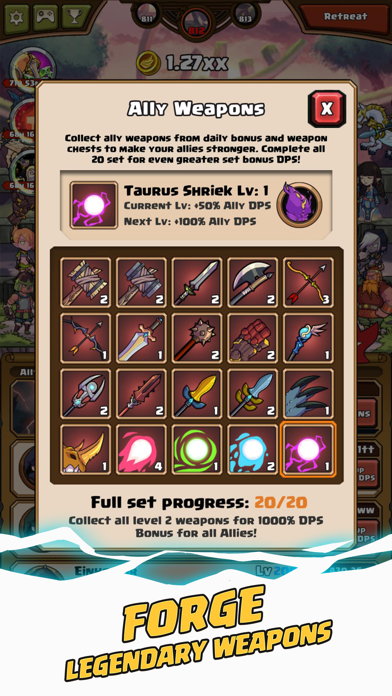
◆ Recruit 20 loyal allies and equip them with unique weapons!
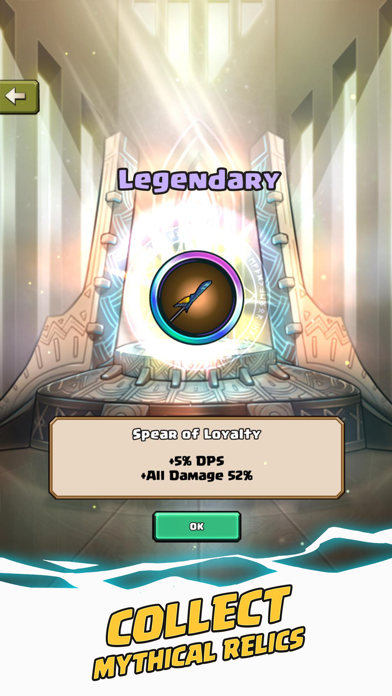
◆ Collect 37 mystical relics to harness unfathomable power!
◆ Slay terrifying enemies such as Loki the Trickster God!
◆ Summon the All-Father Odin to fight by your side!
Immerse in the myth and might of Thor, battles countless monsters with the help of Viking warriors, Valkyrie, and even the All-Father Himself, Odin.
The fate of Asgard is in your hands, Hero. Dust off that ol’ Mjolnir, tighten your jockstrap, and defend the realms at all costs! To Valhalla!
Thor-n up by an issue? Send us an email and we will address the issue as soon as possible.
Support Email : [email protected]
For the latest news, updates, and events, follow us on:
Facebook : http://www.facebook.com/appxplore
Youtube : http://www.youtube.com/user/appxplore
Instagram : http://www.instagram.com/appxplore
Twitter : http://twitter.com/appxplore

- iPhone atau iPad tanpa Jailbreak atau dengan Jailbreak.
- Sideloadly atau alternatifnya.
- Komputer dengan Windows/macOS/Linux dan iTunes terpasang.
LANGKAH 1: Unduh file .IPA yang sudah di-hack dari tautan di atas ke komputer Anda. Untuk mengunduhnya dari iOSGods App, silakan lihat Tutorial Mengunduh IPA dari iOSGods App kami yang dilengkapi contoh video.
LANGKAH 2: Unduh Sideloadly dan pasang di Windows atau Mac Anda.
LANGKAH 3: Buka Sideloadly di komputer Anda, sambungkan perangkat iOS Anda, dan tunggu hingga nama perangkat Anda muncul di Sideloadly.
LANGKAH 4: Setelah iDevice Anda terdeteksi, seret file .IPA yang sudah dimodifikasi dan lepaskan ke dalam aplikasi Sideloadly.
LANGKAH 5: Masukkan email Apple Account Anda, lalu tekan "Start". Anda kemudian akan diminta memasukkan kata sandi. Silakan isi informasi yang diminta.
LANGKAH 6: Tunggu hingga Sideloadly selesai melakukan sideloading/pemasangan IPA yang di-hack. Jika terjadi masalah saat pemasangan, silakan baca catatan di bawah ini.
LANGKAH 7: Setelah pemasangan selesai dan Anda melihat aplikasi di Layar Beranda, Anda perlu masuk ke Pengaturan → Umum → Profil / VPN & Manajemen Perangkat. Setelah itu, ketuk email yang Anda masukkan pada langkah 6, lalu ketuk "Percayai [email protected]".
LANGKAH 8: Sekarang buka Layar Beranda dan jalankan aplikasi yang baru saja dipasang; semuanya seharusnya berjalan normal. Anda mungkin perlu mengikuti petunjuk tambahan per aplikasi yang muncul di popup hack di dalam game.
CATATAN: Pada iOS/iPadOS 16 dan yang lebih baru, Anda harus mengaktifkan Mode Pengembang. Untuk akun Apple Developer gratis, Anda perlu mengulangi proses ini setiap 7 hari. Jika Anda memiliki pertanyaan atau masalah, silakan baca bagian FAQ Sideloadly di topik tersebut kami.