需要登录
请使用您的 iOSGods 账户登录以继续。
- Debug panel (You can control every aspect of the game, resources, gacha, pet, time and more more)
How to use
1. Open the setting at top right of the screen
2. Toggle the option inside the iosgods mod menu
3. It will appear a button for cheats, just press it
从上方链接下载 Idle Zombie: Survival Station Hack modded IPA。点击安装按钮并按照屏幕提示在 iPhone、iPad 或 Apple Silicon 上安装此 iOS 应用修改版。
需要更多帮助?请查看我们的 iOSGods 应用常见问题解答 获取详细解答和故障排除技巧。
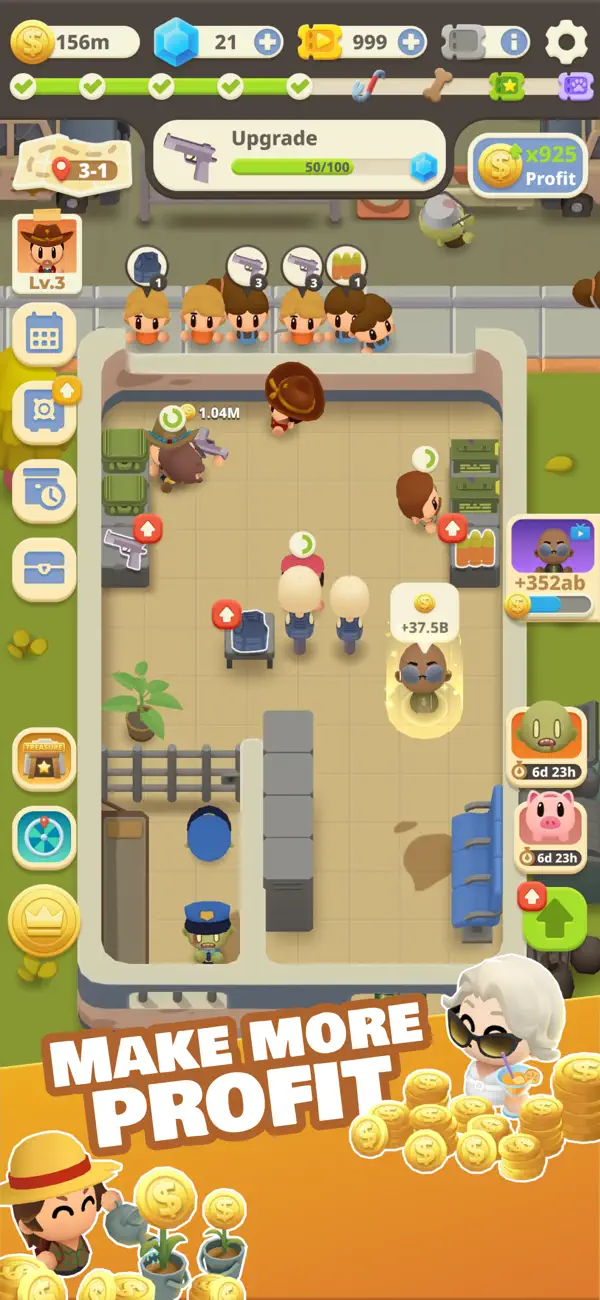
Welcome to IDLE ZOMBIE: SURVIVAL STATION!
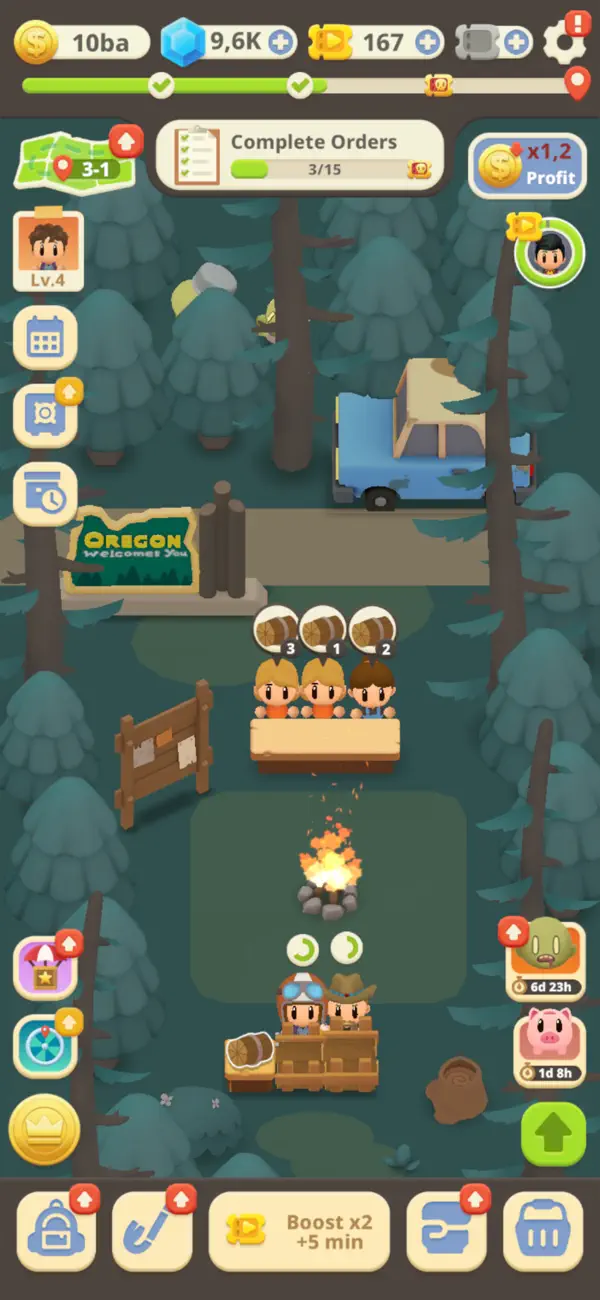
Step into a post-apocalyptic world overrun by zombies where survival isn't guaranteed, and the fight is relentless. As the leader of humanity’s last survival station, you must arm yourself, gather resources, and prepare for the ultimate battle against the undead and other survivors!
In IDLE ZOMBIE: SURVIVAL STATION, you will dive in:
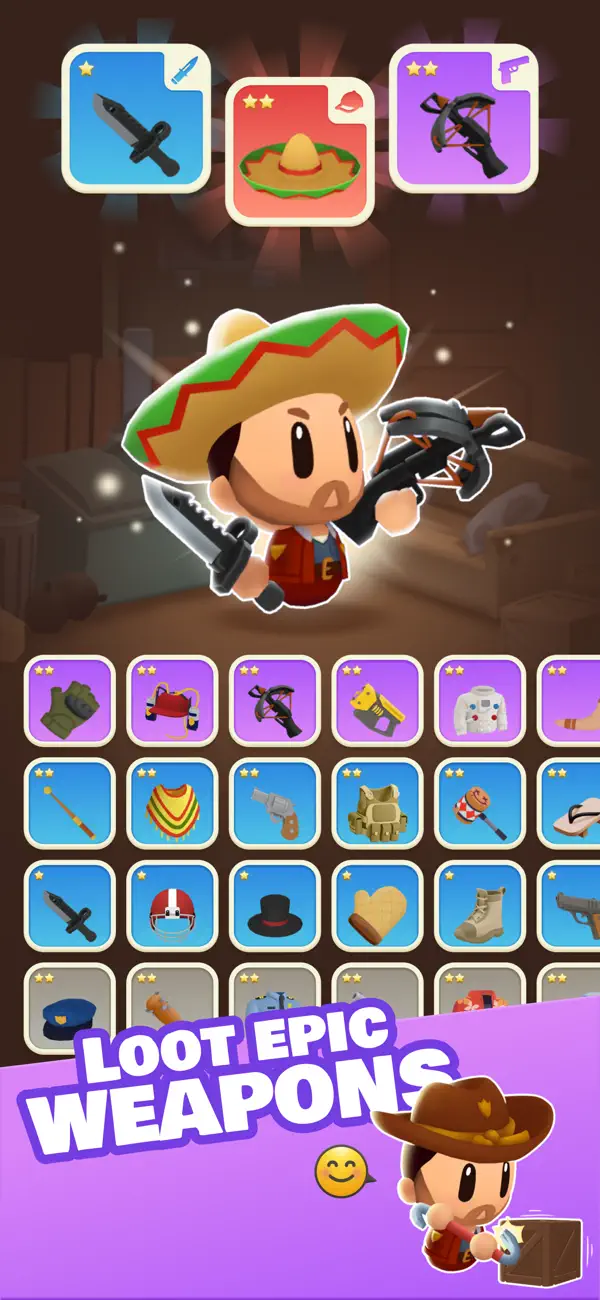
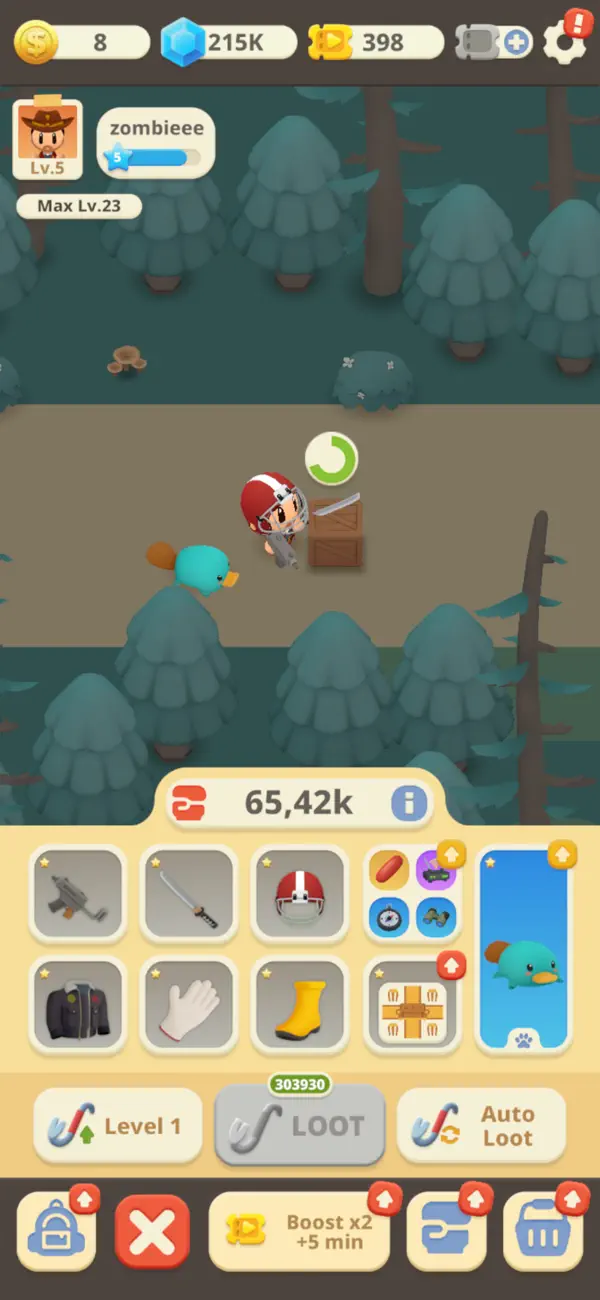
• Loot and Collect: Brave treacherous zones to gather powerful weapons, rare pets, and critical resources to boost your combat strength and prepare for tougher challenges.
• Survive Battles: Engage in heart-pounding survival battles against relentless waves of zombies. They could be goofy zombies that are easy to defeat or extremely ferocious and difficult to handle.
• Challenge the Arena: Enter the arena and go head-to-head with other players. Prove your skills in fierce PvP battles, climb the leaderboard, and cement your status as the ultimate survivor tycoon!
• Build Your Arsenal: Collect rare, epic, and legendary weapons and abilities to turn the tide of battles and dominate both the undead and your rivals.
Who Should Play?
Idle Zombie: Survival Station is perfect for:
• Action seekers who crave intense zombie battles and survival adventures,
• Collectors who love upgrading weapons, companions, and tools to gain an edge,
• Competitive players aiming to outlast opponents in thrilling arena duels,
• Zombie enthusiasts hungry for an epic apocalypse experience.
Ready to take on the apocalypse? Your survival, your fight, your victory.
Download IDLE ZOMBIE: SURVIVAL STATION now and begin your journey!
You need help? Contact us in your preferred language via email: [email protected]
Frequently asked questions: https://unimob.helpshift.com/hc/en/4-idle-zombie-survival-tycoon/
Discuss more on:
• Our Discord: https://discord.gg/uT6TbhjDRW
Terms of Use (EULA)
Standard Apple Terms of Use (EULA)
https://www.apple.com/legal/internet-services/itunes/dev/stdeula/
- 未越狱/受限或已越狱的 iPhone 或 iPad。
- Sideloadly 或替代方案。
- 运行 Windows/macOS/Linux 且已安装 iTunes 的电脑。
步骤 1: 通过上方链接将已破解的 .IPA 文件下载到您的电脑。如需从 iOSGods App 下载,请参阅我们的 iOSGods App IPA 下载教程,其中包含视频示例。
步骤 2: 下载 Sideloadly 并将其安装到您的 Windows 或 Mac 上。
步骤 3: 在电脑上打开 Sideloadly,连接您的 iOS 设备,等待设备名称在 Sideloadly 中显示。
步骤 4: 当 Sideloadly 识别到您的 iOS 设备后,将下载好的修改版 .IPA 文件拖放到 Sideloadly 应用中。
步骤 5: 输入您的 Apple Account 邮箱,然后点击 "Start"。系统会提示您输入密码,请按要求填写信息。
步骤 6: 等待 Sideloadly 完成已破解 IPA 的旁加载/安装。如果安装过程中出现问题,请阅读下方的注意事项。
步骤 7: 安装完成并在主屏幕上看到该应用后,您需要前往 设置 → 通用 → 描述文件 / VPN 与设备管理。进入后,点击您在第 6 步中输入的邮箱,然后点击 "信任 [email protected]"。
步骤 8: 现在返回主屏幕并打开新安装的应用,一切应可正常运行。您可能需要按照游戏内修改弹窗中的具体说明执行进一步操作。
注意: 在 iOS/iPadOS 16 及更高版本上,您必须 启用开发者模式。对于免费的 Apple Developer 账户,您需要每 7 天重复一次此操作。如有任何疑问或问题,请阅读我们的 主题中的 Sideloadly 常见问题部分。