Accesso richiesto
Accedi con il tuo account iOSGods per continuare.
Accedi con il tuo account iOSGods per continuare.
Questo hack del gioco idle di sopravvivenza zombie per iOS rimuove la fatica e il paywall, permettendoti di saltare i colli di bottiglia delle risorse che rallentano la progressione in Idle Zombie: Survival Station. Costruisci la tua base post-apocalittica, sblocca i contenuti premium e domina gli non-morti senza spendere soldi veri o aspettare i timer.
Con questo Mod IPA modificato, ottieni accesso istantaneo a tutti i banchi, aggiornamenti gratuiti e modalità dio in modo da poter concentrarti sulla strategia e il combattimento piuttosto che sulla raccolta di risorse. Che tu sia nuovo ai giochi idle o un veterano che vuole provare il gioco completo senza il paywall, questo hack trasforma l'esperienza di sopravvivenza in pura progressione.
- Rivendica Ricompensa Primo Acquisto → sblocca il bonus premium iniziale
- Offerte Speciali Gratuite → accedi alle offerte a tempo limitato senza costi
- Sblocca Evento Premium → partecipa agli eventi esclusivi
- Sblocca Tutti i Banchi → accedi a ogni struttura da subito
- Aggiornamenti Banchi Gratuiti → migliora gli edifici senza spendere risorse
- Aggiornamenti e Costruzioni Gratuite → costruisci e migliora senza costi
- Modalità Dio (Non Morire Mai) → sopravvivi a qualsiasi battaglia imbattuto
Scarica Idle Zombie: Survival Station Hack modded IPA dai link sopra. Tocca il pulsante di installazione e segui le istruzioni per installare questo hack iOS sul tuo iPhone, iPad o Mac con Apple Silicon.
Hai bisogno di altro aiuto? Consulta le nostre Domande frequenti sull'app iOSGods per risposte dettagliate e consigli per la risoluzione dei problemi.
Bienvenue dans IDLE ZOMBIE: SURVIVAL STATION !
Plongez dans un monde post-apocalyptique envahi par les zombies où la survie n'est pas garantie et où le combat est implacable. En tant que chef de la dernière station de survie de l'humanité, vous devez vous armer, rassembler des ressources et vous préparer pour la bataille ultime contre les morts-vivants et les autres survivants !
Dans IDLE ZOMBIE: SURVIVAL STATION, vous plongerez dans :
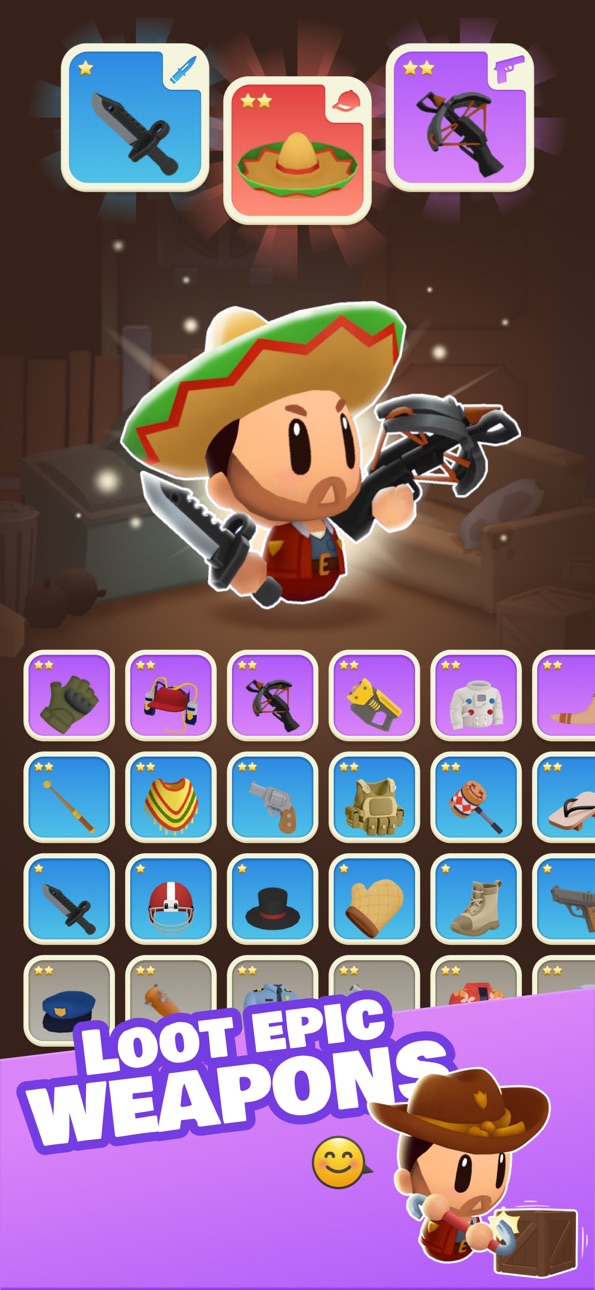
• Piller et collecter : affronter des zones dangereuses pour récupérer des armes puissantes, des animaux rares et des ressources essentielles pour augmenter votre force de combat et vous préparer à des défis plus difficiles.
• Survivre aux batailles : participer à des batailles de survie palpitantes contre des vagues incessantes de zombies. Il peut s'agir de zombies loufoques faciles à vaincre ou extrêmement féroces et difficiles à gérer.
• Défier l'arène : entrer dans l'arène et affronter d'autres joueurs. Prouvez vos compétences dans des batailles JcJ féroces, grimpez dans le classement et consolidez votre statut de magnat ultime de la survie !
• Construisez votre arsenal : récupérez des armes et des capacités rares, épiques et légendaires pour renverser le cours des batailles et dominer à la fois les morts-vivants et vos rivaux.
Qui devrait jouer ?
Idle Zombie: Survival Station est parfait pour :
• Les amateurs d'action qui ont soif de combats intenses contre les zombies et d'aventures de survie,
• Les collectionneurs qui aiment améliorer leurs armes, leurs compagnons et leurs outils pour prendre l'avantage,
• Les joueurs compétitifs qui cherchent à survivre à leurs adversaires dans des duels d'arène palpitants,
• Les passionnés de zombies avides d'une expérience épique d'apocalypse.
Prêt à affronter l'apocalypse ? Votre survie, votre combat, votre victoire.
Téléchargez IDLE ZOMBIE: SURVIVAL STATION maintenant et commencez votre voyage !
Besoin d'aide ? Contactez-nous dans votre langue préférée par e-mail : [email protected]
Questions fréquemment posées : https://unimob.helpshift.com/hc/fr/4-idle-zombie-survival-tycoon/
Discutez-en davantage sur :
• Notre Discord : https://discord.gg/uT6TbhjDRW
• Notre page Facebook : https://www.facebook.com/idle.zombie.tycoon
Terms of Use (EULA)
Standard Apple Terms of Use (EULA)
https://www.apple.com/legal/internet-services/itunes/dev/stdeula/
Screenshot © rispettivi proprietari · App Store


iOSGods non è affiliata, approvata né sponsorizzata da Apple Inc., Google LLC o dagli sviluppatori delle app elencate qui. Apple, iOS e App Store sono marchi di Apple Inc. Android e Google Play sono marchi di Google LLC. Tutti gli altri nomi delle app, icone, immagini e marchi appartengono ai rispettivi proprietari.
- iPhone o iPad non jailbroken/jailed oppure jailbroken.
- Sideloadly o alternative.
- Computer con Windows/macOS/Linux con iTunes installato.
PASSO 1: Scarica il file .IPA pre-modificato dal link sopra sul tuo computer. Per scaricarlo dall'iOSGods App, consulta il nostro Tutorial download IPA dell'iOSGods App, che include un esempio video.
PASSO 2: Scarica Sideloadly e installalo sul tuo Windows o Mac.
PASSO 3: Apri Sideloadly sul tuo computer, collega il tuo dispositivo iOS e attendi finché il nome del dispositivo non appare in Sideloadly.
PASSO 4: Una volta riconosciuto il tuo iDevice, trascina il file .IPA moddato che hai scaricato e rilascialo nell'applicazione Sideloadly.
PASSO 5: Inserisci l'email del tuo Apple Account, poi premi “Start”. Ti verrà quindi chiesto di inserire la password. Procedi e fornisci le informazioni richieste.
PASSO 6: Attendi che Sideloadly completi il sideload/installazione dell'IPA modificata. Se ci sono problemi durante l'installazione, leggi la nota qui sotto.
PASSO 7: Una volta completata l'installazione e vista l'app sulla schermata Home, dovrai andare in Impostazioni → Generali → Profili / Gestione VPN e dispositivi. Una volta lì, tocca l'email inserita al passo 6 e poi tocca “Autorizza [email protected]”.
PASSO 8: Ora vai sulla schermata Home e apri l'app appena installata: tutto dovrebbe funzionare correttamente. Potrebbe essere necessario seguire ulteriori istruzioni specifiche all'interno del popup dell'hack nel gioco.
NOTA: Per iOS/iPadOS 16 e versioni successive, devi attivare la Modalità sviluppatore. Per gli account Apple Developer gratuiti, dovrai ripetere questa procedura ogni 7 giorni. Se hai domande o problemi, leggi la nostra sezione FAQ Sideloadly del topic.
Game Name iOS Mod IPA is an action adventure game enhanced with powerful gameplay boosts and quality-of-life improvements. Win battles faster, earn rewards quicker, and enjoy uninterrupted play without ads.
- Unlimited Gold - spend freely to unlock premium content
- Damage Multiplier - deal significantly more damage in combat
- Defense Multiplier - take less damage and survive longer
- Reward Multiplier - earn more loot from every battle
- Max Level - instantly reach the highest player rank
- No Ads - play without interruptions or advertisements
This app also comes with iGameGod, giving you access to Auto Touch to automate repetitive tasks, App Speed Manager for adjustable gameplay speed, Memory Engine value editing, and more powerful iOS game tools.
Scarica Game Name Mod IPA dai link sopra. Tocca il pulsante di installazione e segui le istruzioni per installare questo hack iOS sul tuo iPhone, iPad o Mac con Apple Silicon.
Hai bisogno di altro aiuto Consulta le nostre Domande frequenti sull'app iOSGods per risposte dettagliate e consigli per la risoluzione dei problemi.
----------------------------------------------------------
--------------------------------------------------