Accesso richiesto
Accedi con il tuo account iOSGods per continuare.
Accedi con il tuo account iOSGods per continuare.
Questo hack del gioco idle di sopravvivenza zombie per iOS rimuove la fatica e il paywall, permettendoti di saltare i colli di bottiglia delle risorse che rallentano la progressione in Idle Zombie: Survival Station. Costruisci la tua base post-apocalittica, sblocca i contenuti premium e domina gli non-morti senza spendere soldi veri o aspettare i timer.
Con questo Mod IPA modificato, ottieni accesso istantaneo a tutti i banchi, aggiornamenti gratuiti e modalità dio in modo da poter concentrarti sulla strategia e il combattimento piuttosto che sulla raccolta di risorse. Che tu sia nuovo ai giochi idle o un veterano che vuole provare il gioco completo senza il paywall, questo hack trasforma l'esperienza di sopravvivenza in pura progressione.
- Rivendica Ricompensa Primo Acquisto → sblocca il bonus premium iniziale
- Offerte Speciali Gratuite → accedi alle offerte a tempo limitato senza costi
- Sblocca Evento Premium → partecipa agli eventi esclusivi
- Sblocca Tutti i Banchi → accedi a ogni struttura da subito
- Aggiornamenti Banchi Gratuiti → migliora gli edifici senza spendere risorse
- Aggiornamenti e Costruzioni Gratuite → costruisci e migliora senza costi
- Modalità Dio (Non Morire Mai) → sopravvivi a qualsiasi battaglia imbattuto
Scarica Idle Zombie: Survival Station Hack modded IPA dai link sopra. Tocca il pulsante di installazione e segui le istruzioni per installare questo hack iOS sul tuo iPhone, iPad o Mac con Apple Silicon.
Hai bisogno di altro aiuto? Consulta le nostre Domande frequenti sull'app iOSGods per risposte dettagliate e consigli per la risoluzione dei problemi.
歡迎來到放置殭屍:生存站!
走進一個被殭屍佔領的後世界末日世界,那裡的生存沒有保障,戰鬥也是無情的。身為人類最後生存站的領導者,你必須武裝自己,收集資源,準備與不死族和其他倖存者進行終極戰鬥!
在 IDLE ZOMBIE: SURVIVAL STATION 中,您將深入:
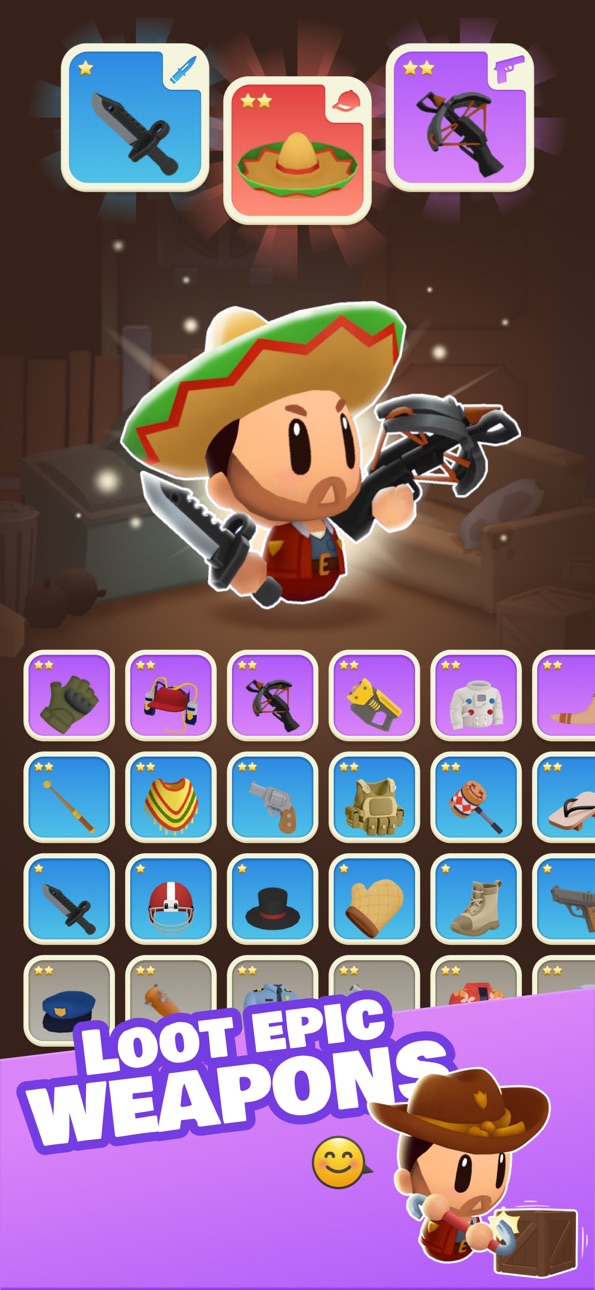
• 掠奪和收集:勇闖危險區域,收集強大的武器、稀有寵物和重要資源,以增強你的戰鬥力,為更嚴峻的挑戰做好準備。
• 生存戰鬥:與無情的殭屍浪潮進行令人心跳加速的生存戰鬥。他們可能是很容易打敗的愚蠢殭屍,也可能是極度兇猛且難以對付的殭屍。
• 挑戰競技場:進入競技場並與其他玩家正面交鋒。在激烈的 PvP 戰鬥中證明你的技能,攀登排行榜,鞏固你作為終極倖存者大亨的地位!
• 打造你的軍械庫:收集稀有、史詩和傳奇的武器和能力,扭轉戰局,統治不死生物和你的對手。
誰該玩?
放置殭屍:生存站非常適合:
• 渴望激烈的殭屍戰鬥和生存冒險的行動尋求者,
• 喜歡升級武器、同伴和工具以獲得優勢的收藏家,
• 競技玩家的目標是在激動人心的競技場決鬥中擊敗對手,
• 渴望史詩般的末日體驗的殭屍愛好者。
準備好迎接世界末日了嗎?你的生存,你的戰鬥,你的勝利。
立即下載 IDLE ZOMBIE: SURVIVAL STATION 並開始你的旅程!立即下載 IDLE ZOMBIE: SURVIVAL STATION 並開始你的旅程!
你需要幫助嗎?透過電子郵件以您的首選語言聯繫我們:[email protected]
常見問題:https://unimob.helpshift.com/hc/en/4-idle-zombie-survival-tycoon/
詳細討論:
• 我們的不和諧:https://discord.gg/uT6TbhjDRW
• 我們的 Facebook 專頁:https://www.facebook.com/idle.zombie.tycoon
Terms of Use (EULA)
Standard Apple Terms of Use (EULA)
https://www.apple.com/legal/internet-services/itunes/dev/stdeula/
Screenshot © rispettivi proprietari · App Store


iOSGods non è affiliata, approvata né sponsorizzata da Apple Inc., Google LLC o dagli sviluppatori delle app elencate qui. Apple, iOS e App Store sono marchi di Apple Inc. Android e Google Play sono marchi di Google LLC. Tutti gli altri nomi delle app, icone, immagini e marchi appartengono ai rispettivi proprietari.
- iPhone o iPad non jailbroken/jailed oppure jailbroken.
- Sideloadly o alternative.
- Computer con Windows/macOS/Linux con iTunes installato.
PASSO 1: Scarica il file .IPA pre-modificato dal link sopra sul tuo computer. Per scaricarlo dall'iOSGods App, consulta il nostro Tutorial download IPA dell'iOSGods App, che include un esempio video.
PASSO 2: Scarica Sideloadly e installalo sul tuo Windows o Mac.
PASSO 3: Apri Sideloadly sul tuo computer, collega il tuo dispositivo iOS e attendi finché il nome del dispositivo non appare in Sideloadly.
PASSO 4: Una volta riconosciuto il tuo iDevice, trascina il file .IPA moddato che hai scaricato e rilascialo nell'applicazione Sideloadly.
PASSO 5: Inserisci l'email del tuo Apple Account, poi premi “Start”. Ti verrà quindi chiesto di inserire la password. Procedi e fornisci le informazioni richieste.
PASSO 6: Attendi che Sideloadly completi il sideload/installazione dell'IPA modificata. Se ci sono problemi durante l'installazione, leggi la nota qui sotto.
PASSO 7: Una volta completata l'installazione e vista l'app sulla schermata Home, dovrai andare in Impostazioni → Generali → Profili / Gestione VPN e dispositivi. Una volta lì, tocca l'email inserita al passo 6 e poi tocca “Autorizza [email protected]”.
PASSO 8: Ora vai sulla schermata Home e apri l'app appena installata: tutto dovrebbe funzionare correttamente. Potrebbe essere necessario seguire ulteriori istruzioni specifiche all'interno del popup dell'hack nel gioco.
NOTA: Per iOS/iPadOS 16 e versioni successive, devi attivare la Modalità sviluppatore. Per gli account Apple Developer gratuiti, dovrai ripetere questa procedura ogni 7 giorni. Se hai domande o problemi, leggi la nostra sezione FAQ Sideloadly del topic.
Game Name iOS Mod IPA is an action adventure game enhanced with powerful gameplay boosts and quality-of-life improvements. Win battles faster, earn rewards quicker, and enjoy uninterrupted play without ads.
- Unlimited Gold - spend freely to unlock premium content
- Damage Multiplier - deal significantly more damage in combat
- Defense Multiplier - take less damage and survive longer
- Reward Multiplier - earn more loot from every battle
- Max Level - instantly reach the highest player rank
- No Ads - play without interruptions or advertisements
This app also comes with iGameGod, giving you access to Auto Touch to automate repetitive tasks, App Speed Manager for adjustable gameplay speed, Memory Engine value editing, and more powerful iOS game tools.
Scarica Game Name Mod IPA dai link sopra. Tocca il pulsante di installazione e segui le istruzioni per installare questo hack iOS sul tuo iPhone, iPad o Mac con Apple Silicon.
Hai bisogno di altro aiuto Consulta le nostre Domande frequenti sull'app iOSGods per risposte dettagliate e consigli per la risoluzione dei problemi.
----------------------------------------------------------
--------------------------------------------------