로그인 필요
계속하려면 iOSGods 계정으로 로그인하세요.
Hack Features:
- Unlock Plus
- No Ads
Author: kimjongcracks
Topic: https://iosgods.com/topic/170121-guitartuna-chordstunersongs-v7271-mod/
위의 링크에서 GuitarTuna: Chords,Tuner,Songs Modded modded IPA을 다운로드합니다. 설치 버튼을 누르고 화면 안내에 따라 iPhone, iPad 또는 Apple Silicon에 이 iOS 앱 해킹을 설치합니다.
더 많은 도움이 필요하신가요? 자세한 답변과 문제 해결 팁은 iOSGods 앱 자주 묻는 질문을 확인하세요.
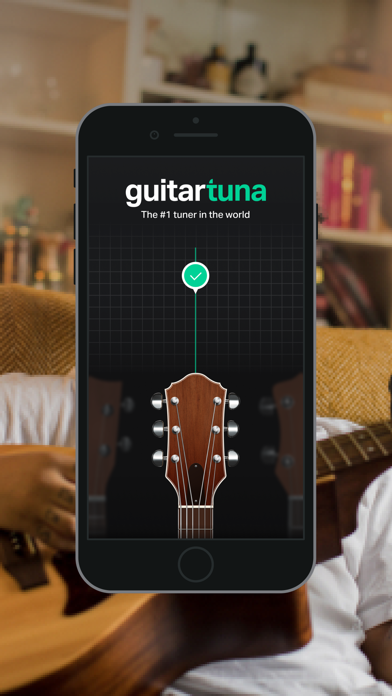
The world’s #1 tuner app!
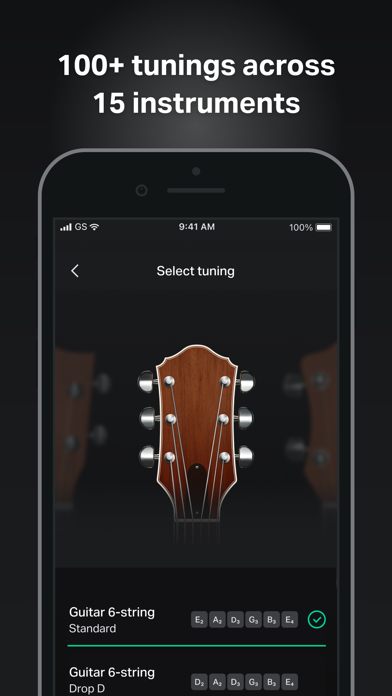
This is not just a guitar tuner: we’ve got +100 tunings for 15 instruments plus chords and lyrics for your favorite songs! It’s fast, accurate, and easy to use. GuitarTuna has been downloaded over 100 million times, making it the most downloaded tuning app in the world.
GuitarTuna has it all:
• Tons of tunings: standard, drop D, drop A, half step down and loads more
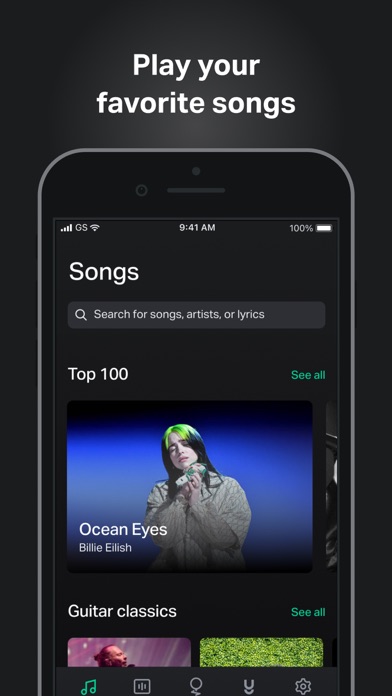
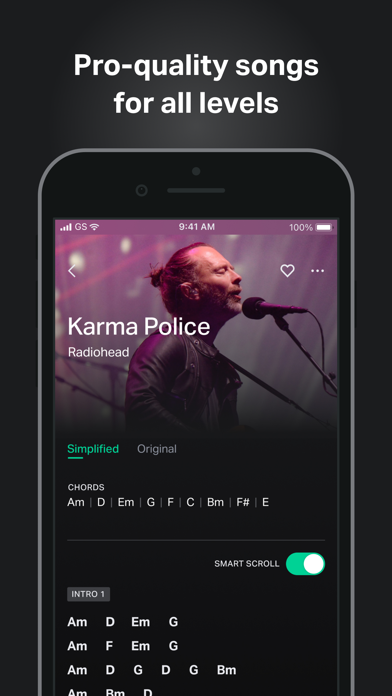
• Pro-quality song chords & lyrics for guitar
• Play-synced song scroll so you can play at your own pace
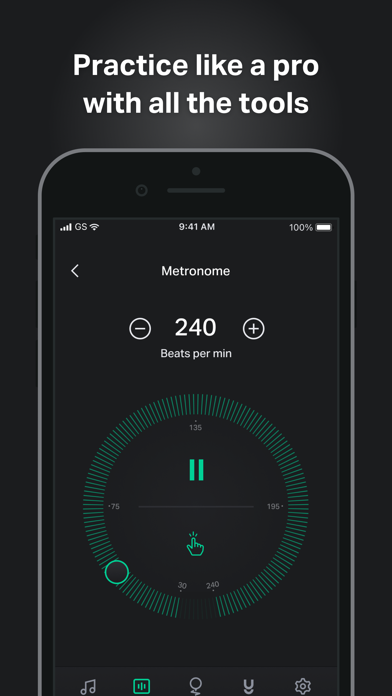
• Metronome with tap-for-tempo and multiple time signatures
• Chromatic tuner and alternate tunings for popular string instruments
• Clean, intuitive, and customizable UI makes it easy for anyone to use
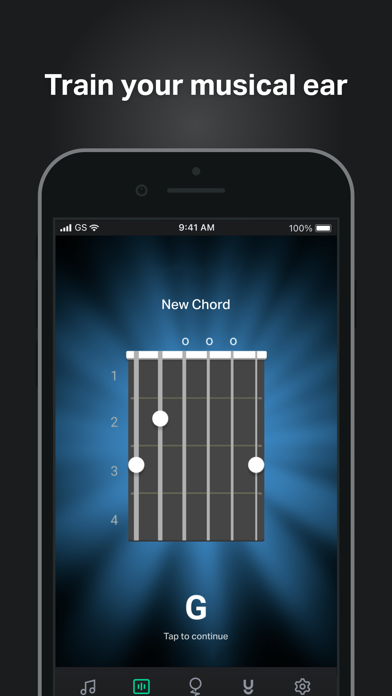
• Practice tools: Ear training, chord library, games, and trainers
How it works:
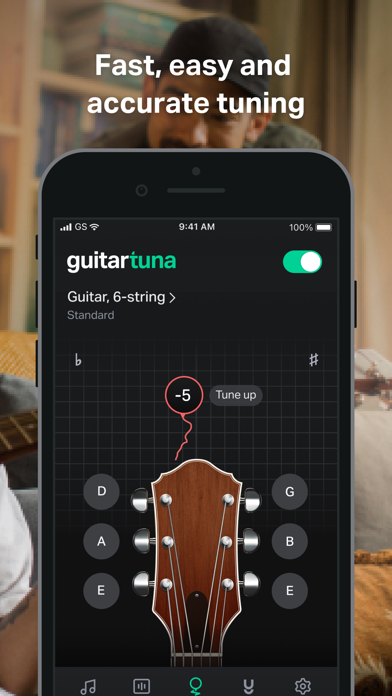
• Just pluck a string on your instrument and GuitarTuna detects the sound using your device’s microphone.
• You’ll get instant visual feedback while tuning. No cables needed.
• With our audio recognition technology, you’ll get insanely accurate tuning. Noise cancellation technology eliminates background noises while you tune.
Instruments:
• Guitar
• Guitar 7-String
• Guitar 12-String
• Ukulele
• Cavaquinho
• Bass
• Bass 5-string
• Violin
• Viola
• Cello
• Fiddle
• Mandolin
• Balalaika
• Banjo
• Banjo 5-String
We’ve put a lot of love and effort into making GuitarTuna the tuner it is today. Your feedback is valuable to us, and you can be sure we’re listening. We recently added pro-quality guitar song chords and lyrics to the app because of the sheer amount of requests for them. Play your favorite songs anywhere, anytime, with our entire song library produced by professional musicians.
GuitarTuna Pro subscription: Subscribe for unlimited access. Subscriptions are monthly. Prices may vary in different countries. Payment will be charged to iTunes Account. Subscription automatically renews unless auto-renew is turned off at least 24-hours before the end of the current period. Account will be charged for renewal within 24-hours prior to the end of the current period. Subscriptions may be managed by the user and auto-renewal may be turned off by going to the user’s iTunes Account Settings. Any unused portion of a free trial period will be forfeited when the user purchases a subscription.
GuitarTuna is developed by Yousician. Check out Yousician’s apps to learn and master guitar, ukulele, bass, piano or singing!
It’s pretty cool you actually read this far! Here’s a joke for you: What’s the difference between a bass and a tuna? You can tuna bass, but you can’t bass a tuna!
Now download the app and see how it is.
Send us your feedback on the joke and the app to [email protected]!
https://yousician.com/privacy-notice
https://yousician.com/terms-of-service
- 탈옥/제일 또는 탈옥된 iPhone 또는 iPad가 필요합니다.
- Sideloadly 또는 대체 도구가 필요합니다.
- iTunes가 설치된 Windows/macOS/Linux 컴퓨터가 필요합니다.
1단계: 위 링크에서 미리 해킹된 .IPA 파일을 컴퓨터에 다운로드합니다. iOSGods App에서 다운로드하려면 동영상 예시가 포함된 iOSGods App IPA 다운로드 튜토리얼를 참고하십시오.
2단계: Sideloadly를 다운로드하여 Windows 또는 Mac에 설치합니다.
3단계: 컴퓨터에서 Sideloadly를 실행하고 iOS 기기를 연결한 후, Sideloadly에 기기 이름이 표시될 때까지 기다립니다.
4단계: iDevice가 인식되면, 다운로드한 모드된 .IPA 파일을 Sideloadly 애플리케이션에 끌어다 놓습니다.
5단계: Apple Account 이메일을 입력한 후 “Start”를 누릅니다. 그러면 비밀번호를 입력하라는 메시지가 표시됩니다. 요청된 정보를 제공해 주십시오.
6단계: Sideloadly가 해킹된 IPA의 사이드로드/설치를 완료할 때까지 기다리십시오. 설치 중 문제가 발생하면 아래 참고 사항을 읽어 주십시오.
7단계: 설치가 완료되어 홈 화면에서 앱이 보이면 설정 → 일반 → 프로파일 / VPN 및 기기 관리 경로로 이동해야 합니다. 그곳에서 6단계에서 입력한 이메일을 탭한 다음 “[email protected] 신뢰”를 탭하십시오.
8단계: 이제 홈 화면으로 돌아가 새로 설치된 앱을 열면 모든 것이 정상적으로 작동할 것입니다. 게임 내 해킹 팝업에서 앱별 추가 안내를 따라야 할 수도 있습니다.
참고: iOS/iPadOS 16 이상에서는 개발자 모드를 활성화해야 합니다. 무료 Apple Developer 계정의 경우 이 과정을 7일마다 반복해야 합니다. 질문이나 문제가 있는 경우 해당 토픽의 Sideloadly FAQ 섹션를 읽어보십시오.