需要登入
請使用您的 iOSGods 帳戶登入以繼續。
請使用您的 iOSGods 帳戶登入以繼續。

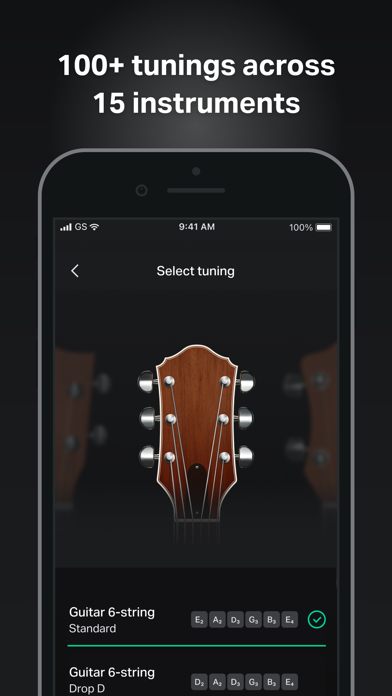
使用這款音樂教育應用程式的破解 Mod IPA 來掌握吉他調音並學習和弦,無需付費即可解鎖高級功能。GuitarTuna 為您提供超過 100 種調音、15 種樂器、專業歌曲和弦與歌詞、色階調音器、節拍器和播放同步滾動,全程無廣告干擾。
- 解鎖 Plus → 存取所有高級功能
- 無廣告 → 不間斷的學習和演奏
作者: kimjongcracks
主題: https://iosgods.com/topic/170121-guitartuna-chordstunersongs-v7271-mod/
此應用程式也內建 iGameGod,讓你可以使用 Auto Touch 自動執行重複操作、透過 App Speed Manager 調整遊戲速度、使用 Memory Engine 修改記憶體數值,以及更多強大的 iOS 遊戲工具。
從上方連結下載 GuitarTuna: Chords,Tuner,Songs Modded modded IPA。點選安裝按鈕並依照畫面指示在 iPhone、iPad 或 Apple Silicon 上安裝此 iOS 應用程式修改版。
需要更多協助?請查看我們的 iOSGods 應用程式常見問題 以獲得詳細解答與疑難排解。
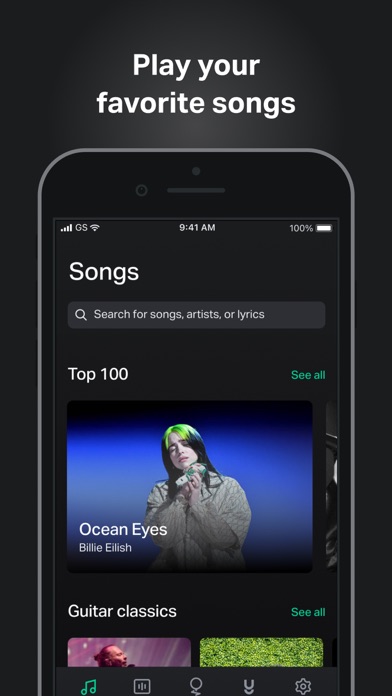
GuitarTuna is your go-to guitar app, with over 100 million downloads and counting! Tune your guitar in seconds with the free guitar tuner, explore guitar chords & tabs for 20,000+ songs, and learn how to play guitar songs you love with trainers, tutorials & personalized feedback.
Why you’ll love GuitarTuna
• Tune any guitar, ukulele, violin or bass perfectly with easy-to-use tuning
• Switch seamlessly between guitar tuner, ukulele tuner, bass tuner & more
• Get guitar tabs & chords for your favorite songs
• Learn guitar songs with trainers, tutorials & personalized feedback
• Practice like a pro with essential tools for guitar
• Play songs you love at any skill level – guitar beginners included!
• Become a better guitar player with an all-in-one guitar app in your pocket
How it works
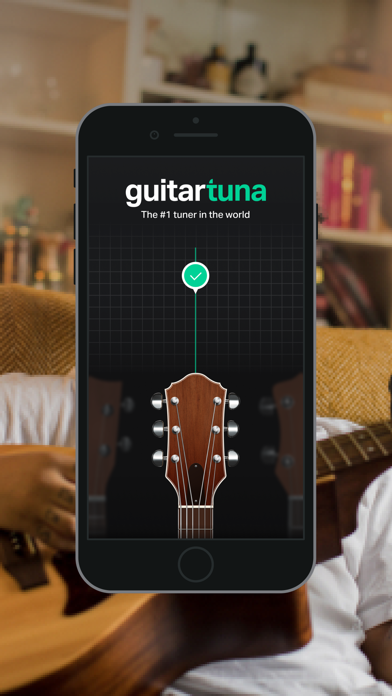
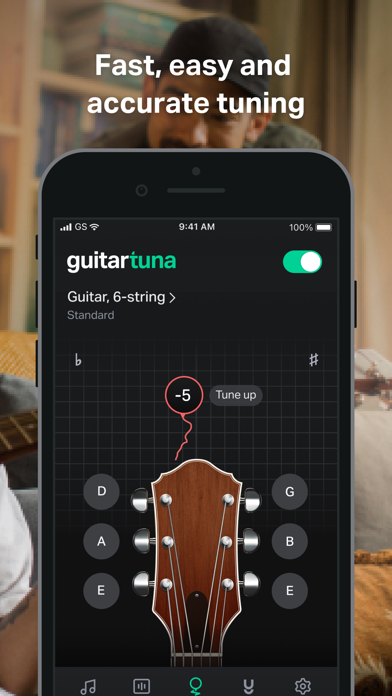
• Just pluck a string on your instrument and GuitarTuna detects the sound using your device’s microphone.
• You’ll get instant visual feedback while tuning. No cables needed.
• With our audio recognition technology, you’ll get insanely accurate tuning. Noise cancellation technology eliminates background noises while you tune.
Learn songs with guitar tutorials
• Learn guitar songs with video tutorials & interactive trainers
• Get personalized feedback to improve your guitar playing
• Create your own personalized learning path
• Get tips from expert guitarists
Play songs with guitar tabs & chords
• Explore guitar tabs for 20,000+ popular songs by top global artists
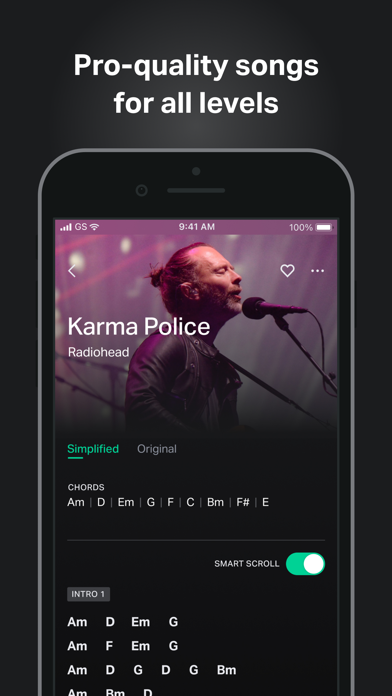
• Get pro-quality guitar chords & guitar tabs
• Choose guitar tabs & chords for your skill level
• Play at your own pace while chords & tabs sync with you
• Request guitar tabs & chords for your favorite songs
• New guitar songs & tabs added weekly!
Tools to practice guitar like a pro
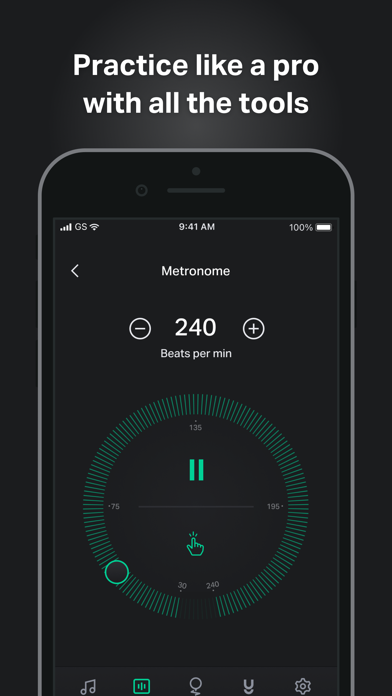
• Metronome: Set your tempo & customize your time signature with the metronome tool
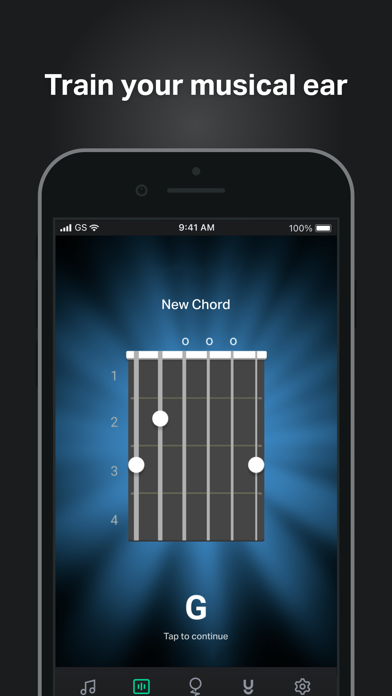
• Chord games: G chord giving you trouble? Learn, practice & master guitar chords with customizable games.
• Ear trainer: Improve your music skills & recognize chords by ear
• Chord library: Explore guitar chords with diagrams & audio
• Left-hand mode: Easily switch between right & left hand modes
Instruments
• Guitar
• Guitar 7-String
• Guitar 12-String
• Ukulele
• Cavaquinho
• Bass
• Bass 5-string
• Violin
• Viola
• Cello
• Fiddle
• Mandolin
• Balalaika
• Banjo
• Banjo 5-String
We’ve put a lot of love and effort into making GuitarTuna the tuner it is today. Your feedback is valuable to us, and you can be sure we’re listening. We recently added pro-quality guitar song chords and lyrics to the app because of the sheer amount of requests for them. Play your favorite songs anywhere, anytime, with our entire song library produced by professional musicians.
GuitarTuna Pro subscription: Subscribe for unlimited access. Subscriptions are monthly. Prices may vary in different countries. Payment will be charged to iTunes Account. Subscription automatically renews unless auto-renew is turned off at least 24-hours before the end of the current period. Account will be charged for renewal within 24-hours prior to the end of the current period. Subscriptions may be managed by the user and auto-renewal may be turned off by going to the user’s iTunes Account Settings. Any unused portion of a free trial period will be forfeited when the user purchases a subscription.
GuitarTuna is developed by Yousician. Check out Yousician’s apps to learn and master guitar, ukulele, bass, piano or singing!
It’s pretty cool you actually read this far! Here’s a joke for you: What’s the difference between a bass and a tuna? You can tuna bass, but you can’t bass a tuna!
Now download the app and see how it is.
Send us your feedback on the joke and the app to [email protected]!
https://yousician.com/privacy-notice
https://yousician.com/terms-of-service
- 未越獄/受限或已越獄的 iPhone 或 iPad。
- Sideloadly 或替代方案。
- 執行 Windows/macOS/Linux 且已安裝 iTunes 的電腦。
步驟 1: 透過上方連結將已破解的 .IPA 檔案下載到您的電腦。若要從 iOSGods App 下載,請參閱我們的 iOSGods App IPA 下載教學,其中包含影片範例。
步驟 2: 下載 Sideloadly 並將其安裝在您的 Windows 或 Mac 上。
步驟 3: 在電腦上開啟 Sideloadly,連接您的 iOS 裝置,並等待裝置名稱出現在 Sideloadly 中。
步驟 4: 當 Sideloadly 辨識到您的 iOS 裝置後,將下載好的修改版 .IPA 檔案拖曳並放到 Sideloadly 應用程式中。
步驟 5: 輸入您的 Apple Account 電子郵件,然後按下「Start」。系統會要求您輸入密碼,請依指示提供所需資訊。
步驟 6: 等待 Sideloadly 完成已破解 IPA 的旁載/安裝。如果安裝過程中發生問題,請閱讀下方的注意事項。
步驟 7: 安裝完成並在主畫面上看到該應用程式後,您需要前往 設定 → 一般 → 描述檔 / VPN 與裝置管理。進入後,點選您在步驟 6 中輸入的電子郵件,然後點選「信任 [email protected]」。
步驟 8: 現在回到主畫面並開啟新安裝的應用程式,一切應該都能正常運作。您可能需要依照遊戲內破解彈出視窗中的進一步指示操作。
注意: 在 iOS/iPadOS 16 及更新版本上,您必須 啟用開發者模式。若使用免費的 Apple Developer 帳號,您將需要每 7 天重複此程序。如有任何疑問或問題,請閱讀我們的 主題中的 Sideloadly 常見問題區段。