Требуется вход
Войдите в учётную запись iOSGods, чтобы продолжить.
Hack Features:
- Unlock Plus
- No Ads
Author: kimjongcracks
Topic: https://iosgods.com/topic/170121-guitartuna-chordstunersongs-v7271-mod/
Скачайте GuitarTuna: Chords,Tuner,Songs Modded modded IPA по ссылкам выше. Нажмите кнопку установки и следуйте инструкциям, чтобы установить этот хак iOS на iPhone, iPad или Mac с Apple Silicon.
Нужна помощь? Посмотрите наши Часто задаваемые вопросы по приложению iOSGods, чтобы получить подробные ответы и советы по устранению неполадок.
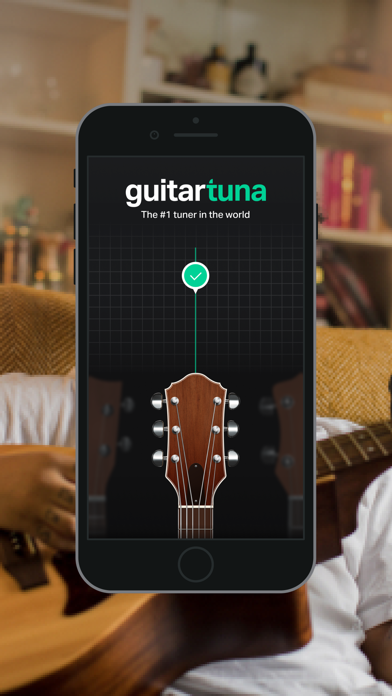
The world’s #1 tuner app!
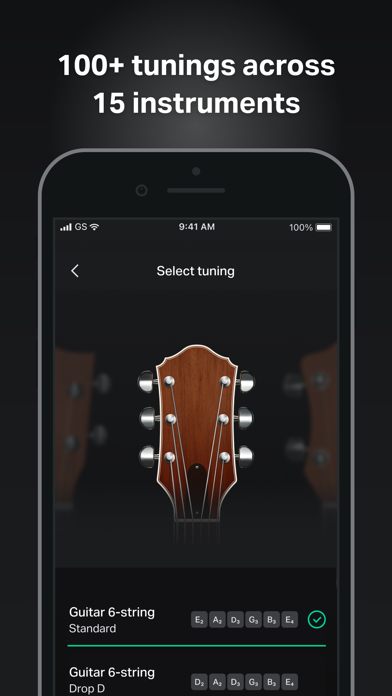
This is not just a guitar tuner: we’ve got +100 tunings for 15 instruments plus chords and lyrics for your favorite songs! It’s fast, accurate, and easy to use. GuitarTuna has been downloaded over 100 million times, making it the most downloaded tuning app in the world.
GuitarTuna has it all:
• Tons of tunings: standard, drop D, drop A, half step down and loads more
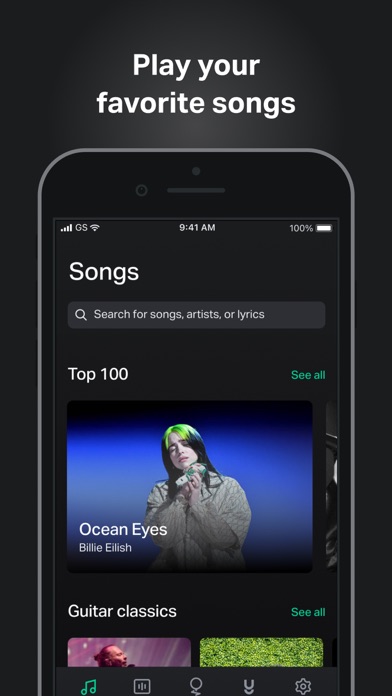
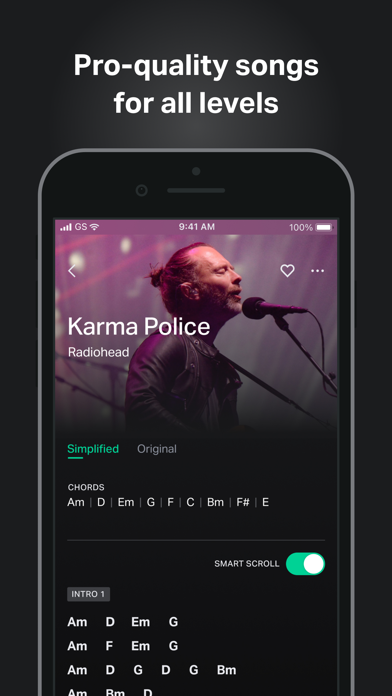
• Pro-quality song chords & lyrics for guitar
• Play-synced song scroll so you can play at your own pace
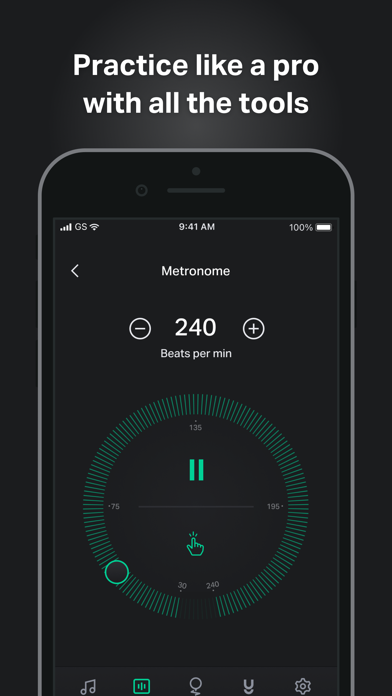
• Metronome with tap-for-tempo and multiple time signatures
• Chromatic tuner and alternate tunings for popular string instruments
• Clean, intuitive, and customizable UI makes it easy for anyone to use
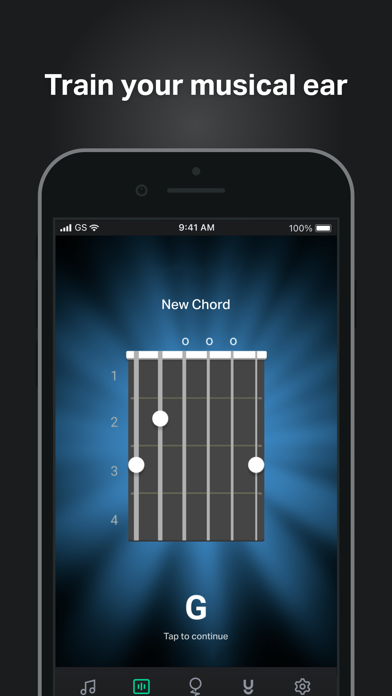
• Practice tools: Ear training, chord library, games, and trainers
How it works:
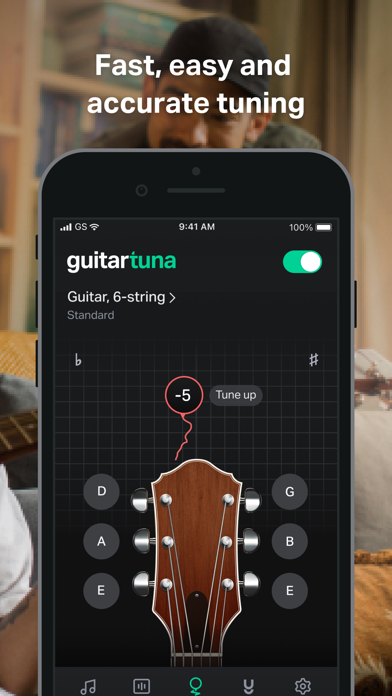
• Just pluck a string on your instrument and GuitarTuna detects the sound using your device’s microphone.
• You’ll get instant visual feedback while tuning. No cables needed.
• With our audio recognition technology, you’ll get insanely accurate tuning. Noise cancellation technology eliminates background noises while you tune.
Instruments:
• Guitar
• Guitar 7-String
• Guitar 12-String
• Ukulele
• Cavaquinho
• Bass
• Bass 5-string
• Violin
• Viola
• Cello
• Fiddle
• Mandolin
• Balalaika
• Banjo
• Banjo 5-String
We’ve put a lot of love and effort into making GuitarTuna the tuner it is today. Your feedback is valuable to us, and you can be sure we’re listening. We recently added pro-quality guitar song chords and lyrics to the app because of the sheer amount of requests for them. Play your favorite songs anywhere, anytime, with our entire song library produced by professional musicians.
GuitarTuna Pro subscription: Subscribe for unlimited access. Subscriptions are monthly. Prices may vary in different countries. Payment will be charged to iTunes Account. Subscription automatically renews unless auto-renew is turned off at least 24-hours before the end of the current period. Account will be charged for renewal within 24-hours prior to the end of the current period. Subscriptions may be managed by the user and auto-renewal may be turned off by going to the user’s iTunes Account Settings. Any unused portion of a free trial period will be forfeited when the user purchases a subscription.
GuitarTuna is developed by Yousician. Check out Yousician’s apps to learn and master guitar, ukulele, bass, piano or singing!
It’s pretty cool you actually read this far! Here’s a joke for you: What’s the difference between a bass and a tuna? You can tuna bass, but you can’t bass a tuna!
Now download the app and see how it is.
Send us your feedback on the joke and the app to [email protected]!
https://yousician.com/privacy-notice
https://yousician.com/terms-of-service
- iPhone или iPad без джейлбрейка/в обычном режиме или с джейлбрейком.
- Sideloadly или альтернативы.
- Компьютер с Windows/macOS/Linux и установленным iTunes.
ШАГ 1: Скачайте предварительно взломанный файл .IPA по ссылке выше на свой компьютер. Чтобы скачать его из приложения iOSGods, посмотрите наш Туториал по скачиванию IPA в приложении iOSGods, в котором есть видеопример.
ШАГ 2: Скачайте Sideloadly и установите его на Windows или Mac.
ШАГ 3: Откройте Sideloadly на компьютере, подключите iOS-устройство и дождитесь, пока его имя появится в Sideloadly.
ШАГ 4: Когда устройство будет распознано, перетащите скачанный модифицированный файл .IPA в окно Sideloadly.
ШАГ 5: Введите адрес электронной почты вашего Apple Account, затем нажмите «Start». После этого вас попросят ввести пароль. Укажите необходимые данные.
ШАГ 6: Дождитесь, пока Sideloadly завершит sideload/установку взломанного IPA. При возникновении проблем во время установки ознакомьтесь с примечанием ниже.
ШАГ 7: После завершения установки и появления приложения на главном экране перейдите в Настройки → Основные → Профили / VPN и управление устройством. Там нажмите на email, который вы ввели на шаге 6, а затем нажмите «Доверять [email protected]».
ШАГ 8: Теперь перейдите на главный экран и откройте установленное приложение — всё должно работать. Возможно, потребуется выполнить дополнительные инструкции в попапе мода внутри игры.
ПРИМЕЧАНИЕ: На iOS/iPadOS 16 и новее необходимо включить режим разработчика. Для бесплатных учётных записей Apple Developer этот процесс нужно повторять каждые 7 дней. Если возникнут вопросы или проблемы, ознакомьтесь с нашим разделом FAQ по Sideloadly в теме.