需要登入
請使用您的 iOSGods 帳戶登入以繼續。
從上方連結下載 Brain Test: Tricky Puzzles Hack modded IPA。點選安裝按鈕並依照畫面指示在 iPhone、iPad 或 Apple Silicon 上安裝此 iOS 應用程式修改版。
需要更多協助?請查看我們的 iOSGods 應用程式常見問題 以獲得詳細解答與疑難排解。
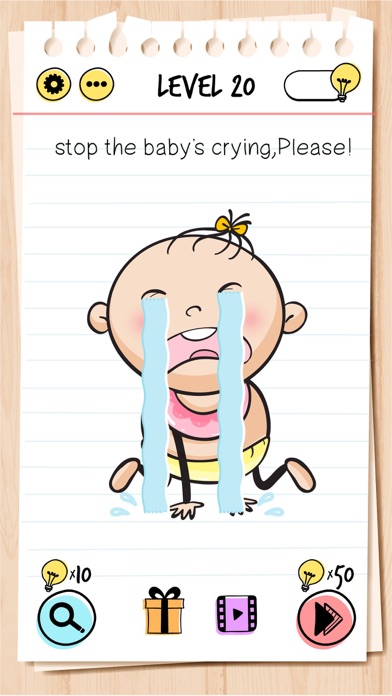
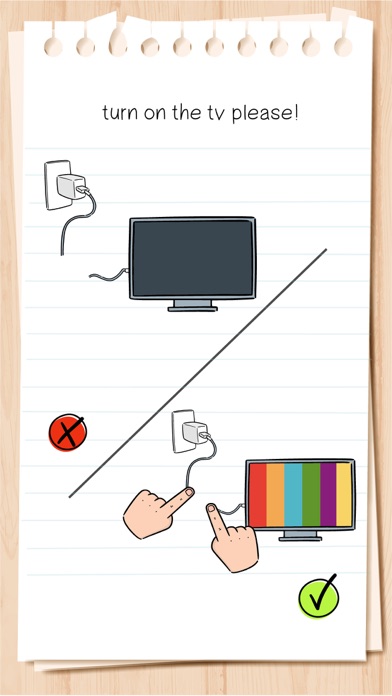
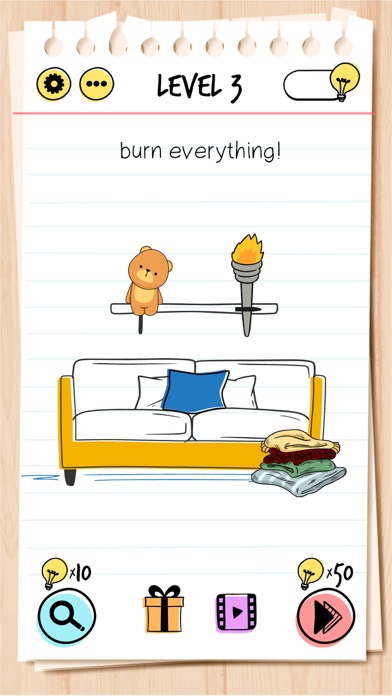
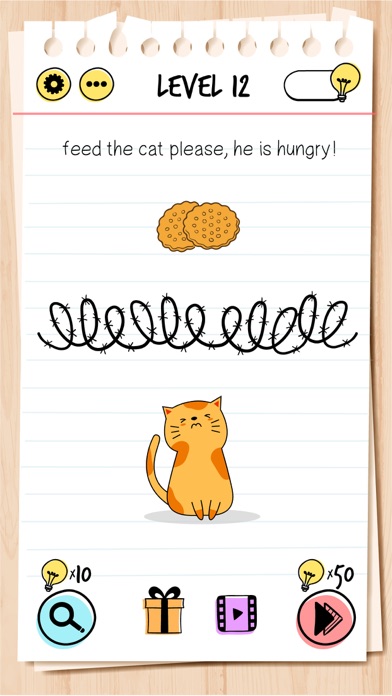
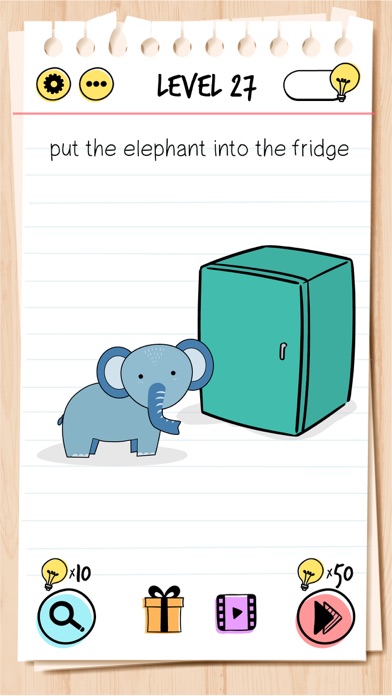
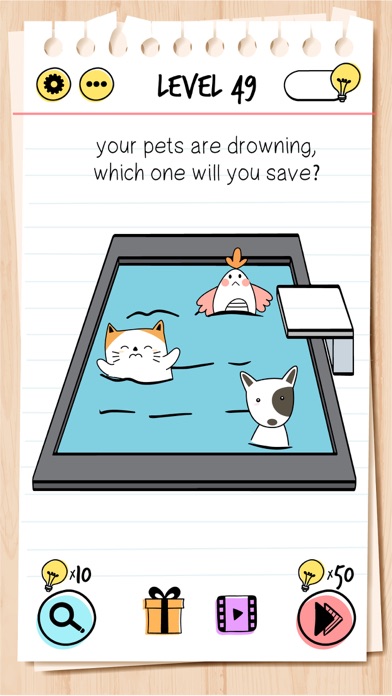
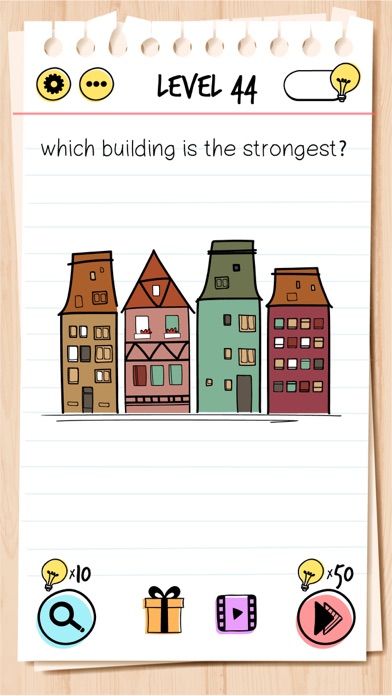
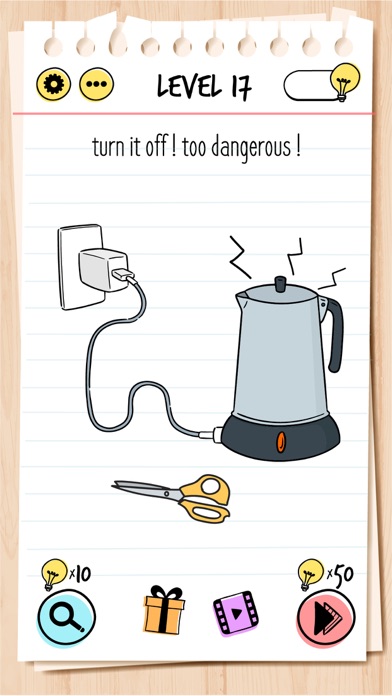
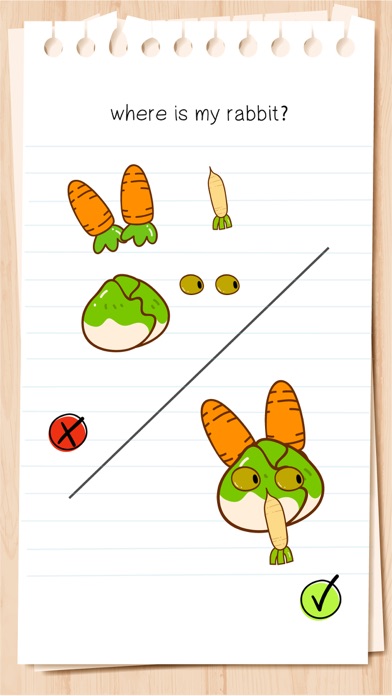
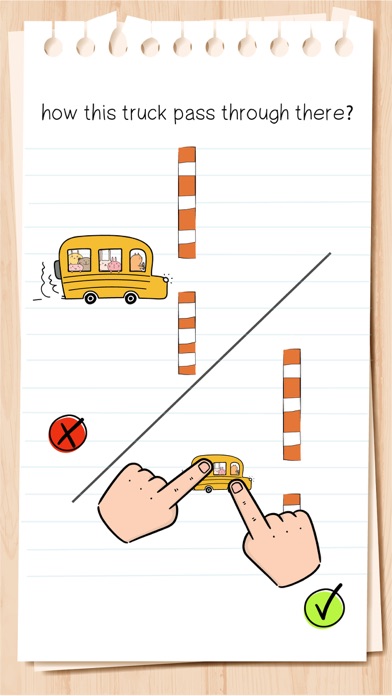
Brain Test is an addictive free tricky puzzle game with a series of tricky brain teasers. Different riddles testing will challenge your mind. This new puzzle game may break common sense and bring your new brain-pushing experience! You can enjoy yourself with your friends with this addictive and funny free IQ game. Get ready to take the quiz!
If you are a fan of word game, word search game, puzzle, sudoku or any other quiz games, Brain Test is your best choice!
Features:
• Tricky & Mind-blowing Brain Teasers: You will be tricked!
• Unexpected game answers to the great number of quizzes.
• Fun for All Ages: The best trivia game for family & friends’ gatherings!
• Download this funny game for free.
• Endless fun and brain-pushing games.
• Great exercise for the brain.
• Simple and highly addictive game play.
• Great time filler.
• Play without the internet.
• Play offline.
Have fun!
Subscription Terms:
VIP PACKAGE: Access offers a weekly subscription, you will have a 3-days FREE trial period, after this period you will be charged.
After buying this subscription, you will unlock following features: instant 100 lamps, no ads, double daily gift, 50% cheaper skips and 40% cheaper hints.
This is an Auto-renewable subscription. The payment is charged to your account after confirmation. The subscription is renewed unless you turn it off 24 hours before the period ends. Your account will be charged for renewal as well.
End of trial and subscription renewal:
• The payment is charged to your account after a confirmation of purchase.
• The subscription is renewed unless you turn it off 24 hour before the end of the current period.
• The account will be charged for renewal within 24 hours before the end of the current period at the cost of the weekly subscription.
• The user may manage the subscription and auto-renewal have to be turned off by going to the user’s account settings after purchase in the Store.
• No cancellation of the current subscription is allowed during the active subscription period.
Canceling a trial or a subscription:
• If you want to cancel a subscription during its free trial, you have to cancel it through your account in the Store. This must be done at least 24 hours before the end of the free trial period to avoid being charged.
For more information, please visit https://support.apple.com/HT207865 for more information
If there is questions contact us [email protected]
Privacy Policy and Terms of Use
Privacy Policy: https://unicostudio.co/privacy.html
Terms of Use: https://unicostudio.co/terms.html
- 未越獄/受限或已越獄的 iPhone 或 iPad。
- Sideloadly 或替代方案。
- 執行 Windows/macOS/Linux 且已安裝 iTunes 的電腦。
步驟 1: 透過上方連結將已破解的 .IPA 檔案下載到您的電腦。若要從 iOSGods App 下載,請參閱我們的 iOSGods App IPA 下載教學,其中包含影片範例。
步驟 2: 下載 Sideloadly 並將其安裝在您的 Windows 或 Mac 上。
步驟 3: 在電腦上開啟 Sideloadly,連接您的 iOS 裝置,並等待裝置名稱出現在 Sideloadly 中。
步驟 4: 當 Sideloadly 辨識到您的 iOS 裝置後,將下載好的修改版 .IPA 檔案拖曳並放到 Sideloadly 應用程式中。
步驟 5: 輸入您的 Apple Account 電子郵件,然後按下「Start」。系統會要求您輸入密碼,請依指示提供所需資訊。
步驟 6: 等待 Sideloadly 完成已破解 IPA 的旁載/安裝。如果安裝過程中發生問題,請閱讀下方的注意事項。
步驟 7: 安裝完成並在主畫面上看到該應用程式後,您需要前往 設定 → 一般 → 描述檔 / VPN 與裝置管理。進入後,點選您在步驟 6 中輸入的電子郵件,然後點選「信任 [email protected]」。
步驟 8: 現在回到主畫面並開啟新安裝的應用程式,一切應該都能正常運作。您可能需要依照遊戲內破解彈出視窗中的進一步指示操作。
注意: 在 iOS/iPadOS 16 及更新版本上,您必須 啟用開發者模式。若使用免費的 Apple Developer 帳號,您將需要每 7 天重複此程序。如有任何疑問或問題,請閱讀我們的 主題中的 Sideloadly 常見問題區段。