Connexion requise
Connectez-vous avec votre compte iOSGods pour continuer.
Connectez-vous avec votre compte iOSGods pour continuer.

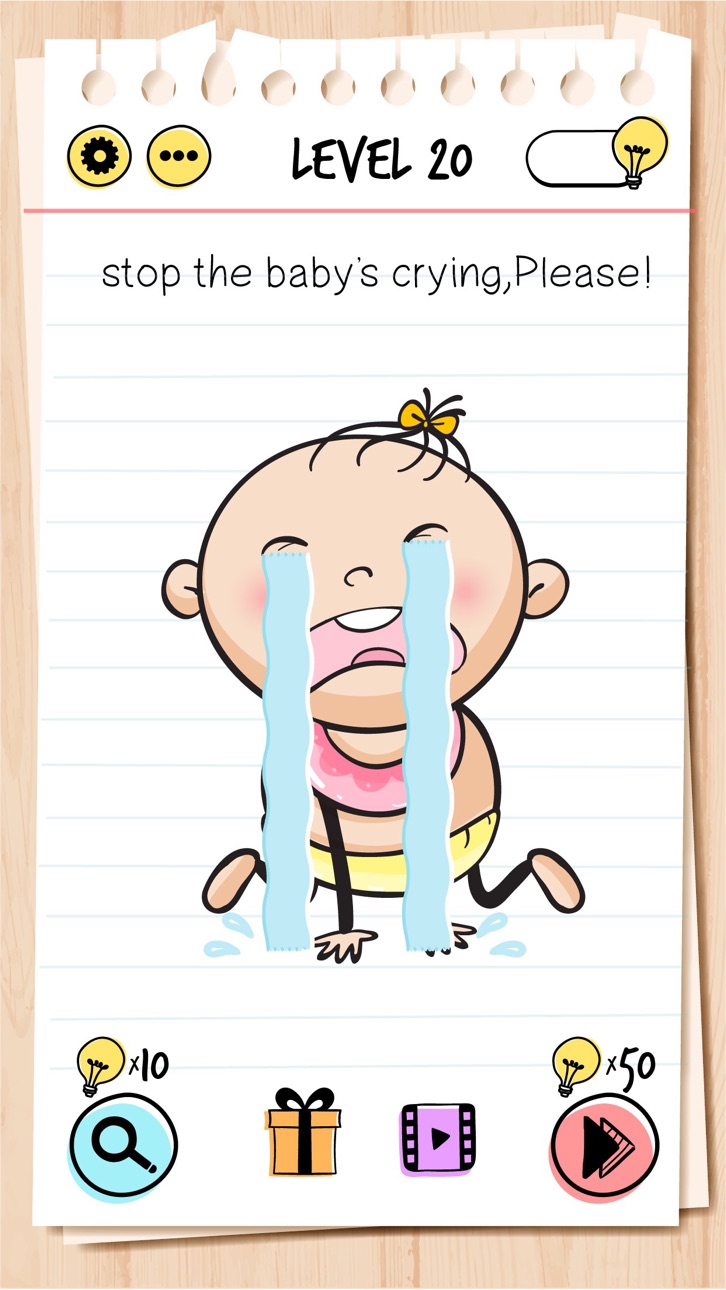
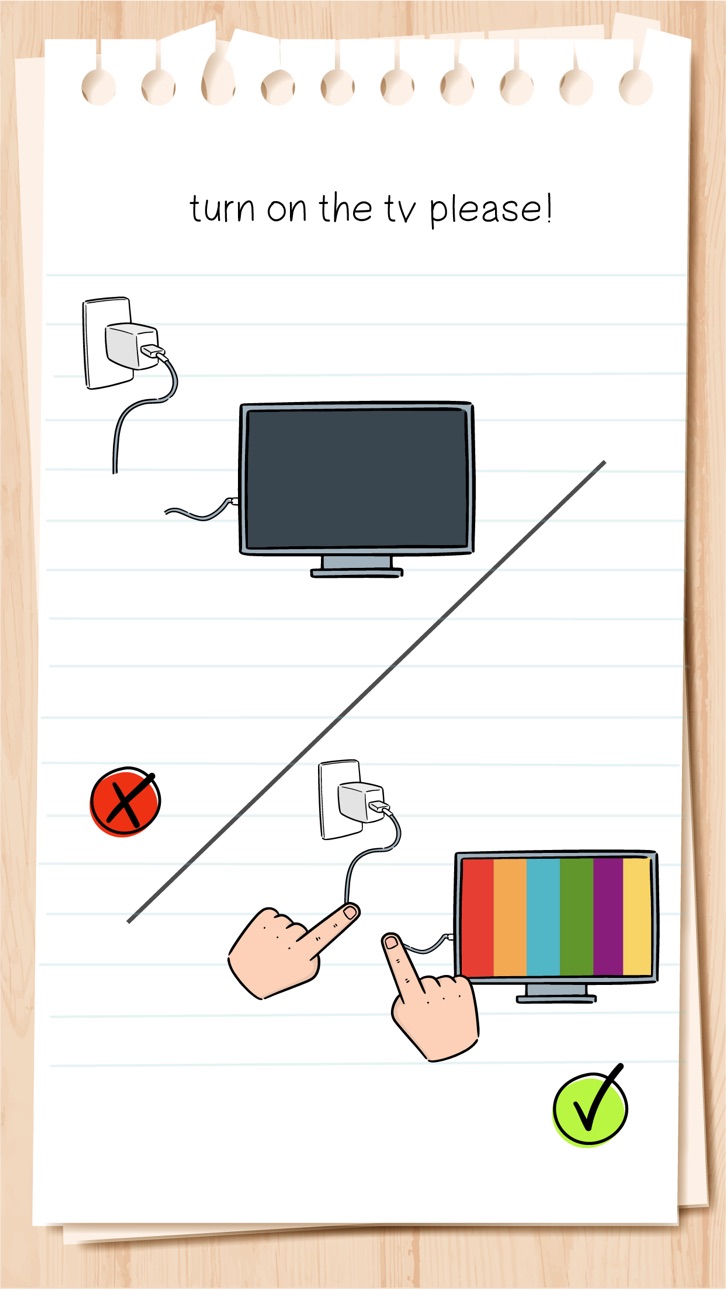
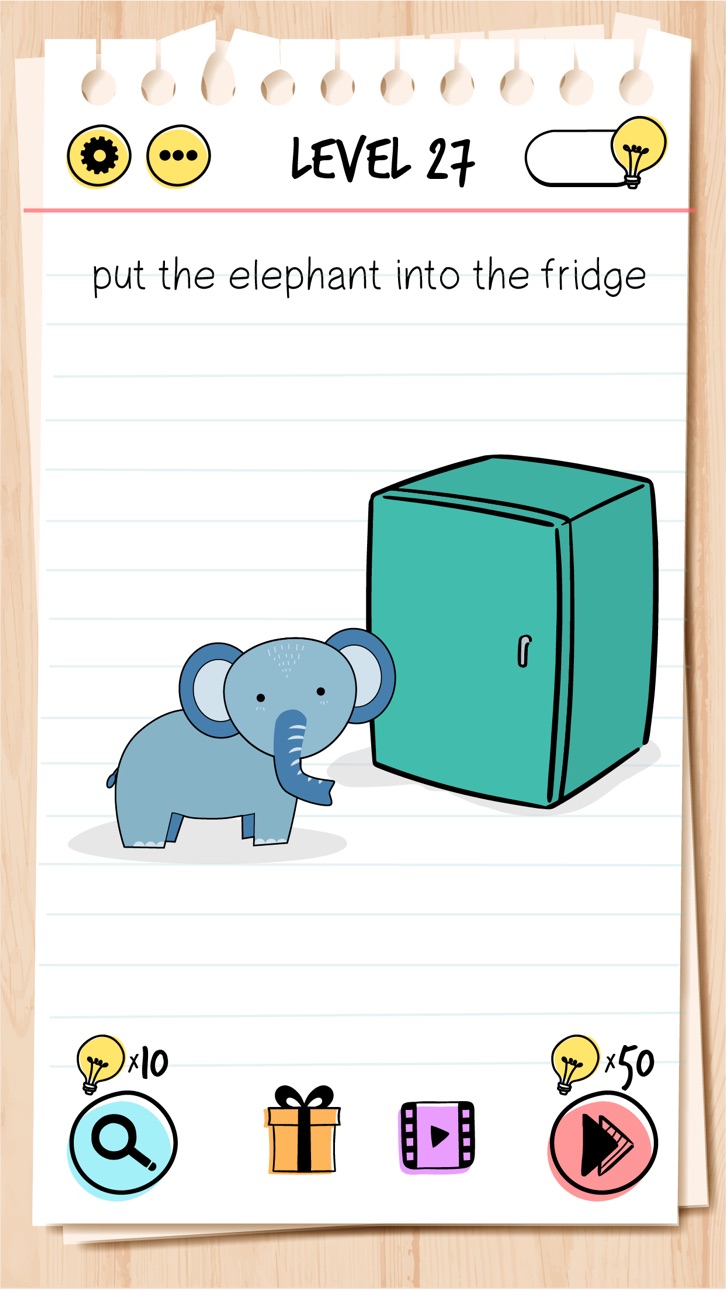
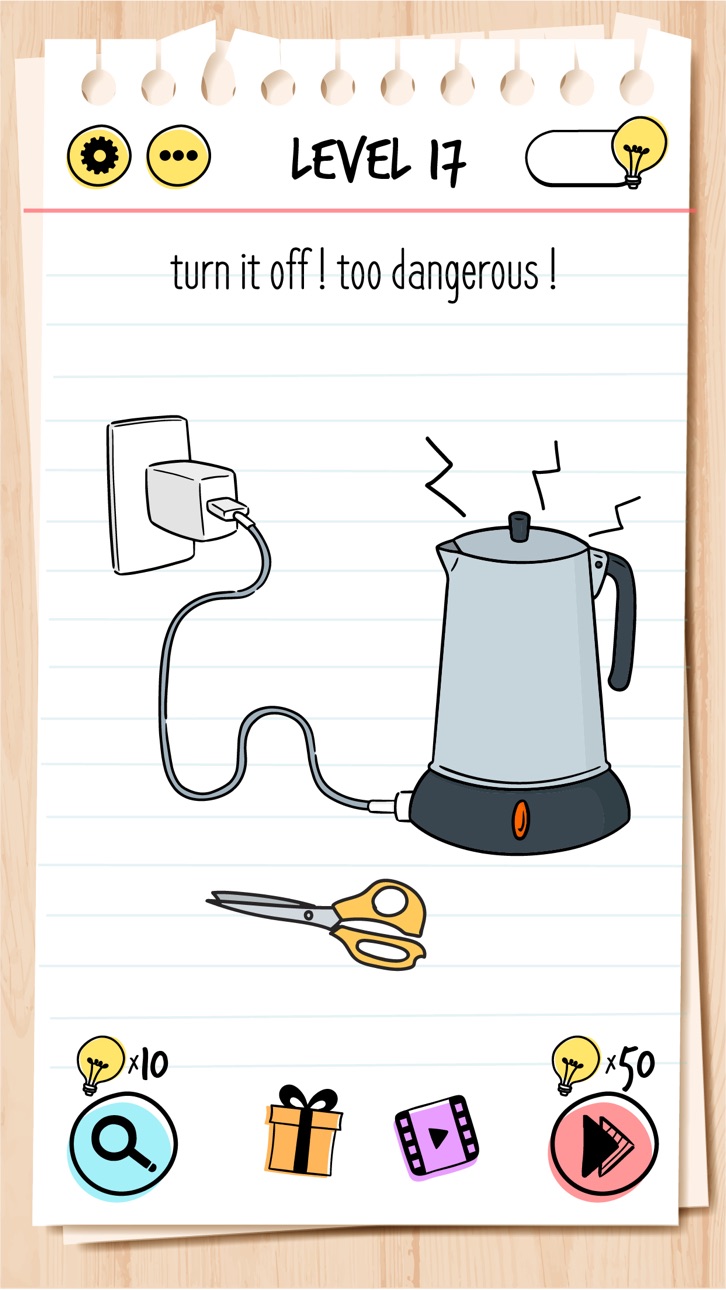
Résolvez des énigmes captivantes et des casse-tête dans Brain Test: Tricky Puzzles Hack, un jeu de puzzle iOS gratuit modifié qui met au défi votre logique avec des rebondissements inattendus. Ce hack supprime les limites habituelles sur les indices et les achats intégrés, vous permettant de vous concentrer sur la résolution de chaque puzzle sans grind ni dépense d'argent réel.
- Indices infinis → ne manquez jamais d'indices
- IAP gratuit (Activez d'abord dans le menu Mod iOSGods) → déverrouillez le contenu premium sans paiement
Cette app est également livrée avec iGameGod, qui vous donne accès à Auto Touch pour automatiser les tâches répétitives, App Speed Manager pour ajuster la vitesse de jeu, à l'édition de valeurs avec Memory Engine, et à d'autres outils puissants pour les jeux iOS.
Téléchargez Brain Test: Tricky Puzzles Hack modded IPA depuis les liens ci-dessus. Appuyez sur le bouton d'installation et suivez les instructions pour installer ce hack iOS sur votre iPhone, iPad ou Apple Silicon.
Besoin de plus d'aide ? Consultez notre FAQ de l'app iOSGods pour des réponses détaillées et des conseils de dépannage.
「ブレインテスト」は、中毒性のある無料のクイズゲーム。面白いけど、思
わず頭をひねってしまう、楽しい問題がたくさん出題されます。リラックスしながら脳を働かせることのできるこのゲームは、家族や友人と楽しむのにもぴったりです。クイズに挑戦しながら自分の知性を試してみましょう!このゲームはオフラインでもプレイできる世界最高レベルで楽しい新感覚ゲームです。
脳トレと頭を使うゲームで、頭脳を鍛えましょう!無料ゲームやクイズで暇つぶしを楽しみながら、脳内メーカーで自分の脳をチェック。Wi-fiなしでできるゲームや脳トレ無料のブレインテストもお試しください。さまざまな頭脳ゲームがあなたを待っています!
Brain Test は、リラックスして頭をフル回転できる一連の難問を盛り込んだ、夢中になれる無料の難問パズル ゲームです。オフラインのマインド ゲーム、脳ゲーム、IQ テスト、思考ゲーム、パズル ゲームは、脳トレが好きな方に最適です。
ワードゲーム、単語検索ゲーム、パズル、数独、その他のクイズゲームのファンなら、脳力が試されるこのゲームがきっと気に入るはず!頭脳ゲームやIQゲームは頭脳を鍛えるためのものです。 最高のゲームをオフラインでプレイできます。
特徴:
• ひっかけ要素満載のパズル
• コミカルな答え
• 年齢を問わず楽しめる内容:家族や友人の集まりに最適!
• 無料でダウンロード可能
• 脳のトレーニングにもぴったり
•シンプルで中毒性の高いゲームプレイ
•インターネットなしでプレイ可能
• 大人でも世界最高レベルに楽しめる、脳トレ・パズルの新感覚ゲー
ム。
• 大人向けの脳トレゲームやWi-Fiなしのゲームをお楽しみください!
• wi-fiなしでできるゲーム
ぜひお楽しみください!
- iPhone ou iPad avec ou sans Jailbreak.
- Sideloadly ou alternatives.
- Ordinateur sous Windows/macOS/Linux avec iTunes installé.
ÉTAPE 1: Téléchargez le fichier .IPA pré-modifié depuis le lien ci-dessus sur votre ordinateur. Pour le télécharger depuis l'iOSGods App, consultez notre Tutoriel de téléchargement de l'IPA depuis l'iOSGods App qui comprend un exemple en vidéo.
ÉTAPE 2: Téléchargez Sideloadly et installez-le sur votre Windows ou Mac.
ÉTAPE 3: Ouvrez Sideloadly sur votre ordinateur, connectez votre appareil iOS et attendez que le nom de votre appareil apparaisse dans Sideloadly.
ÉTAPE 4: Une fois votre iDevice reconnu, glissez le fichier .IPA modifié que vous avez téléchargé et déposez-le dans l'application Sideloadly.
ÉTAPE 5: Saisissez l'adresse e-mail de votre Apple Account, puis appuyez sur « Start ». Il vous sera ensuite demandé d'entrer votre mot de passe. Fournissez les informations requises.
ÉTAPE 6: Attendez que Sideloadly termine le sideloading/l'installation de l'IPA modifié. En cas de problème durant l'installation, veuillez lire la remarque ci-dessous.
ÉTAPE 7: Une fois l'installation terminée et l'app visible sur votre écran d'accueil, vous devez aller dans Réglages → Général → Profils / VPN et gestion de l'appareil. Là, appuyez sur l'adresse e-mail saisie à l'étape 6, puis appuyez sur « Faire confiance à [email protected] ».
ÉTAPE 8: Allez maintenant sur votre écran d'accueil et ouvrez l'app nouvellement installée ; tout devrait fonctionner correctement. Vous devrez peut-être suivre des instructions supplémentaires propres à chaque app, dans la fenêtre du hack en jeu.
REMARQUE : À partir d'iOS/iPadOS 16, vous devez activer le mode Développeur. Pour les comptes Apple Developer gratuits, vous devrez répéter ce processus tous les 7 jours. Pour toute question ou problème, lisez notre section FAQ Sideloadly du sujet.