Inloggen vereist
Log in met je iOSGods-account om door te gaan.
Log in met je iOSGods-account om door te gaan.

Los breinbrekende raadsels en puzzels op in Brain Test: Tricky Puzzles Hack, een gratis gemodificeerde iOS-puzzelgame die je logica uitdaagt met onverwachte wendingen. Deze hack verwijdert de gebruikelijke beperkingen op hints en in-app aankopen, zodat je je kunt concentreren op het oplossen van elke puzzel zonder grinden of echt geld uit te geven.
- Oneindige hints → je raakt nooit zonder aanwijzingen
- Gratis iAP (schakel eerst in via iOSGods Mod Menu) → ontgrendel premiuminhoud zonder betaling
Deze app bevat ook iGameGod, waarmee je toegang krijgt tot Auto Touch om repetitieve taken te automatiseren, App Speed Manager voor een aanpasbare spelsnelheid, het bewerken van waarden met Memory Engine en andere krachtige iOS-gametools.
Download Brain Test: Tricky Puzzles Hack modded IPA via de bovenstaande links. Tik op de installatieknop en volg de instructies om deze iOS-app-hack op je iPhone, iPad of Apple Silicon te installeren.
Meer hulp nodig? Bekijk onze Veelgestelde vragen over de iOSGods-app voor uitgebreide antwoorden en probleemoplossingstips.
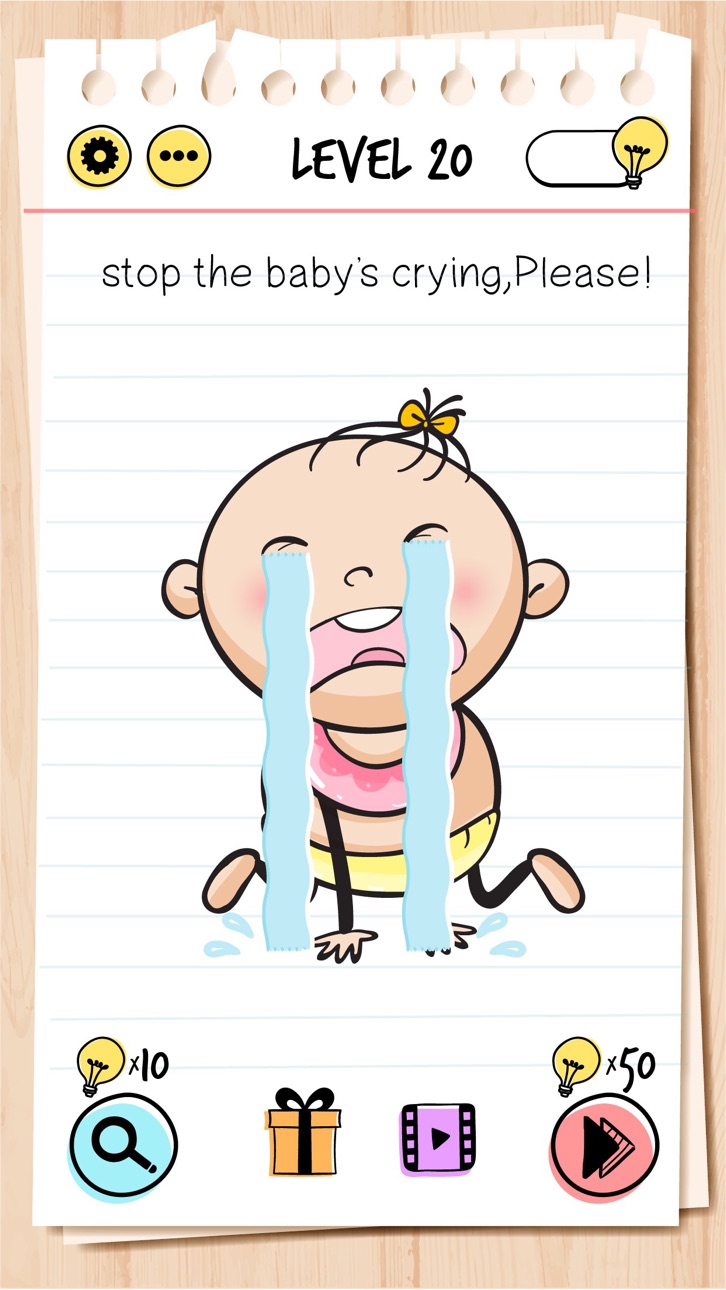
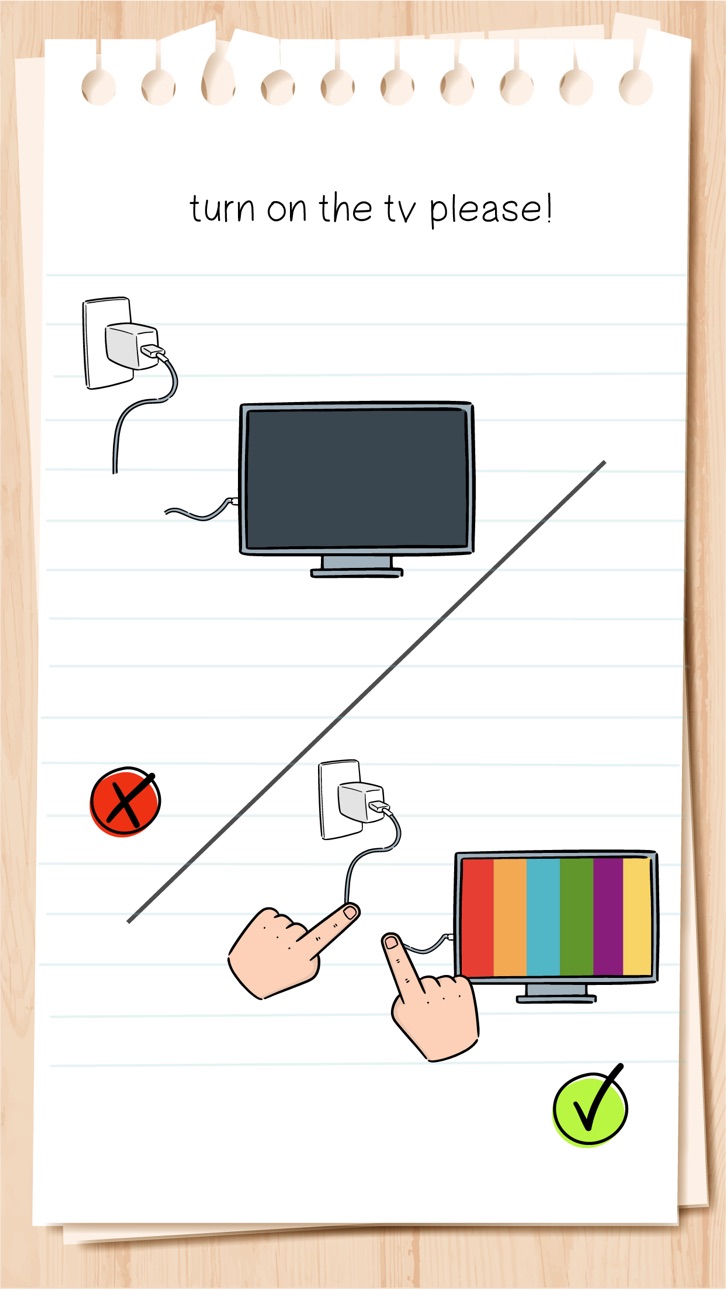
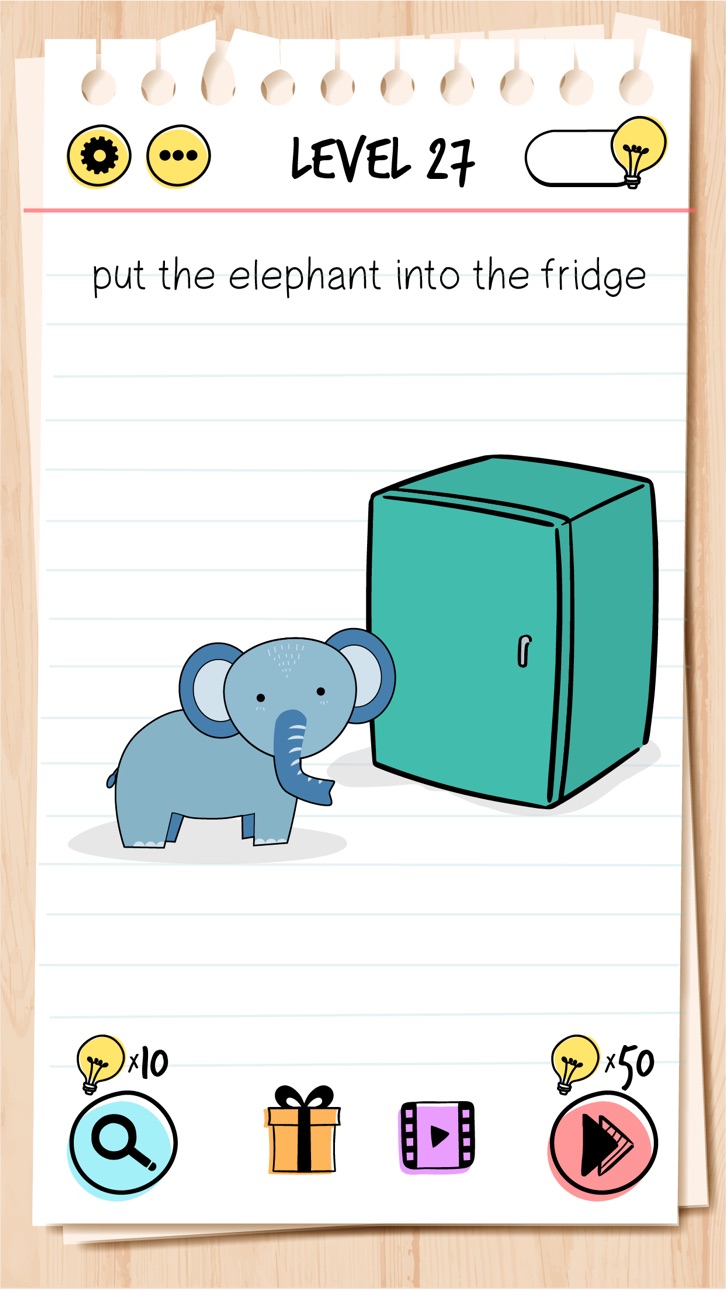
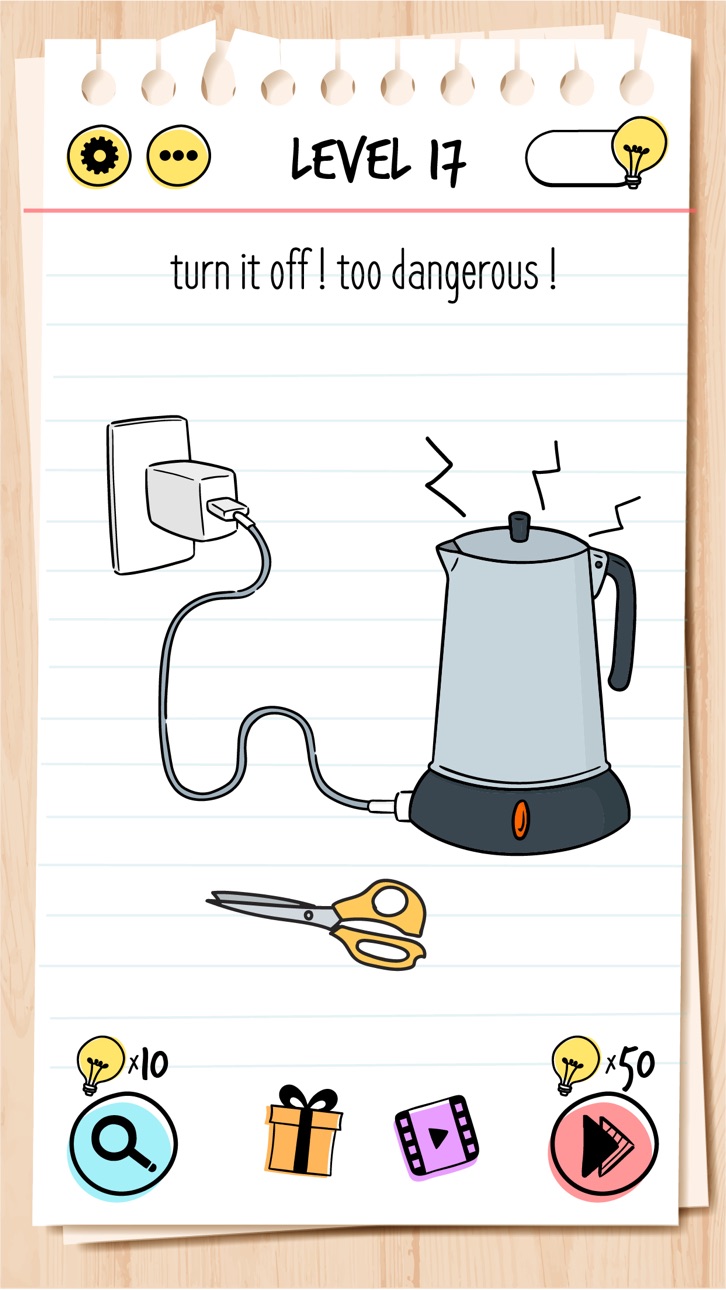
Brain Test: Tricky Puzzles is a collection of clever and surprising puzzles built to entertain through misdirection and playful logic. Each level presents an unexpected challenge, rewarding those who enjoy thinking outside the box.
The game doesn’t follow typical puzzle formats. Instead, it encourages experimentation and creativity in a casual, accessible way. Whether you're passing time or sharing the fun with others, each puzzle is designed to entertain with humor and originality.
Features:
• Unconventional puzzle design with surprising twists
• Simple mechanics, engaging content
• Suitable for solo play or sharing with friends
• A relaxed experience, free from pressure or competition
• Family friendly mechanics and graphics.
Brain Test: Tricky Puzzles is made purely for enjoyment. No timers, no stress—just playful challenges to explore at your own pace.
Subscription Terms:
VIP PACKAGE: Access offers a weekly subscription, you will have a 3-days FREE trial period, after this period you will be charged.
After buying this subscription, you will unlock following features: instant 100 lamps, no ads, double daily gift, 50% cheaper skips and 40% cheaper hints.
This is an Auto-renewable subscription. The payment is charged to your account after confirmation. The subscription is renewed unless you turn it off 24 hours before the period ends. Your account will be charged for renewal as well.
End of trial and subscription renewal:
• The payment is charged to your account after a confirmation of purchase.
• The subscription is renewed unless you turn it off 24 hour before the end of the current period.
• The account will be charged for renewal within 24 hours before the end of the current period at the cost of the weekly subscription.
• The user may manage the subscription and auto-renewal have to be turned off by going to the user’s account settings after purchase in the Store.
• No cancellation of the current subscription is allowed during the active subscription period.
Canceling a trial or a subscription:
• If you want to cancel a subscription during its free trial, you have to cancel it through your account in the Store. This must be done at least 24 hours before the end of the free trial period to avoid being charged.
For more information, please visit https://support.apple.com/HT207865 for more information
If there is questions contact us [email protected]
Privacy Policy and Terms of Use
Privacy Policy: https://unicostudio.co/privacy.html
Terms of Use: https://unicostudio.co/terms.html
- Niet-jailbroken/jailed of jailbroken iPhone of iPad.
- Sideloadly of alternatieven.
- Computer met Windows/macOS/Linux en iTunes geïnstalleerd.
STAP 1: Download het vooraf gehackte .IPA-bestand via de link hierboven naar uw computer. Om het te downloaden vanuit de iOSGods App, bekijk onze iOSGods App IPA-downloadhandleiding met een videovoorbeeld.
STAP 2: Download Sideloadly en installeer het op uw Windows of Mac.
STAP 3: Open Sideloadly op uw computer, sluit uw iOS-apparaat aan en wacht tot de naam van uw apparaat in Sideloadly verschijnt.
STAP 4: Zodra uw iDevice is herkend, sleept u het gedownloade gemodde .IPA-bestand naar de Sideloadly-applicatie.
STAP 5: Voer het e-mailadres van uw Apple Account in en druk op “Start”. U wordt vervolgens gevraagd om uw wachtwoord in te voeren. Geef de gevraagde informatie op.
STAP 6: Wacht tot Sideloadly het sideloaden/installeren van de gehackte IPA heeft voltooid. Als er problemen zijn tijdens de installatie, lees dan onderstaande opmerking.
STAP 7: Zodra de installatie is voltooid en u de app op uw beginscherm ziet, gaat u naar Instellingen → Algemeen → Profielen / VPN- en apparaatbeheer. Tik daar op het e-mailadres dat u in stap 6 hebt ingevoerd en tik vervolgens op “Vertrouw [email protected]”.
STAP 8: Ga nu naar uw beginscherm en open de zojuist geïnstalleerde app; alles zou correct moeten werken. Mogelijk moet u verdere app-specifieke instructies volgen in de hack-popup in het spel.
OPMERKING: Op iOS/iPadOS 16 en later moet u Ontwikkelaarsmodus inschakelen. Voor gratis Apple Developer-accounts moet u dit proces elke 7 dagen herhalen. Als u vragen of problemen hebt, lees dan onze Sideloadly FAQ-sectie van het onderwerp.