Connexion requise
Connectez-vous avec votre compte iOSGods pour continuer.
Connectez-vous avec votre compte iOSGods pour continuer.

Résolvez des énigmes captivantes et des casse-tête dans Brain Test: Tricky Puzzles Hack, un jeu de puzzle iOS gratuit modifié qui met au défi votre logique avec des rebondissements inattendus. Ce hack supprime les limites habituelles sur les indices et les achats intégrés, vous permettant de vous concentrer sur la résolution de chaque puzzle sans grind ni dépense d'argent réel.
- Indices infinis → ne manquez jamais d'indices
- IAP gratuit (Activez d'abord dans le menu Mod iOSGods) → déverrouillez le contenu premium sans paiement
Cette app est également livrée avec iGameGod, qui vous donne accès à Auto Touch pour automatiser les tâches répétitives, App Speed Manager pour ajuster la vitesse de jeu, à l'édition de valeurs avec Memory Engine, et à d'autres outils puissants pour les jeux iOS.
Téléchargez Brain Test: Tricky Puzzles Hack modded IPA depuis les liens ci-dessus. Appuyez sur le bouton d'installation et suivez les instructions pour installer ce hack iOS sur votre iPhone, iPad ou Apple Silicon.
Besoin de plus d'aide ? Consultez notre FAQ de l'app iOSGods pour des réponses détaillées et des conseils de dépannage.
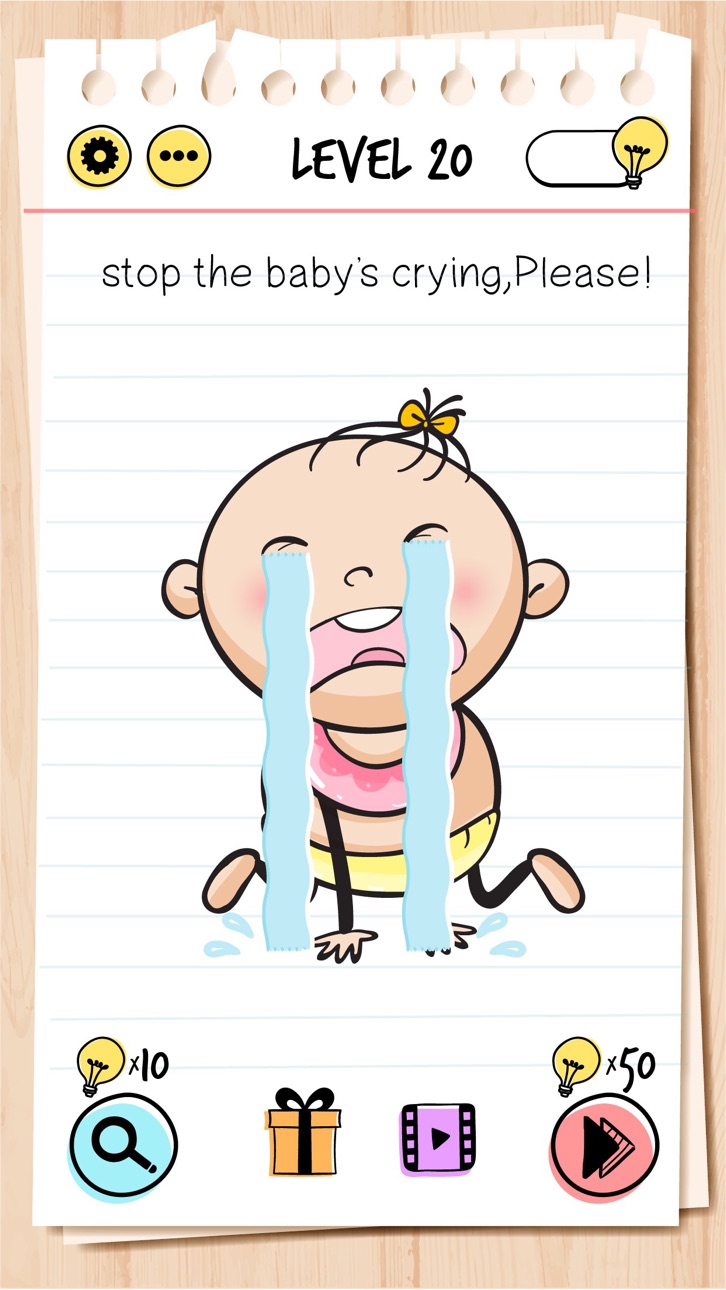
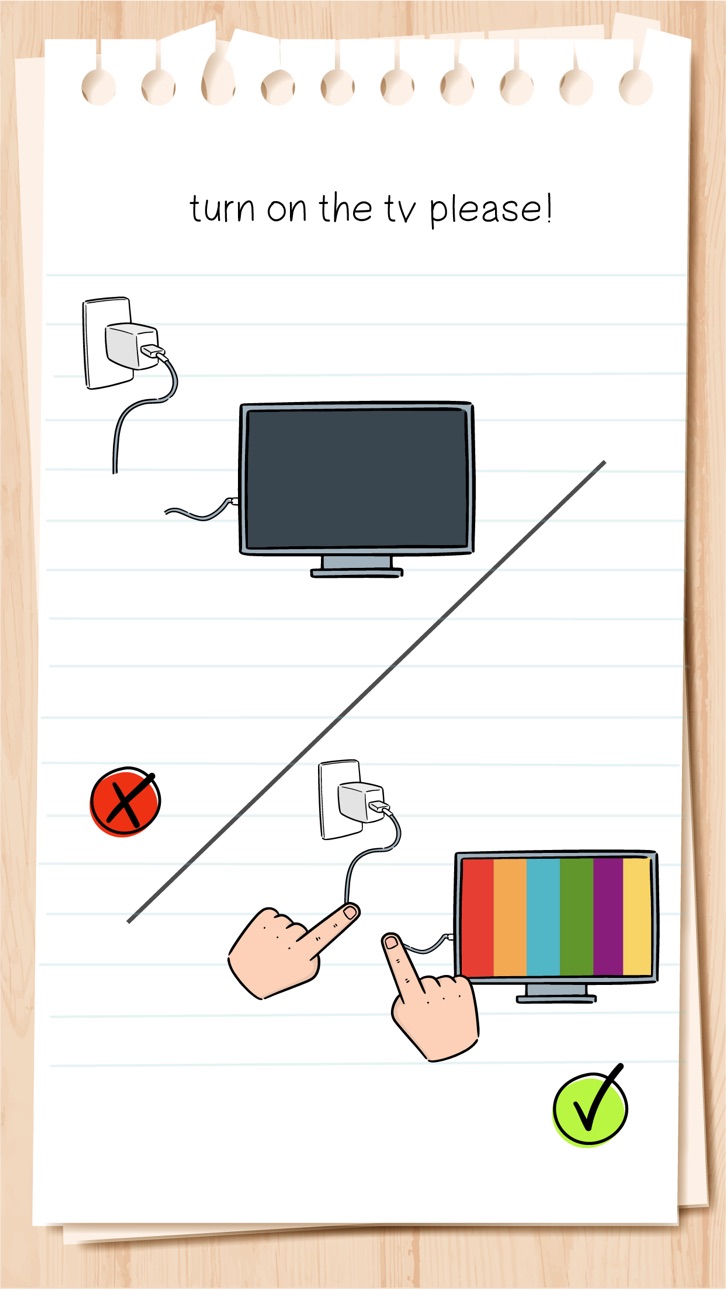
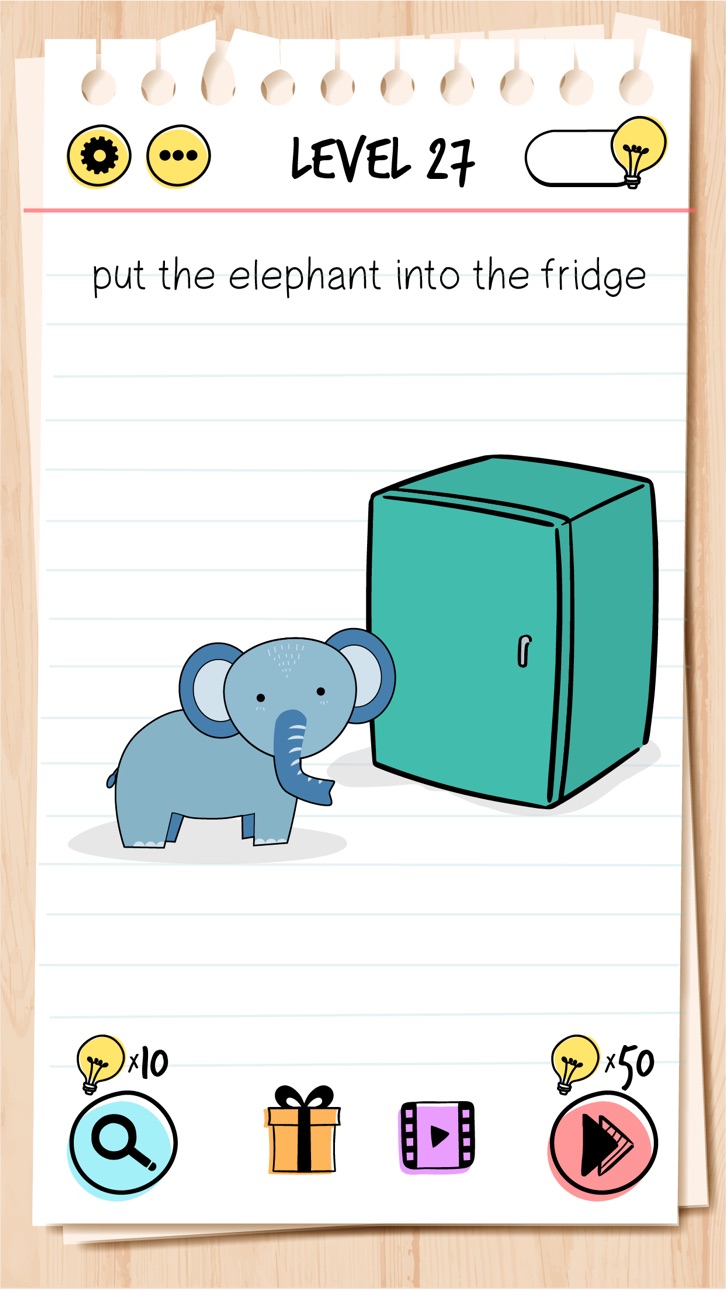
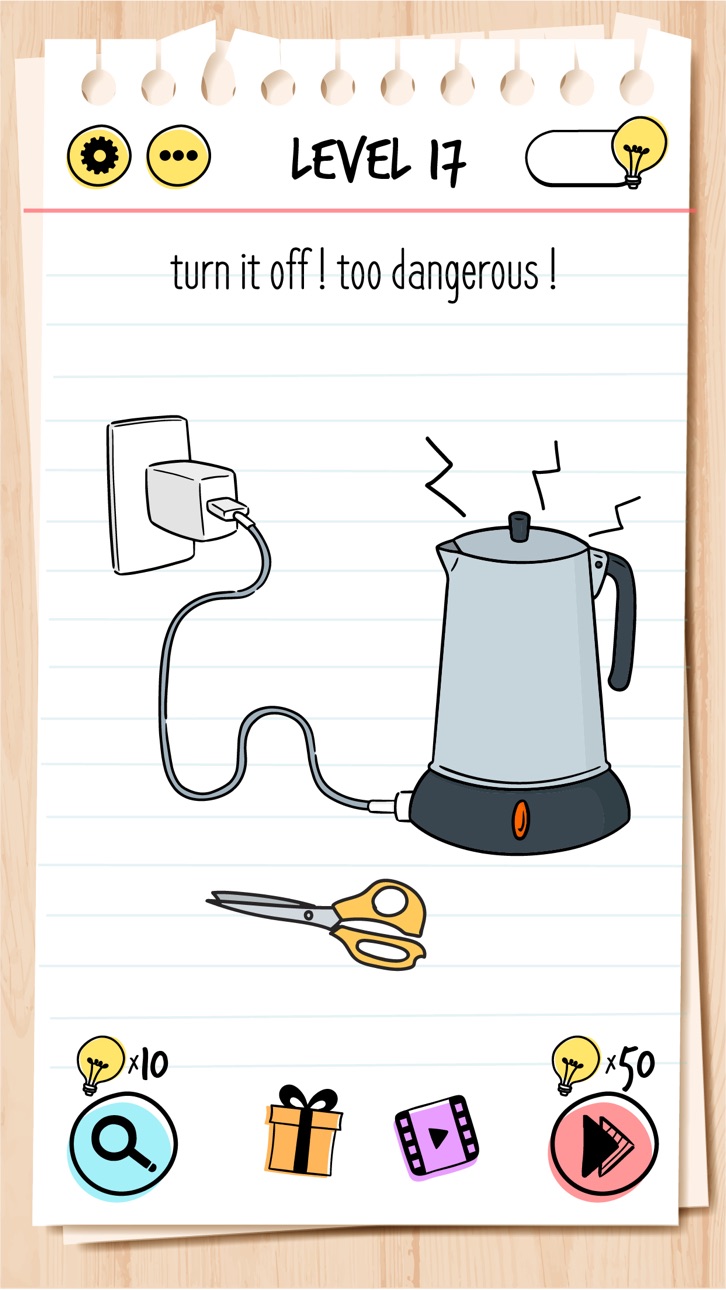
Brain Test: Tricky Puzzles is a collection of clever and surprising puzzles built to entertain through misdirection and playful logic. Each level presents an unexpected challenge, rewarding those who enjoy thinking outside the box.
The game doesn’t follow typical puzzle formats. Instead, it encourages experimentation and creativity in a casual, accessible way. Whether you're passing time or sharing the fun with others, each puzzle is designed to entertain with humor and originality.
Features:
• Unconventional puzzle design with surprising twists
• Simple mechanics, engaging content
• Suitable for solo play or sharing with friends
• A relaxed experience, free from pressure or competition
• Family friendly mechanics and graphics.
Brain Test: Tricky Puzzles is made purely for enjoyment. No timers, no stress—just playful challenges to explore at your own pace.
Subscription Terms:
VIP PACKAGE: Access offers a weekly subscription, you will have a 3-days FREE trial period, after this period you will be charged.
After buying this subscription, you will unlock following features: instant 100 lamps, no ads, double daily gift, 50% cheaper skips and 40% cheaper hints.
This is an Auto-renewable subscription. The payment is charged to your account after confirmation. The subscription is renewed unless you turn it off 24 hours before the period ends. Your account will be charged for renewal as well.
End of trial and subscription renewal:
• The payment is charged to your account after a confirmation of purchase.
• The subscription is renewed unless you turn it off 24 hour before the end of the current period.
• The account will be charged for renewal within 24 hours before the end of the current period at the cost of the weekly subscription.
• The user may manage the subscription and auto-renewal have to be turned off by going to the user’s account settings after purchase in the Store.
• No cancellation of the current subscription is allowed during the active subscription period.
Canceling a trial or a subscription:
• If you want to cancel a subscription during its free trial, you have to cancel it through your account in the Store. This must be done at least 24 hours before the end of the free trial period to avoid being charged.
For more information, please visit https://support.apple.com/HT207865 for more information
If there is questions contact us [email protected]
Privacy Policy and Terms of Use
Privacy Policy: https://unicostudio.co/privacy.html
Terms of Use: https://unicostudio.co/terms.html
- iPhone ou iPad avec ou sans Jailbreak.
- Sideloadly ou alternatives.
- Ordinateur sous Windows/macOS/Linux avec iTunes installé.
ÉTAPE 1: Téléchargez le fichier .IPA pré-modifié depuis le lien ci-dessus sur votre ordinateur. Pour le télécharger depuis l'iOSGods App, consultez notre Tutoriel de téléchargement de l'IPA depuis l'iOSGods App qui comprend un exemple en vidéo.
ÉTAPE 2: Téléchargez Sideloadly et installez-le sur votre Windows ou Mac.
ÉTAPE 3: Ouvrez Sideloadly sur votre ordinateur, connectez votre appareil iOS et attendez que le nom de votre appareil apparaisse dans Sideloadly.
ÉTAPE 4: Une fois votre iDevice reconnu, glissez le fichier .IPA modifié que vous avez téléchargé et déposez-le dans l'application Sideloadly.
ÉTAPE 5: Saisissez l'adresse e-mail de votre Apple Account, puis appuyez sur « Start ». Il vous sera ensuite demandé d'entrer votre mot de passe. Fournissez les informations requises.
ÉTAPE 6: Attendez que Sideloadly termine le sideloading/l'installation de l'IPA modifié. En cas de problème durant l'installation, veuillez lire la remarque ci-dessous.
ÉTAPE 7: Une fois l'installation terminée et l'app visible sur votre écran d'accueil, vous devez aller dans Réglages → Général → Profils / VPN et gestion de l'appareil. Là, appuyez sur l'adresse e-mail saisie à l'étape 6, puis appuyez sur « Faire confiance à [email protected] ».
ÉTAPE 8: Allez maintenant sur votre écran d'accueil et ouvrez l'app nouvellement installée ; tout devrait fonctionner correctement. Vous devrez peut-être suivre des instructions supplémentaires propres à chaque app, dans la fenêtre du hack en jeu.
REMARQUE : À partir d'iOS/iPadOS 16, vous devez activer le mode Développeur. Pour les comptes Apple Developer gratuits, vous devrez répéter ce processus tous les 7 jours. Pour toute question ou problème, lisez notre section FAQ Sideloadly du sujet.