需要登入
請使用您的 iOSGods 帳戶登入以繼續。
請使用您的 iOSGods 帳戶登入以繼續。
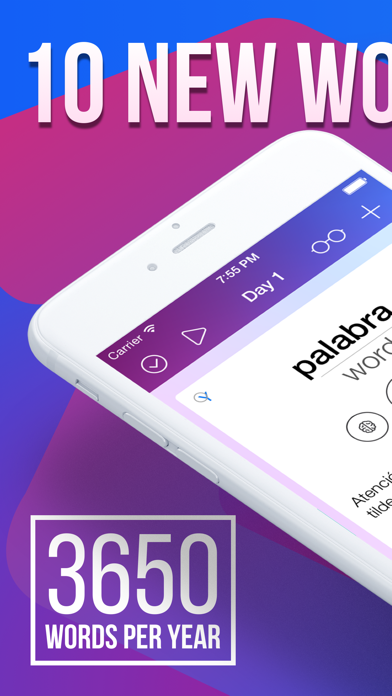
使用 easy ten Modded 每天學習 10 個單詞來掌握外語,這是一款解鎖所有付費功能的高級 Mod IPA。只需每天 5 分鐘,即可掌握西班牙語、英語、葡萄牙語、義大利語、法語、德語和俄語,每週學習 70 個新單詞,每年 3,650 個,達到母語使用者的詞彙量。這款 Apple 精選應用已獲得全球超過 500 萬用戶的信任。
- 高級版解鎖 → 存取所有付費功能
此應用程式也內建 iGameGod,讓你可以使用 Auto Touch 自動執行重複操作、透過 App Speed Manager 調整遊戲速度、使用 Memory Engine 修改記憶體數值,以及更多強大的 iOS 遊戲工具。
從上方連結下載 easy ten Modded modded IPA。點選安裝按鈕並依照畫面指示在 iPhone、iPad 或 Apple Silicon 上安裝此 iOS 應用程式修改版。
需要更多協助?請查看我們的 iOSGods 應用程式常見問題 以獲得詳細解答與疑難排解。
Easy ten — learn a foreign language with 10 words a day
Learn Spanish, English, Portuguese, Italian, French, German & Russian.
Any starting level.
- Apple Featured App (2014-2015)
- Best new App (December 2014)
- More than 5 000 000 users
10 new words a day is 70 new words a week, 300 new words a month, 3650 new words a year. Wherein a native speaker uses an average of 3000 words in his everyday life.
5 minutes a day is all it takes to succeed with easy ten.
All features and content library is available with paid Easy Ten Subscription for free 7 day trial. After your free trial ends, you’ll still have access to everything Easy Ten Subscription has to offer through the paid subscription. Non-subscribers can access select content for free, as well as basic manual word learning options.
FEATURES
Up to 20 new words a day.
Frequency vocabulary of 10 000 most commonly used words.
All words are voiced.
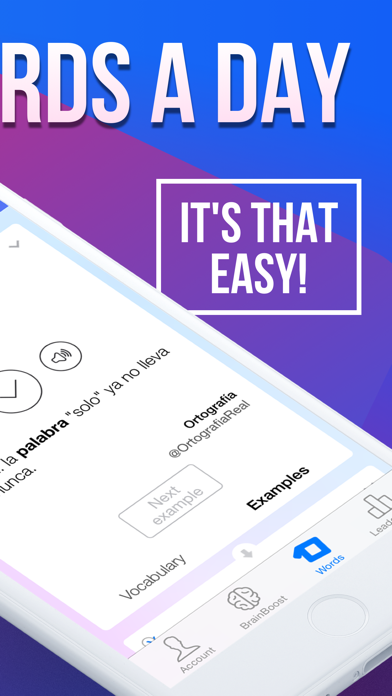
Twitter examples for all words.
Smart notifications.
BrainBoost memorisation technique
Storing your progress in Calendar
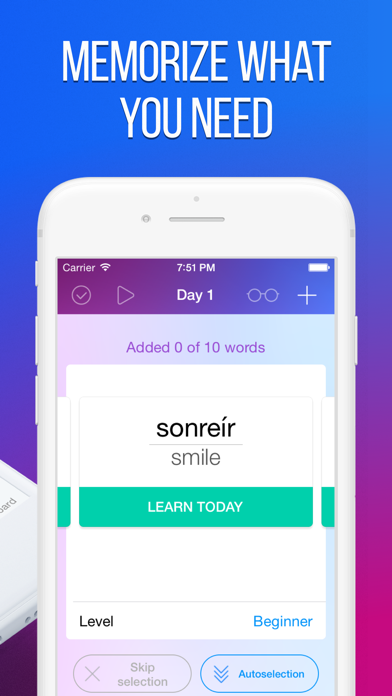
Total personalisation
Pronunciation training
Cool tests
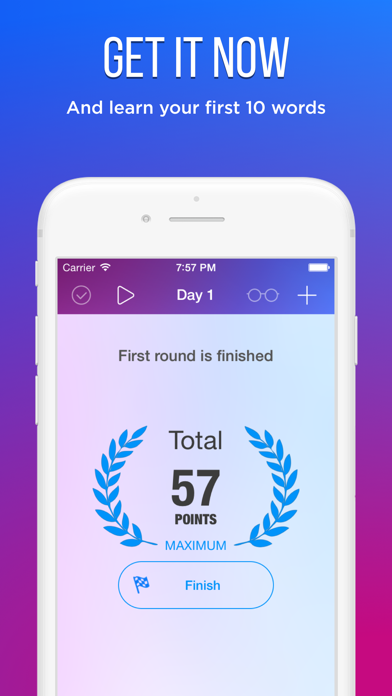
Achievements
You’ll love to study with easy ten!
SUBSCRIPTION PRICING AND TERMS
Easy Ten currently offers several auto-renewing subscription options:
$29.99 per Month
$9.99 per Week
These prices are for United States customers. Pricing in other countries may vary and actual charges may be converted to your local currency depending on the country of residence.
The subscription will automatically renew unless turned off in your iTunes Account Settings at least 24 hours before current period ends. You can go to your iTunes Account settings to manage your subscription and turn off auto-renew. Your iTunes Account will be charged when the purchase is confirmed. If you subscribe before your free trial ends, the rest of your free trial period will be forfeited as soon as your purchase is confirmed.
Please see the Terms of Use and our Privacy Policy:
http://legal.easy10.com/privacy/
http://legal.easy10.com/terms/

- 未越獄/受限或已越獄的 iPhone 或 iPad。
- Sideloadly 或替代方案。
- 執行 Windows/macOS/Linux 且已安裝 iTunes 的電腦。
步驟 1: 透過上方連結將已破解的 .IPA 檔案下載到您的電腦。若要從 iOSGods App 下載,請參閱我們的 iOSGods App IPA 下載教學,其中包含影片範例。
步驟 2: 下載 Sideloadly 並將其安裝在您的 Windows 或 Mac 上。
步驟 3: 在電腦上開啟 Sideloadly,連接您的 iOS 裝置,並等待裝置名稱出現在 Sideloadly 中。
步驟 4: 當 Sideloadly 辨識到您的 iOS 裝置後,將下載好的修改版 .IPA 檔案拖曳並放到 Sideloadly 應用程式中。
步驟 5: 輸入您的 Apple Account 電子郵件,然後按下「Start」。系統會要求您輸入密碼,請依指示提供所需資訊。
步驟 6: 等待 Sideloadly 完成已破解 IPA 的旁載/安裝。如果安裝過程中發生問題,請閱讀下方的注意事項。
步驟 7: 安裝完成並在主畫面上看到該應用程式後,您需要前往 設定 → 一般 → 描述檔 / VPN 與裝置管理。進入後,點選您在步驟 6 中輸入的電子郵件,然後點選「信任 [email protected]」。
步驟 8: 現在回到主畫面並開啟新安裝的應用程式,一切應該都能正常運作。您可能需要依照遊戲內破解彈出視窗中的進一步指示操作。
注意: 在 iOS/iPadOS 16 及更新版本上,您必須 啟用開發者模式。若使用免費的 Apple Developer 帳號,您將需要每 7 天重複此程序。如有任何疑問或問題,請閱讀我們的 主題中的 Sideloadly 常見問題區段。