Login Required
Sign in with your iOSGods account to continue.
Sign in with your iOSGods account to continue.

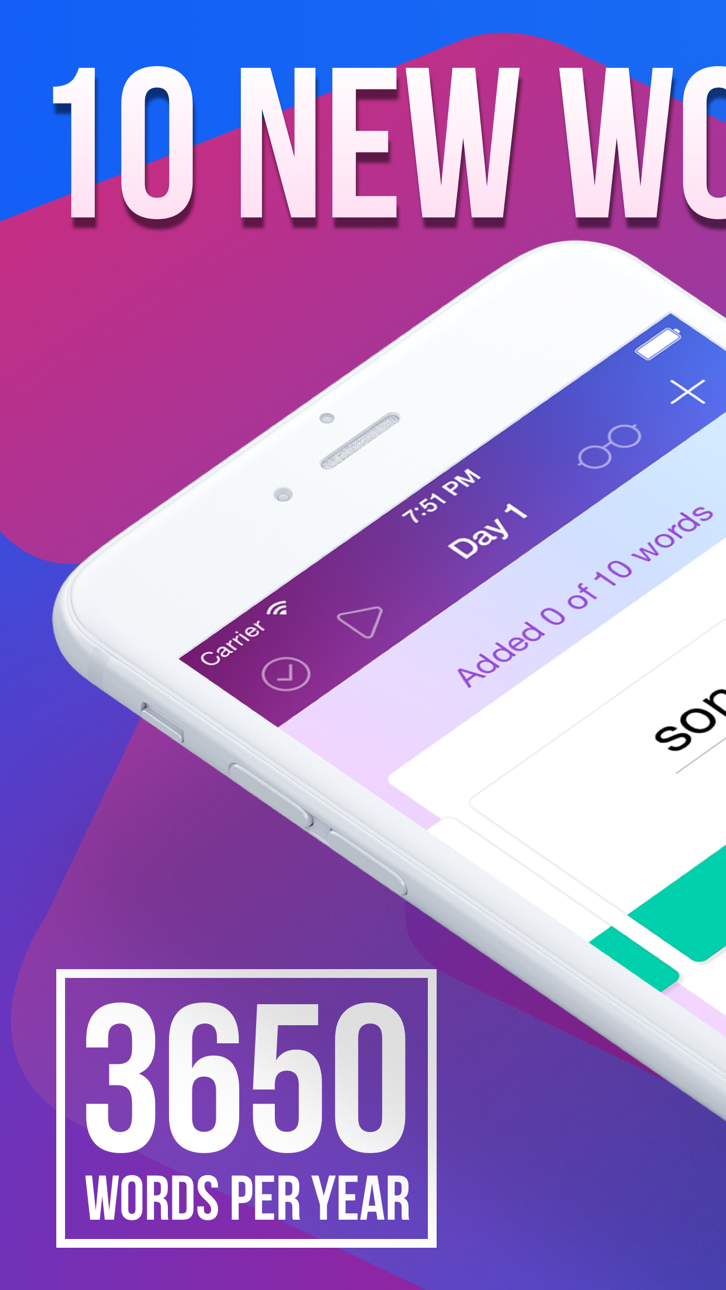
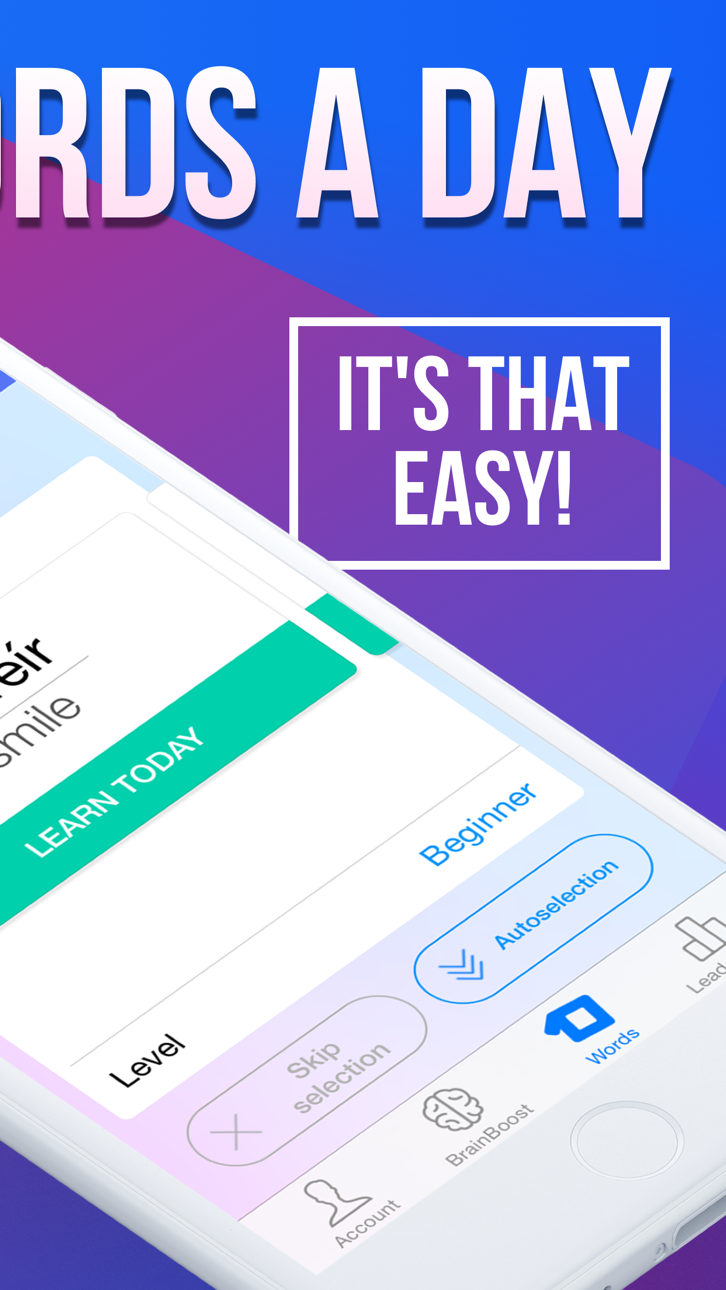
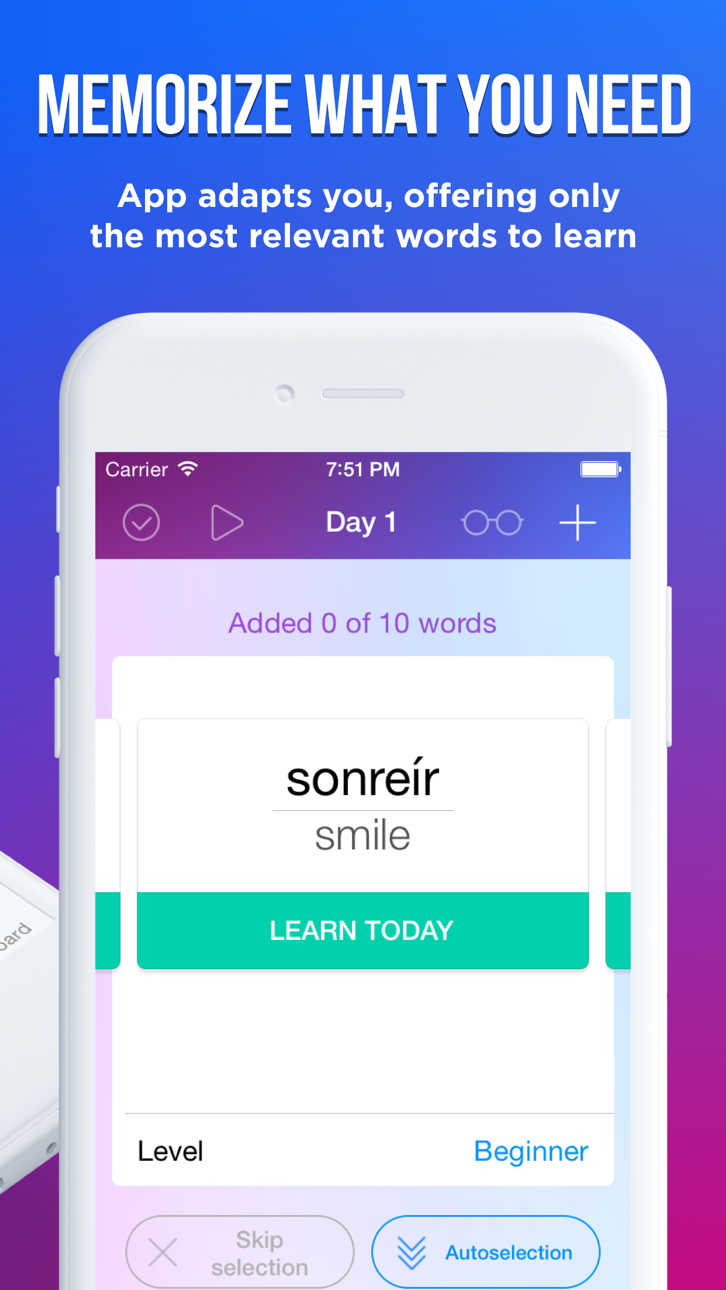
Learn a foreign language with 10 words a day using easy ten Modded, a premium hack IPA that unlocks all paid features. Master Spanish, English, Portuguese, Italian, French, German, and Russian at any starting level with just 5 minutes daily, study 70 new words weekly, 3,650 yearly, and reach the vocabulary of a native speaker. This Apple-featured app has been trusted by over 5 million users worldwide.
- Premium Unlocked → access all paid features
This app also comes with iGameGod, giving you access to Auto Touch to automate repetitive tasks, App Speed Manager for adjustable gameplay speed, Memory Engine value editing, and more powerful iOS game tools.
Download easy ten Modded modded IPA from the links above. Tap the install button and follow the on-screen instructions to install this iOS app hack on your iPhone, iPad, or Apple Silicon.
Need more help? Check out our iOSGods App Frequently Asked Questions for detailed answers and troubleshooting tips.
Easy ten — learn a foreign language with 10 words a day
Learn Spanish, English, Portuguese, Italian, French, German & Russian.
Any starting level.
- Apple Featured App (2014-2015)
- Best new App (December 2014)
- More than 5 000 000 users
10 new words a day is 70 new words a week, 300 new words a month, 3650 new words a year. Wherein a native speaker uses an average of 3000 words in his everyday life.
5 minutes a day is all it takes to succeed with easy ten.
All features and content library is available with paid Easy Ten Subscription for free 7 day trial. After your free trial ends, you’ll still have access to everything Easy Ten Subscription has to offer through the paid subscription. Non-subscribers can access select content for free, as well as basic manual word learning options.
FEATURES
Up to 20 new words a day.
Frequency vocabulary of 10 000 most commonly used words.
All words are voiced.
Twitter examples for all words.
Smart notifications.
BrainBoost memorisation technique
Storing your progress in Calendar
Total personalisation
Pronunciation training
Cool tests
Achievements
You’ll love to study with easy ten!
SUBSCRIPTION PRICING AND TERMS
Easy Ten currently offers several auto-renewing subscription options:
$29.99 per Month
$9.99 per Week
These prices are for United States customers. Pricing in other countries may vary and actual charges may be converted to your local currency depending on the country of residence.
The subscription will automatically renew unless turned off in your iTunes Account Settings at least 24 hours before current period ends. You can go to your iTunes Account settings to manage your subscription and turn off auto-renew. Your iTunes Account will be charged when the purchase is confirmed. If you subscribe before your free trial ends, the rest of your free trial period will be forfeited as soon as your purchase is confirmed.
Please see the Terms of Use and our Privacy Policy:
http://legal.easy10.com/privacy/
http://legal.easy10.com/terms/
- Non-Jailbroken/Jailed or Jailbroken iPhone or iPad.
- Sideloadly or alternatives.
- Computer running Windows/macOS/Linux with iTunes installed.
STEP 1: Download the pre-hacked .IPA file from the link above to your computer. To download from the iOSGods App, see our iOSGods App IPA Download Tutorial which includes a video example.
STEP 2: Download Sideloadly and install it on your Windows or Mac.
STEP 3: Open Sideloadly on your computer, connect your iOS device, and wait until your device name appears in Sideloadly.
STEP 4: Once your iDevice is recognized, drag the modded .IPA file you downloaded and drop it into the Sideloadly application.
STEP 5: Enter your Apple Account email, then press “Start.” You’ll then be asked to enter your password. Go ahead and provide the required information.
STEP 6: Wait for Sideloadly to finish sideloading/installing the hacked IPA. If there are issues during installation, please read the note below.
STEP 7: Once the installation is complete and you see the app on your Home Screen, you will need to go to Settings → General → Profiles / VPN & Device Management. Once there, tap on the email you entered from step 6, and then tap on “Trust [email protected]”.
STEP 8: Now go to your Home Screen and open the newly installed app and everything should work fine. You may need to follow further per app instructions inside the hack's popup in-game.
NOTE: iOS/iPadOS 16 and later, you must enable Developer Mode. For free Apple Developer accounts, you will need to repeat this process every 7 days. If you have any questions or problems, read our Sideloadly FAQ section of the topic.
Hack Features:
- Inf Coins (Spend)
App Installation Instructions:
---------------------------------------------------------
----------------------------------------------------------
If you require more information or help, please read our Frequently Asked Questions topic on iOSGods.com.
----------------------------------------------------------
--------------------------------------------------