Anmeldung erforderlich
Melden Sie sich mit Ihrem iOSGods-Konto an, um fortzufahren.
Melden Sie sich mit Ihrem iOSGods-Konto an, um fortzufahren.

Verdiene Gold schneller und upgrade deine Verbündeten kostenlos in diesem actiongeladenen Hack von Thor: War of Tapnarok Mod IPA. Verteidige die neun Reiche vor Monstern und Invasionen mit verstärkten Ressourcen, die es dir ermöglichen, dein Team ohne Grinding zu stärken. Kämpfe an der Seite des Donnergotts und seiner vertrauten Verbündeten, während du dich durch endlose Wellen von Feinden kämpfst.
- Hoher Goldgewinn → sammle Währung schneller an
- Hohes Truhen-Gold → verdiene mehr aus Schatzbelohnungen
- Kostenloses Verbündeten-Upgrade → levele dein Team ohne Kosten
Diese App wird zusätzlich mit iGameGod geliefert und bietet Ihnen Zugriff auf Auto Touch zur Automatisierung sich wiederholender Aufgaben, App Speed Manager für eine anpassbare Spielgeschwindigkeit, Memory Engine zur Wertbearbeitung und weitere leistungsstarke iOS-Spielwerkzeuge.
Laden Sie Thor : War of Tapnarok Hack modded IPA über die obigen Links herunter. Tippen Sie auf den Installations-Button und folgen Sie den Anweisungen, um diese iOS-App auf Ihrem iPhone, iPad oder Apple Silicon zu installieren.
Brauchen Sie mehr Hilfe? In unseren iOSGods App häufig gestellten Fragen finden Sie ausführliche Antworten und Tipps zur Fehlerbehebung.
GLOBAL LAUNCH CELEBRATION - Get rewarded just by logging in!
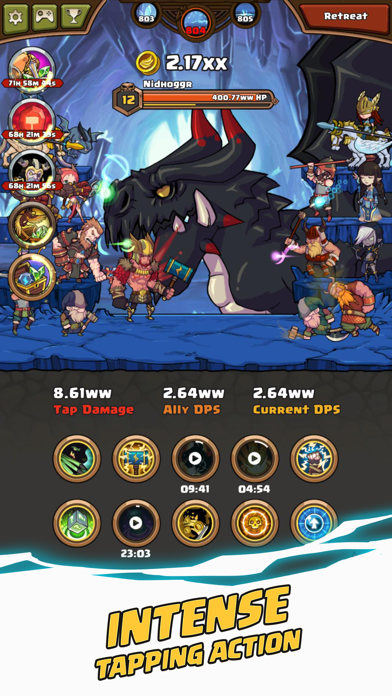
Ascend as Thor God of Thunder, and get ready for an epic adventure in this Norse-themed action clicker!
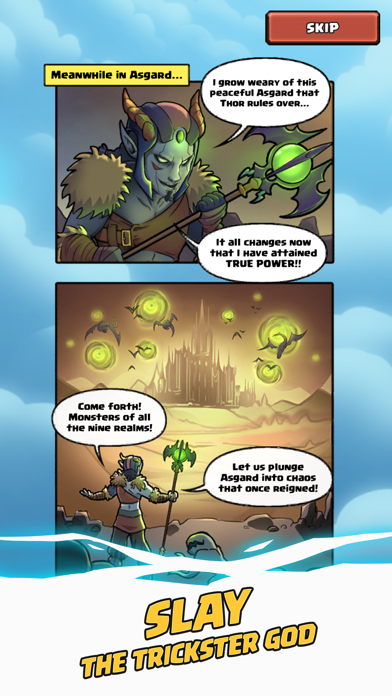
After the dust of Ragnarok has settled, Loki the God of Mischief has declared eternal war against Asgard! Wielding Heimdall's Crystal Staff, he has unleashed ferocious monsters and evil gods into the Nine Realms. Loki's vile forces are now at the gates of Asgard, and Tapnarok is almost upon us.
O heroic Thor, son of Odin, King of Asgard, the True Ruler of the Nine Realms - heed our call! It is your duty to defend your home from this monstrous invasion!
HIGHLIGHTS:
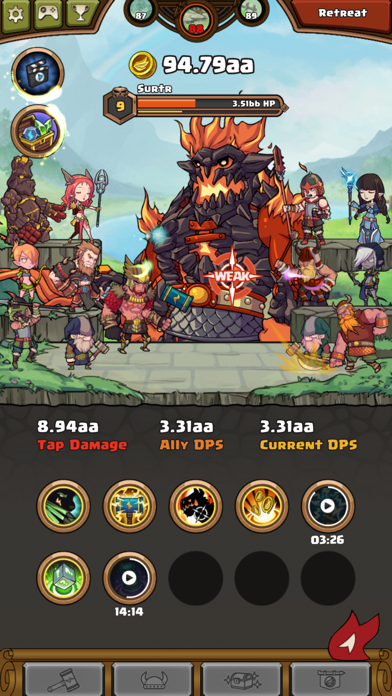
◆ Tap the enemy's weak spot to deal devastating damage!
◆ Activate 10 fearsome skills to unleash Thor's explosive might!
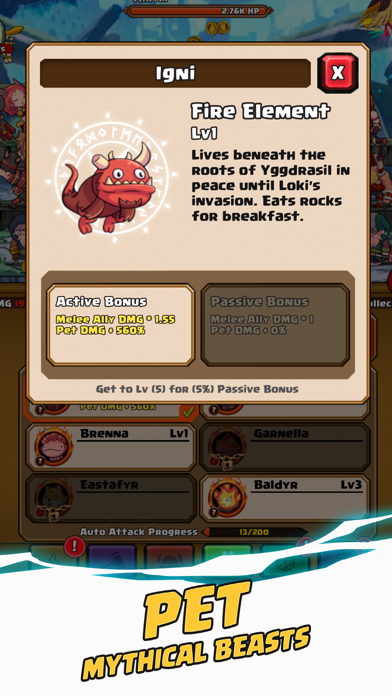
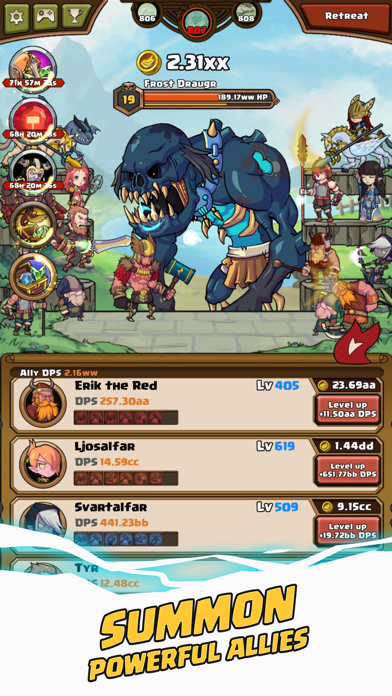
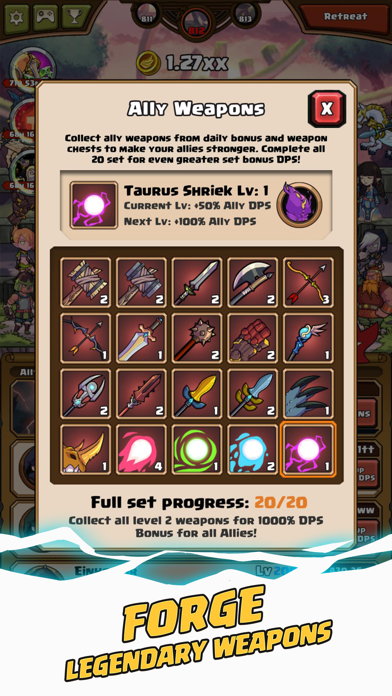
◆ Recruit 20 loyal allies and equip them with unique weapons!
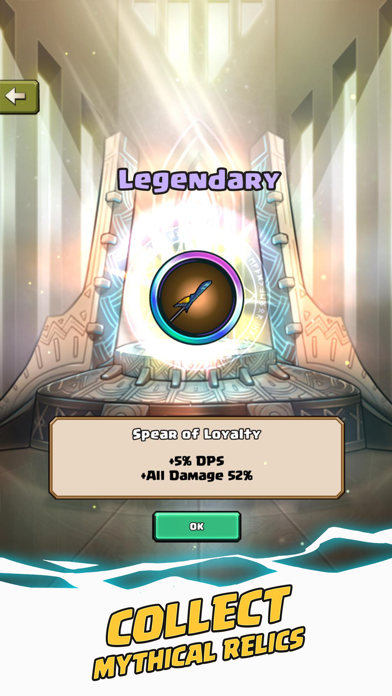
◆ Collect 37 mystical relics to harness unfathomable power!
◆ Slay terrifying enemies such as Loki the Trickster God!
◆ Summon the All-Father Odin to fight by your side!
Immerse in the myth and might of Thor, battles countless monsters with the help of Viking warriors, Valkyrie, and even the All-Father Himself, Odin.
The fate of Asgard is in your hands, Hero. Dust off that ol’ Mjolnir, tighten your jockstrap, and defend the realms at all costs! To Valhalla!
Thor-n up by an issue? Send us an email and we will address the issue as soon as possible.
Support Email : [email protected]
For the latest news, updates, and events, follow us on:
Facebook : http://www.facebook.com/appxplore
Youtube : http://www.youtube.com/user/appxplore
Instagram : http://www.instagram.com/appxplore
Twitter : http://twitter.com/appxplore
- Nicht-Jailbroken/Jailed oder Jailbroken iPhone oder iPad.
- Sideloadly oder Alternativen.
- Computer mit Windows/macOS/Linux und installiertem iTunes.
SCHRITT 1: Laden Sie die vorinstallierte .IPA-Datei über den obigen Link auf Ihren Computer herunter. Zum Herunterladen aus der iOSGods-App siehe unser iOSGods App IPA Download-Tutorial mit Videobeispiel.
SCHRITT 2: Laden Sie Sideloadly herunter und installieren Sie es auf Ihrem Windows oder Mac.
SCHRITT 3: Öffnen Sie Sideloadly auf Ihrem Computer, verbinden Sie Ihr iOS-Gerät und warten Sie, bis Ihr Gerätename in Sideloadly erscheint.
SCHRITT 4: Sobald Ihr iDevice erkannt wird, ziehen Sie die heruntergeladene gemoddete .IPA-Datei in die Sideloadly-Anwendung.
SCHRITT 5: Geben Sie Ihre Apple-Account-E-Mail ein und drücken Sie „Start". Sie werden dann nach Ihrem Passwort gefragt. Geben Sie die erforderlichen Informationen ein.
SCHRITT 6: Warten Sie, bis Sideloadly das Sideloading/Installieren der gehackten IPA abgeschlossen hat. Bei Problemen während der Installation lesen Sie bitte den Hinweis unten.
SCHRITT 7: Sobald die Installation abgeschlossen ist und die App auf Ihrem Home-Bildschirm angezeigt wird, müssen Sie zu Einstellungen → Allgemein → Profile / VPN & Geräteverwaltung gehen. Tippen Sie dort auf die E-Mail, die Sie in Schritt 6 eingegeben haben, und dann auf „Trust [email protected]".
SCHRITT 8: Gehen Sie nun zu Ihrem Home-Bildschirm und öffnen Sie die neu installierte App – alles sollte einwandfrei funktionieren. Möglicherweise müssen Sie weitere App-spezifische Anweisungen im Hack-Popup im Spiel befolgen.
HINWEIS: iOS/iPadOS 16 und höher: Sie müssen den Entwicklermodus aktivieren. Bei kostenlosen Apple Developer-Accounts müssen Sie diesen Vorgang alle 7 Tage wiederholen. Bei Fragen oder Problemen lesen Sie bitte unsere Sideloadly-FAQ-Sektion im Thema.