Connexion requise
Connectez-vous avec votre compte iOSGods pour continuer.
Inf Hack Features:
- Inf Coins (finish level)
- Inf Skips (finish level)
Téléchargez Draw it Hack modded IPA depuis les liens ci-dessus. Appuyez sur le bouton d'installation et suivez les instructions pour installer ce hack iOS sur votre iPhone, iPad ou Apple Silicon.
Besoin de plus d'aide ? Consultez notre FAQ de l'app iOSGods pour des réponses détaillées et des conseils de dépannage.
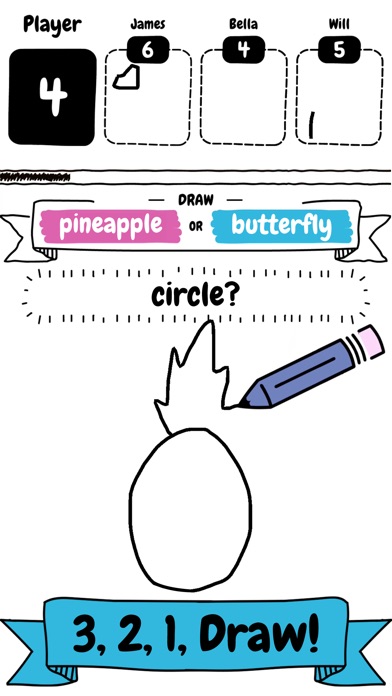
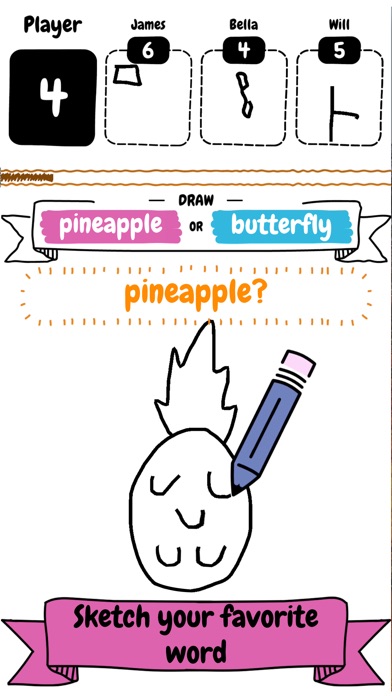
Draw it is a fun and addictive game where you compete against others.
Make sure you draw fast and quick to beast the competition, as you only have a limited amount of time on the clock to draw as many objects as possible.
It does’t matter if you’re an artist or can only sketch! You too will fall in love with this addictive fast paced drawing game.
Draw it features include:
- Simple and addictive gameplay
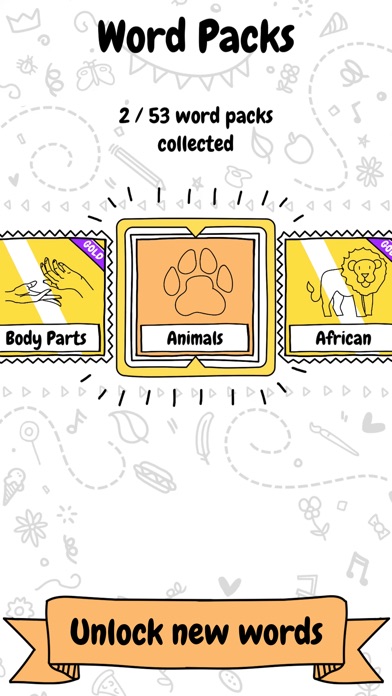
- Variety of word packs to unlock and collect
- Number of different objects to draw and sketch
- Fierce competition
- Limited time to draw
SUBSCRIBE TO DRAW IT
Subscribe to Draw it for all of the following benefits:
* VIP Wordpacks
* Free Coins Everyday
* The Remove Ads product, which removes non-optional adverts from the game
SUBSCRIPTIONS INFORMATION:
Draw it VIP Membership access offers two membership options:
1) A weekly subscription costing $5.49 per week after a 3 day FREE trial period.
2) A monthly subscription costing $14.49 per month.
After buying this subscription, you will unlock VIP wordpacks, free coins every day and remove non-optional ads. This is an auto-renewable subscription. The payment is charged to your account after confirmation. The subscription is renewed unless you unsubscribe 24 hours before the period ends. Your account will also be charged for renewal
The prices notes are for United States customers. Pricing in other countries may change and actual charges may be converted to local currency.
End of trial and subscription renewal:
- The payment is charged to your iTunes account after a confirmation of purchase
- The subscription is renewed unless you unsubscribe 24 hours before the end of the current period
- The account will be charged for renewal 24 hours before the end of the current period at the standard cost of the weekly subscription
- The user may manage the subscription and auto-renewal by accessing the user's account settings after purchase in the store
- No cancellation of the current subscription is permitted during the active subscription period
- Any unused portion of the free trial period will be forfeited when the subscription is purchased
Cancelling a trial or subscription:
- In order to cancel a subscription during the free trial period you need to cancel it through your account in the Store. This must be done at least 24 hours before the end of the free trial period to avoid being charged.
Machine Learning Code, models and Draw training dataset based on Google’s “Quick, Draw!” https://github.com/googlecreativelab/quickdraw-dataset
Licenses: https://creativecommons.org/licenses/by/4.0/
- iPhone ou iPad avec ou sans Jailbreak.
- Sideloadly ou alternatives.
- Ordinateur sous Windows/macOS/Linux avec iTunes installé.
ÉTAPE 1: Téléchargez le fichier .IPA pré-modifié depuis le lien ci-dessus sur votre ordinateur. Pour le télécharger depuis l'iOSGods App, consultez notre Tutoriel de téléchargement de l'IPA depuis l'iOSGods App qui comprend un exemple en vidéo.
ÉTAPE 2: Téléchargez Sideloadly et installez-le sur votre Windows ou Mac.
ÉTAPE 3: Ouvrez Sideloadly sur votre ordinateur, connectez votre appareil iOS et attendez que le nom de votre appareil apparaisse dans Sideloadly.
ÉTAPE 4: Une fois votre iDevice reconnu, glissez le fichier .IPA modifié que vous avez téléchargé et déposez-le dans l'application Sideloadly.
ÉTAPE 5: Saisissez l'adresse e-mail de votre Apple Account, puis appuyez sur « Start ». Il vous sera ensuite demandé d'entrer votre mot de passe. Fournissez les informations requises.
ÉTAPE 6: Attendez que Sideloadly termine le sideloading/l'installation de l'IPA modifié. En cas de problème durant l'installation, veuillez lire la remarque ci-dessous.
ÉTAPE 7: Une fois l'installation terminée et l'app visible sur votre écran d'accueil, vous devez aller dans Réglages → Général → Profils / VPN et gestion de l'appareil. Là, appuyez sur l'adresse e-mail saisie à l'étape 6, puis appuyez sur « Faire confiance à [email protected] ».
ÉTAPE 8: Allez maintenant sur votre écran d'accueil et ouvrez l'app nouvellement installée ; tout devrait fonctionner correctement. Vous devrez peut-être suivre des instructions supplémentaires propres à chaque app, dans la fenêtre du hack en jeu.
REMARQUE : À partir d'iOS/iPadOS 16, vous devez activer le mode Développeur. Pour les comptes Apple Developer gratuits, vous devrez répéter ce processus tous les 7 jours. Pour toute question ou problème, lisez notre section FAQ Sideloadly du sujet.