Требуется вход
Войдите в учётную запись iOSGods, чтобы продолжить.
Inf Hack Features:
- Inf Coins (finish level)
- Inf Skips (finish level)
Скачайте Draw it Hack modded IPA по ссылкам выше. Нажмите кнопку установки и следуйте инструкциям, чтобы установить этот хак iOS на iPhone, iPad или Mac с Apple Silicon.
Нужна помощь? Посмотрите наши Часто задаваемые вопросы по приложению iOSGods, чтобы получить подробные ответы и советы по устранению неполадок.
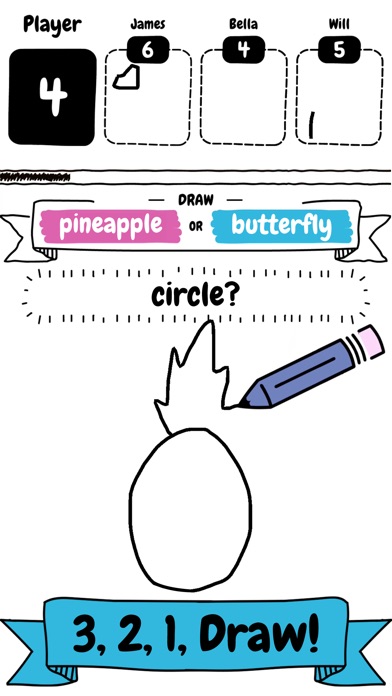
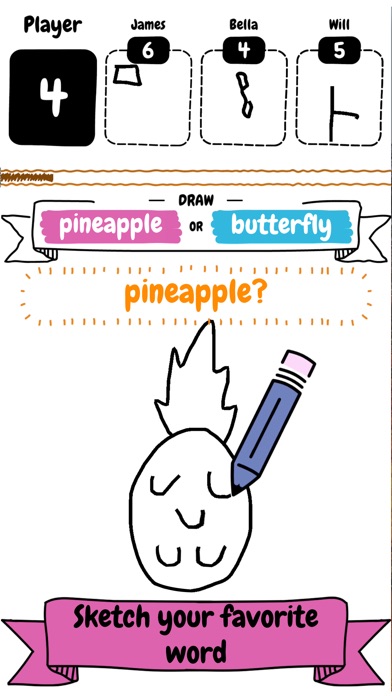
Draw it is a fun and addictive game where you compete against others.
Make sure you draw fast and quick to beast the competition, as you only have a limited amount of time on the clock to draw as many objects as possible.
It does’t matter if you’re an artist or can only sketch! You too will fall in love with this addictive fast paced drawing game.
Draw it features include:
- Simple and addictive gameplay
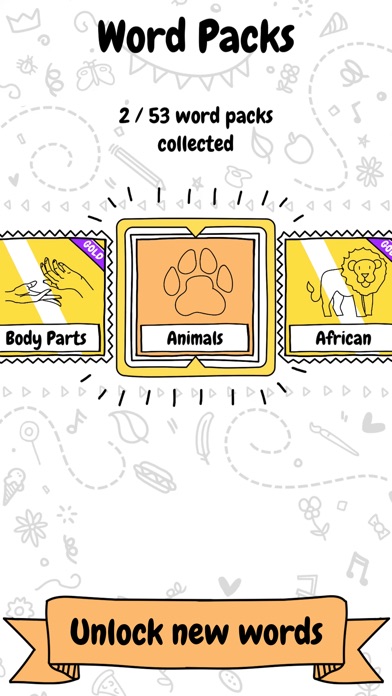
- Variety of word packs to unlock and collect
- Number of different objects to draw and sketch
- Fierce competition
- Limited time to draw
SUBSCRIBE TO DRAW IT
Subscribe to Draw it for all of the following benefits:
* VIP Wordpacks
* Free Coins Everyday
* The Remove Ads product, which removes non-optional adverts from the game
SUBSCRIPTIONS INFORMATION:
Draw it VIP Membership access offers two membership options:
1) A weekly subscription costing $5.49 per week after a 3 day FREE trial period.
2) A monthly subscription costing $14.49 per month.
After buying this subscription, you will unlock VIP wordpacks, free coins every day and remove non-optional ads. This is an auto-renewable subscription. The payment is charged to your account after confirmation. The subscription is renewed unless you unsubscribe 24 hours before the period ends. Your account will also be charged for renewal
The prices notes are for United States customers. Pricing in other countries may change and actual charges may be converted to local currency.
End of trial and subscription renewal:
- The payment is charged to your iTunes account after a confirmation of purchase
- The subscription is renewed unless you unsubscribe 24 hours before the end of the current period
- The account will be charged for renewal 24 hours before the end of the current period at the standard cost of the weekly subscription
- The user may manage the subscription and auto-renewal by accessing the user's account settings after purchase in the store
- No cancellation of the current subscription is permitted during the active subscription period
- Any unused portion of the free trial period will be forfeited when the subscription is purchased
Cancelling a trial or subscription:
- In order to cancel a subscription during the free trial period you need to cancel it through your account in the Store. This must be done at least 24 hours before the end of the free trial period to avoid being charged.
Machine Learning Code, models and Draw training dataset based on Google’s “Quick, Draw!” https://github.com/googlecreativelab/quickdraw-dataset
Licenses: https://creativecommons.org/licenses/by/4.0/
- iPhone или iPad без джейлбрейка/в обычном режиме или с джейлбрейком.
- Sideloadly или альтернативы.
- Компьютер с Windows/macOS/Linux и установленным iTunes.
ШАГ 1: Скачайте предварительно взломанный файл .IPA по ссылке выше на свой компьютер. Чтобы скачать его из приложения iOSGods, посмотрите наш Туториал по скачиванию IPA в приложении iOSGods, в котором есть видеопример.
ШАГ 2: Скачайте Sideloadly и установите его на Windows или Mac.
ШАГ 3: Откройте Sideloadly на компьютере, подключите iOS-устройство и дождитесь, пока его имя появится в Sideloadly.
ШАГ 4: Когда устройство будет распознано, перетащите скачанный модифицированный файл .IPA в окно Sideloadly.
ШАГ 5: Введите адрес электронной почты вашего Apple Account, затем нажмите «Start». После этого вас попросят ввести пароль. Укажите необходимые данные.
ШАГ 6: Дождитесь, пока Sideloadly завершит sideload/установку взломанного IPA. При возникновении проблем во время установки ознакомьтесь с примечанием ниже.
ШАГ 7: После завершения установки и появления приложения на главном экране перейдите в Настройки → Основные → Профили / VPN и управление устройством. Там нажмите на email, который вы ввели на шаге 6, а затем нажмите «Доверять [email protected]».
ШАГ 8: Теперь перейдите на главный экран и откройте установленное приложение — всё должно работать. Возможно, потребуется выполнить дополнительные инструкции в попапе мода внутри игры.
ПРИМЕЧАНИЕ: На iOS/iPadOS 16 и новее необходимо включить режим разработчика. Для бесплатных учётных записей Apple Developer этот процесс нужно повторять каждые 7 дней. Если возникнут вопросы или проблемы, ознакомьтесь с нашим разделом FAQ по Sideloadly в теме.