Login Diperlukan
Masuk dengan akun iOSGods kamu untuk melanjutkan.
Masuk dengan akun iOSGods kamu untuk melanjutkan.
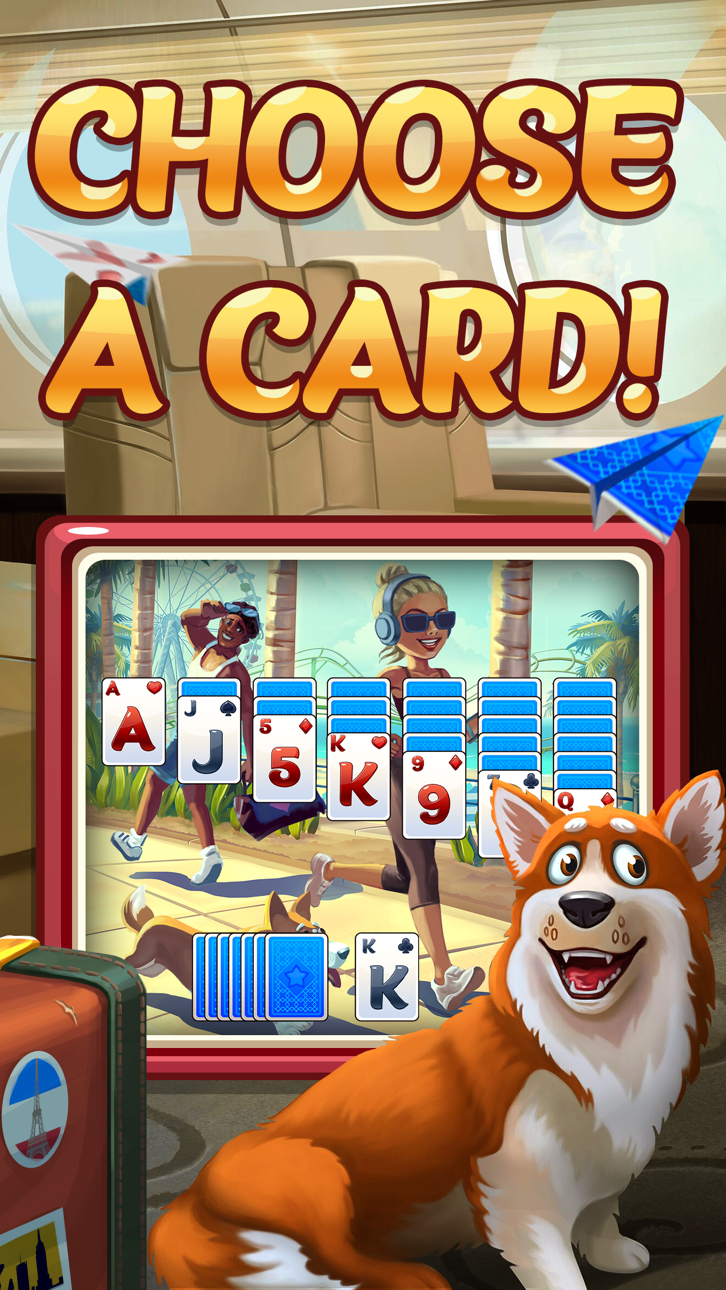
Patience - Lucky Star adalah permainan kartu solitaire Tripeaks yang penuh warna di mana Anda membantu Lucky mencapai bintang dengan menyelesaikan level dan mengumpulkan hadiah. Hack Mod IPA ini memberi Anda koin tak terbatas untuk dibelanjakan dengan bebas saat Anda membalik kartu, menyelesaikan episode, dan menonton cerita Anda berkembang tanpa harus menggiling mata uang.
- Koin Tak Terbatas (Belanja) → mata uang tak terbatas untuk pembelian dalam permainan
Aplikasi ini juga dilengkapi dengan iGameGod, yang memberi Anda akses ke Auto Touch untuk mengotomatiskan tugas berulang, App Speed Manager untuk mengatur kecepatan permainan, pengeditan nilai Memory Engine, dan alat permainan iOS lainnya yang lebih canggih.
Unduh Patience - Lucky Star Hack modded IPA dari tautan di atas. Ketuk tombol pasang dan ikuti petunjuk di layar untuk memasang hack iOS ini di iPhone, iPad, atau Apple Silicon.
Butuh bantuan lebih lanjut? Lihat Pertanyaan yang Sering Diajukan untuk Aplikasi iOSGods kami untuk jawaban dan tips lengkap.
WELCOME TO THE FUNNIEST PATIENCE PUZZLE ADVENTURE!
Help Lucky become a star in the funniest Tripeaks Patience card game around - Play Patience - Lucky Star!
If you love classic solitaire games, you’re going to love the Tripeaks patience experience of Patience - Lucky Star.
Join the fun - get rewards and card-flipping as both a story evolves and your coins grow as you play fun Tripeaks solitaire card games!
Clear each level on every Episode as you flip your cards and get your lucky rewards. It’s fun, it's FREE - and the most rewarding free Tripeaks patience game you’ve ever played!
This isn't one of your standard Tripeaks patience games - this is Patience: Lucky Star Tripeaks!
Fun REWARDS & Exciting Tripeaks Patience Games!
Enjoy all of the excitement that Tripeaks solitaire games have to offer, with FREE solitaire bonuses HOURLY - get lucky rewards every hour for even more Tripeaks solitaire rewards!
Get flipping, help Lucky, and join exciting Tripeaks solitaire missions and challenges for even MORE solitaire rewards and bonuses!
Level up your solitaire game - clear your cards and receive rewards as you move on with each Episode The better your card flip, the better the Tripeaks solitaire game rewards!
Need for more awesome solitaire bonuses? SPIN the BONUS WHEEL for extra Tripeaks solitaire bonuses including FREE coins, EXTRA cards, FREE solitaire rounds and EXTRA rewards! In a tight spot? Use your coins for WILD cards - got a long card streak you don't want to break? Use a WILD card and play any card in its place!
Get SOCIAL and Get REWARDED!
Tripeaks solitaire games are even more fun with friends!
Get 10,000 FREE COINS when you invite your friends to play their own Tripeaks story based solitaire games - send them a link or Facebook invite to have them join the Tripeaks story fun - then watch them make their way around Episodes, or send them some solitaire lives!
Download and Play Patience - Lucky Star NOW!
Lucky is waiting for you and these Tripeaks solitaire games won't play themselves! Keep up with new Episodes, flip your cards, and download one of the most exciting solitaire games of all: play Patience - Lucky Star Tripeaks now!
Tangkapan layar © pemiliknya masing-masing · App Store


iOSGods tidak berafiliasi, tidak didukung, dan tidak disponsori oleh Apple Inc., Google LLC, maupun pengembang aplikasi yang terdaftar di sini. Apple, iOS, dan App Store adalah merek dagang Apple Inc. Android dan Google Play adalah merek dagang Google LLC. Semua nama aplikasi, ikon, gambar, dan merek dagang lainnya adalah milik pemiliknya masing-masing.

- iPhone atau iPad tanpa Jailbreak atau dengan Jailbreak.
- Sideloadly atau alternatifnya.
- Komputer dengan Windows/macOS/Linux dan iTunes terpasang.
LANGKAH 1: Unduh file .IPA yang sudah di-hack dari tautan di atas ke komputer Anda. Untuk mengunduhnya dari iOSGods App, silakan lihat Tutorial Mengunduh IPA dari iOSGods App kami yang dilengkapi contoh video.
LANGKAH 2: Unduh Sideloadly dan pasang di Windows atau Mac Anda.
LANGKAH 3: Buka Sideloadly di komputer Anda, sambungkan perangkat iOS Anda, dan tunggu hingga nama perangkat Anda muncul di Sideloadly.
LANGKAH 4: Setelah iDevice Anda terdeteksi, seret file .IPA yang sudah dimodifikasi dan lepaskan ke dalam aplikasi Sideloadly.
LANGKAH 5: Masukkan email Apple Account Anda, lalu tekan "Start". Anda kemudian akan diminta memasukkan kata sandi. Silakan isi informasi yang diminta.
LANGKAH 6: Tunggu hingga Sideloadly selesai melakukan sideloading/pemasangan IPA yang di-hack. Jika terjadi masalah saat pemasangan, silakan baca catatan di bawah ini.
LANGKAH 7: Setelah pemasangan selesai dan Anda melihat aplikasi di Layar Beranda, Anda perlu masuk ke Pengaturan → Umum → Profil / VPN & Manajemen Perangkat. Setelah itu, ketuk email yang Anda masukkan pada langkah 6, lalu ketuk "Percayai [email protected]".
LANGKAH 8: Sekarang buka Layar Beranda dan jalankan aplikasi yang baru saja dipasang; semuanya seharusnya berjalan normal. Anda mungkin perlu mengikuti petunjuk tambahan per aplikasi yang muncul di popup hack di dalam game.
CATATAN: Pada iOS/iPadOS 16 dan yang lebih baru, Anda harus mengaktifkan Mode Pengembang. Untuk akun Apple Developer gratis, Anda perlu mengulangi proses ini setiap 7 hari. Jika Anda memiliki pertanyaan atau masalah, silakan baca bagian FAQ Sideloadly di topik tersebut kami.
Game Name iOS Mod IPA is an action adventure game enhanced with powerful gameplay boosts and quality-of-life improvements. Win battles faster, earn rewards quicker, and enjoy uninterrupted play without ads.
- Unlimited Gold - spend freely to unlock premium content
- Damage Multiplier - deal significantly more damage in combat
- Defense Multiplier - take less damage and survive longer
- Reward Multiplier - earn more loot from every battle
- Max Level - instantly reach the highest player rank
- No Ads - play without interruptions or advertisements
This app also comes with iGameGod, giving you access to Auto Touch to automate repetitive tasks, App Speed Manager for adjustable gameplay speed, Memory Engine value editing, and more powerful iOS game tools.
Unduh Game Name Mod IPA dari tautan di atas. Ketuk tombol pasang dan ikuti petunjuk di layar untuk memasang hack iOS ini di iPhone, iPad, atau Apple Silicon.
Butuh bantuan lebih lanjut Lihat Pertanyaan yang Sering Diajukan untuk Aplikasi iOSGods kami untuk jawaban dan tips lengkap.
----------------------------------------------------------
--------------------------------------------------