Cần đăng nhập
Đăng nhập bằng tài khoản iOSGods để tiếp tục.
Đăng nhập bằng tài khoản iOSGods để tiếp tục.
Tiền xu không giới hạn, Hổ phách không giới hạn và chỉ số ATK tối đa biến Viking Hero TD: Roguelike RTS thành một giấc mơ quyền lực nơi bạn bỏ qua việc kiếm kiếp và thống trị mọi cuộc phòng thủ khu định cư ngay từ đầu. Mod IPA này loại bỏ các nút cổ chai tài nguyên, cho phép bạn tập trung vào chiến lược và chiến đấu anh hùng thay vì canh tác.
Cho dù bạn đang theo đuổi bộ xây dựng hoàn hảo, thử nghiệm các anh hùng và vũ khí khác nhau, hay đơn giản là muốn trải nghiệm toàn bộ danh sách mà không cần phải chơi lại những lần chạy vô tận, hack này sẽ tăng tốc độ con đường của bạn đến Valhalla và cho phép bạn kiểm tra mọi kết hợp mà trò chơi cung cấp.
- Tiền xu không giới hạn → chi tiêu tự do cho các nâng cấp và kinh tế
- Hổ phách không giới hạn → mở khóa các đặc quyền và tăng cường mà không giới hạn
- Khóa không giới hạn +3 → truy cập nội dung cao cấp và rương
- Nâng cấp không giới hạn → nâng cấp anh hùng và trang bị mà không hạn chế
- HP TỐI ĐA → sức khỏe tối đa cho anh hùng của bạn
- ATK TỐI ĐA → sức mạnh tấn công tối đa
- Phạm vi ATK → phạm vi tấn công mở rộng trong chiến đấu
Ứng dụng này cũng đi kèm với iGameGod, cho phép bạn truy cập Auto Touch để tự động hóa các thao tác lặp lại, App Speed Manager để điều chỉnh tốc độ chơi game, chỉnh sửa giá trị bằng Memory Engine, và nhiều công cụ mạnh mẽ khác cho game iOS.
Tải Viking Hero TD: Roguelike RTS Hack modded IPA từ các liên kết ở trên. Nhấn nút cài đặt và làm theo hướng dẫn để cài bản hack iOS lên iPhone, iPad hoặc Apple Silicon.
Cần thêm trợ giúp? Hãy xem Câu hỏi thường gặp ứng dụng iOSGods để có câu trả lời chi tiết và mẹo khắc phục sự cố.
The Jotun, ancient giants and sworn enemies of the gods, have seized control of the Nine Realms. Now, as a mighty Viking god, it’s your destiny to save Valhalla and reclaim your home.
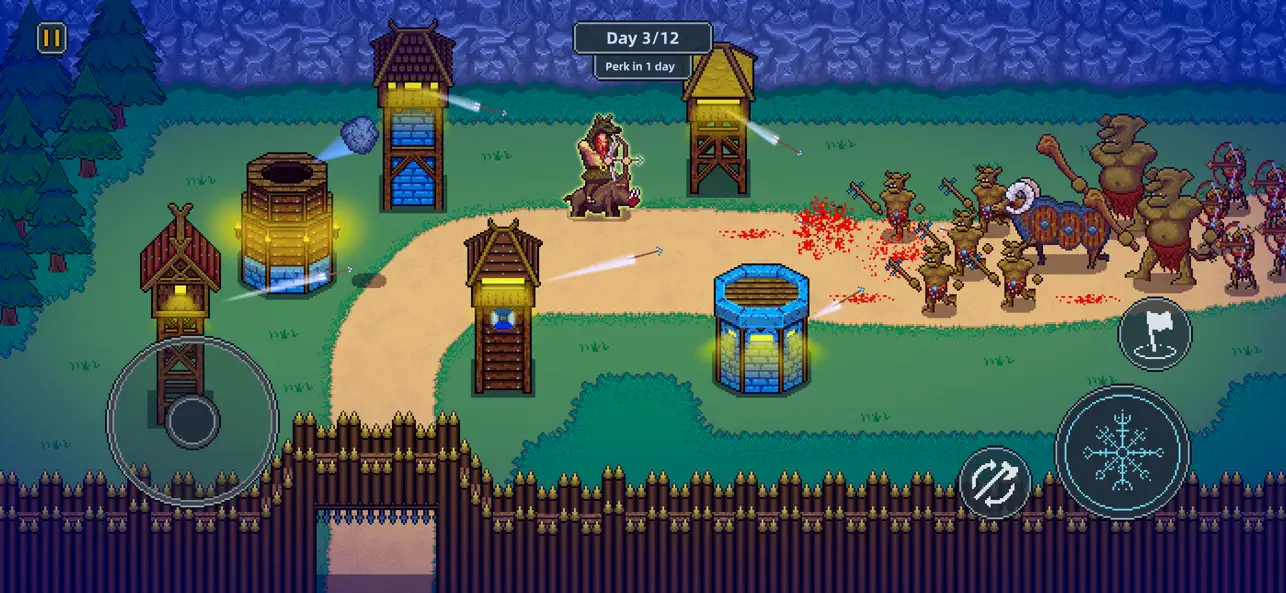
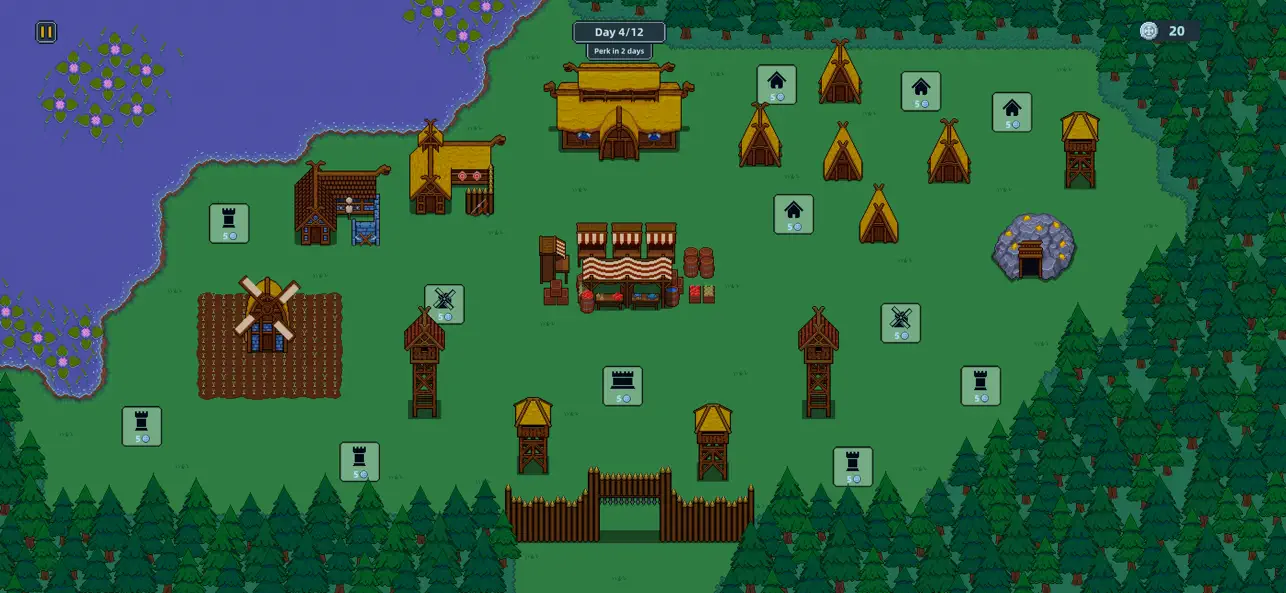
Each level challenges you to build and defend a new settlement. Build up your economy and defenses by day, then at night take control of your hero and soldiers to fight off the enemy invaders.
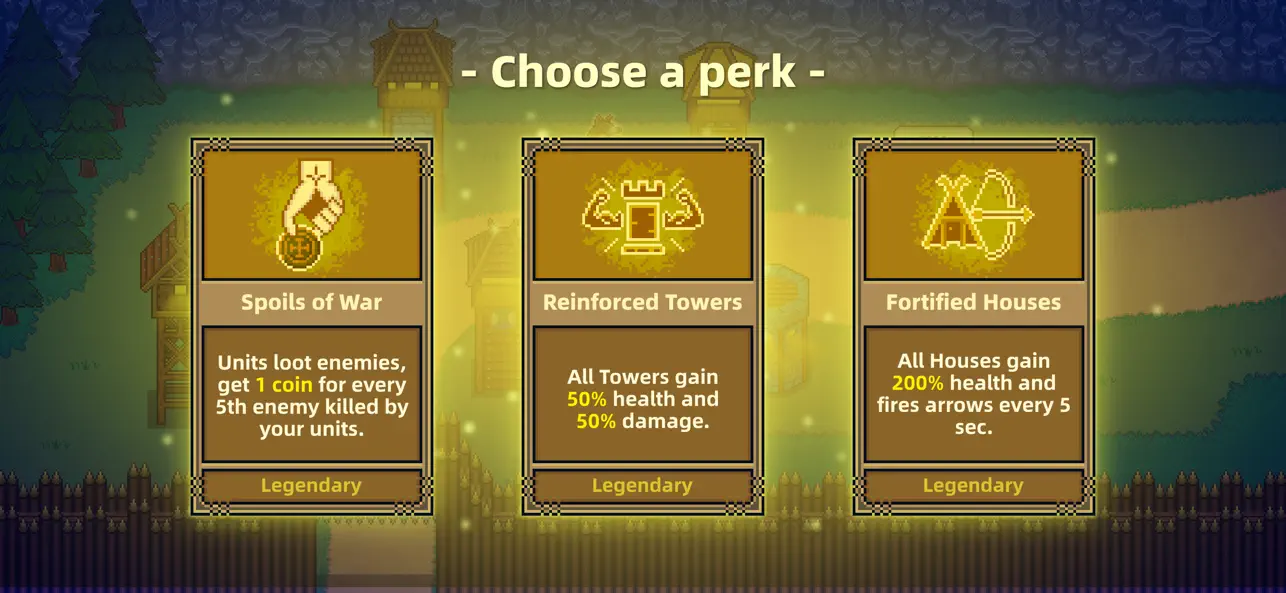
Random perks shake up every run, giving temporary powers and unique boosts to change the way you play.
As you progress, unlock a wide variety of heroes, weapons, and gear, each with unique abilities and powerful passives that can dramatically change how you play. Experiment with different combinations to discover the setup that suits your strengths.
Will you be the one to save the world from Ragnarok?
Key Features:
* Epic Viking Adventure: Take on the Jotun and reclaim the Nine Realms.
* Build & Defend: Construct settlements by day, defend them by night.
* Heroes & Gear: Unlock powerful heroes, weapons, and equipment with unique abilities.
* Random Perks: In each level you draw new perks, making every run unique.
* Play Offline: Take your Viking adventure anywhere.
* No Forced Ads: Play without interruptions.

- iPhone hoặc iPad chưa jailbreak/đã đóng hoặc đã jailbreak.
- Sideloadly hoặc các lựa chọn thay thế.
- Máy tính chạy Windows/macOS/Linux đã cài iTunes.
BƯỚC 1: Tải tệp .IPA đã được hack sẵn từ liên kết phía trên về máy tính của bạn. Để tải từ iOSGods App, hãy xem Hướng dẫn tải IPA bằng iOSGods App của chúng tôi, có kèm ví dụ bằng video.
BƯỚC 2: Tải Sideloadly và cài đặt trên Windows hoặc Mac của bạn.
BƯỚC 3: Mở Sideloadly trên máy tính, kết nối thiết bị iOS của bạn và chờ cho đến khi tên thiết bị hiển thị trong Sideloadly.
BƯỚC 4: Khi thiết bị iOS của bạn đã được nhận diện, hãy kéo tệp .IPA đã chỉnh sửa mà bạn tải về và thả vào ứng dụng Sideloadly.
BƯỚC 5: Nhập email Apple Account của bạn, sau đó nhấn "Start." Bạn sẽ được yêu cầu nhập mật khẩu. Hãy cung cấp các thông tin cần thiết.
BƯỚC 6: Chờ Sideloadly hoàn tất quá trình sideload/cài đặt tệp IPA đã hack. Nếu gặp sự cố trong quá trình cài đặt, vui lòng đọc lưu ý bên dưới.
BƯỚC 7: Khi cài đặt hoàn tất và bạn thấy ứng dụng trên Màn hình chính, bạn cần truy cập Cài đặt → Cài đặt chung → Hồ sơ / VPN & Quản lý thiết bị. Tại đó, nhấn vào email bạn đã nhập ở bước 6, rồi nhấn "Tin cậy [email protected]".
BƯỚC 8: Bây giờ hãy về Màn hình chính và mở ứng dụng vừa cài đặt, mọi thứ sẽ hoạt động bình thường. Bạn có thể cần làm theo hướng dẫn riêng của từng ứng dụng trong cửa sổ popup của bản hack trong game.
LƯU Ý: Trên iOS/iPadOS 16 trở lên, bạn phải bật Chế độ nhà phát triển. Với tài khoản Apple Developer miễn phí, bạn sẽ cần lặp lại quy trình này mỗi 7 ngày. Nếu bạn có thắc mắc hoặc gặp sự cố, hãy đọc mục FAQ về Sideloadly trong chủ đề của chúng tôi.