Anmeldung erforderlich
Melde dich mit deinem iOSGods-Konto an, um fortzufahren.
Melde dich mit deinem iOSGods-Konto an, um fortzufahren.

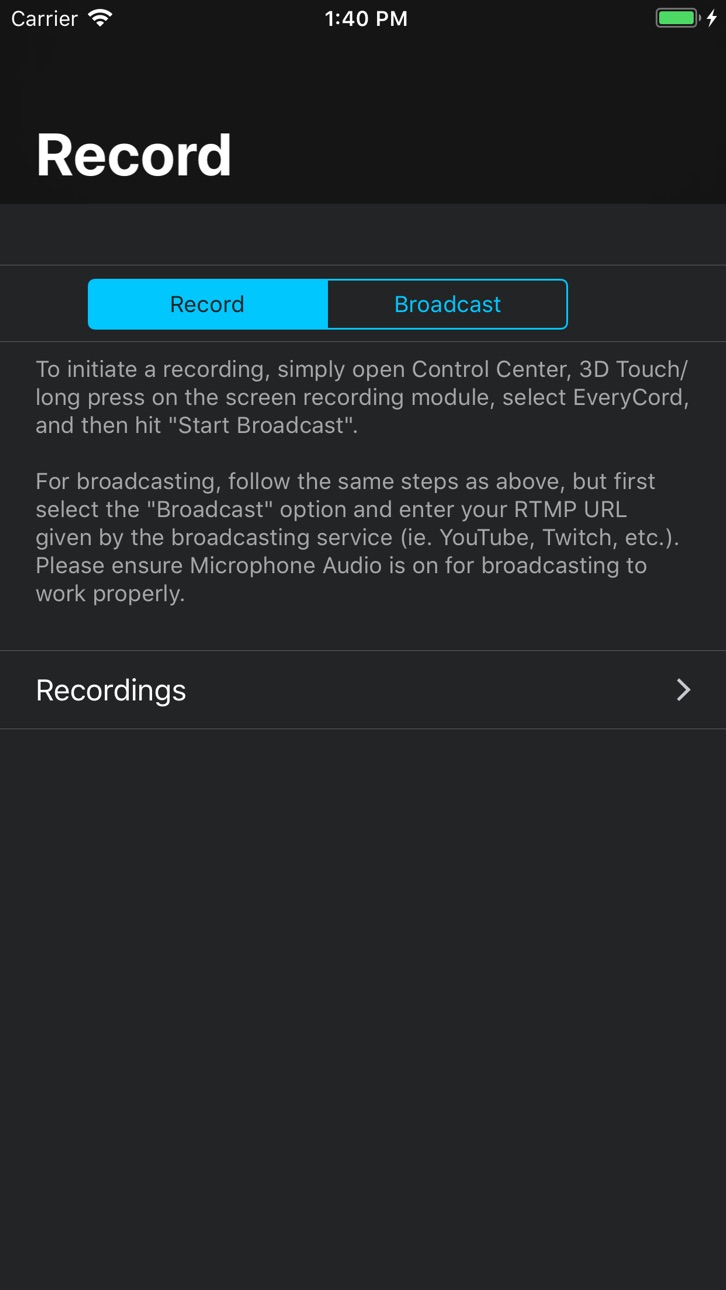
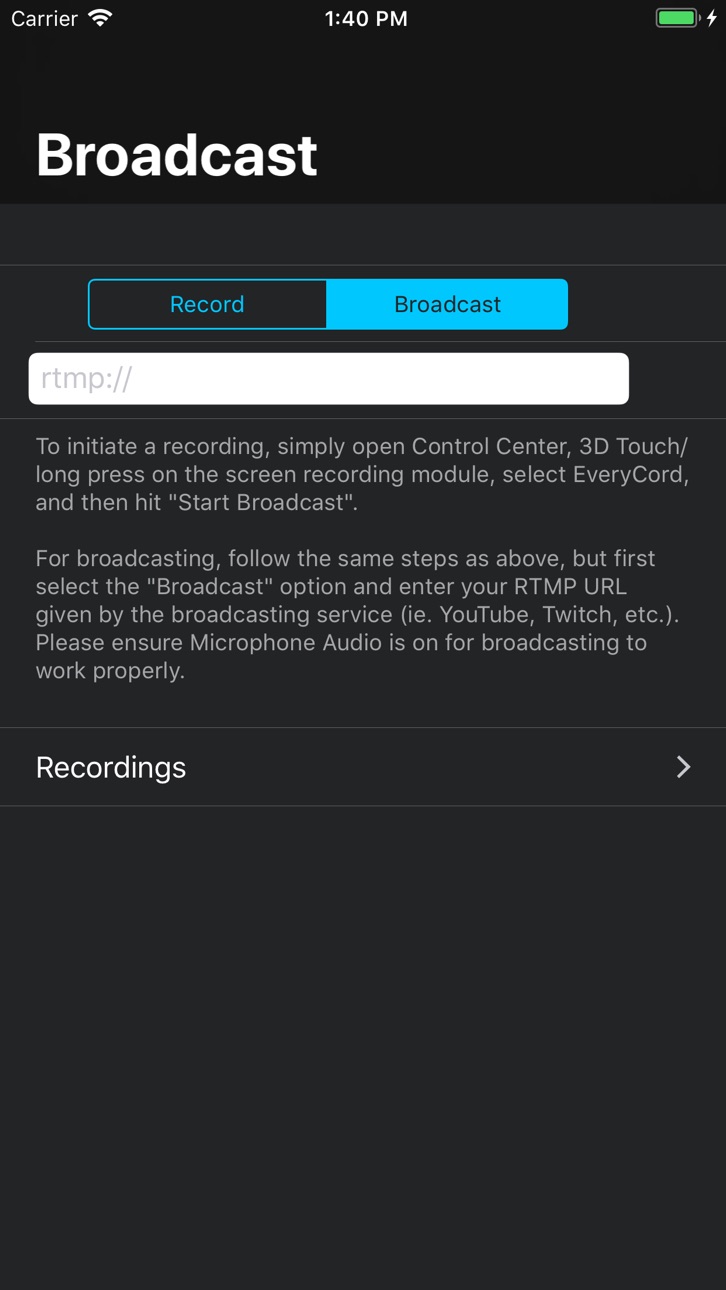
Zeichnen Sie Ihren gesamten iOS-Bildschirm in Full HD und 60 FPS mit EveryCord, Record & Broadcast auf, einem leistungsstarken Mod IPA zur Bildschirmaufzeichnung, das Spiele, Apps und Live-Momente direkt auf Ihrem Gerät erfasst. Dieser Hack entsperrt Premium-Streaming-Funktionen und ermöglicht es Ihnen, live auf YouTube, Twitch und RTMP-kompatible Dienste zu streamen, ohne Einschränkungen. Passen Sie jeden Aspekt Ihrer Aufzeichnungen an und genießen Sie nahtlose, geräteweite Erfassung, die auf allen Ihren Apps funktioniert.
Diese App wird zusätzlich mit iGameGod geliefert und bietet dir Zugriff auf Auto Touch zur Automatisierung sich wiederholender Aufgaben, App Speed Manager für eine anpassbare Spielgeschwindigkeit, Memory Engine zur Wertbearbeitung und weitere leistungsstarke iOS-Spielwerkzeuge.
Lade EveryCord – Record & Broadcast modded IPA über die obigen Links herunter. Tippe auf den Installations-Button und folge den Anweisungen, um diese iOS-App auf deinem iPhone, iPad oder Apple Silicon zu installieren.
Brauchst du mehr Hilfe? In unseren iOSGods App häufig gestellten Fragen findest du ausführliche Antworten und Tipps zur Fehlerbehebung.
Record your screen, go live with friends, and share your best moments with EveryCord. Capture your iPhone or iPad screen, stream with co-hosts on camera, and post clips anyone can watch.
EVERYCORD SOCIAL
• Co-host on camera: Invite up to three friends to join your stream from their own iPhones, or send an invite link to anyone. Their cameras appear as bubbles in your broadcast, and you talk together live. Friends without EveryCord get the App Store link, and you get a notification when someone joins through your link.
• Show my camera: Appear in your own stream while you play. Your camera keeps running in a small floating window when you switch to a game (iOS 18 or later).
• Live Now: Post your stream so followers can find it, and get a notification when people you follow go live.
• Live chat and reactions: Chat with viewers in real time. Hosts and moderators can delete messages, time people out, ban, turn on slow mode and block words.
• Clips: Publish clips with a link anyone can open. Viewers can like and comment, and clips stay on your profile until you delete them.
• Profiles and follows: Follow creators, see who follows you, and keep up with likes and comments in Activity.
• Search and discover: Search the Social tab for people, clips and live streams. Suggested for you shows people you may know, with the reason for each suggestion, such as who you both follow, plus a See all list.
RECORD, EDIT AND STREAM
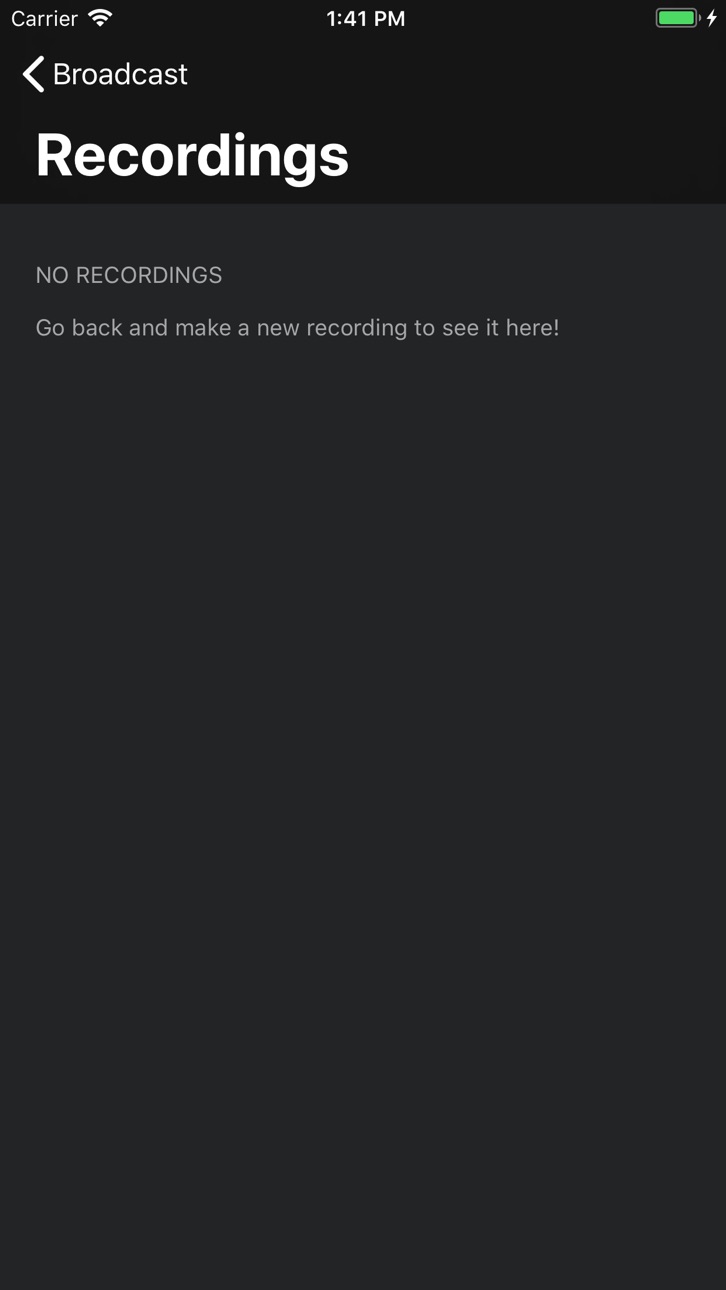
• Record your screen: Capture gameplay and other on-screen activity in high quality.
• Stream anywhere: Go live on YouTube, Twitch or any RTMP service, on up to three outputs at once.
• Add facecam: Record your face and voice together with the front camera.
• Create AI captions: Turn recorded speech into captions on your video.
• Edit your clips: Trim videos and apply effects with the built-in editor.
• Share directly: Send your recordings to other apps and social media.
SPARKS
• Send Sparks in live chat to support the streamers you watch. Your message is highlighted, and bigger amounts can stay pinned for a while.
• Streamers get half of what EveryCord receives from Apple for the Sparks they're sent. The other half keeps EveryCord running, including its servers.
• Supporter badges, name colors and frames are for style only.
• Streamers 18 and older in the United States can request payouts of their earnings through Stripe.
SAFE BY DESIGN
Every profile, clip, comment, chat message and live stream can be reported or blocked, and reports are reviewed within 24 hours. Sign in with Apple, Google or an email code. Recording, editing and streaming work without an account.
Recording, streaming, co-hosting, chat and clips are free for everyone, with no ads from outside advertisers and no subscriptions. Sparks are optional in-app purchases with no cash value.
Download EveryCord and go live with your friends today.
Screenshots © der jeweiligen Inhaber · App Store


iOSGods ist nicht mit Apple Inc., Google LLC oder den Entwicklern der hier aufgeführten Apps verbunden und wird von ihnen weder unterstützt noch gesponsert. Apple, iOS und App Store sind Marken von Apple Inc. Android und Google Play sind Marken von Google LLC. Alle weiteren App-Namen, Symbole, Grafiken und Marken gehören ihren jeweiligen Inhabern.
- Nicht-Jailbroken/Jailed oder Jailbroken iPhone oder iPad.
- Sideloadly oder Alternativen.
- Computer mit Windows/macOS/Linux und installiertem iTunes.
SCHRITT 1: Lade die vorinstallierte .IPA-Datei über den obigen Link auf deinen Computer herunter. Zum Herunterladen aus der iOSGods-App siehe unser iOSGods App IPA Download-Tutorial mit Videobeispiel.
SCHRITT 2: Lade Sideloadly herunter und installiere es auf deinem Windows oder Mac.
SCHRITT 3: Öffne Sideloadly auf deinem Computer, verbinde dein iOS-Gerät und warte, bis dein Gerätename in Sideloadly erscheint.
SCHRITT 4: Sobald dein iDevice erkannt wird, ziehe die heruntergeladene gemoddete .IPA-Datei in die Sideloadly-Anwendung.
SCHRITT 5: Gib deine Apple-Account-E-Mail ein und drücke „Start". Du wirst dann nach deinem Passwort gefragt. Gib die erforderlichen Informationen ein.
SCHRITT 6: Warte, bis Sideloadly das Sideloading/Installieren der gehackten IPA abgeschlossen hat. Bei Problemen während der Installation lies bitte den Hinweis unten.
SCHRITT 7: Sobald die Installation abgeschlossen ist und die App auf deinem Home-Bildschirm angezeigt wird, musst du zu Einstellungen → Allgemein → Profile / VPN & Geräteverwaltung gehen. Tippe dort auf die E-Mail, die du in Schritt 6 eingegeben hast, und dann auf „Trust [email protected]".
SCHRITT 8: Gehe nun zu deinem Home-Bildschirm und öffne die neu installierte App – alles sollte einwandfrei funktionieren. Möglicherweise musst du weitere App-spezifische Anweisungen im Hack-Popup im Spiel befolgen.
HINWEIS: iOS/iPadOS 16 und höher: Du musst den Entwicklermodus aktivieren. Bei kostenlosen Apple Developer-Accounts musst du diesen Vorgang alle 7 Tage wiederholen. Bei Fragen oder Problemen lies bitte unsere Sideloadly-FAQ-Sektion im Thema.
Game Name iOS Mod IPA is an action adventure game enhanced with powerful gameplay boosts and quality-of-life improvements. Win battles faster, earn rewards quicker, and enjoy uninterrupted play without ads.
- Unlimited Gold - spend freely to unlock premium content
- Damage Multiplier - deal significantly more damage in combat
- Defense Multiplier - take less damage and survive longer
- Reward Multiplier - earn more loot from every battle
- Max Level - instantly reach the highest player rank
- No Ads - play without interruptions or advertisements
This app also comes with iGameGod, giving you access to Auto Touch to automate repetitive tasks, App Speed Manager for adjustable gameplay speed, Memory Engine value editing, and more powerful iOS game tools.
Lade Game Name Mod IPA über die obigen Links herunter. Tippe auf den Installations-Button und folge den Anweisungen, um diese iOS-App auf deinem iPhone, iPad oder Apple Silicon zu installieren.
Brauchst du mehr Hilfe In unseren iOSGods App häufig gestellten Fragen findest du ausführliche Antworten und Tipps zur Fehlerbehebung.
----------------------------------------------------------
--------------------------------------------------