Cần đăng nhập
Đăng nhập bằng tài khoản iOSGods để tiếp tục.
Hack Features:
- PREMIUM
Ứng dụng này đi kèm với iGameGod, cho phép bạn truy cập Auto Touch để tự động hóa các thao tác lặp lại, App Speed Manager để điều chỉnh tốc độ chơi game, chỉnh sửa giá trị bằng Memory Engine, và nhiều công cụ mạnh mẽ khác cho game iOS.
Tải Dazz Cam - Vintage Camera Modded modded IPA từ các liên kết ở trên. Nhấn nút cài đặt và làm theo hướng dẫn để cài bản hack iOS lên iPhone, iPad hoặc Apple Silicon.
Cần thêm trợ giúp? Hãy xem Câu hỏi thường gặp ứng dụng iOSGods để có câu trả lời chi tiết và mẹo khắc phục sự cố.

Dazz Camera, Pro Photographer in your Pocket.
We believe in keeping it simple, no need for post-editing. With just one tap, you can capture the most authentic vintage photos or videos, letting you enjoy the moment without distractions.
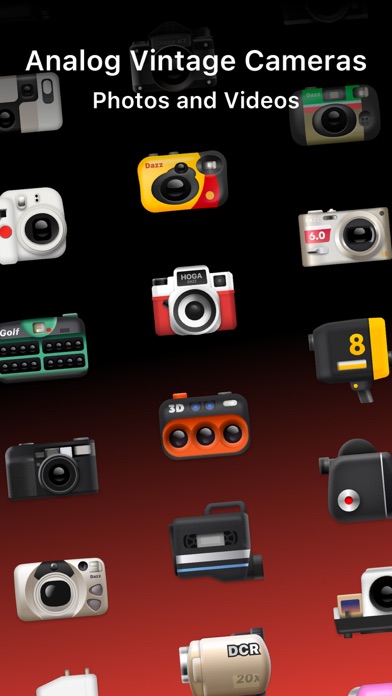
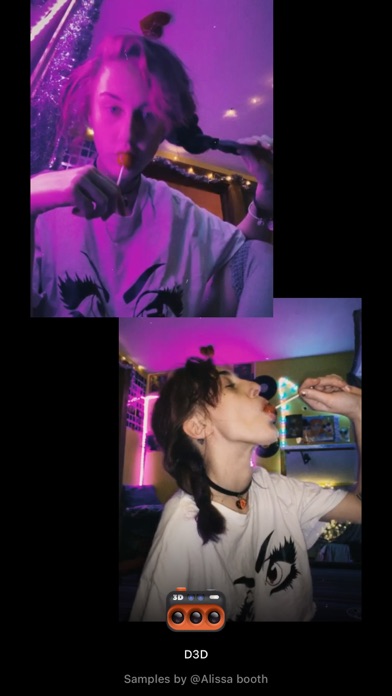
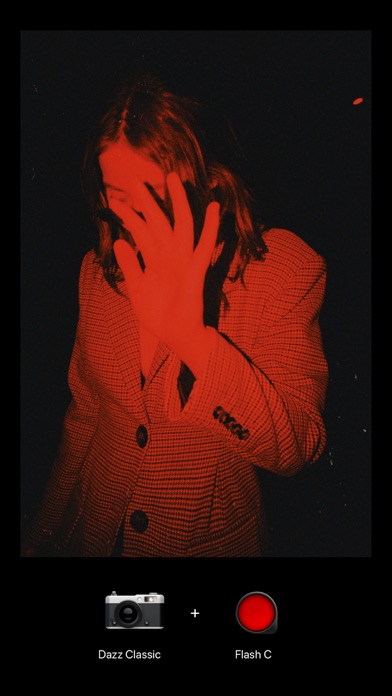
Dazz camera is inspired by classic film cameras from the 80s. We’ve sampled real film stock to recreate the colors and textures of vintage photography. Dazz camera supports shooting in various retro film formats like 135 film, 120 film, toy cameras, slide film, half-frame cameras, instant camera, 3D film photography, disposable camera, and more.
Besides film photography, Dazz camera also offers modern digital camera color profiles, including compact camera, CCD camera, and we’re constantly adding more.
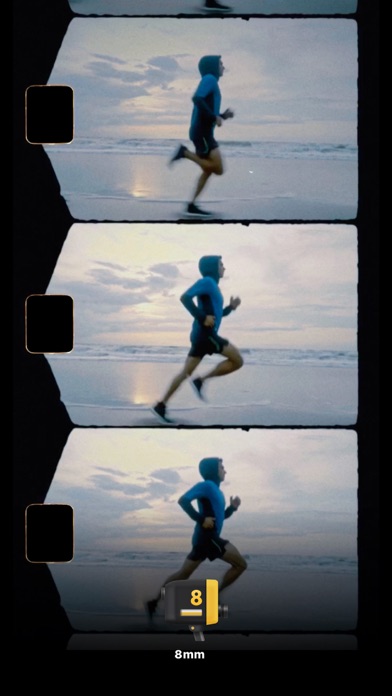
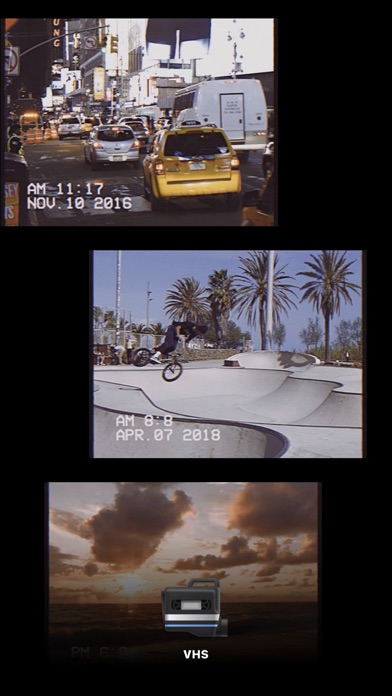
You can also capture videos with a retro vibe, using formats like 8mm film camera, 16mm film camera, VHS tape camera, DCR camera, movie camera, and slide projector.
We’re always rolling out new cameras, so keep an eye out!
When you’re capturing photos and videos, we’ve got some cool extra features and accessories for you:
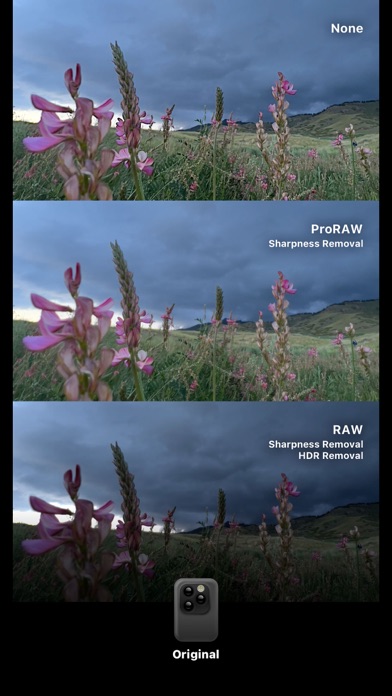
- Save the negative and reprocess it to achieve different exposure and color temperature. (Available on select cameras)
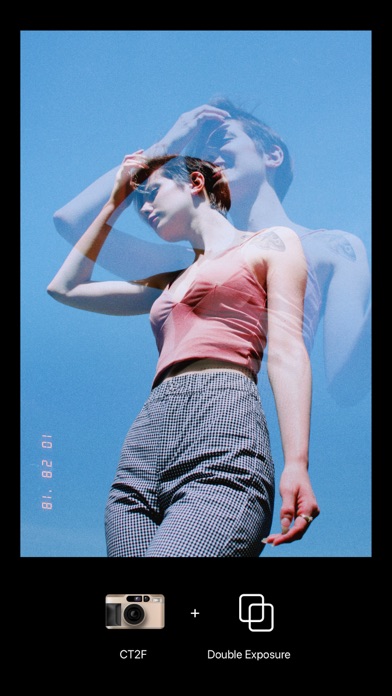
- Double exposure effect by layering two photos.
- Timer for delayed shots.
- Flash.
- Import your existing photos for editing. (Available on select cameras)
- Adjust color temperature and tint.
- Switch between preset focal lengths or adjust freely.
- Tweak exposure compensation.
- Adjust ISO and shutter speed.
- Stabilization settings.
- Composition grids.
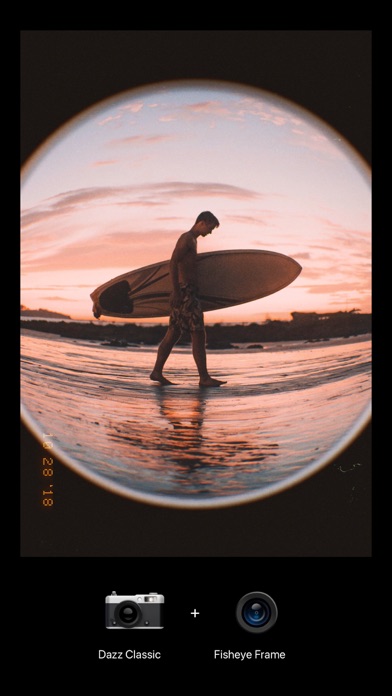
- Fisheye lens.
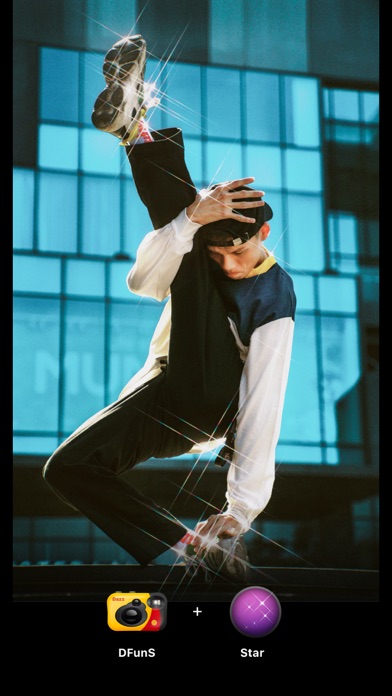
- Starburst lens.
- Color flash filters.
- Prism lens.
- ND filter.
When you share your photos on social media, don’t forget to tag them with #dazzcam. Our team might just feature your awesome photos in our collection!
Got any questions? Email us at [email protected].
Dazz Pro Subscription
- Join Dazz Pro to access all cameras and accessories.
- Payment will be charged to your iTunes account at confirmation of purchase.
- Subscriptions will automatically renew unless auto-renew is turned off at least 24 hours before the end of the current period.
- Your account will be charged for renewal, in accordance with your plan, within 24 hours prior to the end of the current period.
- You can manage or turn off auto-renew in your Apple ID account settings any time after purchase.
Terms of Use:
http://dazz.ltd/dazz/terms_and_conditions.html
Privacy policy:
http://dazz.ltd/dazz/privacy_policy.html
- iPhone hoặc iPad chưa jailbreak/đã đóng hoặc đã jailbreak.
- Sideloadly hoặc các lựa chọn thay thế.
- Máy tính chạy Windows/macOS/Linux đã cài iTunes.
BƯỚC 1: Tải tệp .IPA đã được hack sẵn từ liên kết phía trên về máy tính của bạn. Để tải từ iOSGods App, hãy xem Hướng dẫn tải IPA bằng iOSGods App của chúng tôi, có kèm ví dụ bằng video.
BƯỚC 2: Tải Sideloadly và cài đặt trên Windows hoặc Mac của bạn.
BƯỚC 3: Mở Sideloadly trên máy tính, kết nối thiết bị iOS của bạn và chờ cho đến khi tên thiết bị hiển thị trong Sideloadly.
BƯỚC 4: Khi thiết bị iOS của bạn đã được nhận diện, hãy kéo tệp .IPA đã chỉnh sửa mà bạn tải về và thả vào ứng dụng Sideloadly.
BƯỚC 5: Nhập email Apple Account của bạn, sau đó nhấn "Start." Bạn sẽ được yêu cầu nhập mật khẩu. Hãy cung cấp các thông tin cần thiết.
BƯỚC 6: Chờ Sideloadly hoàn tất quá trình sideload/cài đặt tệp IPA đã hack. Nếu gặp sự cố trong quá trình cài đặt, vui lòng đọc lưu ý bên dưới.
BƯỚC 7: Khi cài đặt hoàn tất và bạn thấy ứng dụng trên Màn hình chính, bạn cần truy cập Cài đặt → Cài đặt chung → Hồ sơ / VPN & Quản lý thiết bị. Tại đó, nhấn vào email bạn đã nhập ở bước 6, rồi nhấn "Tin cậy [email protected]".

BƯỚC 8: Bây giờ hãy về Màn hình chính và mở ứng dụng vừa cài đặt, mọi thứ sẽ hoạt động bình thường. Bạn có thể cần làm theo hướng dẫn riêng của từng ứng dụng trong cửa sổ popup của bản hack trong game.
LƯU Ý: Trên iOS/iPadOS 16 trở lên, bạn phải bật Chế độ nhà phát triển. Với tài khoản Apple Developer miễn phí, bạn sẽ cần lặp lại quy trình này mỗi 7 ngày. Nếu bạn có thắc mắc hoặc gặp sự cố, hãy đọc mục FAQ về Sideloadly trong chủ đề của chúng tôi.