ログインが必要
iOSGodsアカウントでサインインして続けてください。

Dazz Cam - Vintage Camera Modded modded IPAを上のリンクからダウンロードします。インストールボタンをタップし、画面の指示に従ってiPhone、iPad、Apple SiliconにこのiOSアプリハックをインストールします。
さらにヘルプが必要ですか? 詳しい回答とトラブルシューティングはiOSGodsアプリ よくある質問をご覧ください。
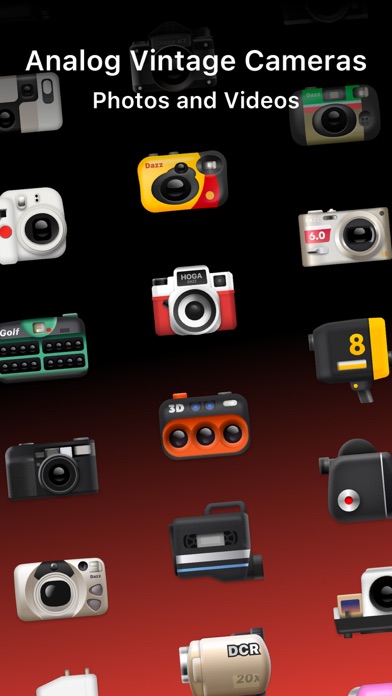
Dazz camera, your pocket photographer.
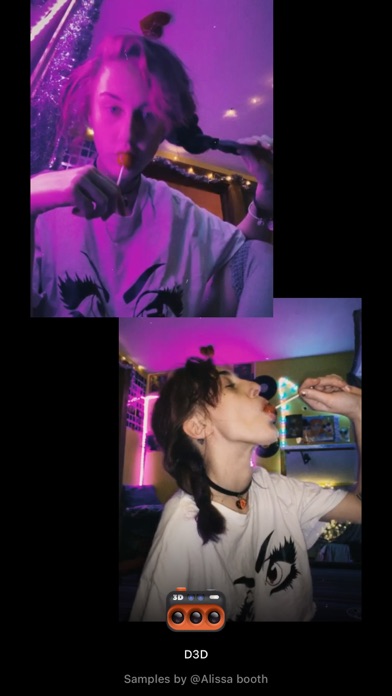
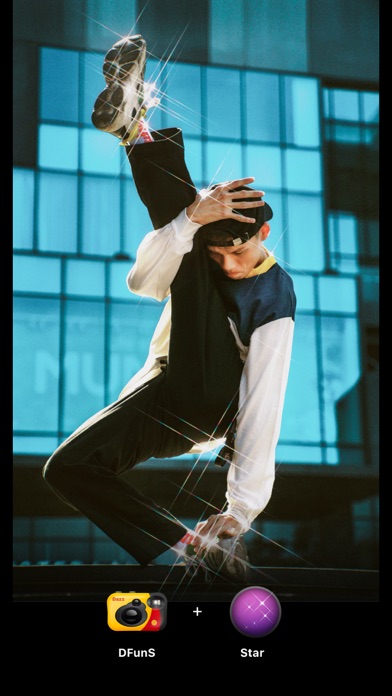
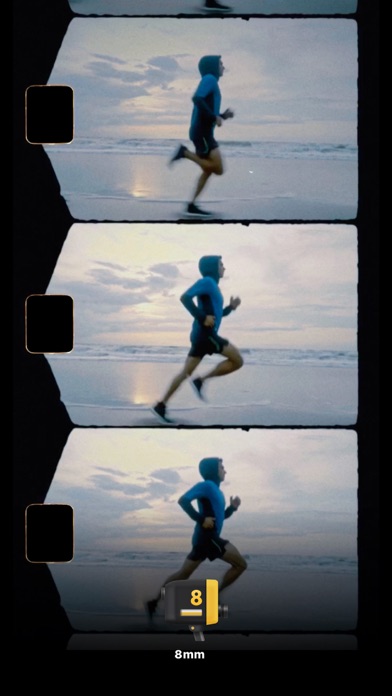
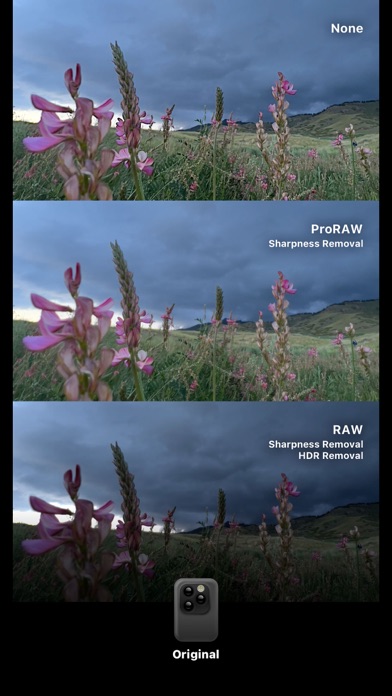
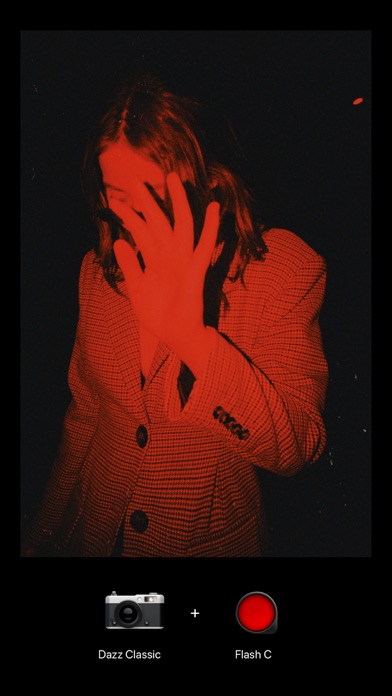
No need for post-editing, the most realistic film photography or video is instantly presented with a single click.
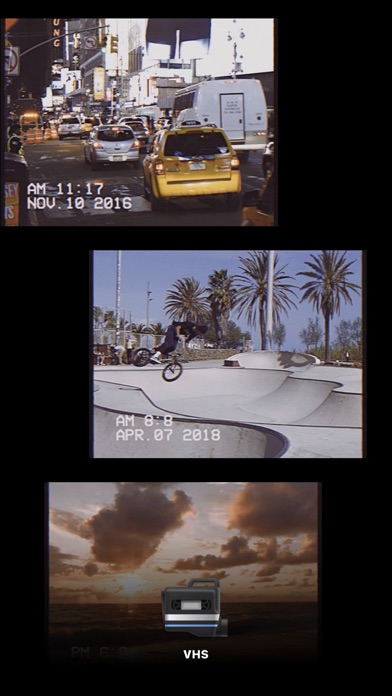
The Dazz camera is inspired by the retro film camera of the 80s. Based on the film proofs, we 100% restore the color, texture and noise of the film. There will also be interesting light leakage effects.
The Dazz camera will launch new cameras from time to time, let’s look forward to it .
Other function items
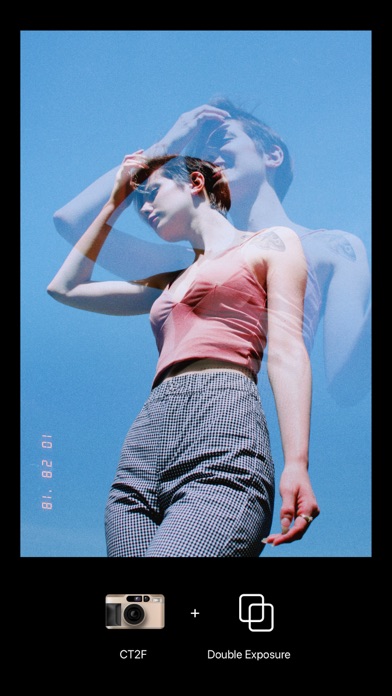
- Take two photos to superimpose the double exposure effect.
- Timed self-timer function.
- With a flash in the dark, you can take a more film texture.
- camera assistant grid.
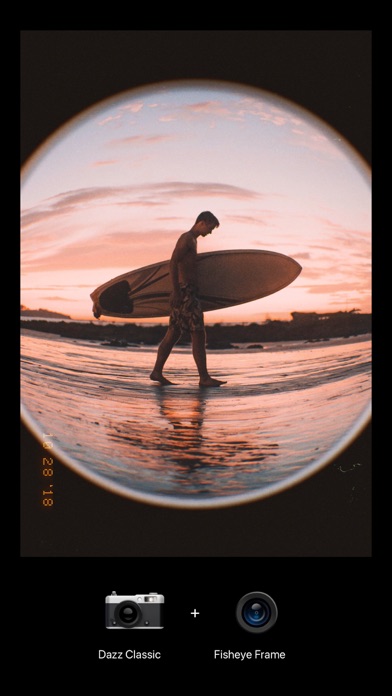
- Fisheye lens.
- Flash Colors.
- Exposure adjustment.
- Photo with square frame, convenient to share to Instagram
When you share photos on social networks, you can use the #dazzcam tag. Our editor will occasionally select wonderful photos to join our collection!
For any questions, please send an email to [email protected]
Dazz Pro Subscription
- Join Dazz Pro to access all cameras and accessories.
- Payment will be charged to your iTunes account at confirmation of purchase.
- Subscriptions will automatically renew unless auto-renew is turned off at least 24 hours before the end of the current period.
- Your account will be charged for renewal, in accordance with your plan, within 24 hours prior to the end of the current period.
- You can manage or turn off auto-renew in your Apple ID account settings any time after purchase.
Terms of Use:
http://dazz.ltd/dazz/terms_and_conditions.html
Privacy policy:
http://dazz.ltd/dazz/privacy_policy.html
- 脱獄/Jailed済みまたは脱獄済みのiPhoneまたはiPad。
- Sideloadlyまたは代替手段。
- iTunesがインストールされているWindows/macOS/Linuxを実行しているコンピュータ。
ステップ1: 上のリンクから事前にハックされた.IPAファイルをコンピュータにダウンロードします。iOSGodsアプリからダウンロードする方法は、ビデオ例付きのiOSGodsアプリIPAダウンロードチュートリアルをご覧ください。
ステップ2: SideloadlyをダウンロードしてWindowsまたはMacにインストールします。
ステップ3: コンピュータでSideloadlyを開き、iOSデバイスを接続して、デバイス名がSideloadlyに表示されるまで待ちます。
ステップ4: iDeviceが認識されたら、ダウンロードしたModされた.IPAファイルをSideloadlyアプリにドラッグ&ドロップします。
ステップ5: Apple Accountのメールアドレスを入力し、「Start」を押します。次にパスワードの入力を求められます。必要な情報を入力してください。
ステップ6: Sideloadlyがハックされたipaのサイドロード/インストールを完了するのを待ちます。インストール中に問題が発生した場合は、以下の注意事項をお読みください。

ステップ7: インストールが完了し、ホーム画面にアプリが表示されたら、設定 → 一般 → プロファイル / VPNとデバイス管理に移動する必要があります。そこで、ステップ6で入力したメールをタップし、「Trust [email protected]」をタップします。
ステップ8: ホーム画面に戻り、新しくインストールされたアプリを開けば、すべて正常に動作するはずです。ゲーム内のハックのポップアップで、アプリごとの追加指示に従う必要がある場合があります。
注意: iOS/iPadOS 16以降では、デベロッパモードを有効にするが必要です。無料のApple Developerアカウントの場合、このプロセスを7日ごとに繰り返す必要があります。質問や問題がある場合は、トピックのSideloadly FAQセクションをお読みください。