Accesso richiesto
Accedi con il tuo account iOSGods per continuare.
Accedi con il tuo account iOSGods per continuare.
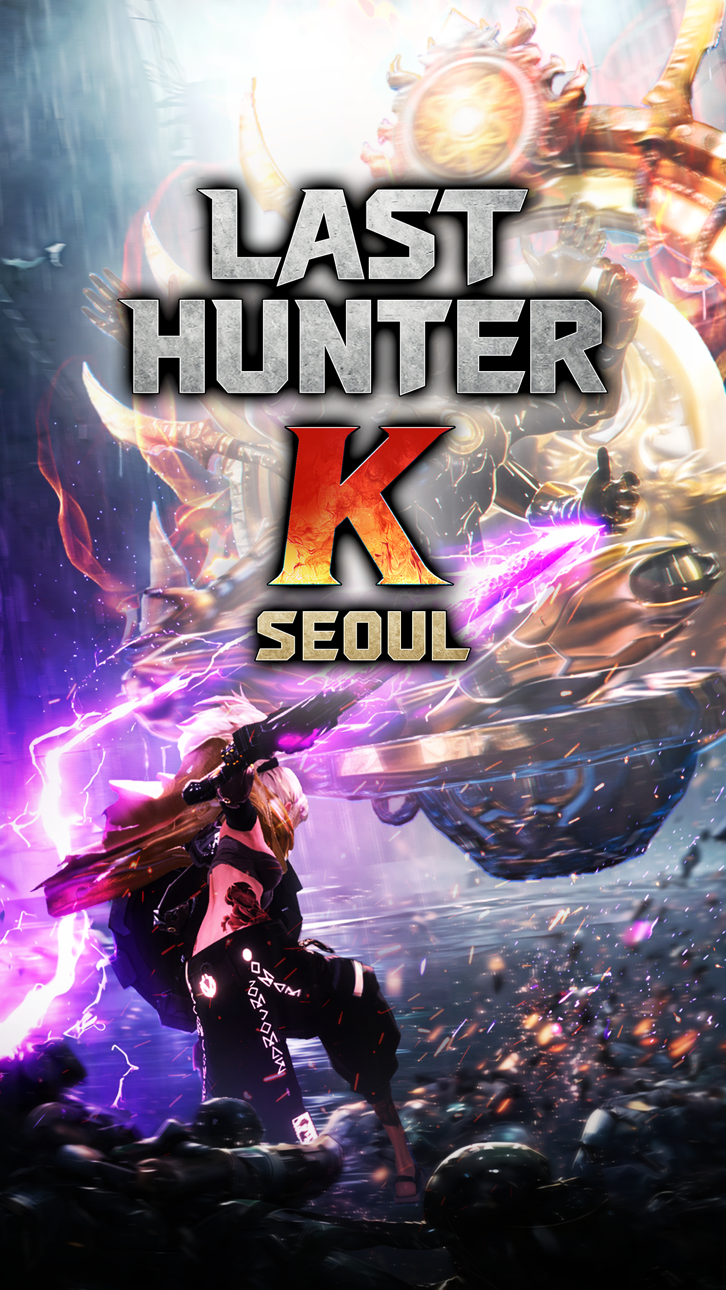
Last Hunter K: Seoul è un gioco d'azione fulmineo dove 100 secondi di combattimento perfetto decidono la vittoria, e questo Mod IPA ti dà il vantaggio per dominare ogni duello con danni potenziati, invincibilità e vantaggi tattici.
Che tu stia padroneggiando il combattimento 1v1 di qualità console o cercando di superare facilmente le sfide, questi trucchi ti permettono di personalizzare il tuo livello di potenza, potenziare i tuoi colpi, rafforzare la tua difesa, congelare il tempo per leggere i modelli nemici, o assicurarti vittorie automatiche quando ne hai bisogno.
- Moltiplicatore Danno → amplifica il tuo potere d'attacco
- Moltiplicatore Difesa → aumenta la tua resistenza ai danni
- Modalità Dio → diventa invincibile
- Nemico Stupido → riduci l'intelligenza del nemico
- Congela Timer → metti in pausa il tempo durante il combattimento
- Vittoria Automatica → vittoria istantanea
Questa app include anche iGameGod, che ti offre accesso ad Auto Touch per automatizzare attività ripetitive, App Speed Manager per regolare la velocità di gioco, modifica dei valori con Memory Engine e altri potenti strumenti per giochi iOS.
Scarica Last Hunter K : Seoul iOS Mod IPA dai link sopra. Tocca il pulsante di installazione e segui le istruzioni per installare questo hack iOS sul tuo iPhone, iPad o Mac con Apple Silicon.
Hai bisogno di altro aiuto? Consulta le nostre Domande frequenti sull'app iOSGods per risposte dettagliate e consigli per la risoluzione dei problemi.
100 秒定勝負,超濃縮的動作戰鬥
極致密度,鍛造壓倒性的沉浸感
凌駕於敵人之上的,是你的反應速度!
告別虛擬搖杆!單手掌控的主機級動作精髓!
從神級時機的招架,到致命的一擊反擊!
指尖輕劃,瞬間引爆極致打擊感
「銘記於心,你的指尖便是最完美的武器」
【遊戲特色】
● 主機級一對一戰鬥
讀懂敵人的動作、閃避、精準反擊。
簡單操作,即可組合出成千上萬種戰術與攻擊組合。
● 武器風格多元
提供單手劍、巨劍、大刀、戰鎚、弓箭等多種武器。
不同的操作習慣,
將為每把武器塑造出風格各異的戰鬥玩法。
● 高度自由的個人化角色
除了戰鬥實力,獵鋒的風格同樣關鍵。
提供涵蓋臉部、體型與圖紋的角色自訂系統,
完整塑造個人化的獵鋒形象。
● 高度擬真的反烏托邦首爾
以核戰後的首爾為背景,
呈現被監控機兵佔領的反烏托邦世界觀。
你將化身為「終結獵鋒」,肩負起拯救與重建城市的使命。
● 對決、競爭與合作
透過即時對決證明你的實力!
獵鋒之間不只是對戰關係,
遇到強大的怪物時,還能合作一起挑戰。
突破手機極限,甚至超越主機的全新動作世代!
《終結獵鋒K:首爾》現在就開戰。
【注意事項】
* 本遊戲含部分付費道具(含稅),購買付費道具時可能會產生額外費用,且依商品性質,部分道具可能無法申請退款。
* 關於遊戲使用之相關條件(合約終止/退款申請等),可查看遊戲內服務使用條款。
※ 若使用非法程式、竄改應用程式或以其他非正常方式進行遊戲,可能根據使用條款受到服務限制、帳號及相關資料刪除或損害賠償等處置。
[Official Community]
- Youtube: https://www.youtube.com/@lasthunterk
- X: https://x.com/last_hunter_k
- Instagram: https://www.instagram.com/last_hunter_k/
- 遊戲相關諮詢:[email protected]
Screenshot © rispettivi proprietari · App Store


iOSGods non è affiliata, approvata né sponsorizzata da Apple Inc., Google LLC o dagli sviluppatori delle app elencate qui. Apple, iOS e App Store sono marchi di Apple Inc. Android e Google Play sono marchi di Google LLC. Tutti gli altri nomi delle app, icone, immagini e marchi appartengono ai rispettivi proprietari.

- iPhone o iPad non jailbroken/jailed oppure jailbroken.
- Sideloadly o alternative.
- Computer con Windows/macOS/Linux con iTunes installato.
PASSO 1: Scarica il file .IPA pre-modificato dal link sopra sul tuo computer. Per scaricarlo dall'iOSGods App, consulta il nostro Tutorial download IPA dell'iOSGods App, che include un esempio video.
PASSO 2: Scarica Sideloadly e installalo sul tuo Windows o Mac.
PASSO 3: Apri Sideloadly sul tuo computer, collega il tuo dispositivo iOS e attendi finché il nome del dispositivo non appare in Sideloadly.
PASSO 4: Una volta riconosciuto il tuo iDevice, trascina il file .IPA moddato che hai scaricato e rilascialo nell'applicazione Sideloadly.
PASSO 5: Inserisci l'email del tuo Apple Account, poi premi “Start”. Ti verrà quindi chiesto di inserire la password. Procedi e fornisci le informazioni richieste.
PASSO 6: Attendi che Sideloadly completi il sideload/installazione dell'IPA modificata. Se ci sono problemi durante l'installazione, leggi la nota qui sotto.
PASSO 7: Una volta completata l'installazione e vista l'app sulla schermata Home, dovrai andare in Impostazioni → Generali → Profili / Gestione VPN e dispositivi. Una volta lì, tocca l'email inserita al passo 6 e poi tocca “Autorizza [email protected]”.
PASSO 8: Ora vai sulla schermata Home e apri l'app appena installata: tutto dovrebbe funzionare correttamente. Potrebbe essere necessario seguire ulteriori istruzioni specifiche all'interno del popup dell'hack nel gioco.
NOTA: Per iOS/iPadOS 16 e versioni successive, devi attivare la Modalità sviluppatore. Per gli account Apple Developer gratuiti, dovrai ripetere questa procedura ogni 7 giorni. Se hai domande o problemi, leggi la nostra sezione FAQ Sideloadly del topic.
Game Name iOS Mod IPA is an action adventure game enhanced with powerful gameplay boosts and quality-of-life improvements. Win battles faster, earn rewards quicker, and enjoy uninterrupted play without ads.
- Unlimited Gold - spend freely to unlock premium content
- Damage Multiplier - deal significantly more damage in combat
- Defense Multiplier - take less damage and survive longer
- Reward Multiplier - earn more loot from every battle
- Max Level - instantly reach the highest player rank
- No Ads - play without interruptions or advertisements
This app also comes with iGameGod, giving you access to Auto Touch to automate repetitive tasks, App Speed Manager for adjustable gameplay speed, Memory Engine value editing, and more powerful iOS game tools.
Scarica Game Name Mod IPA dai link sopra. Tocca il pulsante di installazione e segui le istruzioni per installare questo hack iOS sul tuo iPhone, iPad o Mac con Apple Silicon.
Hai bisogno di altro aiuto Consulta le nostre Domande frequenti sull'app iOSGods per risposte dettagliate e consigli per la risoluzione dei problemi.
----------------------------------------------------------
--------------------------------------------------