Inloggning krävs
Logga in med ditt iOSGods-konto för att fortsätta.
Logga in med ditt iOSGods-konto för att fortsätta.

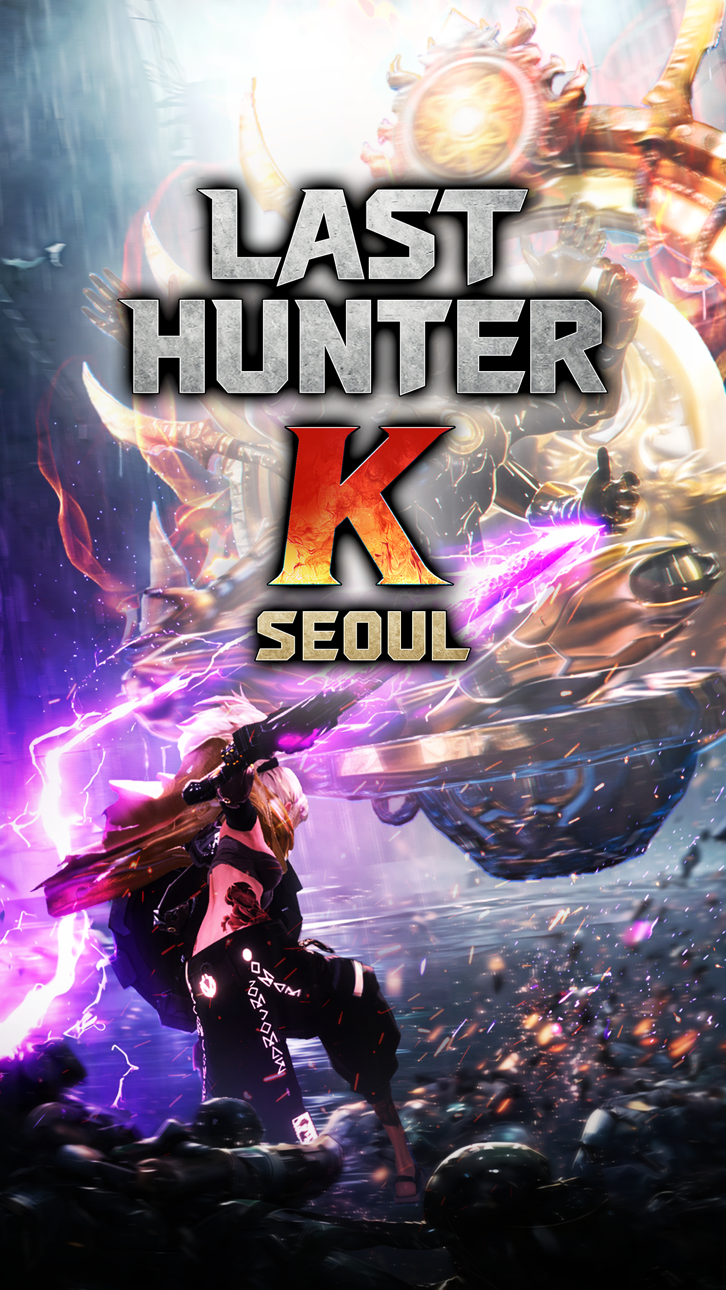
Last Hunter K: Seoul är ett blixtsnabbt actionspel där 100 sekunder av perfekt timing avgör segern, och denna Mod IPA ger dig fördelarna du behöver för att dominera varje duel med förstärkt skada, osårbarhet och taktiska fördelar.
Oavsett om du behärskar spelets konsolkvalitet 1v1-strider eller vill ta dig enkelt genom utmaningar, låter dessa hacks dig anpassa din styrka, förstärka dina slag, befästa ditt försvar, frysa tiden för att läsa fiendemönster eller säkra automatiska vinster när du behöver dem.
- Skadamultiplikator → förstärk din attackkraft
- Försvarsmultiplikator → öka ditt skademotståndet
- Gudläge → bli osårbar
- Dum fiende → minska fiendens intelligens
- Frys timer → pausa tiden under strid
- Automatisk seger → omedelbar vinst
Den här appen levereras även med iGameGod, vilket ger dig tillgång till Auto Touch för att automatisera repetitiva uppgifter, App Speed Manager för justerbar spelhastighet, värdesredigering med Memory Engine och fler kraftfulla verktyg för iOS-spel.
Ladda ner Last Hunter K : Seoul iOS Mod IPA från länkarna ovan. Tryck på installationsknappen och följ instruktionerna för att installera denna iOS-apphack på iPhone, iPad eller Apple Silicon.
Behöver du mer hjälp? Se våra iOSGods-appens vanliga frågor för detaljerade svar och felsökningstips.
Ultra-compressed action: 100 seconds to victory.
Absolute immersion, forged in peak intensity.
The only thing sharper than the enemy is your reflexes!
Ditch the virtual D-pad! Console-grade action, right in your palm.
From frame-perfect parries to lethal counters!
Feel the ultimate impact in every single swipe.
"Remember, your fingertips are the ultimate weapon."
[Key Features]
● Console-Grade 1v1 Combat
Read enemy movements, dodge attacks, and counter with precision.
Master simple controls that unleash thousands of stylish combos.
● Diverse Weapon Styles
Choose from diverse weapons like the Sword, Greatsword, Katana, Hammer, and Bow.
Each weapon delivers a unique rhythm and fighting style.
● Deep Customization
Your Hunter's identity matters as much as your skill.
Customize their face, physique, tattoos, and more to create your own perfect Hunter.
● A Hyper-Realistic Dystopian Seoul
In a ruined city overtaken by Watchdox after nuclear war,
become the Last Hunter and reclaim what’s left of humanity.
● Duel, Compete, and Cooperate
Prove your strength in real-time duels, or team up to defeat colossal bosses.
Sometimes even rivals must stand together.
A new action meta beyond mobile and beyond console.
Experience the thrill of pure combat action in Last Hunter K: Seoul!
[Please Note]
* Although Last Hunter K: Seoul is free, the game contains optional in-app purchases that may incur additional charges(VAT included). Please note that refund of in-app purchases may be restricted depending on circumstance.
* For our usage policy (including policy on refunds & termination of service), please read the Terms of Service listed in the game.
※ Use of illegal programs, modified apps, and other unauthorized methods to access the game may result in service restrictions, removal of game accounts and data, claims for compensation of damages, and other remedies deemed necessary under the Terms of Service.
[Official Community]
- Youtube: https://www.youtube.com/@lasthunterk
- X: https://x.com/last_hunter_k
- Instagram: https://www.instagram.com/last_hunter_k/
* For game-related queries: [email protected]
Skärmbilder © respektive ägare · App Store


iOSGods är inte anslutet till, godkänt av eller sponsrat av Apple Inc., Google LLC eller utvecklarna av apparna som listas här. Apple, iOS och App Store är varumärken som tillhör Apple Inc. Android och Google Play är varumärken som tillhör Google LLC. Alla övriga appnamn, ikoner, bilder och varumärken tillhör sina respektive ägare.
- iPhone eller iPad utan jailbreak/jailad eller med jailbreak.
- Sideloadly eller alternativ.
- Dator med Windows/macOS/Linux och iTunes installerat.
STEG 1: Ladda ner den förhackade .IPA-filen från länken ovan till din dator. För att ladda ner från iOSGods App, se vår Guide för att ladda ner IPA i iOSGods App som även innehåller ett videoexempel.
STEG 2: Ladda ner Sideloadly och installera det på din Windows eller Mac.
STEG 3: Öppna Sideloadly på din dator, anslut din iOS-enhet och vänta tills enhetens namn visas i Sideloadly.
STEG 4: När din iEnhet känns igen drar du den moddade .IPA-filen du laddat ner och släpper den i Sideloadly-programmet.
STEG 5: Ange e-postadressen till ditt Apple Account och tryck sedan på ”Start”. Du ombeds sedan ange ditt lösenord. Fyll i de uppgifter som krävs.
STEG 6: Vänta tills Sideloadly är klar med att sideloada/installera den hackade IPA-filen. Om problem uppstår under installationen, läs noten nedan.
STEG 7: När installationen är klar och du ser appen på din hemskärm behöver du gå till Inställningar → Allmänt → Profiler / VPN & enhetshantering. Tryck där på e-postadressen du angav i steg 6 och tryck sedan på ”Lita på [email protected]”.
STEG 8: Gå nu till din hemskärm och öppna den nyligen installerade appen — allt ska fungera som det ska. Du kan behöva följa ytterligare app-specifika instruktioner i hackets popup inne i spelet.
OBS: På iOS/iPadOS 16 och senare måste du aktivera Utvecklarläge. För gratis Apple Developer-konton behöver du upprepa processen var sjunde dag. Om du har frågor eller problem, läs vår Sideloadly FAQ-avsnitt i tråden.
Game Name iOS Mod IPA is an action adventure game enhanced with powerful gameplay boosts and quality-of-life improvements. Win battles faster, earn rewards quicker, and enjoy uninterrupted play without ads.
- Unlimited Gold - spend freely to unlock premium content
- Damage Multiplier - deal significantly more damage in combat
- Defense Multiplier - take less damage and survive longer
- Reward Multiplier - earn more loot from every battle
- Max Level - instantly reach the highest player rank
- No Ads - play without interruptions or advertisements
This app also comes with iGameGod, giving you access to Auto Touch to automate repetitive tasks, App Speed Manager for adjustable gameplay speed, Memory Engine value editing, and more powerful iOS game tools.
Ladda ner Game Name Mod IPA från länkarna ovan. Tryck på installationsknappen och följ instruktionerna för att installera denna iOS-apphack på iPhone, iPad eller Apple Silicon.
Behöver du mer hjälp Se våra iOSGods-appens vanliga frågor för detaljerade svar och felsökningstips.
----------------------------------------------------------
--------------------------------------------------