Giriş Gerekli
Devam etmek için iOSGods hesabınızla giriş yapın.
Devam etmek için iOSGods hesabınızla giriş yapın.
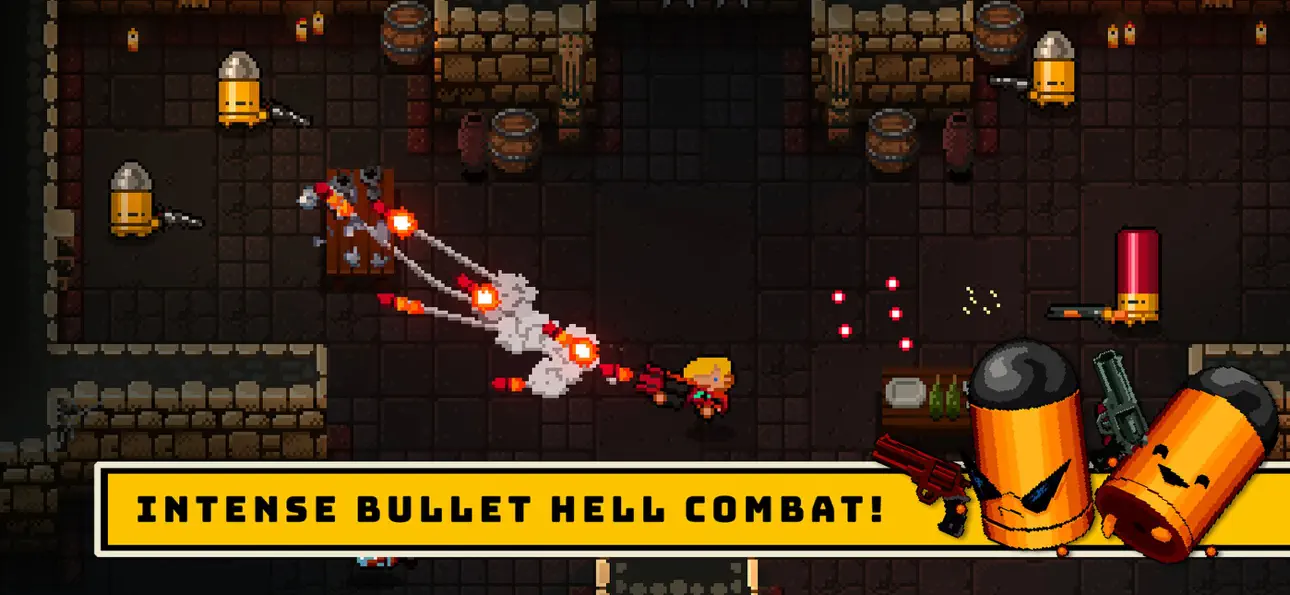
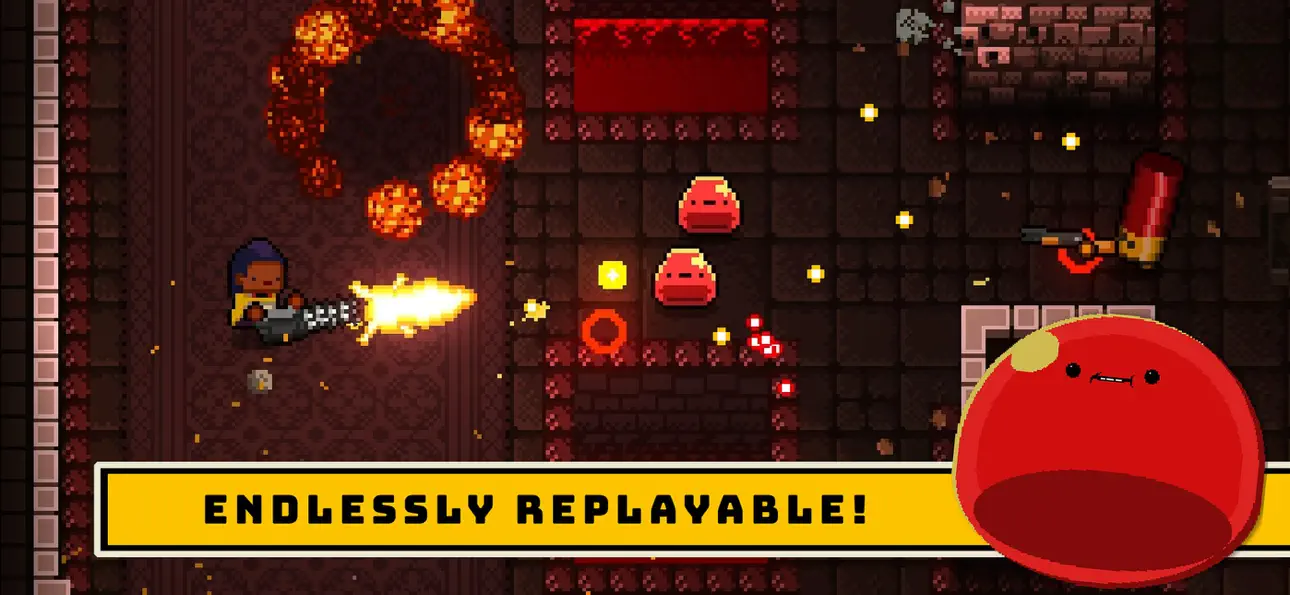
Gungeon'un tehlikeli katlarında gezinin, bu bullet hell dungeon crawler Mod IPA'da düşman ateşinden kaçın, efsanevi hazineler arayın ve geçmişi öldürebilen silaha karşı savaşın. Bu modlanmış sürüm, güç seviyenizi özelleştirmenize, ateş gücünüzü artırmanıza ve premium satın alımlarını kendi şartlarınızda açmanıza izin vererek meydan okumayı dönüştürür.
Gundead ordularından daha affedici bir geçiş arıyor olun veya aşırı güçlü yapıları denemeyi isteyip istemediğiniz fark etmeksizin, bu hile size Enter the Gungeon'u tam olarak istediğiniz şekilde oynamanız için gereken araçları verir, hiç grinding yok, hiç paywall yok, sadece saf dungeon-crawling özgürlüğü.
- Hasar Çarpanı → silah çıktınızı artırın
- Savunma Çarpanı → gelen hasarı azaltın
- Tanrı Modu → bölünmez olun
- Hız Çarpanı → daha hızlı hareket edin ve saldırı yapın
- Ücretsiz Uygulama İçi Satın Almalar → premium öğeleri hiçbir maliyetle açın
- Sınırsız Mühimmat → hiçbir zaman mermi bitmesin
- 1000 Hegemony Kredisi Ekle (Oyunu duraklatın, Seçeneklere gidin ve Varsayılanları Sıfırla düğmesini açın) → açılışlar için para kazanın
- 1000 Shell Ekle (Oyunu duraklatın, Seçeneklere gidin ve Varsayılanları Sıfırla düğmesini açın) → oyun içi kaynaklar kazanın
* - Aynı anda yalnızca 1 özelliği etkinleştirin.
Bu uygulama ayrıca, tekrar eden görevleri otomatikleştirmek için Auto Touch, ayarlanabilir oyun hızı için App Speed Manager, Memory Engine ile değer düzenleme ve daha pek çok güçlü iOS oyun aracına erişim sağlayan iGameGod ile birlikte gelir.
Yukarıdaki bağlantılardan Enter the Gungeon iOS Mod IPA indirin. Yükle düğmesine dokunup ekrandaki yönergeleri izleyerek bu iOS uygulama hack'ini iPhone, iPad veya Apple Silicon'a yükleyin.
Daha fazla yardıma mı ihtiyacınız var? Ayrıntılı yanıtlar ve sorun giderme ipuçları için iOSGods Uygulaması Sık Sorulan Sorular sayfamıza bakın.
Enter the Gungeon is a bullet hell dungeon crawler following a band of misfits seeking to shoot, loot, dodge roll and table-flip their way to personal absolution by reaching the legendary Gungeon’s ultimate treasure: the gun that can kill the past. Select a hero [or team up in co-op] and battle your way to the bottom of the Gungeon by surviving a challenging and evolving series of floors filled with the dangerously adorable Gundead and fearsome Gungeon bosses armed to the teeth. Gather precious loot, discover hidden secrets, and chat with opportunistic merchants and shopkeepers to purchase powerful items to gain an edge.
Ekran görüntüleri © ilgili sahipleri · App Store


iOSGods; Apple Inc., Google LLC veya burada listelenen uygulamaların geliştiricileriyle bağlantılı değildir, onlar tarafından onaylanmamış ve desteklenmemiştir. Apple, iOS ve App Store, Apple Inc. şirketinin ticari markalarıdır. Android ve Google Play, Google LLC şirketinin ticari markalarıdır. Diğer tüm uygulama adları, simgeler, görseller ve ticari markalar ilgili sahiplerine aittir.

- Jailbreak'siz/normal ya da jailbreak'li iPhone veya iPad.
- Sideloadly veya alternatifleri.
- iTunes yüklü Windows/macOS/Linux çalıştıran bir bilgisayar.
ADIM 1: Yukarıdaki bağlantıdan önceden hacklenmiş .IPA dosyasını bilgisayarınıza indirin. iOSGods App üzerinden indirmek için video örneği de içeren iOSGods App IPA İndirme Kılavuzu bölümümüze göz atın.
ADIM 2: Sideloadly indirin ve Windows veya Mac'inize kurun.
ADIM 3: Bilgisayarınızda Sideloadly'yi açın, iOS cihazınızı bağlayın ve cihaz adınız Sideloadly'de görünene kadar bekleyin.
ADIM 4: iCihazınız tanındıktan sonra, indirdiğiniz modlu .IPA dosyasını sürükleyip Sideloadly uygulamasına bırakın.
ADIM 5: Apple Account e-posta adresinizi girin ve ardından "Start" düğmesine basın. Sonrasında sizden şifreniz istenecektir. Gerekli bilgileri girin.
ADIM 6: Sideloadly'nin hacklenmiş IPA'yı sideload edip yüklemesini bekleyin. Yükleme sırasında bir sorun olursa lütfen aşağıdaki notu okuyun.
ADIM 7: Yükleme tamamlandıktan ve uygulamayı Ana Ekranınızda gördükten sonra Ayarlar → Genel → Profiller / VPN ve Cihaz Yönetimi bölümüne gitmelisiniz. Burada 6. adımda girdiğiniz e-postaya dokunun ve ardından "[email protected]'a Güven" seçeneğine dokunun.
ADIM 8: Şimdi Ana Ekranınıza gidin ve yeni yüklediğiniz uygulamayı açın; her şey sorunsuz çalışmalıdır. Oyun içindeki hack açılır penceresinde uygulamaya özel ek talimatları takip etmeniz gerekebilir.
NOT: iOS/iPadOS 16 ve sonrasında Geliştirici Modu'nu etkinleştirmeniz gerekir. Ücretsiz Apple Developer hesapları için bu işlemi her 7 günde bir tekrarlamanız gerekir. Sorularınız veya sorunlarınız varsa konunun Sideloadly SSS bölümünü okuyun.
Game Name iOS Mod IPA is an action adventure game enhanced with powerful gameplay boosts and quality-of-life improvements. Win battles faster, earn rewards quicker, and enjoy uninterrupted play without ads.
- Unlimited Gold - spend freely to unlock premium content
- Damage Multiplier - deal significantly more damage in combat
- Defense Multiplier - take less damage and survive longer
- Reward Multiplier - earn more loot from every battle
- Max Level - instantly reach the highest player rank
- No Ads - play without interruptions or advertisements
This app also comes with iGameGod, giving you access to Auto Touch to automate repetitive tasks, App Speed Manager for adjustable gameplay speed, Memory Engine value editing, and more powerful iOS game tools.
Yukarıdaki bağlantılardan Game Name Mod IPA indirin. Yükle düğmesine dokunup ekrandaki yönergeleri izleyerek bu iOS uygulama hack'ini iPhone, iPad veya Apple Silicon'a yükleyin.
Daha fazla yardıma mı ihtiyacınız var Ayrıntılı yanıtlar ve sorun giderme ipuçları için iOSGods Uygulaması Sık Sorulan Sorular sayfamıza bakın.
----------------------------------------------------------
--------------------------------------------------



![Rapid Reload iOS Mod IPA [ Debug Menu ]](https://is1-ssl.mzstatic.com/image/thumb/Purple221/v4/dd/55/f4/dd55f48b-b8d7-7745-aaaf-bb3e5854e53a/AppIcon-0-0-1x_U007emarketing-0-8-0-85-220.png/100x100bb.jpg)


