Login necessário
Entre com sua conta iOSGods para continuar.
Entre com sua conta iOSGods para continuar.
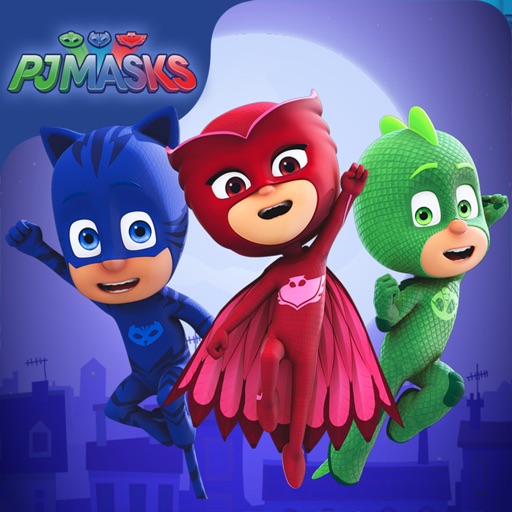
Guie Catboy, Gekko e Owlette pelos telhados iluminados pela lua em PJ Masks: Moonlight Heroes Hack, um jogo iOS modificado onde você coleta orbes e desvia de vilões em uma aventura noturna. Este hack desbloqueia conteúdo premium para permitir que você acesse todos os níveis instantaneamente e se concentre na ação.
- Desbloquear Todos os Níveis (Conteúdo iAP) → acesse todos os estágios sem barreiras de progressão
Este app também vem com iGameGod, oferecendo acesso ao Auto Touch para automatizar tarefas repetitivas, App Speed Manager para ajustar a velocidade do jogo, edição de valores com Memory Engine e outras ferramentas avançadas para jogos iOS.
Baixe PJ Masks: Moonlight Heroes Hack modded IPA dos links acima. Toque no botão de instalação e siga as instruções para instalar este hack iOS no seu iPhone, iPad ou Apple Silicon.
Precisa de mais ajuda? Confira nossas Perguntas frequentes sobre o app iOSGods para respostas detalhadas e dicas de solução de problemas.
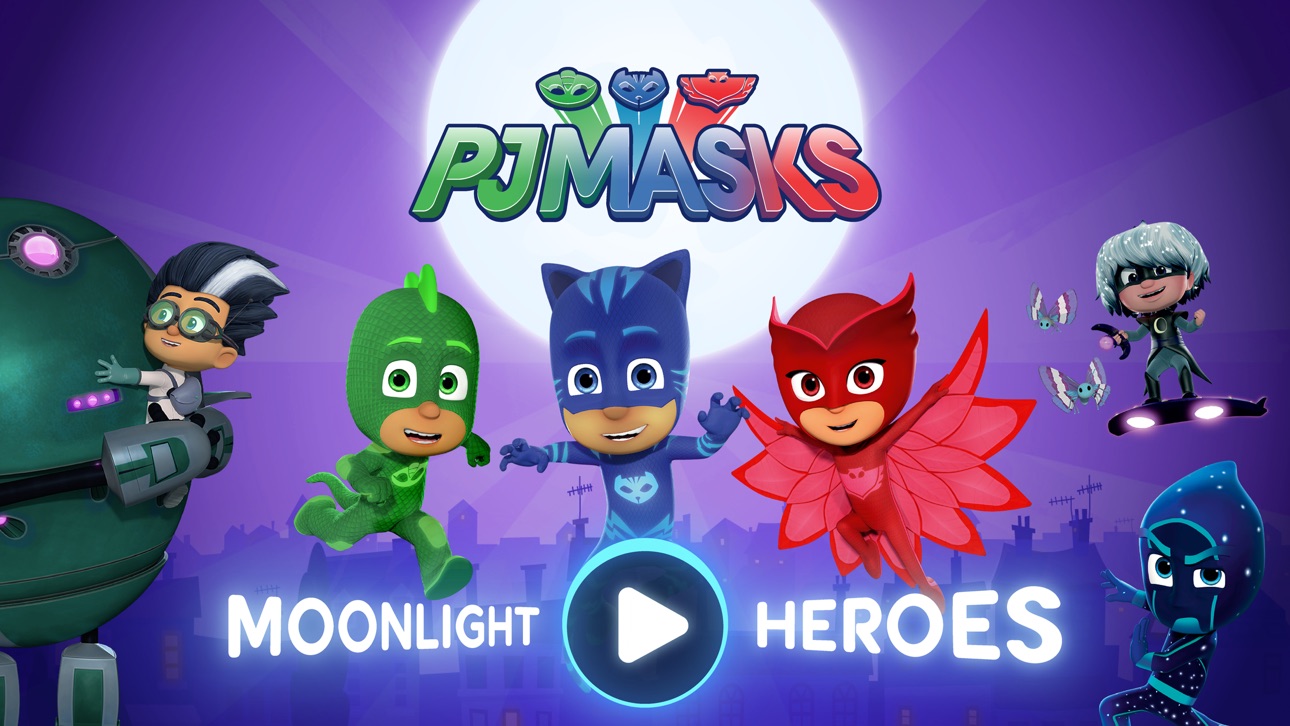
Catboy, Gekko and Owlette are on a night-time adventure in this PJ Masks game app.
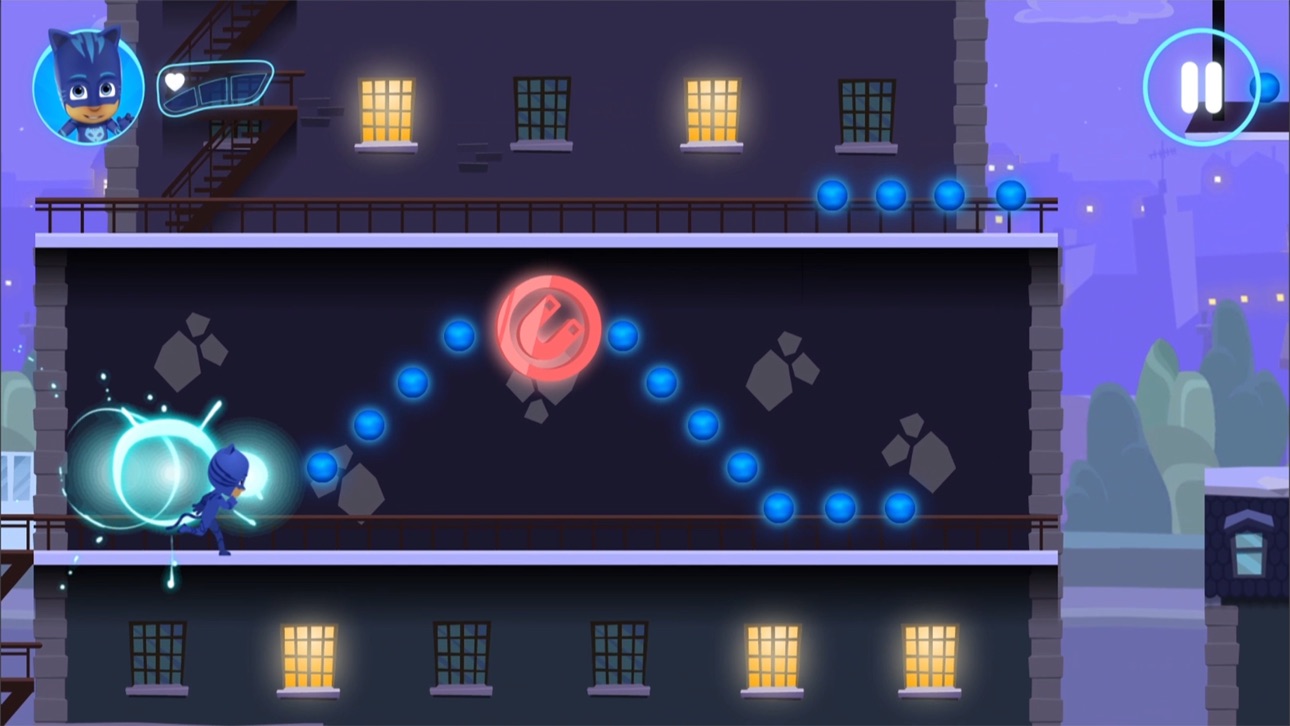
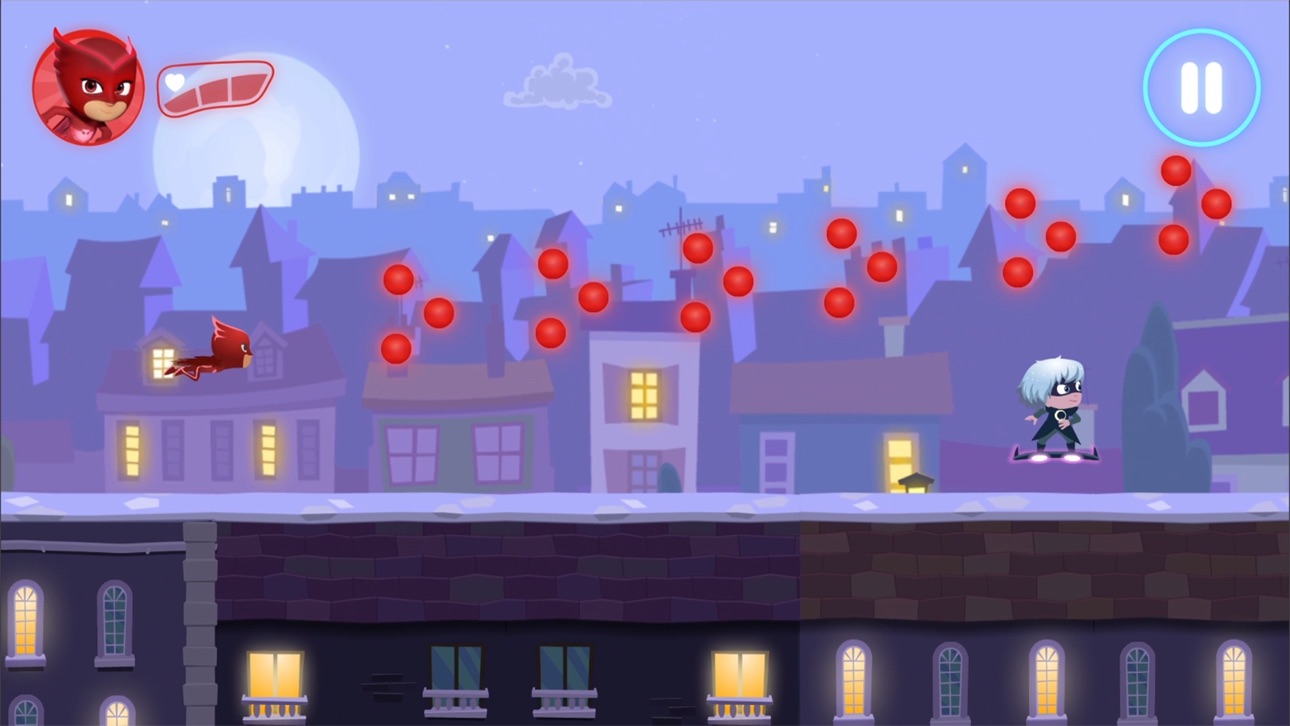
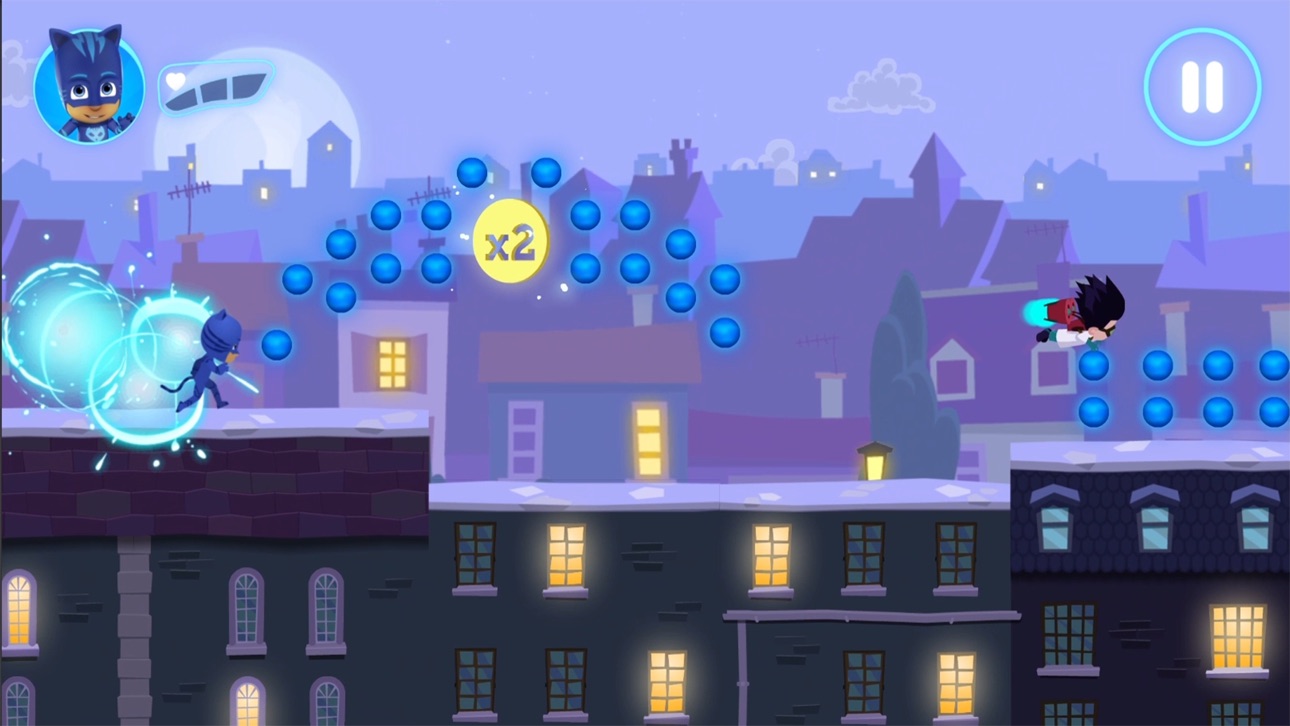
Choose your favourite hero character to play with and journey across the moonlit rooftops, and through the night, collecting as many orbs as you can. But beware of those pesky villains, they’re up to mischief again!
The PJ Masks are on their way, into the night to save the day!
FEATURES
• The app has 21 levels that are free to play, and additional content can be bought via the Shop in the app.
• Collectable orbs - collect orbs to add to your final score.
• Gold amulets - pick up gold amulets along the way to boost your final score. Make sure to keep your eyes out for them as they’re hard to find!
• Hazards - dodge the obstacles the villains are throwing in their way!
CHARACTER POWER UPS
Collect the coloured amulets and trigger the heroes’ super powers:
• Catboy – ability to jump higher
• Owlette – ability to see hidden orbs
• Gekko – ability to smash through obstacles
SAFE AND AD-FREE
Trusted by millions of families across the globe, the PJ Masks: Moonlight Heroes gives parents peace of mind with:
• Age-appropriate content tailored for preschoolers
• A safe and secure environment: NO ads!
• Parental gate to stop your little ones making unauthorized purchases
• COPPA compliant
• COPPA and kidSAFE certifications
PJ MASKS
PJ Masks is a big favourite with families all around the world. Together the trio of heroes – Catboy, Owlette, and Gekko – embark on action-packed adventures, solving mysteries and learning valuable lessons along the way. Watch out nighttime baddies – the PJ Masks are on their way, into the night to save the day!
ABOUT Entertainment One
Entertainment One (eOne) is a market leader in the creation, distribution, and marketing of award-winning kids' content that connects with families around the world. Inspiring smiles with the world's most beloved characters, from Peppa Pig to PJ Masks, eOne takes dynamic brands all the way from screens to stores.
NOTE TO PARENTS
* This game is free to play, but it contains items that can be purchased for real money. You can turn off this feature by disabling in-app purchases in your device’s settings."
SUPPORT
• We currently support iOS 13.0 and up
• For the best performance, we recommend iPad Air and above, or iPhone 6 / SE and above
CONTACT US
Feedback or questions? We'd love to hear from you.
Email us at [email protected]
MORE INFORMATION
Capturas © respectivos proprietários · App Store


A iOSGods não é afiliada, endossada nem patrocinada pela Apple Inc., pela Google LLC ou pelos desenvolvedores dos apps listados aqui. Apple, iOS e App Store são marcas da Apple Inc. Android e Google Play são marcas da Google LLC. Todos os demais nomes de apps, ícones, imagens e marcas pertencem aos seus respectivos proprietários.
- iPhone ou iPad sem jailbreak/jailed ou com jailbreak.
- Sideloadly ou alternativas.
- Computador com Windows/macOS/Linux e iTunes instalado.
PASSO 1: Baixe o arquivo .IPA pré-hackeado do link acima para o seu computador. Para baixar pelo iOSGods App, veja nosso Tutorial de download de IPA do iOSGods App, que inclui um exemplo em vídeo.
PASSO 2: Baixe o Sideloadly e instale-o no seu Windows ou Mac.
PASSO 3: Abra o Sideloadly no seu computador, conecte seu dispositivo iOS e aguarde até que o nome do dispositivo apareça no Sideloadly.
PASSO 4: Assim que seu iDevice for reconhecido, arraste o arquivo .IPA modificado que você baixou e solte-o no aplicativo Sideloadly.
PASSO 5: Digite o e-mail da sua Apple Account e pressione “Start”. Em seguida, será solicitada a sua senha. Prossiga e forneça as informações solicitadas.
PASSO 6: Aguarde o Sideloadly finalizar o sideload/instalação do IPA hackeado. Se houver problemas durante a instalação, leia a observação abaixo.
PASSO 7: Quando a instalação estiver concluída e você vir o app na Tela de Início, será necessário acessar Ajustes → Geral → Perfis / Gerenciamento de VPN e Dispositivo. Lá, toque no e-mail que você inseriu no passo 6 e, em seguida, toque em “Confiar em [email protected]”.
PASSO 8: Agora vá para a Tela de Início e abra o app recém-instalado; tudo deve funcionar normalmente. Você pode precisar seguir instruções adicionais específicas no popup do hack dentro do jogo.
OBSERVAÇÃO: No iOS/iPadOS 16 e versões posteriores, você deve ativar o Modo de Desenvolvedor. Para contas Apple Developer gratuitas, será necessário repetir este processo a cada 7 dias. Se tiver dúvidas ou problemas, leia nossa seção de FAQ do Sideloadly no tópico.
Game Name iOS Mod IPA is an action adventure game enhanced with powerful gameplay boosts and quality-of-life improvements. Win battles faster, earn rewards quicker, and enjoy uninterrupted play without ads.
- Unlimited Gold - spend freely to unlock premium content
- Damage Multiplier - deal significantly more damage in combat
- Defense Multiplier - take less damage and survive longer
- Reward Multiplier - earn more loot from every battle
- Max Level - instantly reach the highest player rank
- No Ads - play without interruptions or advertisements
This app also comes with iGameGod, giving you access to Auto Touch to automate repetitive tasks, App Speed Manager for adjustable gameplay speed, Memory Engine value editing, and more powerful iOS game tools.
Baixe Game Name Mod IPA dos links acima. Toque no botão de instalação e siga as instruções para instalar este hack iOS no seu iPhone, iPad ou Apple Silicon.
Precisa de mais ajuda Confira nossas Perguntas frequentes sobre o app iOSGods para respostas detalhadas e dicas de solução de problemas.
----------------------------------------------------------
--------------------------------------------------