Login necessário
Entre com sua conta iOSGods para continuar.
Entre com sua conta iOSGods para continuar.
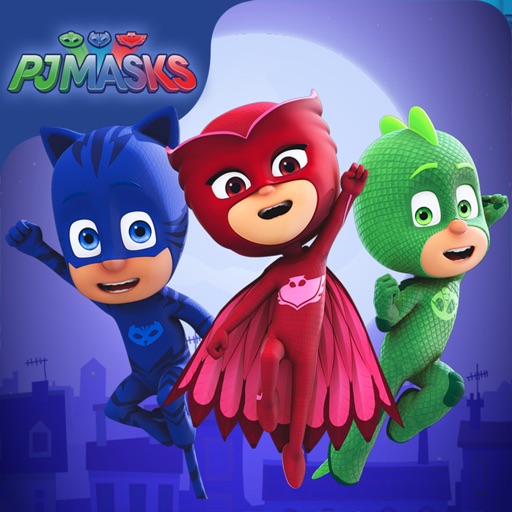
Guie Catboy, Gekko e Owlette pelos telhados iluminados pela lua em PJ Masks: Moonlight Heroes Hack, um jogo iOS modificado onde você coleta orbes e desvia de vilões em uma aventura noturna. Este hack desbloqueia conteúdo premium para permitir que você acesse todos os níveis instantaneamente e se concentre na ação.
- Desbloquear Todos os Níveis (Conteúdo iAP) → acesse todos os estágios sem barreiras de progressão
Este app também vem com iGameGod, oferecendo acesso ao Auto Touch para automatizar tarefas repetitivas, App Speed Manager para ajustar a velocidade do jogo, edição de valores com Memory Engine e outras ferramentas avançadas para jogos iOS.
Baixe PJ Masks: Moonlight Heroes Hack modded IPA dos links acima. Toque no botão de instalação e siga as instruções para instalar este hack iOS no seu iPhone, iPad ou Apple Silicon.
Precisa de mais ajuda? Confira nossas Perguntas frequentes sobre o app iOSGods para respostas detalhadas e dicas de solução de problemas.
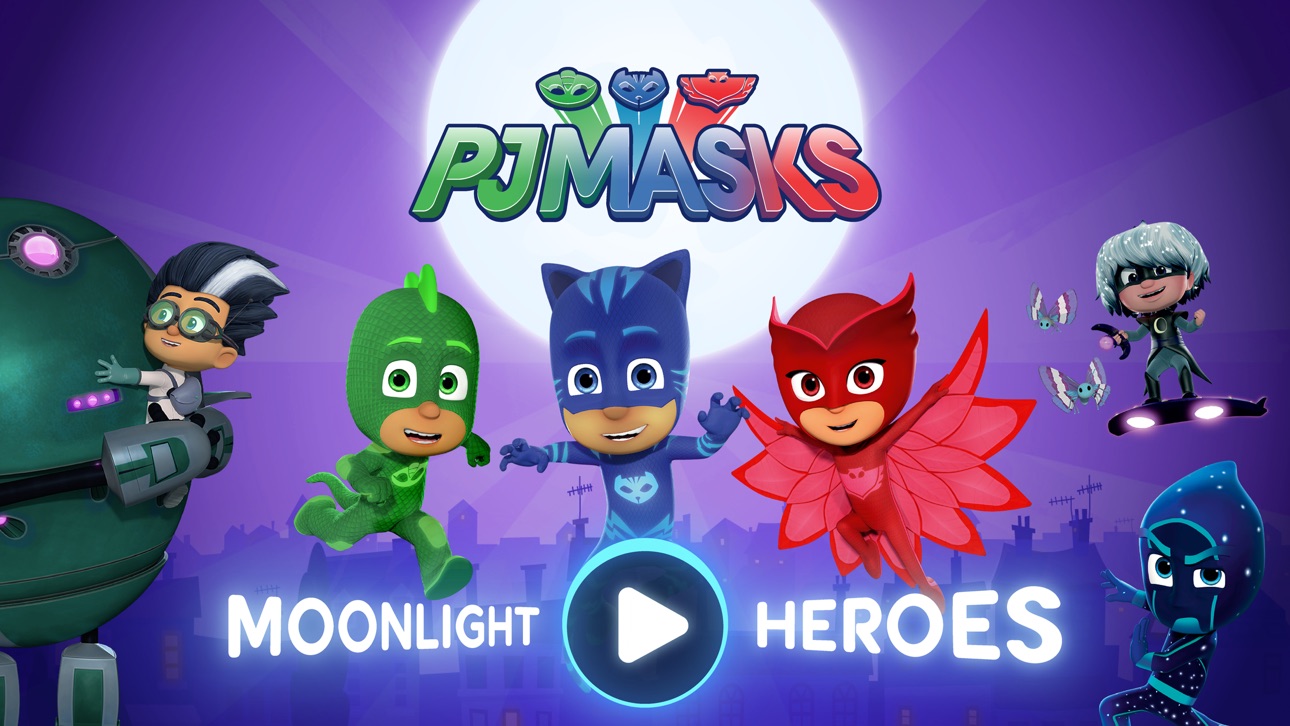
Yoyo, Gluglu et Bibou se lancent dans une aventure de nuit dans ce jeu des Pyjamasques.
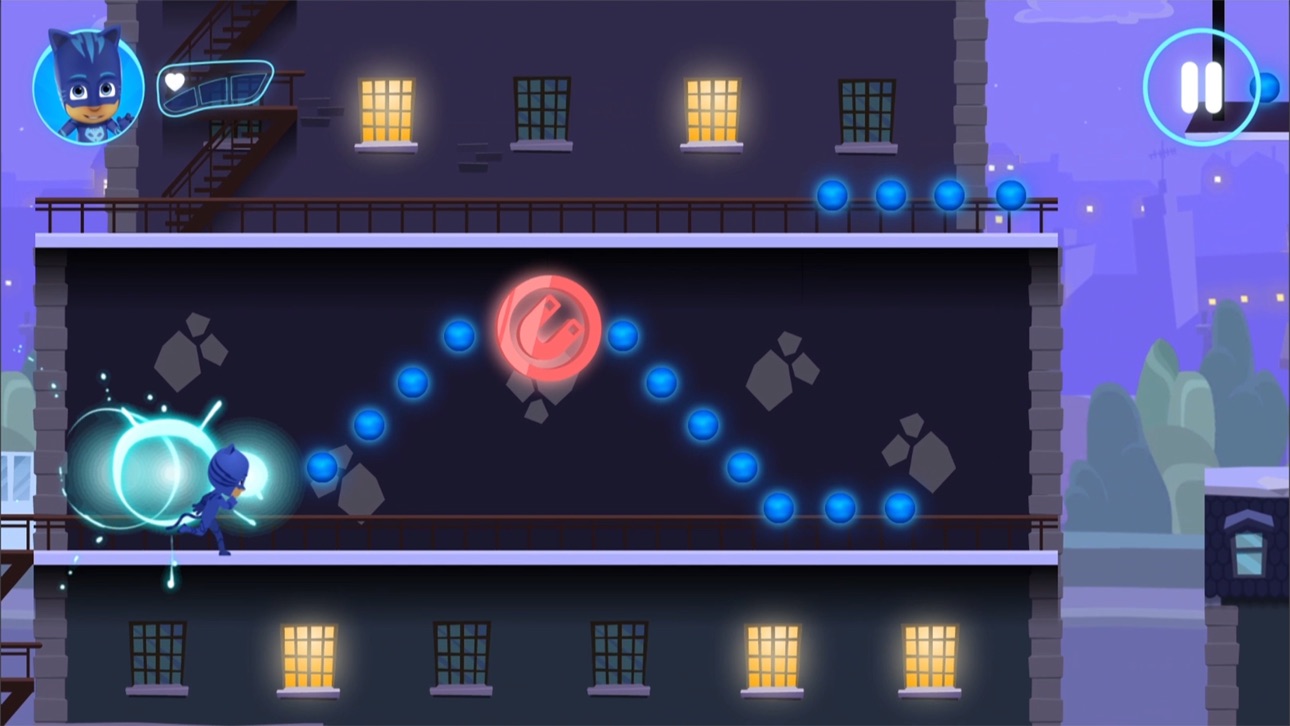
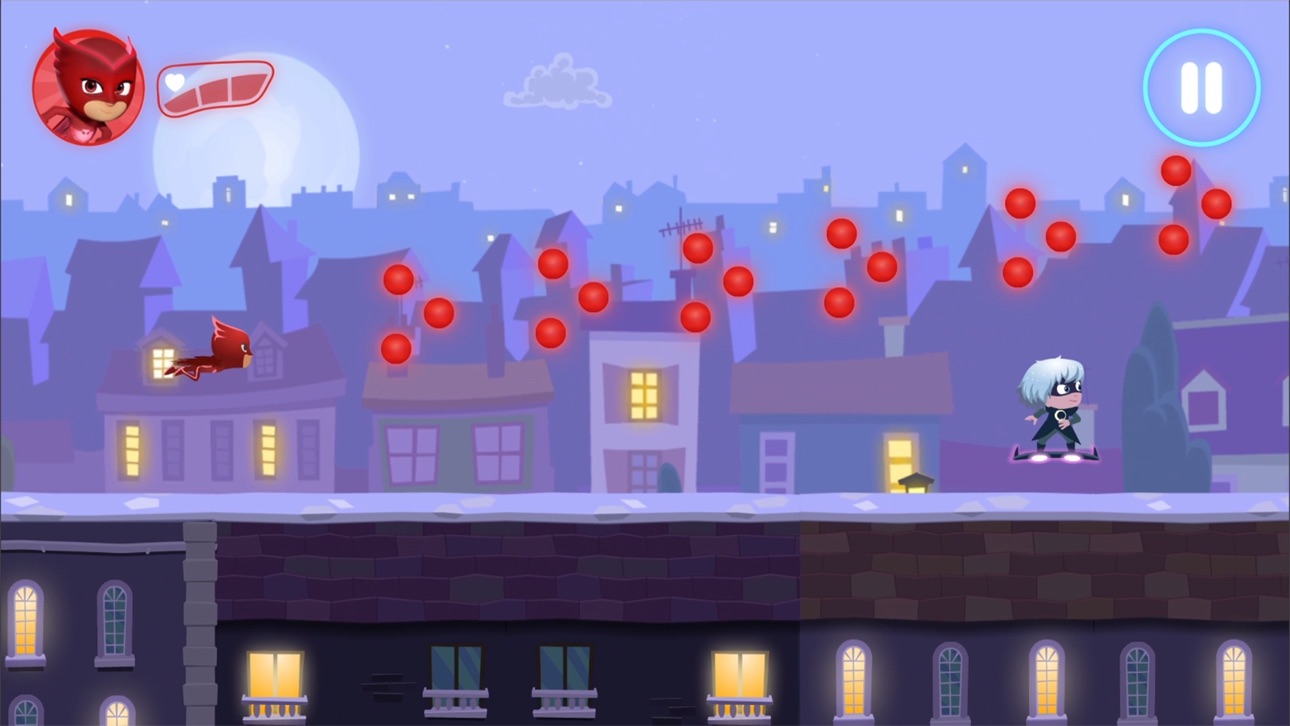
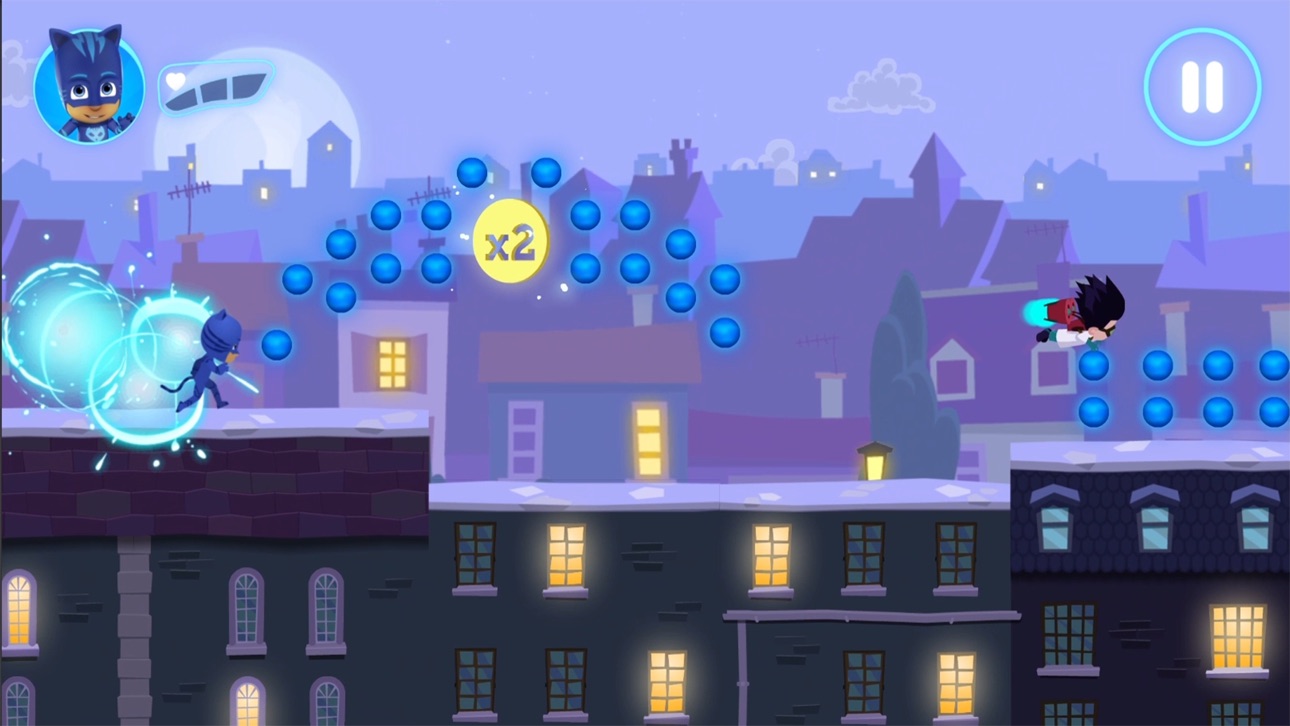
Choisis ton personnage préféré et parcours les toits de la ville au clair de lune, tout en récupérant le plus d'orbes possible sur ton passage. Mais attention... les bandits rôdent encore !
Pyjamasques, on a un nouveau défi ! Les soucis, on les règle la nuit !
CARACTÉRISTIQUES
• L’application contient 21 niveaux gratuits et du contenu supplémentaire est disponible à l’achat dans la boutique, accessible depuis l’application.
• Récupère un maximum d'orbes pour améliorer ton score final.
• Ramasse les amulettes en or que tu trouveras sur ton chemin pour améliorer ton score final. Ouvre bien les yeux, parce qu'elles ne seront pas faciles à trouver !
• Évite les obstacles que les bandits mettront en travers de ta route !
AMÉLIORATIONS DE PERSONNAGES
Récupère les amulettes de couleur pour activer les super pouvoirs de tes héros :
• Yoyo : capacité à sauter plus haut
• Bibou : capacité à voir les orbes cachés
• Gluglu : capacité à passer à travers les obstacles
SÛR ET SANS PUBLICITÉ
Plébiscité par des millions de familles à travers le globe, l'application Pyjamasques : Héros du clair de lune permet aux parents de garder l'esprit tranquille grâce à :
• Un contenu adapté à des enfants de maternelle
• Un environnement sûr et sécurisé SANS publicité !
• Un portail parental pour empêcher les enfants d'effectuer des achats non autorisés
• Un contenu en conformité avec la loi COPPA
• Des certifications COPPA et kidSAFE
PYJAMASQUES
Pyjamasques est une série d'animation particulièrement appréciée par les familles du monde entier. Aux côtés des trois héros, Yoyo, Bibou et Gluglu, embarquez pour des aventures mêlant action, mystère et pédagogie. Tremblez, bandits : les Pyjamasques sont de sortie cette nuit !
À PROPOS d'Entertainment One
Déjà primé à plusieurs reprises, Entertainment One (eOne) est un leader du marché en termes de création, distribution et marketing de contenus primés et familiaux destinés aux enfants du monde entier. Avec ses personnages emblématiques appréciés aux quatre coins du globe, de Peppa Pig aux Pyjamasques, eOne développe des marques dynamiques du petit écran jusqu'aux magasins.
COMPATIBILITÉ
• Pour des performances optimales, nous recommandons l'iPad Air et modèles ultérieurs, ou l'iPhone 6 / SE et modèles ultérieurs
NOUS CONTACTER
Des commentaires ou des questions ? N'hésitez pas à nous contacter !
Envoyez-nous un e-mail à l'adresse [email protected]
PLUS D'INFORMATIONS
Charte de confidentialité : http://scarybeasties.com/pjmasks-privacy-policy/
Capturas © respectivos proprietários · App Store


A iOSGods não é afiliada, endossada nem patrocinada pela Apple Inc., pela Google LLC ou pelos desenvolvedores dos apps listados aqui. Apple, iOS e App Store são marcas da Apple Inc. Android e Google Play são marcas da Google LLC. Todos os demais nomes de apps, ícones, imagens e marcas pertencem aos seus respectivos proprietários.
- iPhone ou iPad sem jailbreak/jailed ou com jailbreak.
- Sideloadly ou alternativas.
- Computador com Windows/macOS/Linux e iTunes instalado.
PASSO 1: Baixe o arquivo .IPA pré-hackeado do link acima para o seu computador. Para baixar pelo iOSGods App, veja nosso Tutorial de download de IPA do iOSGods App, que inclui um exemplo em vídeo.
PASSO 2: Baixe o Sideloadly e instale-o no seu Windows ou Mac.
PASSO 3: Abra o Sideloadly no seu computador, conecte seu dispositivo iOS e aguarde até que o nome do dispositivo apareça no Sideloadly.
PASSO 4: Assim que seu iDevice for reconhecido, arraste o arquivo .IPA modificado que você baixou e solte-o no aplicativo Sideloadly.
PASSO 5: Digite o e-mail da sua Apple Account e pressione “Start”. Em seguida, será solicitada a sua senha. Prossiga e forneça as informações solicitadas.
PASSO 6: Aguarde o Sideloadly finalizar o sideload/instalação do IPA hackeado. Se houver problemas durante a instalação, leia a observação abaixo.
PASSO 7: Quando a instalação estiver concluída e você vir o app na Tela de Início, será necessário acessar Ajustes → Geral → Perfis / Gerenciamento de VPN e Dispositivo. Lá, toque no e-mail que você inseriu no passo 6 e, em seguida, toque em “Confiar em [email protected]”.
PASSO 8: Agora vá para a Tela de Início e abra o app recém-instalado; tudo deve funcionar normalmente. Você pode precisar seguir instruções adicionais específicas no popup do hack dentro do jogo.
OBSERVAÇÃO: No iOS/iPadOS 16 e versões posteriores, você deve ativar o Modo de Desenvolvedor. Para contas Apple Developer gratuitas, será necessário repetir este processo a cada 7 dias. Se tiver dúvidas ou problemas, leia nossa seção de FAQ do Sideloadly no tópico.
Game Name iOS Mod IPA is an action adventure game enhanced with powerful gameplay boosts and quality-of-life improvements. Win battles faster, earn rewards quicker, and enjoy uninterrupted play without ads.
- Unlimited Gold - spend freely to unlock premium content
- Damage Multiplier - deal significantly more damage in combat
- Defense Multiplier - take less damage and survive longer
- Reward Multiplier - earn more loot from every battle
- Max Level - instantly reach the highest player rank
- No Ads - play without interruptions or advertisements
This app also comes with iGameGod, giving you access to Auto Touch to automate repetitive tasks, App Speed Manager for adjustable gameplay speed, Memory Engine value editing, and more powerful iOS game tools.
Baixe Game Name Mod IPA dos links acima. Toque no botão de instalação e siga as instruções para instalar este hack iOS no seu iPhone, iPad ou Apple Silicon.
Precisa de mais ajuda Confira nossas Perguntas frequentes sobre o app iOSGods para respostas detalhadas e dicas de solução de problemas.
----------------------------------------------------------
--------------------------------------------------