ログインが必要
iOSGodsアカウントでサインインして続けてください。
iOSGodsアカウントでサインインして続けてください。
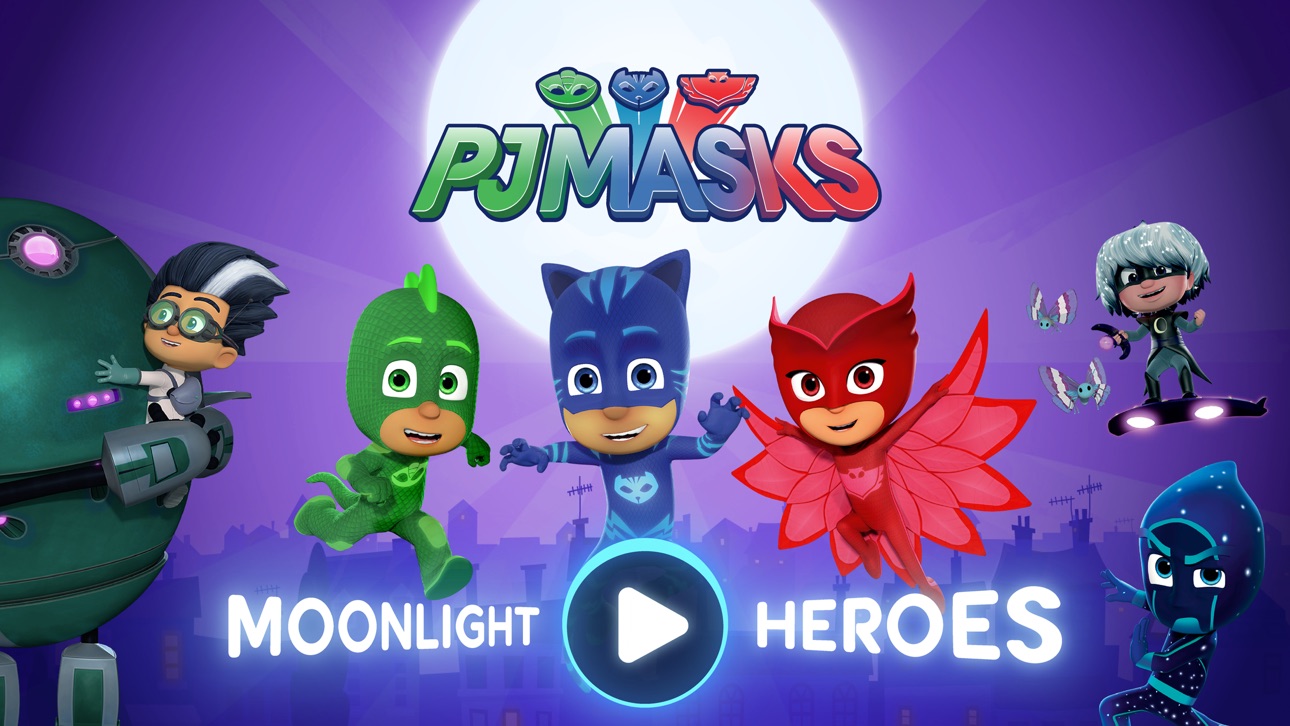
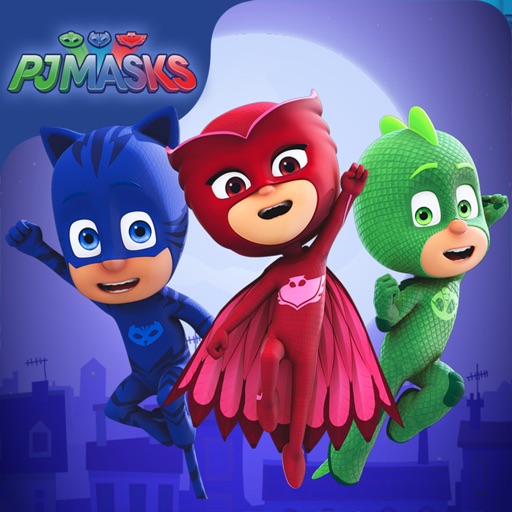
PJ Masks: Moonlight Heroes Hackで、キャットボーイ、ゲッコー、オウレットを月明かりの屋根の上へ導き、夜間の冒険でオーブを集めて悪役を避けるModded iOSゲームをプレイしましょう。このハックはプレミアムコンテンツをアンロックして、すべてのレベルに即座にアクセスでき、アクションに集中できます。
- すべてのレベルをアンロック(iAPコンテンツ) → 進行ゲートなしですべてのステージにアクセス可能
このアプリにはiGameGodも搭載されており、繰り返し作業を自動化するAuto Touch、ゲーム速度を調整できるApp Speed Manager、Memory Engineによる値の編集など、強力なiOSゲーム用ツールをご利用いただけます。
PJ Masks: Moonlight Heroes Hack modded IPAを上のリンクからダウンロードします。インストールボタンをタップし、画面の指示に従ってiPhone、iPad、Apple SiliconにこのiOSアプリハックをインストールします。
さらにヘルプが必要ですか? 詳しい回答とトラブルシューティングはiOSGodsアプリ よくある質問をご覧ください。
O Menino Gato, o Lagartixo e a Corujita partem para uma aventura noturna neste jogo dos PJ Masks.
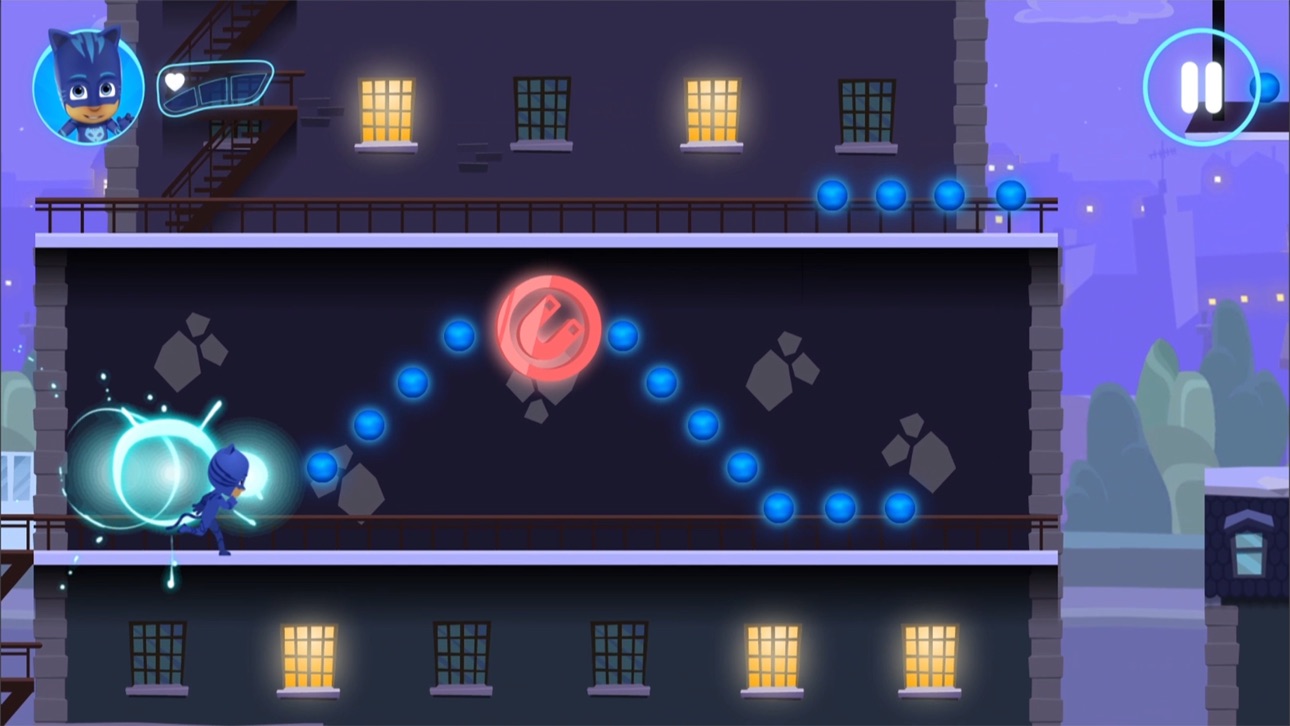
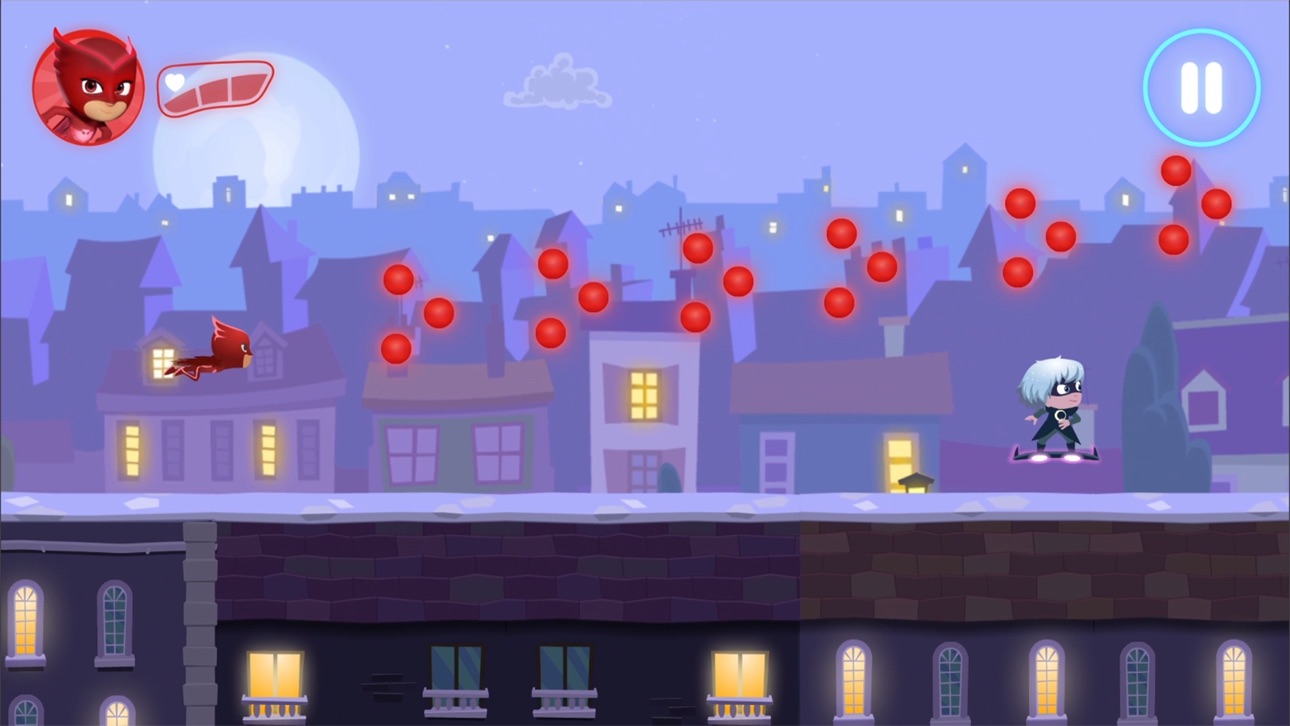
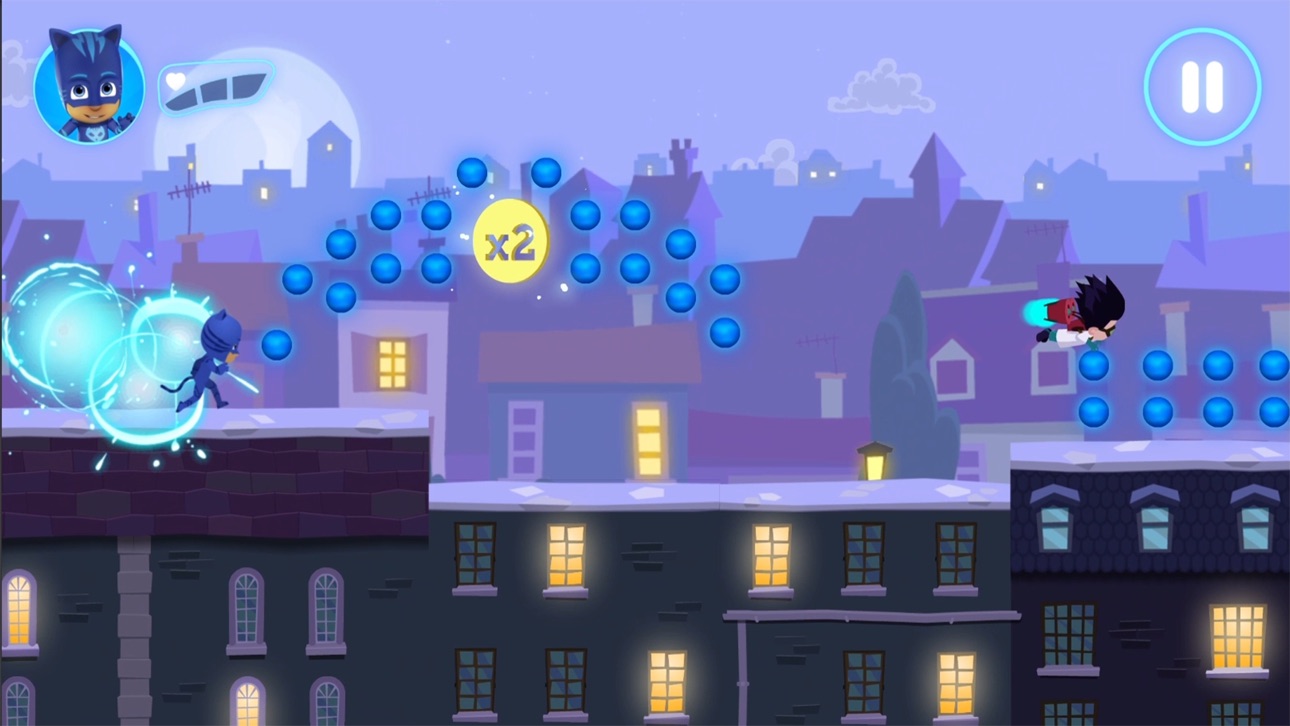
Escolha seu herói favorito para jogar e avance noite adentro através dos telhados iluminados pela lua, coletando o máximo de esferas que conseguir. Mas tome cuidado, porque esses vilões chatos estão aprontando novamente!
Os Heróis de Pijama já vão chegar, noite adentro para o dia salvar!
CARACTERÍSTICAS
• O app tem 21 níveis que podem ser jogados gratuitamente e conteúdo adicional que pode ser comprado na Loja no app.
• Esferas colecionáveis - colete as esferas para aumentar sua pontuação final.
• Amuletos de ouro - pegue amuletos de ouro ao longo do caminho para incrementar sua pontuação final. Fique de olho, pois encontrá-los não é uma tarefa fácil!
• Perigos - desvie dos obstáculos que os vilões colocam no seu caminho!
HABILIDADES ESPECIAIS
Colete os amuletos coloridos e acione os superpoderes dos heróis:
• Menino Gato – habilidade de saltar mais alto
• Corujita – habilidade de enxergar esferas ocultas
• Lagartixo – habilidade de atravessar os obstáculos
SEGURO E SEM ANÚNCIOS
Com a confiança de milhões de famílias em todo o mundo, o PJ Masks: Heróis Noturnos proporciona tranquilidade aos pais com:
• Conteúdo adequado para a idade pré-escolar
• Um ambiente seguro: SEM anúncios!
• Portão parental para evitar que seus pequenos façam compras sem autorização
• Em conformidade com COPPA
• Certificações COPPA e kidSAFE
PJ MASKS
Os PJ Masks são adorados por famílias do mundo todo. Juntos, o trio de heróis – Menino Gato, Corujita e Lagartixo – embarcam em aventuras repletas de ação, resolvendo mistérios e aprendendo lições valiosas pelo caminho. Tomem cuidado, vilões noturnos – os Heróis de Pijama já vão chegar, noite adentro para o dia salvar!
SOBRE A Entertainment One
A Entertainment One (eOne) é líder de mercado na criação, distribuição e marketing de conteúdo infantil premiado apreciado por famílias do mundo todo. Inspirando sorrisos com os personagens mais amados do mundo, desde a Peppa Pig aos PJ Masks, a eOne leva marcas dinâmicas das telas às lojas.
SUPORTE
• Para um melhor desempenho, recomendamos o iPad Air e versões superiores ou o iPhone 6/SE e versões superiores
CONTATO
Gostaria de deixar sua opinião ou fazer alguma pergunta? Adoraríamos ajudar.
Envie um e-mail para [email protected]
MAIS INFORMAÇÕES
Política de Privacidade: http://scarybeasties.com/pjmasks-privacy-policy/
スクリーンショット © 各権利者 · App Store


iOSGods は Apple Inc.、Google LLC、および掲載アプリの開発者と提携しておらず、承認や協賛も受けていません。Apple、iOS、App Store は Apple Inc. の商標です。Android および Google Play は Google LLC の商標です。その他のアプリ名、アイコン、画像、商標はすべて各権利者に帰属します。
- 脱獄/Jailed済みまたは脱獄済みのiPhoneまたはiPad。
- Sideloadlyまたは代替手段。
- iTunesがインストールされているWindows/macOS/Linuxを実行しているコンピュータ。
ステップ1: 上のリンクから事前にハックされた.IPAファイルをコンピュータにダウンロードします。iOSGodsアプリからダウンロードする方法は、ビデオ例付きのiOSGodsアプリIPAダウンロードチュートリアルをご覧ください。
ステップ2: SideloadlyをダウンロードしてWindowsまたはMacにインストールします。
ステップ3: コンピュータでSideloadlyを開き、iOSデバイスを接続して、デバイス名がSideloadlyに表示されるまで待ちます。
ステップ4: iDeviceが認識されたら、ダウンロードしたModされた.IPAファイルをSideloadlyアプリにドラッグ&ドロップします。
ステップ5: Apple Accountのメールアドレスを入力し、「Start」を押します。次にパスワードの入力を求められます。必要な情報を入力してください。
ステップ6: Sideloadlyがハックされたipaのサイドロード/インストールを完了するのを待ちます。インストール中に問題が発生した場合は、以下の注意事項をお読みください。
ステップ7: インストールが完了し、ホーム画面にアプリが表示されたら、設定 → 一般 → プロファイル / VPNとデバイス管理に移動する必要があります。そこで、ステップ6で入力したメールをタップし、「Trust [email protected]」をタップします。
ステップ8: ホーム画面に戻り、新しくインストールされたアプリを開けば、すべて正常に動作するはずです。ゲーム内のハックのポップアップで、アプリごとの追加指示に従う必要がある場合があります。
注意: iOS/iPadOS 16以降では、デベロッパモードを有効にするが必要です。無料のApple Developerアカウントの場合、このプロセスを7日ごとに繰り返す必要があります。質問や問題がある場合は、トピックのSideloadly FAQセクションをお読みください。
Game Name iOS Mod IPA is an action adventure game enhanced with powerful gameplay boosts and quality-of-life improvements. Win battles faster, earn rewards quicker, and enjoy uninterrupted play without ads.
- Unlimited Gold - spend freely to unlock premium content
- Damage Multiplier - deal significantly more damage in combat
- Defense Multiplier - take less damage and survive longer
- Reward Multiplier - earn more loot from every battle
- Max Level - instantly reach the highest player rank
- No Ads - play without interruptions or advertisements
This app also comes with iGameGod, giving you access to Auto Touch to automate repetitive tasks, App Speed Manager for adjustable gameplay speed, Memory Engine value editing, and more powerful iOS game tools.
Game Name Mod IPAを上のリンクからダウンロードします。インストールボタンをタップし、画面の指示に従ってiPhone、iPad、Apple SiliconにこのiOSアプリハックをインストールします。
さらにヘルプが必要ですか 詳しい回答とトラブルシューティングはiOSGodsアプリ よくある質問をご覧ください。
----------------------------------------------------------
--------------------------------------------------