ต้องเข้าสู่ระบบ
เข้าสู่ระบบด้วยบัญชี iOSGods เพื่อดำเนินการต่อ
เข้าสู่ระบบด้วยบัญชี iOSGods เพื่อดำเนินการต่อ
ยิงไม่จำกัดและได้ 3 ดาวเสมอช่วยให้คุณผ่านทุกด่านในเกม Crush the Castle: Siege Master ได้อย่างง่ายดาย ยิงเครื่องยิงหินได้ไม่จำกัด ได้คะแนนเต็มทันที และใช้บูสต์ไม่จำกัดเพื่อครอบงำความท้าทายในการทำลายโครงสร้างของแต่ละด่าน
- ยิงไม่จำกัด → ยิงได้โดยไม่หมดกระสุน
- ได้ 3 ดาวเสมอ → ได้คะแนนเต็มในทุกด่าน
- บูสต์ไม่จำกัด → ใช้พาวเวอร์อัพได้ไม่จำกัด
แอปนี้ยังมาพร้อมกับ iGameGod ซึ่งช่วยให้คุณเข้าถึง Auto Touch สำหรับการทำงานซ้ำ ๆ โดยอัตโนมัติ, App Speed Manager สำหรับปรับความเร็วของเกม, การแก้ไขค่าด้วย Memory Engine และเครื่องมือสำหรับเกม iOS ที่ทรงพลังอื่น ๆ อีกมากมาย
ดาวน์โหลด Crush the Castle: Siege Master Hack modded IPA จากลิงก์ด้านบน แตะปุ่มติดตั้งและทำตามคำแนะนำบนหน้าจอเพื่อติดตั้งแฮ็กแอป iOS นี้บน iPhone, iPad หรือ Apple Silicon
ต้องการความช่วยเหลือเพิ่มเติม? ดู คำถามที่พบบ่อยของแอป iOSGods สำหรับคำตอบโดยละเอียดและเคล็ดลับการแก้ไขปัญหา
The physics projectile puzzle game that started it all returns with more smashing trebuchet action.
Download the full, free game now!
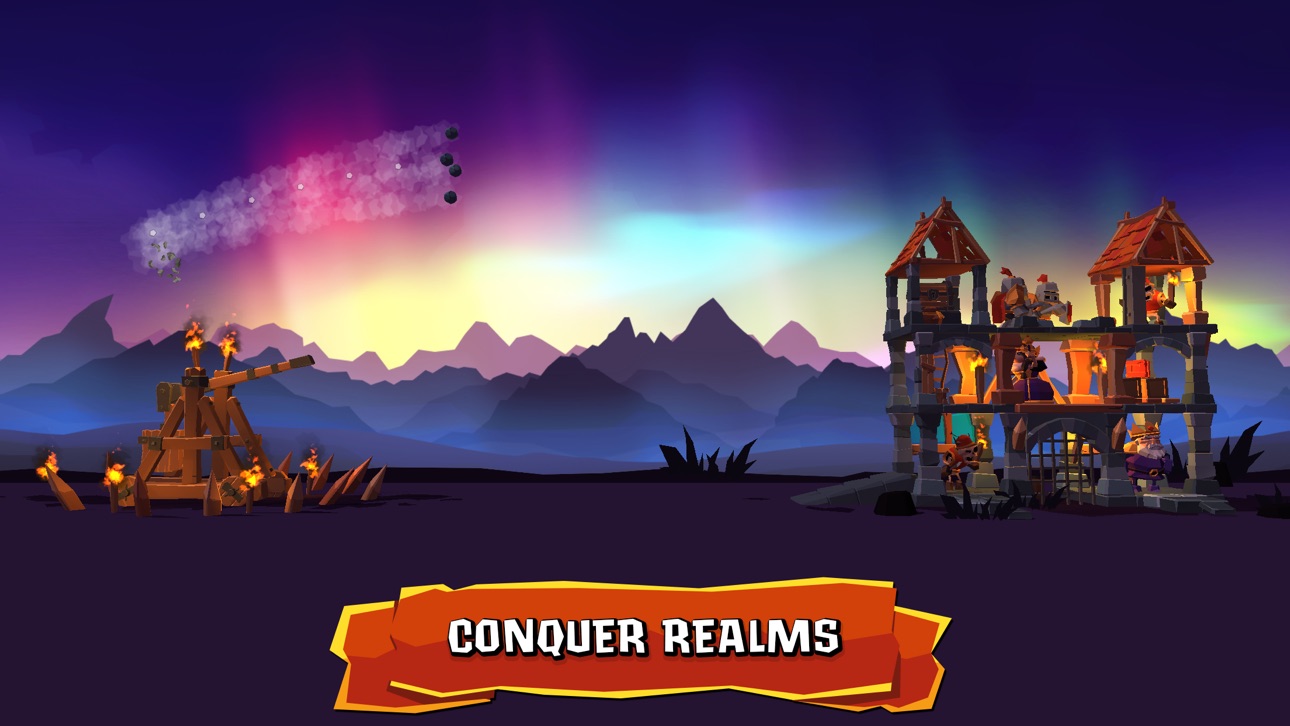
Embrace the cathartic power of structural carnage and a really, really big trebuchet with Crush the Castle: Siege Master. The goal in each stage will vary, but at its core the objective is all about crushing a variety of elaborate structures to smithereens.
The king has sold off all of the royal army to fuel his loot box addiction and you must use the only tool left - your trusty trebuchet - to fend off the invaders trying to take over the kingdom. From rolling green fields to deep deserts and beyond, smash into the enemy strongholds and take out its treasonous inhabitants.
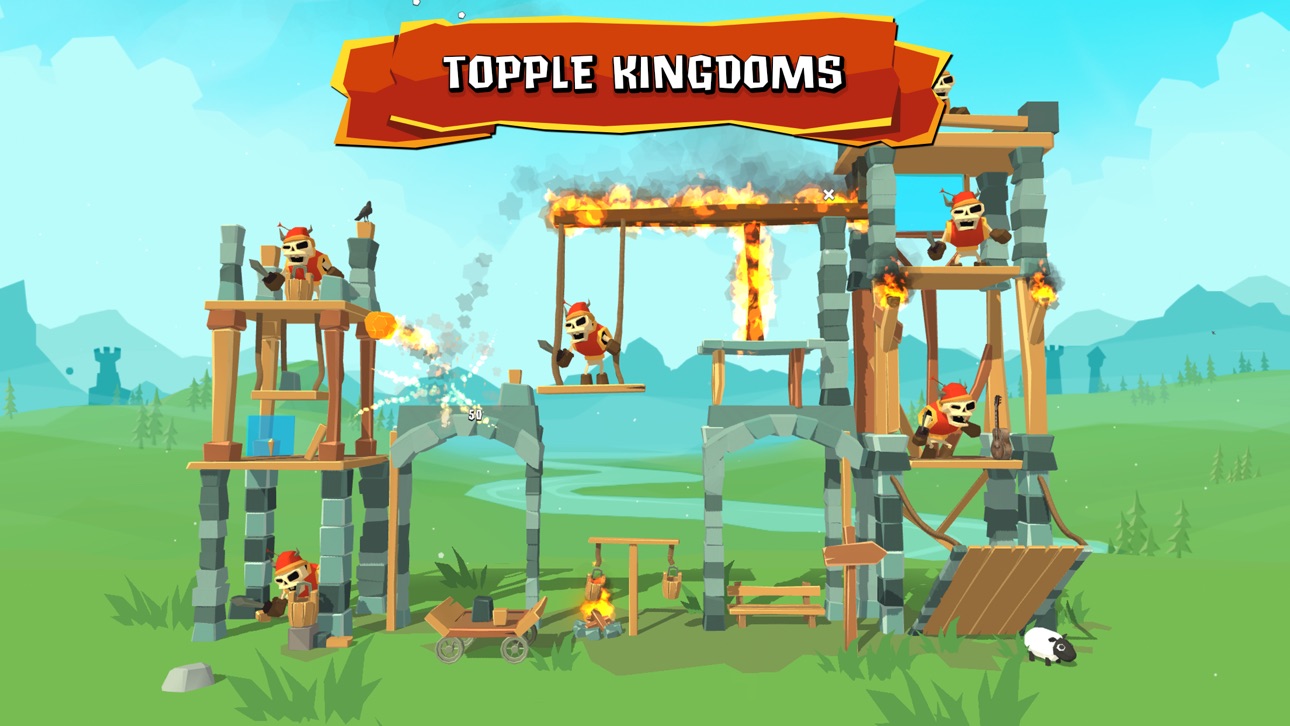
KINGDOMS WILL FALL AT YOUR FINGERTIPS
Topple enemy castles and reclaim your kingdom. Tap once to swing your trebuchet, tap again to hurl its ammo.
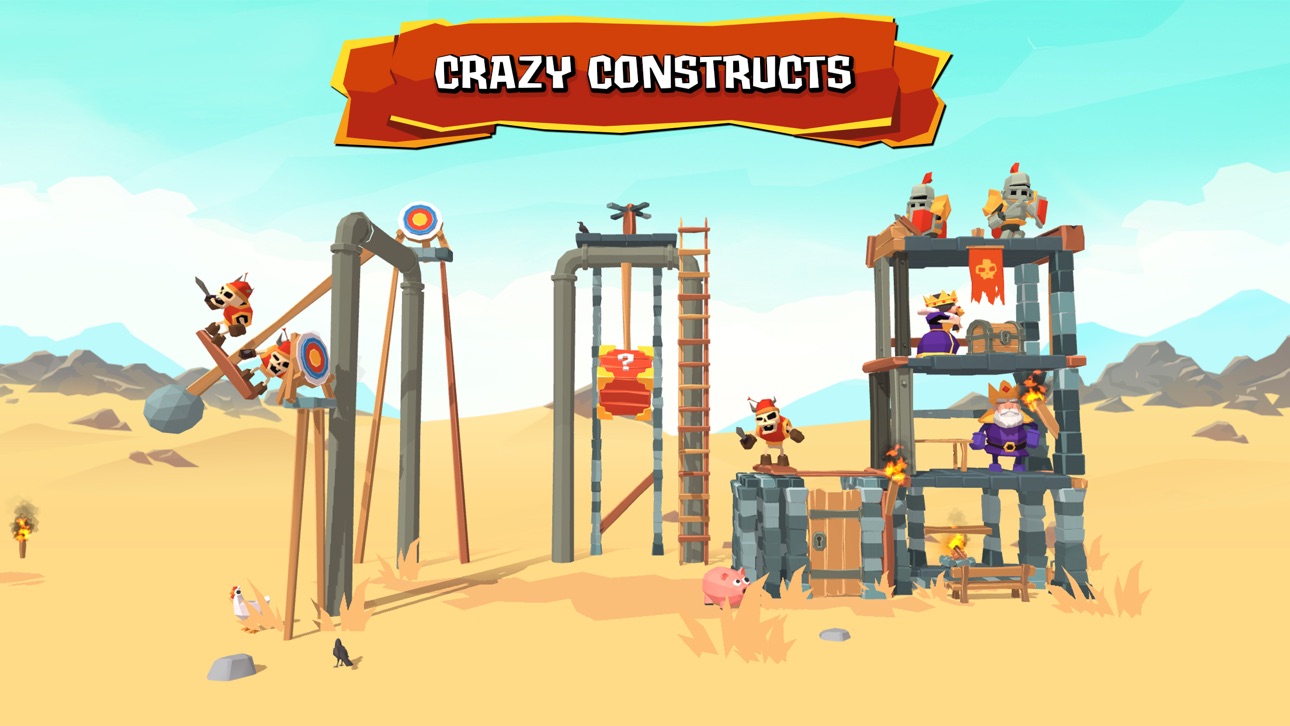
INTRICATE STRUCTURES TO CRUSH
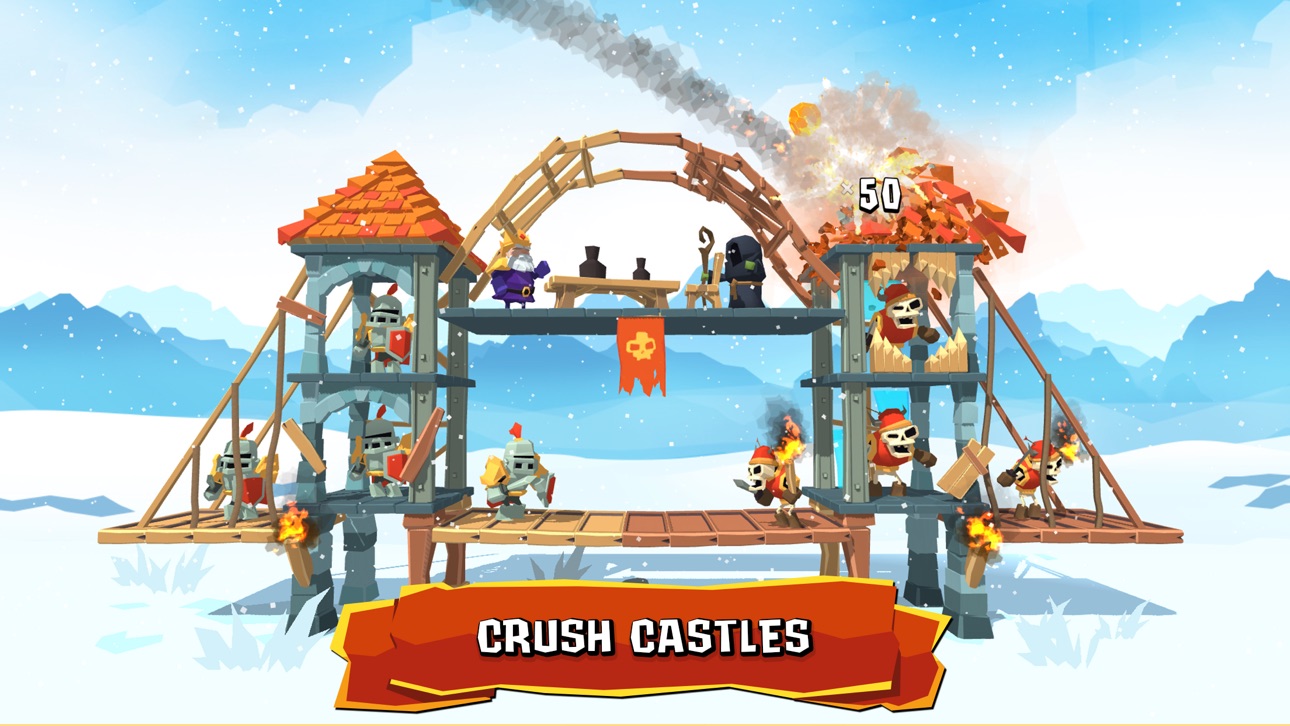
The vibrant kingdoms are filled with a variety of fortresses to destroy.
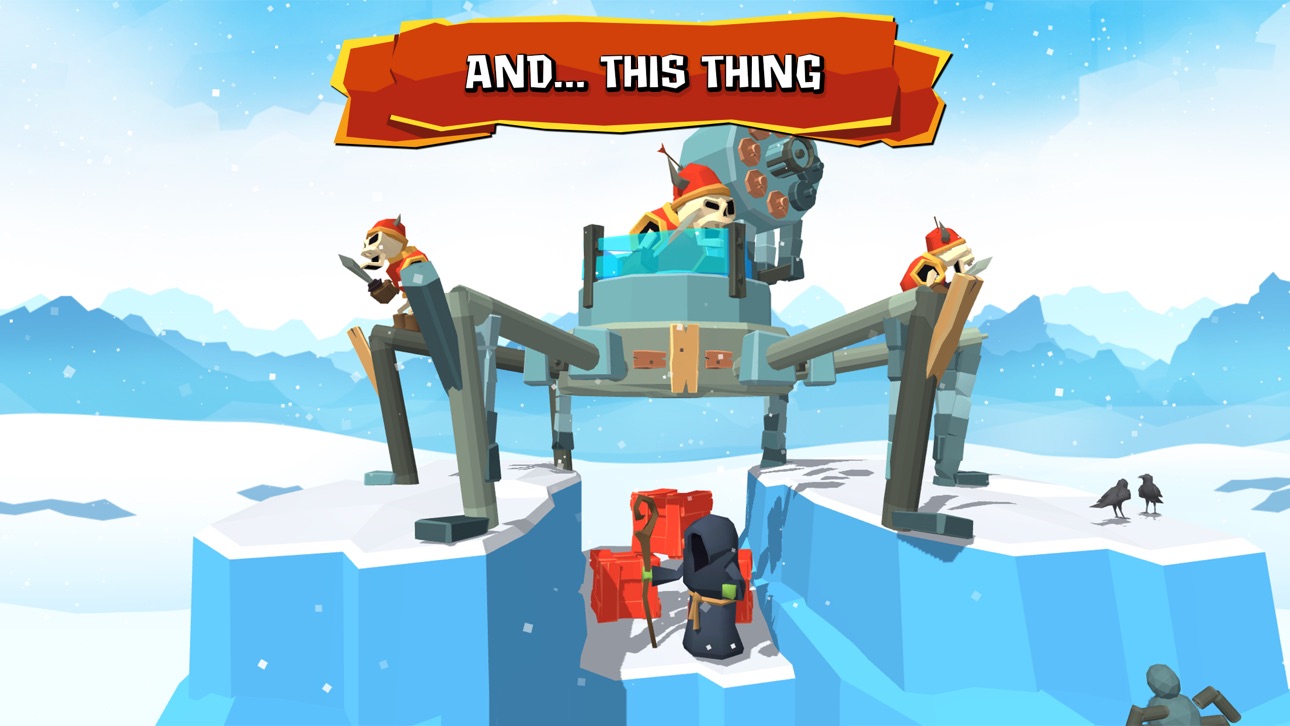
HUNDREDS OF ENEMIES TO SQUASH
Crushing enemy castles is satisfying, but wiping out the baddies inside is just as satisfying.
UNLOCK SPECIAL PROJECTILES
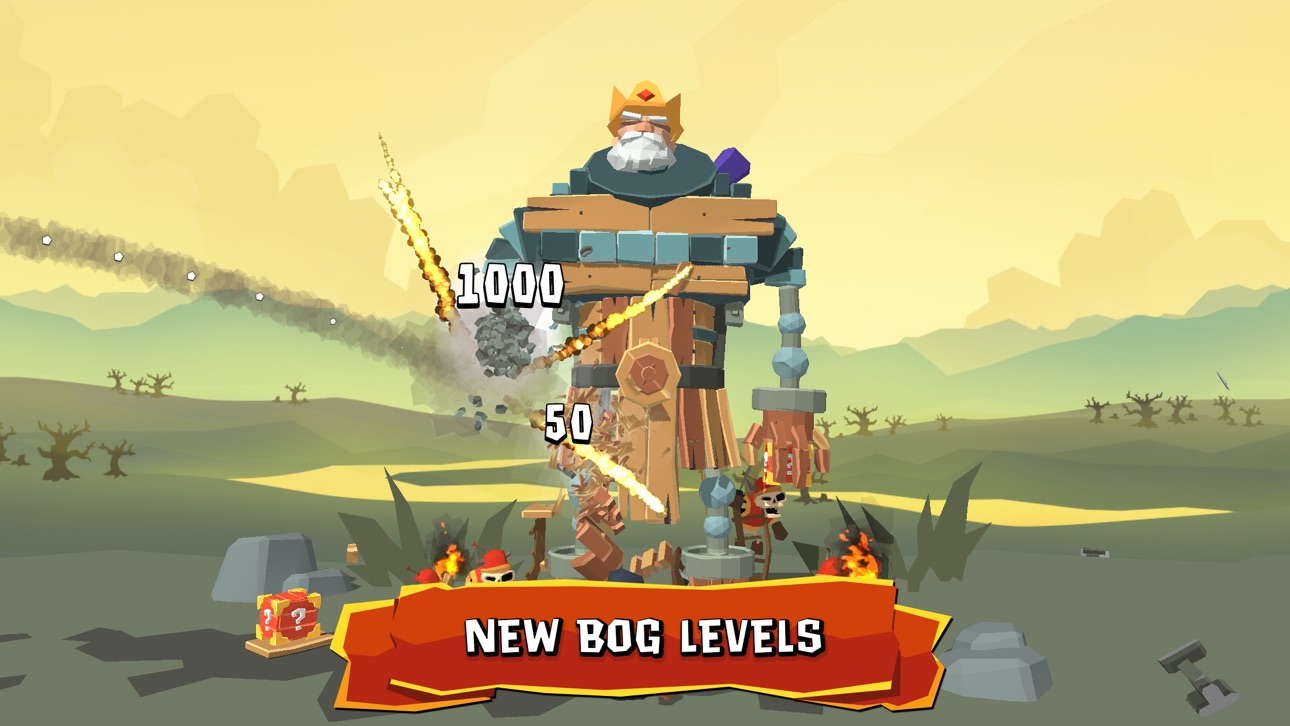
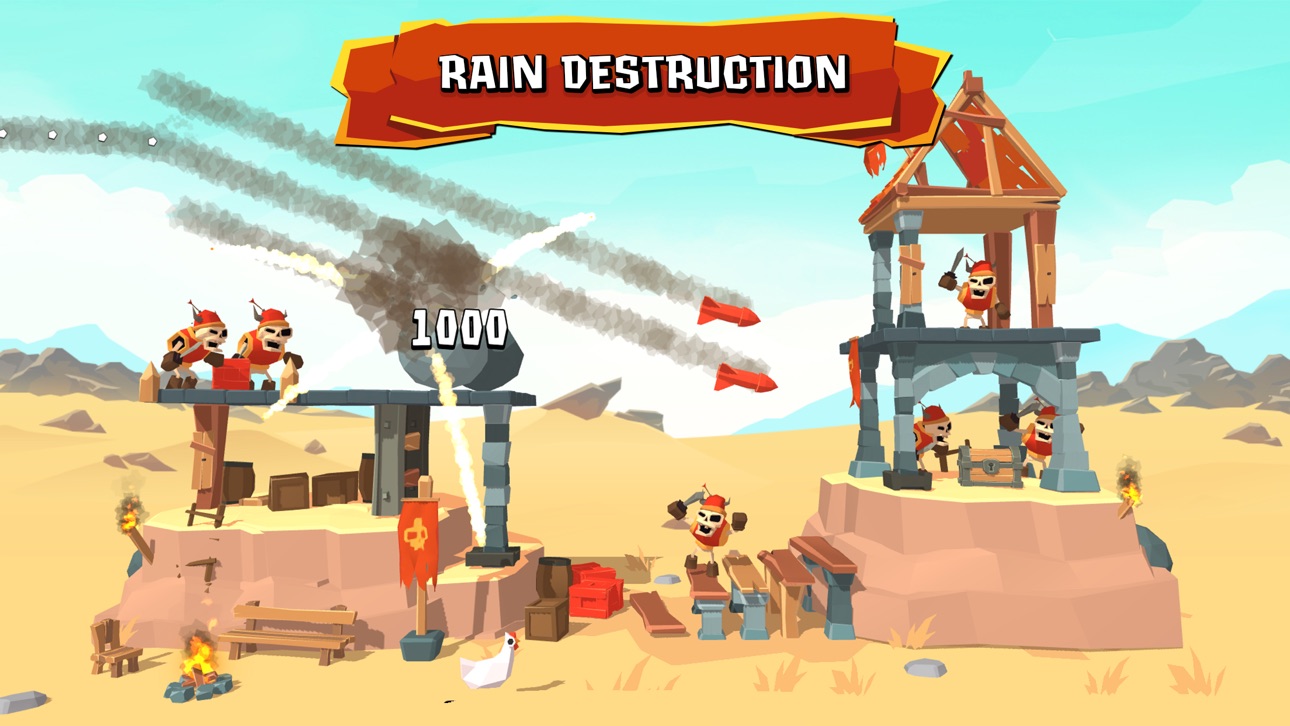
Boulders getting boring? Fill that castle with massive hooks or set it ablaze with powerful missiles.
FREE TO DOWNLOAD
Crush the Castle: Siege Master is completely free to play! While you can download and play for free, there are optional in-app purchases available to enhance your experience.
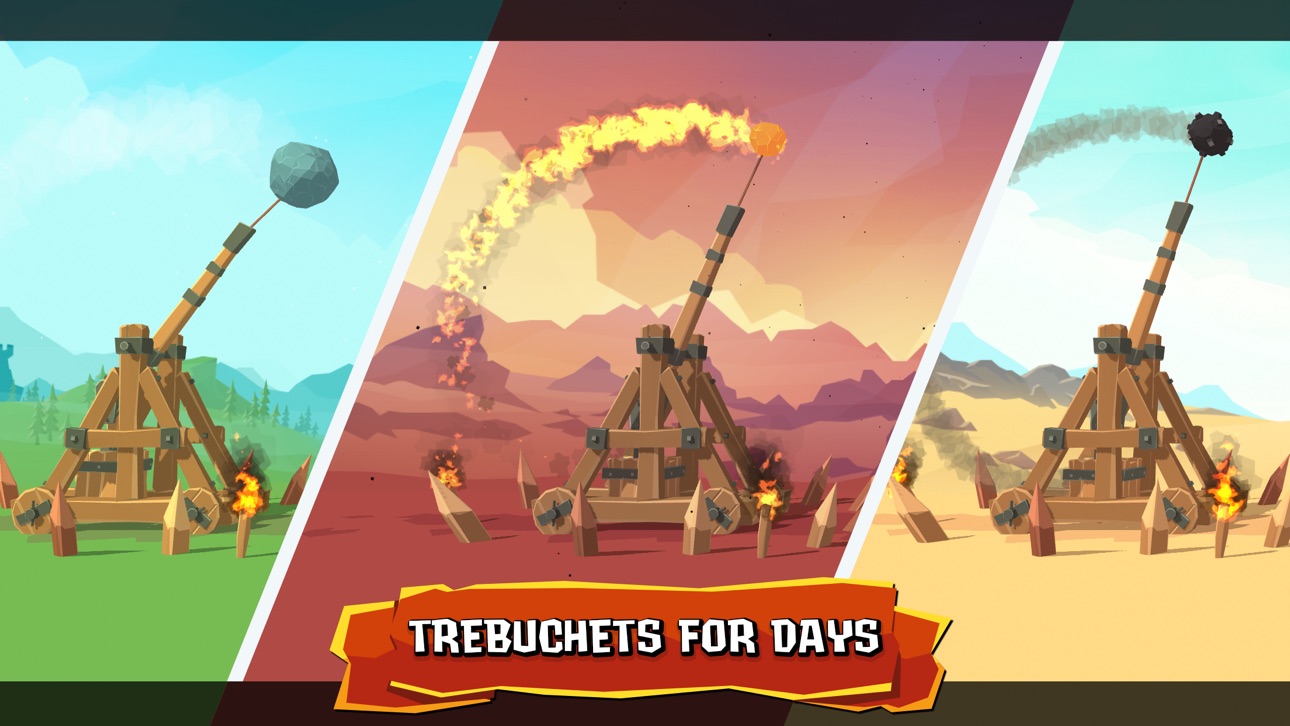
DID WE MENTION THE TREBUCHET?
Catapults get all the glory, but can they use a counterweight to launch a 90 kilogram projectile over 300 meters? No. No they can’t. The trebuchet is the greatest medieval siege engine of the middle ages, and now it’s yours to enjoy anywhere, anytime, in the palm of your hand.
If you love playing “Crush the Castle: Siege Master,” please leave a review. Thank you for playing!
ภาพหน้าจอ © เจ้าของแต่ละราย · App Store


iOSGods ไม่มีความเกี่ยวข้อง ไม่ได้รับการรับรอง และไม่ได้รับการสนับสนุนจาก Apple Inc., Google LLC หรือผู้พัฒนาแอปที่แสดงไว้ที่นี่ Apple, iOS และ App Store เป็นเครื่องหมายการค้าของ Apple Inc. Android และ Google Play เป็นเครื่องหมายการค้าของ Google LLC ชื่อแอป ไอคอน ภาพ และเครื่องหมายการค้าอื่นทั้งหมดเป็นทรัพย์สินของเจ้าของแต่ละราย

- iPhone หรือ iPad ที่ไม่ได้เจลเบรก/ไม่ได้เจลเบรก หรือเจลเบรกแล้ว
- Sideloadly หรือทางเลือกอื่น
- คอมพิวเตอร์ที่ใช้ Windows/macOS/Linux และติดตั้ง iTunes ไว้
ขั้นตอนที่ 1: ดาวน์โหลดไฟล์ .IPA ที่แฮกไว้ล่วงหน้าจากลิงก์ด้านบนลงในคอมพิวเตอร์ของคุณ หากต้องการดาวน์โหลดจากแอป iOSGods โปรดดู วิธีดาวน์โหลด IPA ในแอป iOSGods ซึ่งมีตัวอย่างวิดีโอประกอบ
ขั้นตอนที่ 2: ดาวน์โหลด Sideloadly แล้วติดตั้งบน Windows หรือ Mac ของคุณ
ขั้นตอนที่ 3: เปิด Sideloadly บนคอมพิวเตอร์ เชื่อมต่ออุปกรณ์ iOS แล้วรอจนกว่าชื่ออุปกรณ์ของคุณจะปรากฏใน Sideloadly
ขั้นตอนที่ 4: เมื่อ iDevice ของคุณถูกตรวจพบแล้ว ให้ลากไฟล์ .IPA ที่ม็อดมาวางลงในโปรแกรม Sideloadly
ขั้นตอนที่ 5: กรอกอีเมล Apple Account ของคุณ จากนั้นกด "Start" ระบบจะถามรหัสผ่าน กรอกข้อมูลที่จำเป็นให้เรียบร้อย
ขั้นตอนที่ 6: รอจนกว่า Sideloadly จะ sideload/ติดตั้งไฟล์ IPA ที่แฮกเสร็จ หากเกิดปัญหาระหว่างติดตั้ง โปรดอ่านหมายเหตุด้านล่าง
ขั้นตอนที่ 7: เมื่อการติดตั้งเสร็จสิ้นและเห็นแอปบนหน้าจอหลักแล้ว ให้ไปที่ การตั้งค่า → ทั่วไป → โปรไฟล์ / VPN และการจัดการอุปกรณ์ จากนั้นแตะที่อีเมลที่คุณกรอกในขั้นตอนที่ 6 แล้วแตะ "เชื่อถือ [email protected]"
ขั้นตอนที่ 8: จากนั้นไปที่หน้าจอหลักและเปิดแอปที่ติดตั้งใหม่ ทุกอย่างควรทำงานได้ปกติ คุณอาจต้องทำตามคำแนะนำเพิ่มเติมเฉพาะแอปในป๊อปอัปของม็อดในเกม
หมายเหตุ: สำหรับ iOS/iPadOS 16 ขึ้นไป คุณต้อง เปิดโหมดนักพัฒนา (Developer Mode) สำหรับบัญชี Apple Developer แบบฟรี คุณต้องทำขั้นตอนนี้ซ้ำทุก 7 วัน หากมีคำถามหรือพบปัญหา โปรดอ่าน หัวข้อ FAQ ของ Sideloadly ในกระทู้
Game Name iOS Mod IPA is an action adventure game enhanced with powerful gameplay boosts and quality-of-life improvements. Win battles faster, earn rewards quicker, and enjoy uninterrupted play without ads.
- Unlimited Gold - spend freely to unlock premium content
- Damage Multiplier - deal significantly more damage in combat
- Defense Multiplier - take less damage and survive longer
- Reward Multiplier - earn more loot from every battle
- Max Level - instantly reach the highest player rank
- No Ads - play without interruptions or advertisements
This app also comes with iGameGod, giving you access to Auto Touch to automate repetitive tasks, App Speed Manager for adjustable gameplay speed, Memory Engine value editing, and more powerful iOS game tools.
ดาวน์โหลด Game Name Mod IPA จากลิงก์ด้านบน แตะปุ่มติดตั้งและทำตามคำแนะนำบนหน้าจอเพื่อติดตั้งแฮ็กแอป iOS นี้บน iPhone, iPad หรือ Apple Silicon
ต้องการความช่วยเหลือเพิ่มเติม ดู คำถามที่พบบ่อยของแอป iOSGods สำหรับคำตอบโดยละเอียดและเคล็ดลับการแก้ไขปัญหา
----------------------------------------------------------
--------------------------------------------------


![[Puzzle & Dragons JP] パズル&ドラゴンズ iOS Mod IPA](https://is1-ssl.mzstatic.com/image/thumb/Purple211/v4/b0/53/63/b05363c0-f684-8b67-d9a6-5d653023515a/AppIcon-0-0-1x_U007emarketing-0-8-0-85-220.png/100x100bb.jpg)


